⚠️ Affiliate Disclosure: This post contains Amazon affiliate links. If you purchase through our links, we may earn a small commission at no extra cost to you. Every product below was checked against its live Amazon listing before publishing. Prices change often, so we don’t list them here. Tap any Buy Here button to see the current price on Amazon.
Ultimate Buying Guide
📡 Best Bluetooth Hubs and Gateways
14 hubs, gateways and Home Assistant Bluetooth proxies that put your BLE sensors, locks and buttons online: SwitchBot, Shelly BLU, Govee, SensorPush, Tuya, ESP32 proxies and USB adapters.
✅ 14 Products Reviewed
✅ Brand Hubs & DIY Proxies
✅ Home Assistant Notes
✅ Honest Pros & Cons
Bluetooth Low Energy devices are cheap and run for months on a battery, but on their own they only talk to a phone that’s nearby. A Bluetooth gateway fixes that: it sits within range of your BLE devices and relays them over Wi-Fi or Ethernet, so you get remote alerts, history, voice control and automations from anywhere.
There are two approaches. Brand hubs (SwitchBot, Govee, SensorPush, Shelly) are plug-and-play for that brand’s devices. Home Assistant Bluetooth proxies (ESP32 boards running ESPHome, or a USB adapter on your server) work with many brands at once. This guide compares 14 options across both. Looking for the sensors themselves? See our Bluetooth temperature and humidity sensors guide.
💡 Reality check before you buy: Brand hubs generally work only with their own brand’s BLE devices; a SwitchBot hub won’t relay a Govee sensor. A hub must sit within Bluetooth range of each device, so large homes may need more than one. Home Assistant proxies read many brands’ sensors passively, but active connections (locks, some switches) are limited per proxy. For best results, HA’s documentation favors Ethernet-connected ESP32 proxies over Wi-Fi ones, and a USB Bluetooth adapter should be on HA’s supported list.
📡 Quick Comparison: All 14 Hubs and Gateways
| Product | Type | Works With | Best For | Buy |
|---|
| 🥇 SwitchBot Hub 2 | Brand hub + IR + sensor | SwitchBot, Matter* | Best Overall | Buy Here → |
| 🏡 Shelly BLU Gateway | USB-A dongle | Shelly BLU, Home Assistant | Local Control | Buy Here → |
| 💵 SwitchBot Hub Mini | Brand hub + IR | SwitchBot | Budget Hub | Buy Here → |
| 🖥️ SwitchBot Hub 3 | Hub with screen & dial | SwitchBot | Command Center | Buy Here → |
| 🌧️ SwitchBot Hub Mini + 3 Outdoor Meters | Hub bundle | SwitchBot | Starter Kit | Buy Here → |
| 🌡️ Govee Gateway + 3 H5100 | Gateway bundle | Govee sensors (check model) | Govee Remote Alerts | Buy Here → |
| 🧊 GoveeLife Fridge Sensor + Gateway | Gateway bundle | GoveeLife sensors | Fridge Alerts | Buy Here → |
| ♨️ Shelly BLU TRV + Gateway Gen3 | Gateway kit | Shelly BLU | Radiator Heating | Buy Here → |
| 🔌 Shelly 1PM Gen3 (2-pack) | Relay with BLU gateway feature | Shelly BLU | Hidden Gateway | Buy Here → |
| 🟧 M5Stack ATOM Lite | ESP32 BLE proxy | Home Assistant (ESPHome) | Cheapest HA Proxy | Buy Here → |
| 🔗 ESP32-S3 PoE Ethernet Board | Ethernet BLE proxy | Home Assistant (ESPHome) | Most Reliable Proxy | Buy Here → |
| 📶 TP-Link UB500 Plus | USB Bluetooth adapter | Home Assistant host | Server-Side BLE | Buy Here → |
| 💧 SensorPush G1 Gateway | Wi-Fi gateway (renewed) | SensorPush | SensorPush Owners | Buy Here → |
| 🧩 Tuya Multi-Mode Gateway | Zigbee + BLE mesh hub | Tuya / Smart Life | Tuya Ecosystem | Buy Here → |
*SwitchBot Hub 2 exposes supported SwitchBot devices to Matter controllers; check SwitchBot’s list. Tap Buy Here to see the live price.
🔍 How to Choose a Bluetooth Gateway
🏷️
Match Your Devices’ Brand
Brand hubs are the easiest path, but only for that brand. If you own several brands, a Home Assistant proxy covers more of them with one device.
📍
Placement and Coverage
BLE range drops sharply through walls and floors. Place gateways centrally, and add a second hub or proxy for distant rooms, garages or outbuildings.
🔒
Cloud or Local
Govee, SwitchBot and SensorPush rely mainly on their clouds for remote access. Shelly and Home Assistant proxies can run fully local, which keeps working during internet outages.
🔗
Wi-Fi or Ethernet
An ESP32 shares one 2.4 GHz radio between Wi-Fi and Bluetooth. Ethernet-connected proxies free the radio for Bluetooth and generally scan more reliably.
🎛️
Extra Features
Some hubs add IR blasters for TVs and air conditioners, built-in climate sensors, a screen, or Matter bridging to Apple, Google and Alexa.
🏆 Detailed Reviews: All 14 Hubs and Gateways
🥇 BEST OVERALL
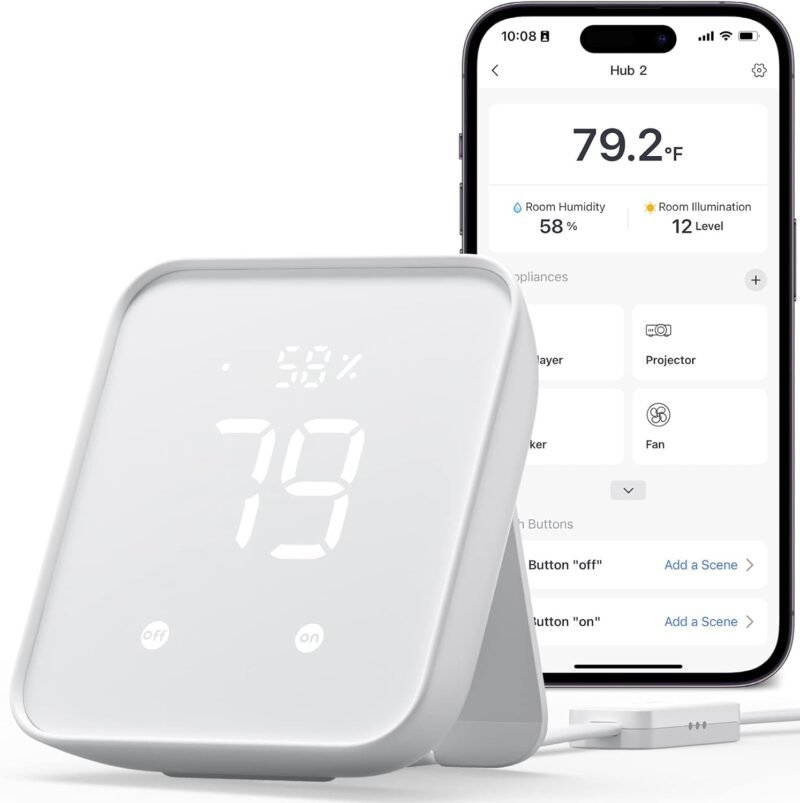
SwitchBot Hub 2
⭐ 4.5/5 · BLE Hub, IR Remote and Sensor in One
Buy on Amazon →

The SwitchBot Hub 2 is the best all-round Bluetooth hub, averaging about 4.3 stars from 11,500+ ratings. It bridges SwitchBot’s BLE devices (meters, locks, curtains, bots, sensors) to Wi-Fi for remote control and Alexa/Google voice control. It also learns your IR remotes for TVs and air conditioners and includes a Swiss-made temperature and humidity sensor. SwitchBot also lets the Hub 2 expose supported devices to Matter controllers. If you’re buying into SwitchBot, this is the hub to get.
✅ Pros- BLE hub + IR + sensor
- Matter support for supported devices
- Huge SwitchBot ecosystem
- Strong reviews
❌ Cons- SwitchBot devices only
- Mostly cloud-based
🎯 Verdict: The most useful BLE hub for most homes.
👉 Check Price on Amazon →
🏡 BEST FOR LOCAL CONTROL
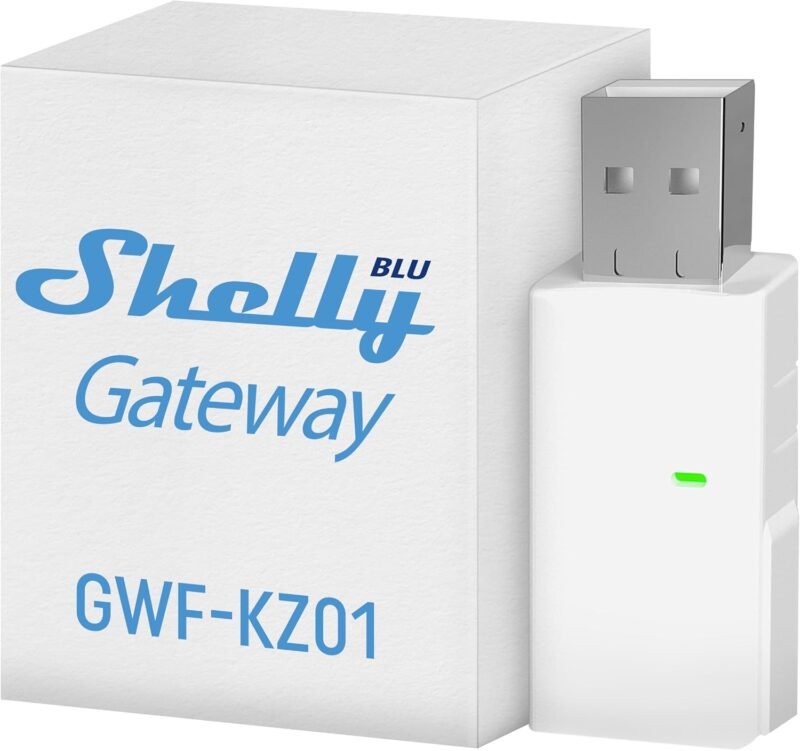
Shelly BLU Gateway
⭐ 4.5/5 · Bluetooth-to-Wi-Fi in a USB Stick
Buy on Amazon →

The Shelly BLU Gateway is a USB-A dongle that relays Shelly BLU buttons, door sensors, motion sensors and H&T sensors to Wi-Fi. Plug it into any USB charger near your BLU devices. Shelly supports both its cloud and local control, and Shelly devices are well integrated with Home Assistant, which makes this the best pick for privacy-minded and HA users. It averages about 4.4 stars from 694 ratings.
✅ Pros- Tiny USB form factor
- Local control option
- Home Assistant-friendly
- Easy to add more
❌ Cons- For Shelly BLU devices
- No IR or screen
🎯 Verdict: The best gateway for local BLE control.
👉 Check Price on Amazon →
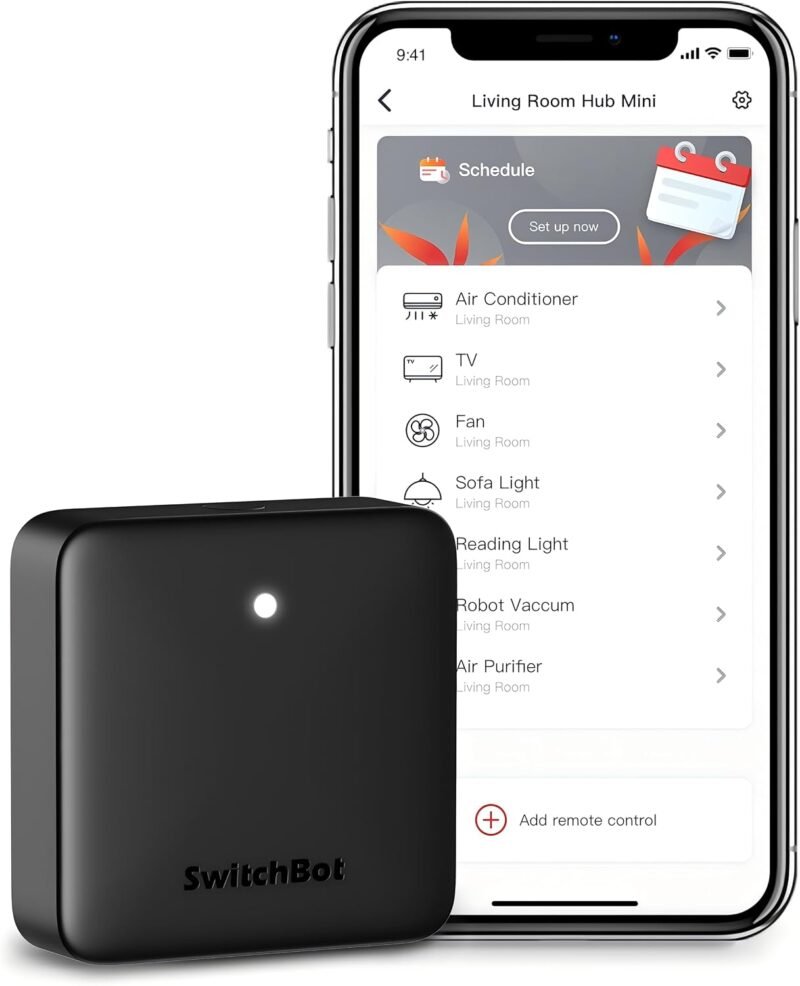
💵 BUDGET HUB · ⭐ 4.3/53. SwitchBot Hub Mini
BLE-to-Wi-Fi for SwitchBot · IR blaster · 55,800+ ratings
Buy Here →

The most-reviewed product in this guide, about 4.2 stars from 55,800+ ratings. The Hub Mini links SwitchBot’s BLE devices to Wi-Fi and doubles as an IR universal remote, without the Hub 2’s built-in sensor.
✅ Pros: Cheap; IR; proven.
❌ Cons: No sensor.
🎯 Verdict: The budget SwitchBot hub.
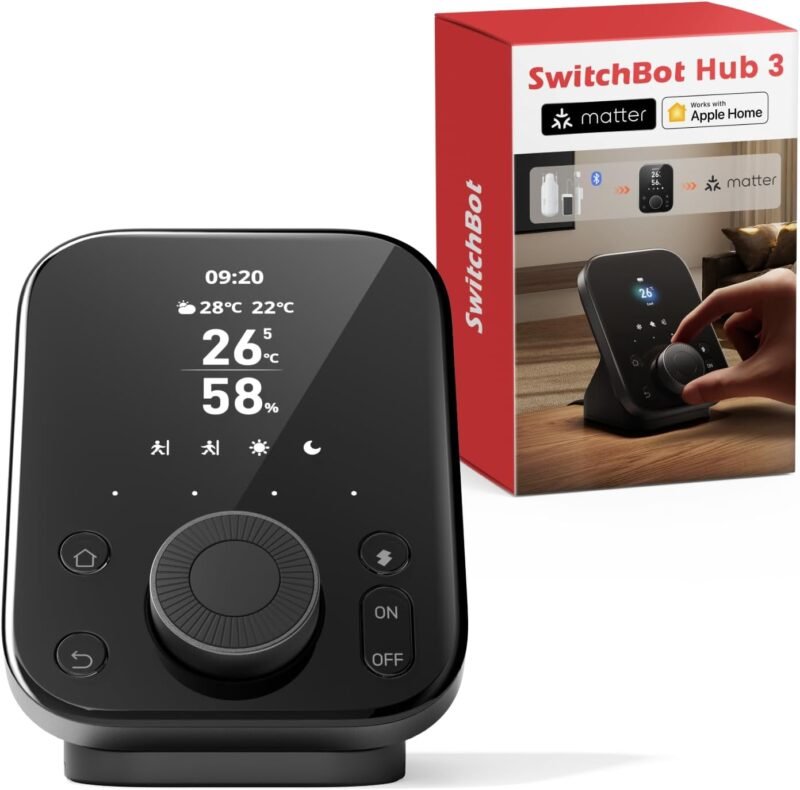
🖥️ COMMAND CENTER · ⭐ 3.9/54. SwitchBot Hub 3
IPS screen + physical controls · 1,800+ ratings
Buy Here →

SwitchBot’s newest hub adds an IPS status screen and physical controls, so it acts as a “command center” for your whole SwitchBot home. Reviews are mixed so far, about 3.8 stars from 1,800+ ratings; the Hub 2 remains the safer pick. A bundle with the Universal Remote is also sold.
✅ Pros: Screen and dial.
❌ Cons: Mixed reviews.
🎯 Verdict: For SwitchBot power users.
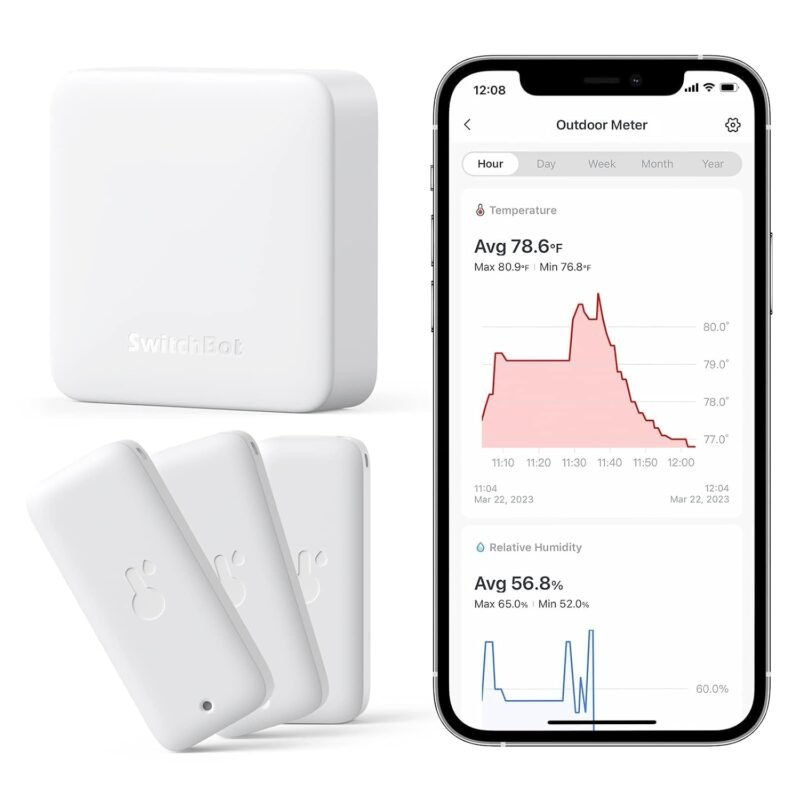
🌧️ STARTER KIT · ⭐ 4.3/55. SwitchBot Hub Mini + 3 IP65 Meters
Hub + three indoor/outdoor sensors · 10,200+ ratings
Buy Here →

A bundle of the Hub Mini with three IP65 indoor/outdoor meters, giving you remote temperature and humidity monitoring for the house, garage and patio in one box. The ratings are shared with the meter listing (about 4.2 stars from 10,200+).
✅ Pros: Complete remote kit.
❌ Cons: SwitchBot-only.
🎯 Verdict: Easiest remote climate kit.
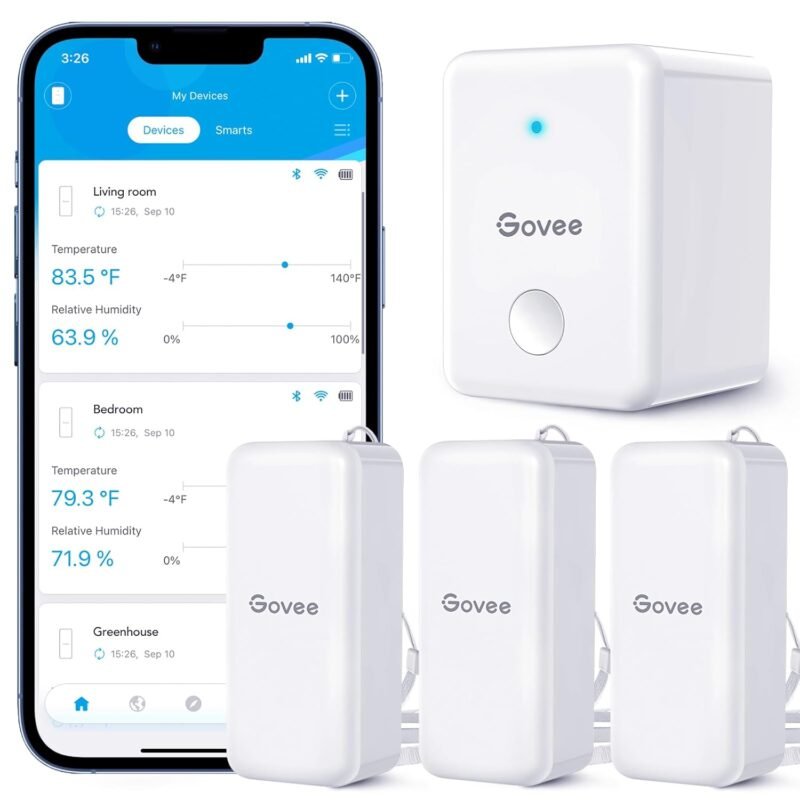
🌡️ GOVEE REMOTE ALERTS · ⭐ 4.3/56. Govee Gateway + 3 H5100 Sensors
Wi-Fi gateway bundle · Swiss sensors · 2,300+ ratings
Buy Here →
Govee’s Wi-Fi gateway bundled with three H5100 sensors adds remote alerts and cloud history to Govee’s popular hygrometers. The listing notes the gateway supports specific sensor models, so check compatibility before adding other Govee sensors. It averages about 4.2 stars from 2,300+ ratings.
✅ Pros: Ready-to-go remote kit.
❌ Cons: Model compatibility limits.
🎯 Verdict: The Govee remote solution.
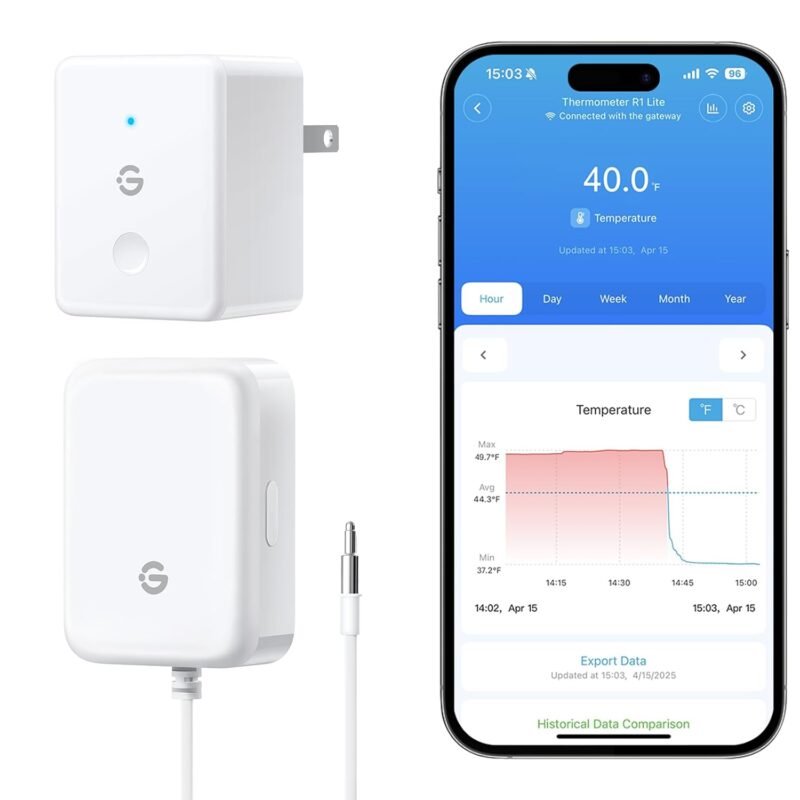
🧊 FRIDGE ALERTS · ⭐ 4.4/57. GoveeLife Fridge Sensor + Gateway
3-way alerts · one gateway, multiple sensors · 449 ratings
Buy Here →
A GoveeLife fridge/freezer sensor with its gateway, offering instant alerts when temperatures drift. The listing says one gateway supports multiple sensors, so you can add more for a chest freezer or wine fridge. It averages about 4.3 stars from 449 ratings.
✅ Pros: Fridge-focused alerts.
❌ Cons: GoveeLife sensors only.
🎯 Verdict: Protect your food remotely.
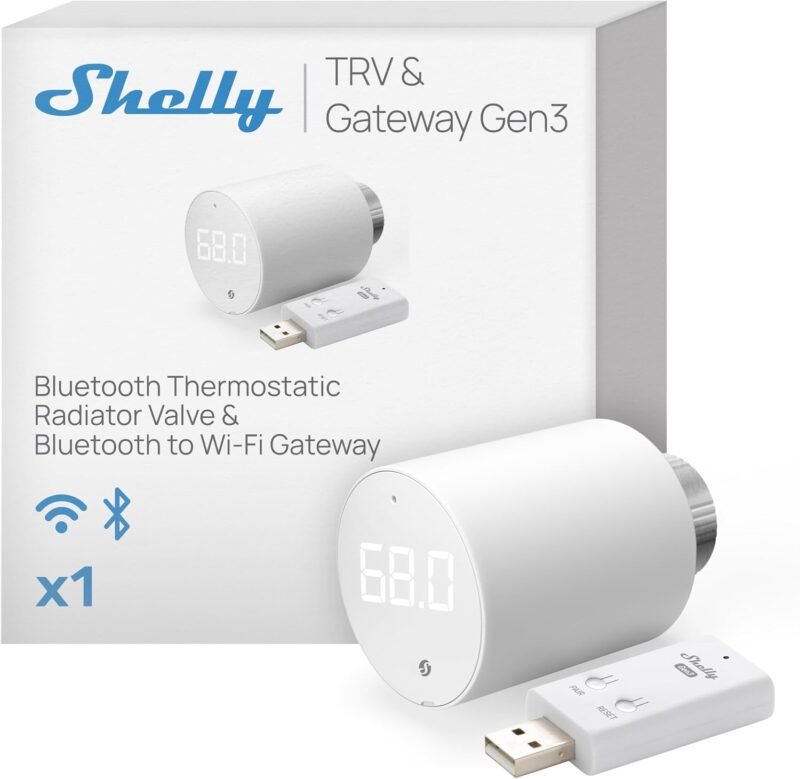
♨️ RADIATOR HEATING · ⭐ 4.2/58. Shelly BLU TRV + BLU Gateway Gen3
Smart radiator valve with gateway · 125 ratings
Buy Here →

A kit pairing Shelly’s BLU TRV smart radiator valve with the mains-powered BLU Gateway Gen3. It’s ideal for homes with hot-water radiators, and the gateway also serves other Shelly BLU devices nearby. It averages about 4.1 stars from 125 ratings.
✅ Pros: Gen3 gateway included.
❌ Cons: Radiator homes only.
🎯 Verdict: Smart heating plus a gateway.
🔌 HIDDEN GATEWAY · ⭐ 4.7/59. Shelly 1PM Gen3 (2-Pack)
Wi-Fi relay with power metering · BLU gateway feature · 713 ratings
Buy Here →
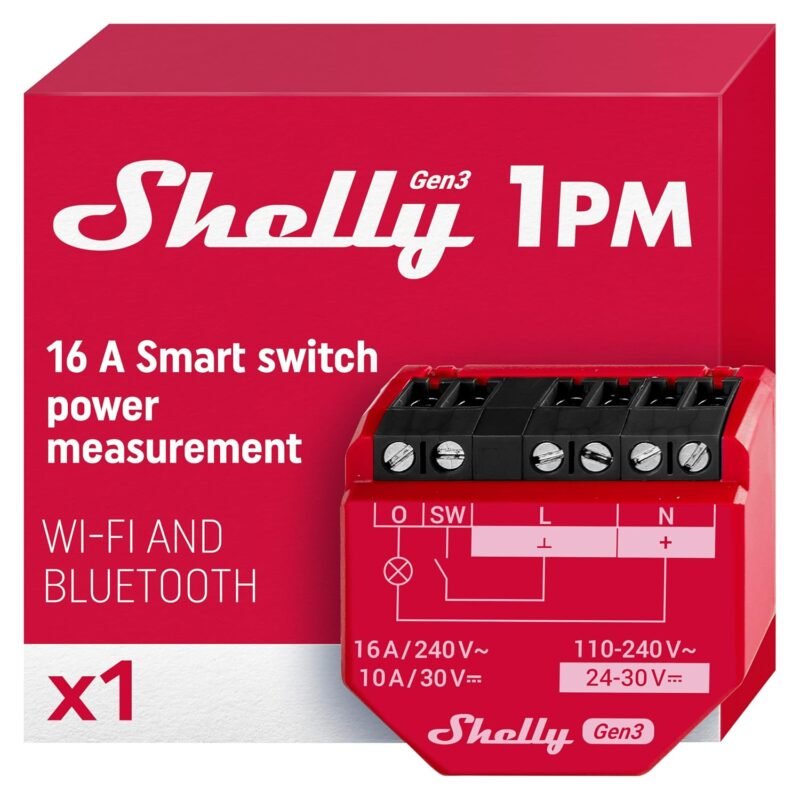
Shelly’s Gen3 relays can also act as BLU gateways (per Shelly), so a relay installed behind a light switch can pick up nearby BLU buttons and sensors with no extra box. This 2-pack of the 1PM Gen3 also meters power. The highest-rated item here, about 4.7 stars from 713 ratings. Installation requires mains wiring; use a qualified electrician where required.
✅ Pros: Relay + gateway in one.
❌ Cons: Mains wiring needed.
🎯 Verdict: A gateway hidden in the wall.
🟧 CHEAPEST HA PROXY · ⭐ 4.5/510. M5Stack ATOM Lite
ESP32 · 24×24 mm · ESPHome Bluetooth proxy · 74 ratings
Buy Here →

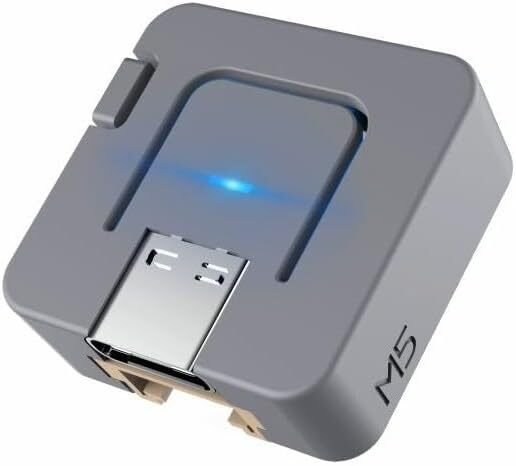
The tiny ATOM Lite (24×24 mm) is a favorite ESPHome Bluetooth proxy for Home Assistant: flash it from ESPHome’s ready-made projects in a browser, plug it into a USB charger, and it relays nearby BLE sensors from many brands to HA over Wi-Fi. Buy a few and spread them around the house. It averages about 4.4 stars from 74 ratings.
✅ Pros: Cheap; multi-brand; enclosed.
❌ Cons: Wi-Fi shares the radio.
🎯 Verdict: The go-to DIY BLE proxy.
🔗 MOST RELIABLE PROXY · ⭐ 4.6/511. ESP32-S3 PoE Ethernet Board
ESP32-S3R8 · Ethernet + PoE module · 47 ratings
Buy Here →

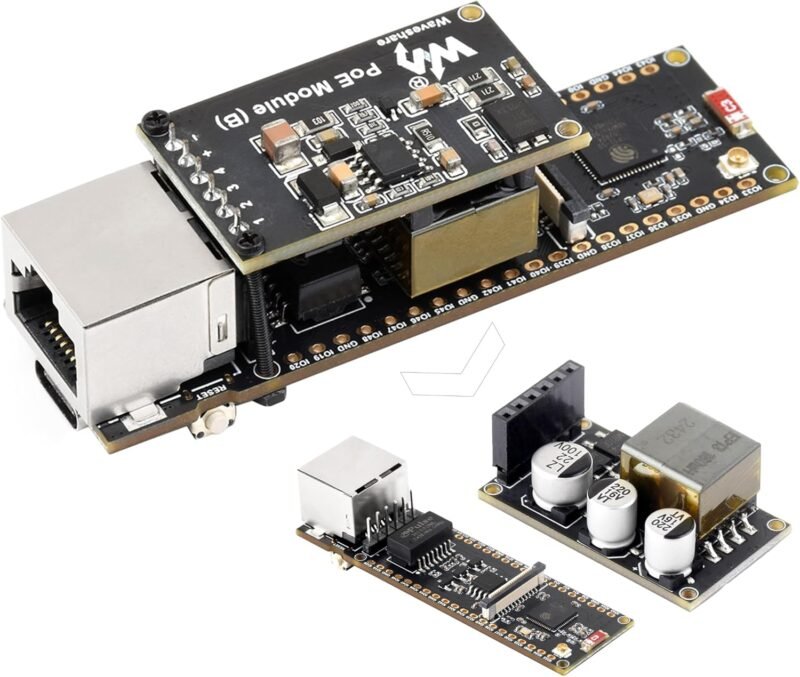
An Ethernet-connected proxy keeps the ESP32’s radio free for Bluetooth, which generally means more reliable scanning and better support for active connections. This ESP32-S3 board offers wired Ethernet with an optional PoE module, so one cable provides data and power, ideal for ceilings and garages. Choose the PoE version from the listing’s options and confirm ESPHome support for its Ethernet chip. It averages about 4.6 stars from 47 ratings.
✅ Pros: Wired; PoE; reliable.
❌ Cons: Needs an enclosure; config work.
🎯 Verdict: Best for serious HA setups.
📶 SERVER-SIDE BLE · ⭐ 4.5/512. TP-Link UB500 Plus
USB Bluetooth 5.3 adapter · adjustable external antenna · 526 ratings
Buy Here →

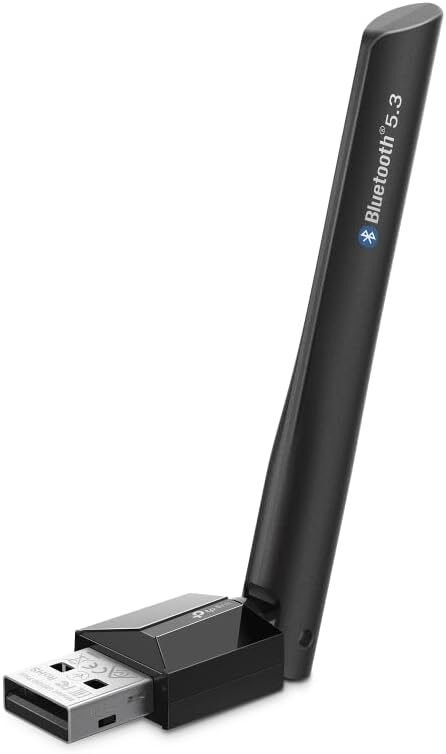
If your Home Assistant server sits near your BLE devices, a USB adapter on the host is the simplest option. The UB500 Plus adds an adjustable external antenna for better reach. The standard UB500 is a commonly used adapter with Home Assistant; check HA’s supported Bluetooth adapters list for the Plus model before buying. Use a short USB extension to keep it away from USB 3 interference. It averages about 4.5 stars from 526 ratings.
✅ Pros: External antenna; simple.
❌ Cons: Covers one location only.
🎯 Verdict: BLE for your HA server.
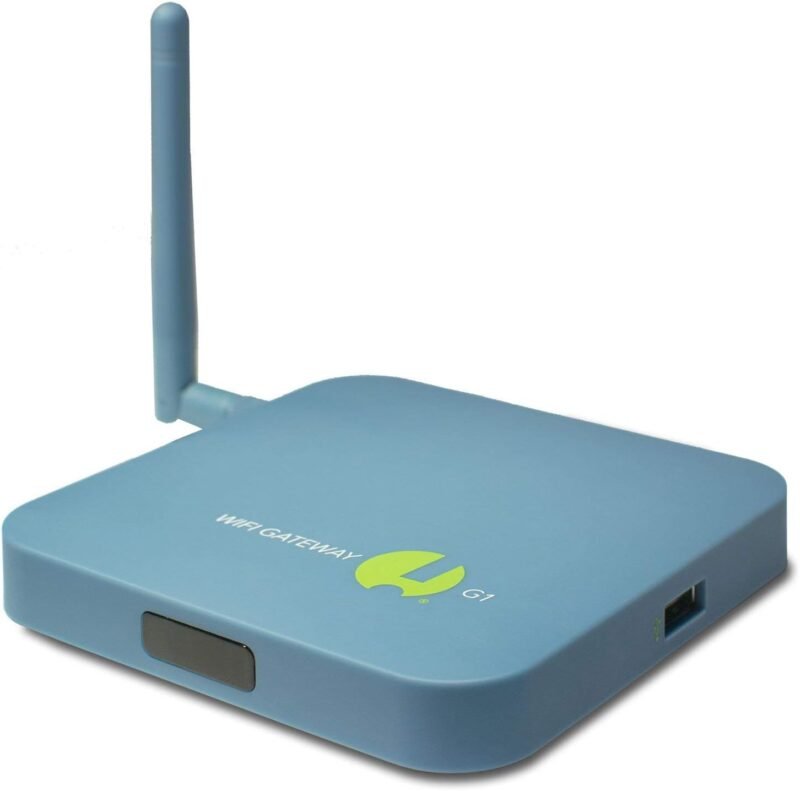
💧 SENSORPUSH OWNERS · RENEWED13. SensorPush G1 Wi-Fi Gateway
Remote monitoring · cloud storage included · 6 ratings
Buy Here →

The G1 adds remote monitoring and alerts to SensorPush’s BLE sensors, and the listing says cloud storage is included with no monthly fee. This Amazon listing is a renewed unit with only 6 ratings, so check SensorPush’s own store for new stock too.
✅ Pros: No subscription.
❌ Cons: Renewed listing.
🎯 Verdict: Needed for remote SensorPush.
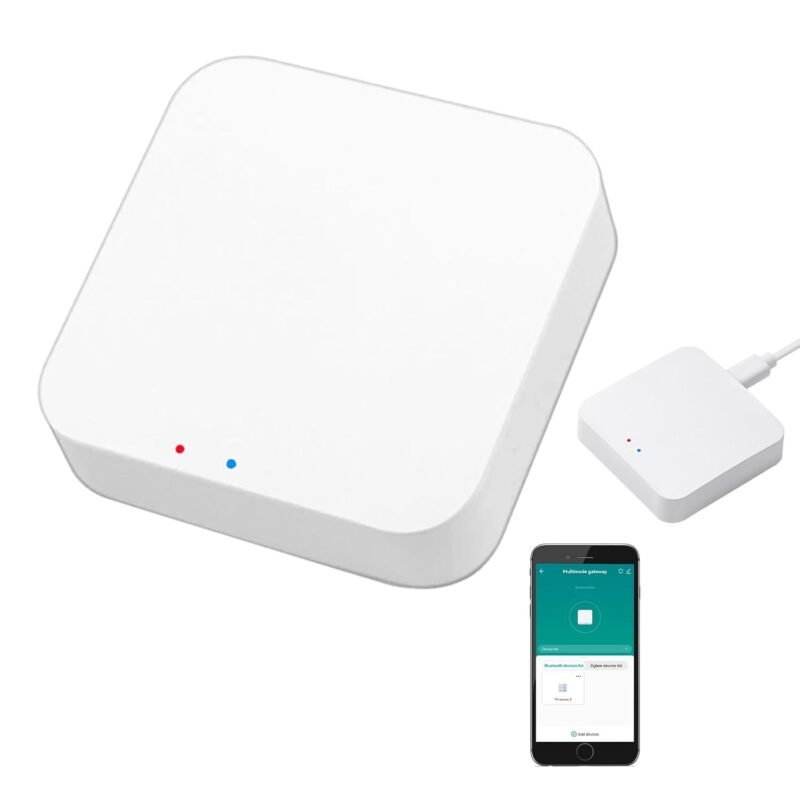
🧩 TUYA ECOSYSTEM · ⭐ 4.0/514. Tuya Smart Multi-Mode Gateway
Zigbee 3.0 + Bluetooth mesh · Tuya/Smart Life app · 347 ratings
Buy Here →
For homes built on Tuya / Smart Life devices, this multi-mode gateway bridges both Zigbee 3.0 and Bluetooth (including Bluetooth mesh) devices to the app for remote control. It’s an inexpensive way to get Tuya BLE gadgets online. It averages about 4.0 stars from 347 ratings.
✅ Pros: Zigbee + BLE in one.
❌ Cons: Tuya ecosystem only.
🎯 Verdict: For Tuya households.
🛒 Which Gateway for Which Setup?
🤖
SwitchBot devices
Hub 2, or Hub Mini on a budget.
🌡️
Govee sensors
Govee gateway bundle (check model support).
🔒
Shelly BLU, local control
Shelly BLU Gateway or a Gen3 relay.
🏡
Home Assistant, many brands
ATOM Lite proxies, or the PoE ESP32-S3 for reliability.
🖥️
HA server near devices
TP-Link UB500 Plus (check HA support).
🧩
Tuya / Smart Life
Tuya multi-mode gateway.
⚙️ Brand Hubs vs Home Assistant Proxies
| Approach | Brands Supported | Setup | Local Control | Best For |
|---|
| Brand hub (SwitchBot, Govee, SensorPush) | One brand | App, minutes ⭐ | Mostly cloud | Single-brand homes |
| Shelly BLU gateway | Shelly BLU | App or web UI | Yes ⭐ | Privacy, HA users |
| HA Bluetooth proxy (ESP32 / USB) | Many brands ⭐ | ESPHome / HA setup | Yes ⭐ | Mixed-brand HA homes |
General characteristics; individual products vary.
❓ Frequently Asked Questions
What is a Home Assistant Bluetooth proxy?
An ESP32 running ESPHome that listens for Bluetooth devices and forwards them to Home Assistant over your network. Multiple proxies around the house extend BLE coverage, and HA automatically uses whichever proxy hears a device best.
Can one hub handle all my Bluetooth devices?
Only if they’re the same brand and within range. Brand hubs don’t relay other brands. A Home Assistant proxy reads many brands, but you may still need several for full-house coverage.
Why does HA recommend Ethernet proxies?
An ESP32 has one 2.4 GHz radio shared between Wi-Fi and Bluetooth. Moving networking to Ethernet leaves the radio free to listen for Bluetooth, which improves reliability, especially for active connections like locks.
Do I still need a brand hub if I use Home Assistant?
Usually not for sensors that HA reads directly over BLE. You may still want a brand hub for features HA doesn’t replicate, such as IR control, the brand’s app, or cloud alerts when HA is down.
Are BLE gateways the same as Zigbee hubs?
No. Zigbee hubs coordinate a mesh network, while BLE gateways relay point-to-point Bluetooth devices. Some, like the Tuya multi-mode gateway, do both. See our Zigbee hubs guide for mesh options.
🏁 Final Verdict: Best Bluetooth Hubs and Gateways
The right gateway for every BLE setup:
🏡 Best Local Control: Shelly BLU Gateway
Buy Here →🔗 Most Reliable Proxy: ESP32-S3 PoE Board
Buy Here →🌡️ Best for Govee: Govee Gateway + 3 H5100
Buy Here →If you’re building around one brand, buy that brand’s hub: the SwitchBot Hub 2 is the most capable, and the Shelly BLU Gateway is the best for local control. If you run Home Assistant with sensors from several brands, a few ESP32 Bluetooth proxies (ideally Ethernet-connected) will cover the whole house for less. Pair your gateway with sensors from our Bluetooth temperature and humidity sensors guide, and see our Home Assistant hardware guide for the server side.
💬 Running BLE proxies or brand hubs? Tell us your setup in the comments below.
All Amazon links above use our affiliate tag (microlab05-20). Purchasing through them supports microcontrollerslab.com at no extra cost to you. Prices and availability change frequently, so always confirm the current price on Amazon before buying.