⚠️ Affiliate Disclosure: This post contains Amazon affiliate links. If you purchase through our links, we may earn a small commission at no extra cost to you. Every product below was checked against its live Amazon listing before publishing. Prices change often, so we don’t list them here. Tap any Buy Here button to see the current price on Amazon.
Ultimate Buying Guide
🔘 Best Bluetooth Smart Buttons and Remotes
10 BLE buttons, remotes and button pushers for one-touch scenes, light control, blinds and phone shortcuts: SwitchBot, Flic, Shelly BLU, GoveeLife and CamKix.
✅ 10 Products Reviewed
✅ Buttons, Remotes & Pushers
✅ Ecosystem Notes
✅ Honest Pros & Cons
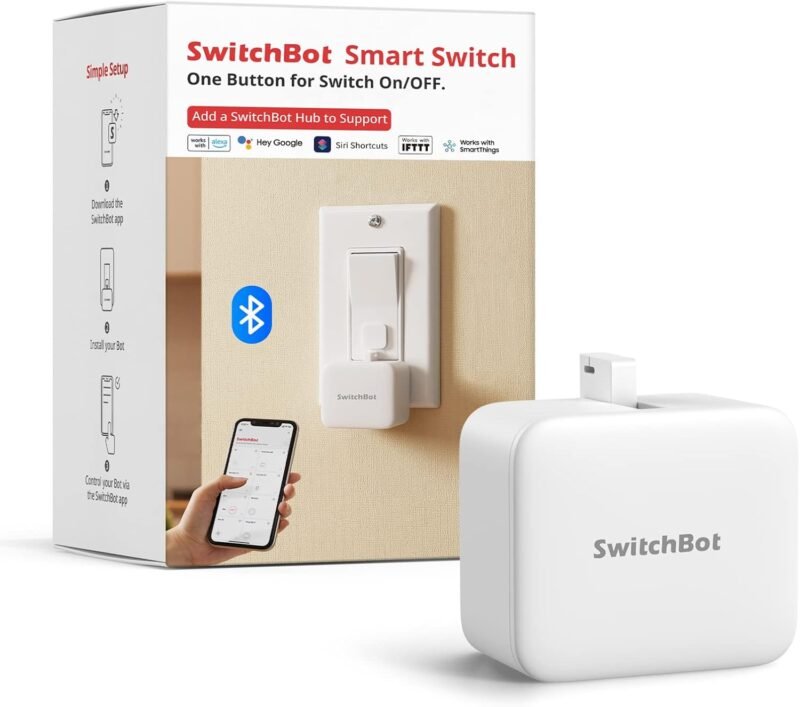
A smart button is the friendliest smart home control: one press turns off every light, starts the morning routine or opens the blinds, with no app or voice command needed. Bluetooth Low Energy buttons are tiny, battery-powered and easy to stick anywhere. Some, like the SwitchBot Bot, go further and physically press an existing switch or button for you.
This guide compares 10 Bluetooth buttons and remotes on Amazon, from universal Flic buttons to ecosystem-specific remotes from SwitchBot, Shelly BLU and GoveeLife, plus a phone shutter remote. It’s part of our BLE devices series; for remote access and Home Assistant, pair them with a gateway from our Bluetooth hubs and gateways guide.
💡 Reality check before you buy: Most Bluetooth buttons only control their own brand’s devices: the SwitchBot Remote is “only for SwitchBot devices,” GoveeLife buttons control GoveeLife devices, and Shelly BLU buttons control Shelly devices. Flic is the main exception, with thousands of integrations, but routines that run through your phone need the phone nearby; a Flic Hub lets buttons work without it. Buttons need to stay within Bluetooth range of the device, hub or phone they talk to.
🔘 Quick Comparison: All 10 Bluetooth Buttons
| Product | Type | Works With | Best For | Buy |
|---|
| 🥇 SwitchBot Bot | Button pusher | Any rocker/push button | Best Overall | Buy Here → |
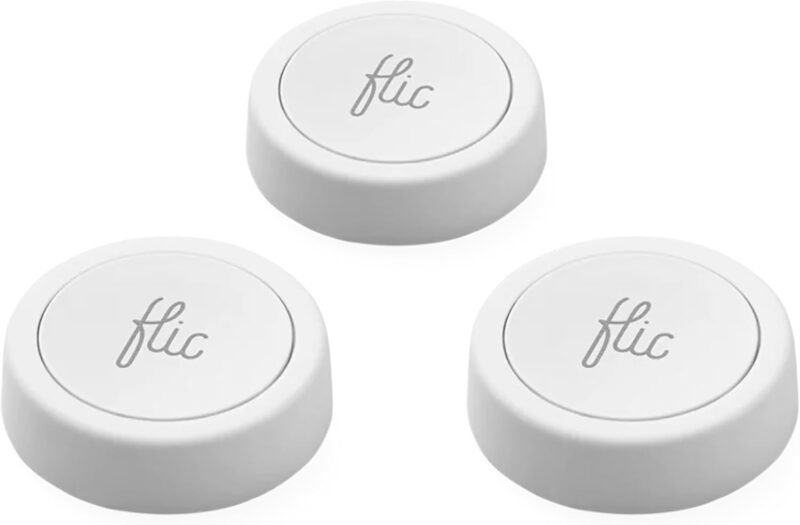
| 🌐 Flic Smart Button (3-pack) | Multi-action button | 10,000+ integrations | Most Versatile | Buy Here → |
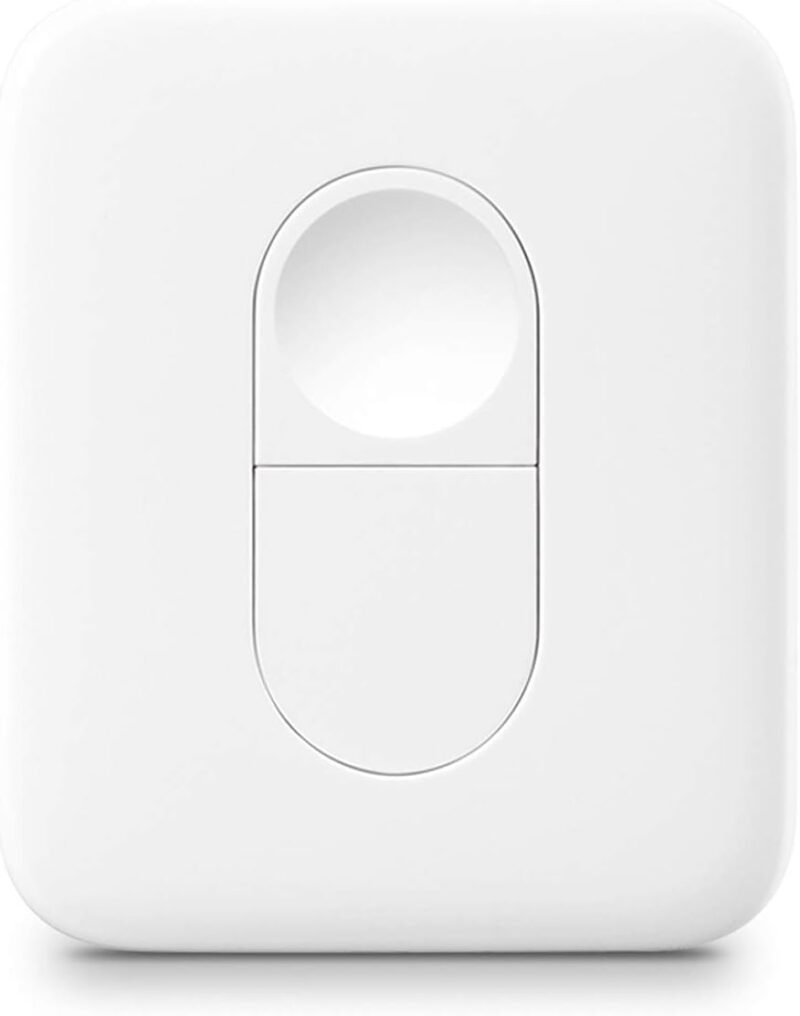
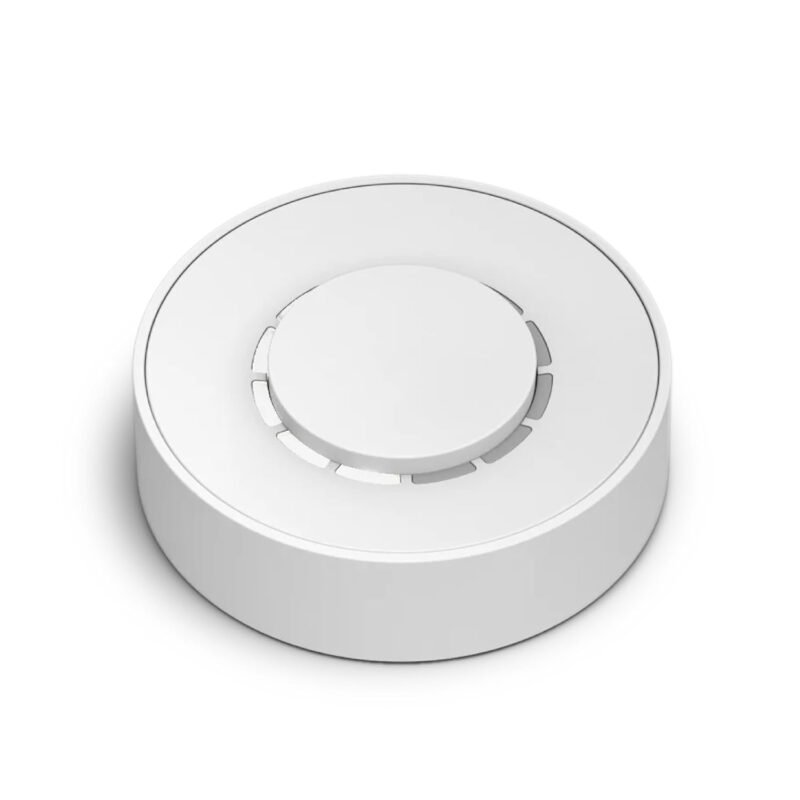
| 🔴 SwitchBot Remote | One-touch remote | SwitchBot devices only | SwitchBot Homes | Buy Here → |
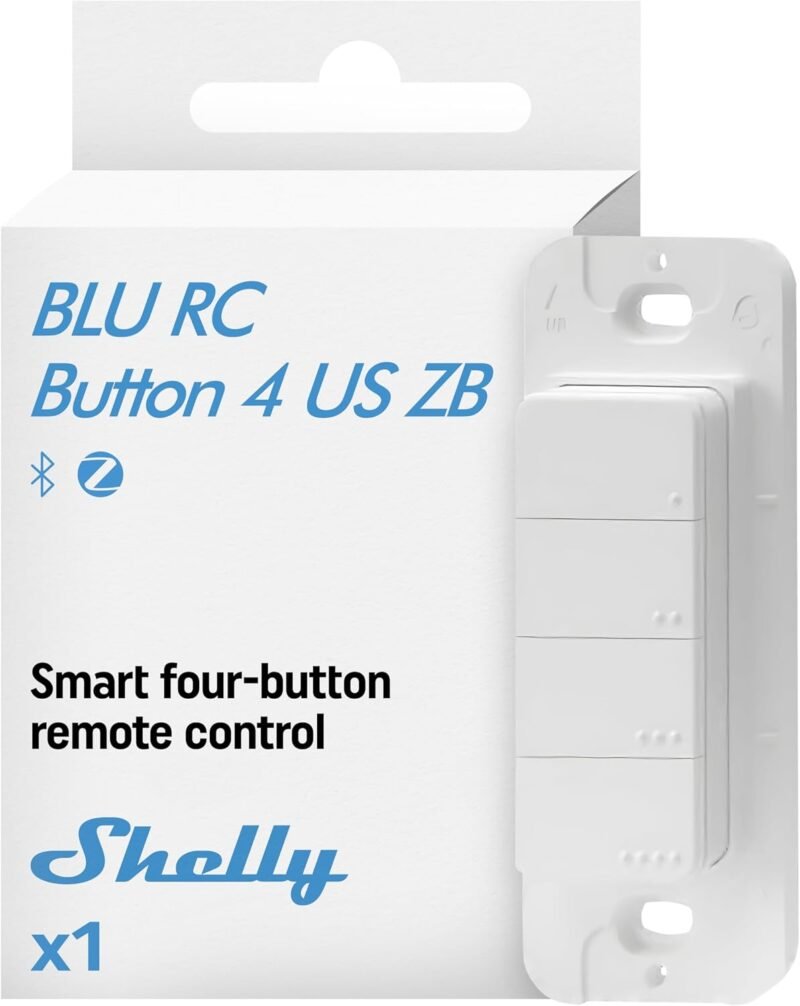
| 🏡 Shelly BLU RC Button 4 ZB | 4-button remote | Shelly (Bluetooth or Zigbee) | Home Assistant | Buy Here → |
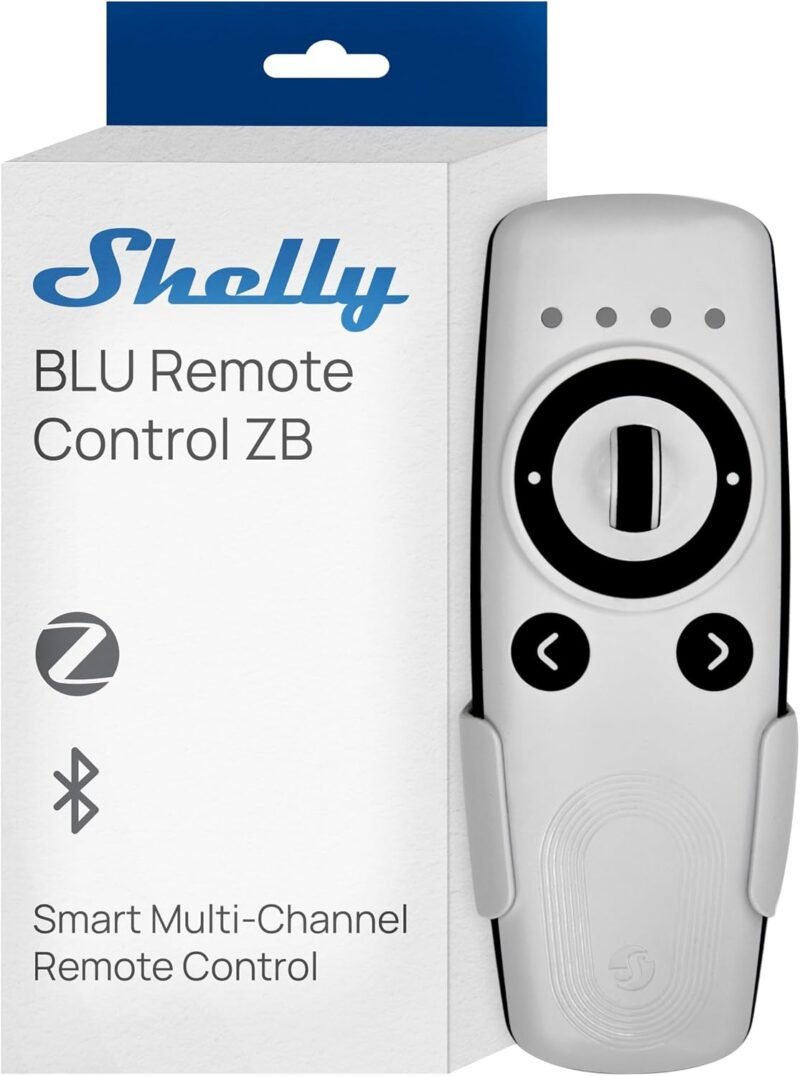
| ⚪ Shelly BLU Remote Control ZB | Scene remote | Shelly (Bluetooth or Zigbee) | Shelly Scenes | Buy Here → |
| 🔄 Flic Twist | Push + twist dial | Matter, Alexa, SmartThings (per title) | Dimming & Volume | Buy Here → |
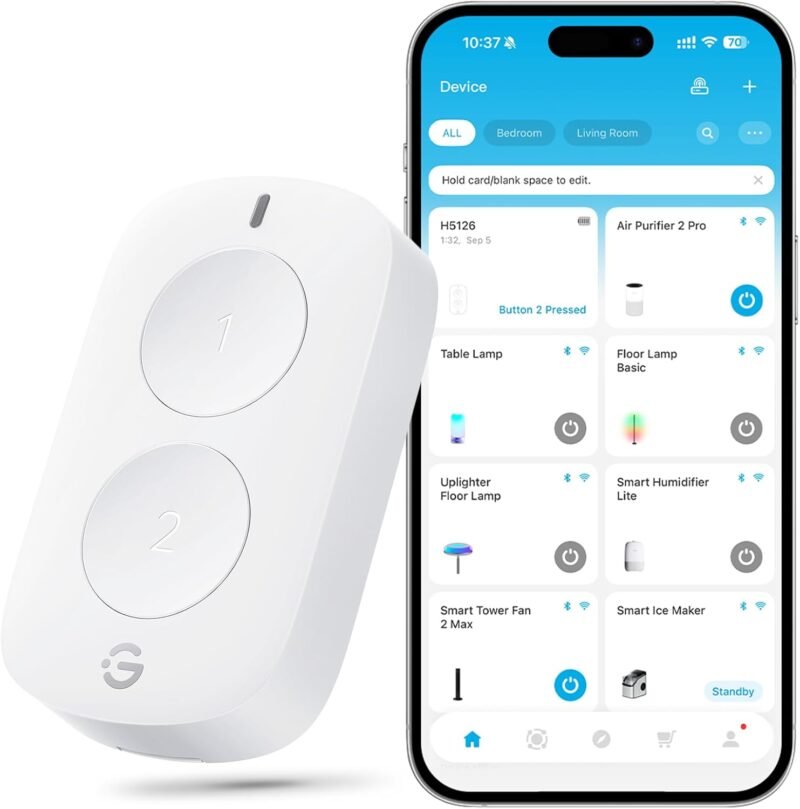
| 🟢 GoveeLife Double Button | 2-button switch | GoveeLife devices | Govee Lights | Buy Here → |
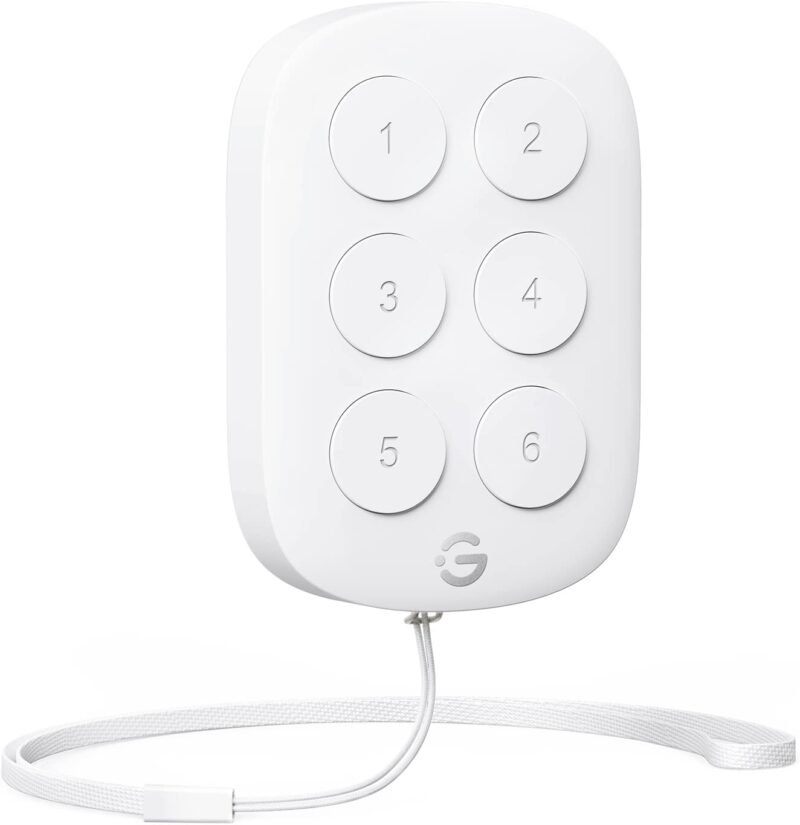
| 🎛️ GoveeLife 6-Button | 6-button controller | GoveeLife devices | Multi-Scene Control | Buy Here → |
| ⚫ GoveeLife Mini Button | Single button | GoveeLife devices | Simple Toggle | Buy Here → |
| 📸 CamKix Shutter Remote | Phone camera remote | iPhone & Android | Photos & Selfies | Buy Here → |
Compatibility from each Amazon listing. Tap Buy Here to see the live price.
🔍 How to Choose a Bluetooth Smart Button
🏷️
Match the Ecosystem
Buy the button from the same brand as the devices you want to control, or pick Flic if you need it to work across many brands and services.
👆
Actions per Button
Single, double and long press give up to three actions per button. Multi-button remotes and twist dials add even more, which is useful for blinds, dimming and volume.
🤖
Button vs Button Pusher
A smart button sends commands to smart devices. A button pusher like SwitchBot Bot physically presses a dumb switch, coffee machine or garage remote, making it smart without rewiring.
📶
Phone, Hub or Direct
Some buttons talk straight to same-brand devices. Others relay through your phone or a hub. Direct or hub-based control works when your phone isn’t around.
🏡
Home Assistant
Shelly BLU buttons are popular in Home Assistant because HA reads their presses over Bluetooth, or Zigbee on ZB models, and can trigger any automation.
🏆 Detailed Reviews: All 10 Bluetooth Buttons
🥇 BEST OVERALL

The SwitchBot Bot is the most popular Bluetooth smart home device on Amazon, about 4.1 stars from 28,500+ ratings. It sticks next to a rocker switch or push button and physically presses it on command: wall switches, coffee makers, PC power buttons, gas fireplace switches and more, with no rewiring. Its timers keep running on the device itself, and adding a SwitchBot Hub unlocks remote control and Alexa/Google voice control. Pair it with the SwitchBot Remote for a one-touch wireless switch.
✅ Pros- Works on “dumb” switches
- No wiring or landlord approval
- Huge review base
- Timers without a hub
❌ Cons- Visible on the switch
- Hub for remote/voice
🎯 Verdict: The easiest way to smarten an old switch.
👉 Check Price on Amazon →
🌐 MOST VERSATILE
Flic Smart Button (3-Pack)
⭐ 4.2/5 · One Button, Thousands of Integrations
3 Actions
PUSH, DOUBLE, HOLD

Flic is the go-to brand-agnostic Bluetooth button. The listing cites more than 10,000 compatible devices and integrations, and each button can trigger different actions on push, double push and hold: lights, music, phone shortcuts, IFTTT, smart home scenes and more. Buttons connect to your phone, or to a Flic Hub so they work without a phone nearby. It averages about 3.8 stars from 242 ratings.
✅ Pros- Works across brands
- Three actions per button
- Phone shortcuts too
- 3-pack value
❌ Cons- Phone or hub needed
- Mixed reviews
🎯 Verdict: The universal smart button.
👉 Check Price on Amazon →
🔴 SWITCHBOT HOMES · ⭐ 4.3/53. SwitchBot Remote
One-touch button · SwitchBot devices only · 5,300+ ratings
Buy Here →

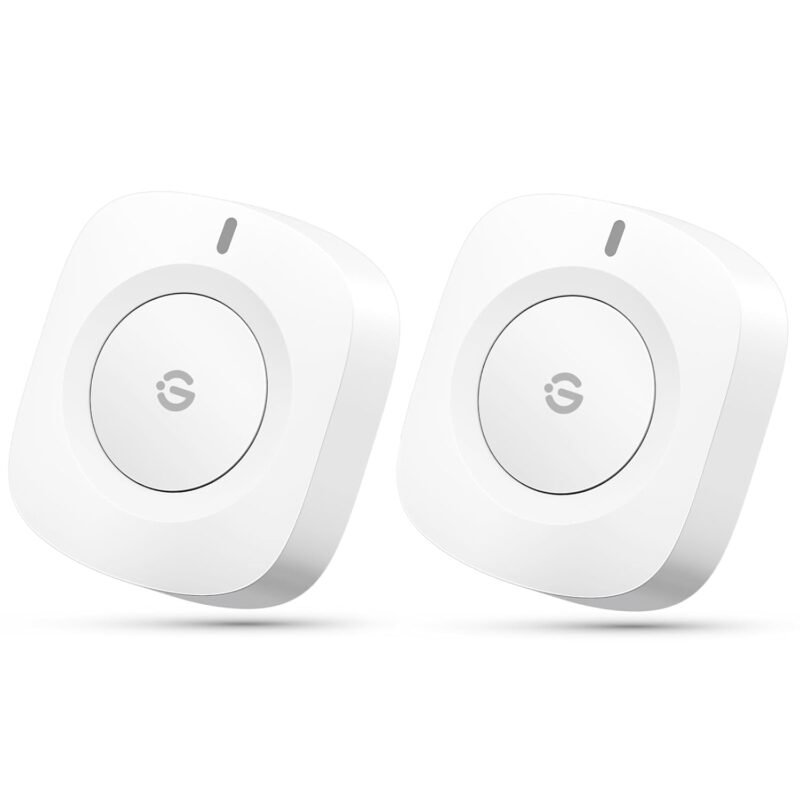
A one-click Bluetooth remote that controls SwitchBot Bots, Curtains and other SwitchBot devices with no phone or voice command needed. The listing is clear that it’s only for SwitchBot devices. It averages about 4.2 stars from 5,300+ ratings. SwitchBot also sells a Universal Remote bundled with a Matter-enabled Hub Mini.
✅ Pros: Simple; proven.
❌ Cons: SwitchBot only.
🎯 Verdict: The perfect SwitchBot Bot companion.
🏡 HOME ASSISTANT · ⭐ 4.2/54. Shelly BLU RC Button 4 ZB
Four buttons · multi-click · Bluetooth + Zigbee · 25 ratings
Buy Here →

A four-button remote operated over Bluetooth or Zigbee, with multi-click actions on each button. The listing highlights controlling motorized blinds and curtains alongside lights and scenes. In Home Assistant, each press can trigger any automation. It averages about 4.0 stars from 25 ratings.
✅ Pros: 4 buttons; dual radio.
❌ Cons: Few reviews.
🎯 Verdict: The HA scene remote.
⚪ SHELLY SCENES · ⭐ 3.0/55. Shelly BLU Remote Control ZB
Scene activation · custom actions · Bluetooth + Zigbee · 27 ratings
Buy Here →

Shelly’s handheld remote for one-button scene activation and custom actions across Shelly devices, over Bluetooth or Zigbee. Reviews are weak so far (about 3.0 stars from 27 ratings), so the RC Button 4 is the safer Shelly remote. A black version is also sold.
✅ Pros: Handheld; dual radio.
❌ Cons: Low ratings.
🎯 Verdict: Consider the RC Button 4 first.
🔄 DIMMING & VOLUME · ⭐ 3.3/56. Flic Twist
Push, double push, twist, push & twist · 47 ratings
Buy Here →

Flic’s twist dial adds rotation to the button, ideal for dimming lights or changing speaker volume. The title lists Matter, Alexa and SmartThings support, and the listing notes advanced customization. Check whether your setup needs a Flic Hub for these integrations. Reviews are mixed at about 3.3 stars from 47 ratings.
✅ Pros: Twist control; Matter.
❌ Cons: Mixed reviews.
🎯 Verdict: A dial for dimmers and speakers.
🟢 GOVEE LIGHTS · ⭐ 4.3/57. GoveeLife Mini Double Button
Two buttons · group control · alternate mode · 634 ratings
Buy Here →

A two-button GoveeLife switch for one-touch control of Govee lights and devices, including group control. Its alternate mode toggles between two states on each press. It averages about 4.2 stars from 634 ratings.
✅ Pros: Group control; two buttons.
❌ Cons: GoveeLife only.
🎯 Verdict: A light switch for Govee setups.
🎛️ MULTI-SCENE CONTROL · ⭐ 4.3/58. GoveeLife 6-Button Controller
Six buttons · group control · 590 ratings
Buy Here →

Six buttons let you control several GoveeLife devices or scenes from one panel, handy for a living room with multiple light strips and lamps. It averages about 4.3 stars from 590 ratings.
✅ Pros: Six actions in one.
❌ Cons: GoveeLife only.
🎯 Verdict: A scene panel for Govee homes.
⚫ SIMPLE TOGGLE · ⭐ 4.2/59. GoveeLife Mini Smart Button
Single button · group control · 475 ratings
Buy Here →
The smallest GoveeLife button, a single key that toggles a Govee light or group. Stick it beside the bed or at the door. It averages about 4.2 stars from 475 ratings.
✅ Pros: Tiny; simple.
❌ Cons: GoveeLife only.
🎯 Verdict: A bedside Govee switch.
📸 PHOTOS & SELFIES · ⭐ 4.6/510. CamKix Bluetooth Shutter Remote
iPhone & Android · 24,500+ ratings
Buy Here →

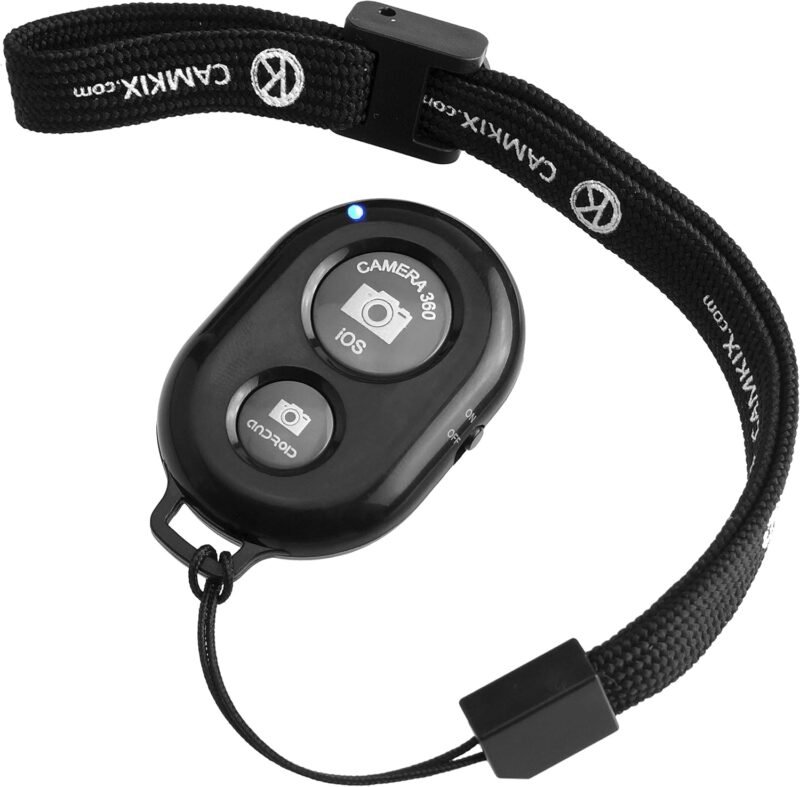
Not a smart home device, but the most popular Bluetooth button on Amazon: about 4.5 stars from 24,500+ ratings. The CamKix pairs with your phone and triggers the camera shutter for group photos, tripod shots and selfies. It’s a fun, cheap way to see a BLE HID button in action.
✅ Pros: Cheap; works with any phone.
❌ Cons: Camera use only.
🎯 Verdict: The best phone camera remote.
🛒 Which Button for Which Job?
💡
Smarten an old switch
SwitchBot Bot + SwitchBot Remote.
🌐
Mixed brands and services
Flic Smart Button.
🏡
Home Assistant scenes
Shelly BLU RC Button 4 ZB.
🔊
Dimming or volume
Flic Twist.
🌈
Govee lighting
GoveeLife Double or 6-Button.
📸
Phone photos
CamKix Shutter Remote.
⚙️ Button Ecosystems Compared
| Brand | Controls | Needs Phone/Hub? | Home Assistant | Best For |
|---|
| Flic | Many brands ⭐ | Phone or Flic Hub | Via Flic Hub/integrations | Mixed setups |
| SwitchBot | SwitchBot devices | Direct; Hub for remote | Bluetooth integration | SwitchBot homes |
| Shelly BLU | Shelly devices, HA | Shelly gateway or Zigbee | Excellent ⭐ | Local automations |
| GoveeLife | GoveeLife devices | Direct | Limited | Govee lighting |
General characteristics; check support for your specific model.
❓ Frequently Asked Questions
Can one Bluetooth button control devices from different brands?
Flic can, through its integrations. Most others only control their own brand. With Home Assistant, a Shelly BLU button can trigger any device HA controls.
Does the SwitchBot Bot work on any switch?
It works on most rocker switches and push buttons that it can physically press. Very stiff switches or unusual shapes may need the included add-ons or may not work.
Will buttons work if my internet is down?
Buttons that talk directly to same-brand devices (SwitchBot Remote, GoveeLife, Shelly locally) usually keep working. Cloud routines and voice integrations won’t.
How long do the batteries last?
Bluetooth buttons typically run a year or more on a coin cell with normal use. Button pushers like the SwitchBot Bot use more power because they drive a motor.
Can I use these with Alexa or Google Home?
Usually through the brand’s hub: SwitchBot Hub, Flic Hub or Shelly gateway. See our Bluetooth hubs and gateways guide.
🏁 Final Verdict: Best Bluetooth Smart Buttons
The right BLE button for every job:
🔴 Best SwitchBot Remote: SwitchBot Remote
Buy Here →🏡 Best for Home Assistant: Shelly BLU RC Button 4 ZB
Buy Here →🌈 Best for Govee: GoveeLife Mini Double Button
Buy Here →📸 Best Phone Remote: CamKix Shutter Remote
Buy Here →Start with the SwitchBot Bot if you want to automate switches and appliances you already own. Choose Flic when you need one button to control many brands and services, Shelly BLU for Home Assistant and local automations, and GoveeLife buttons for Govee lighting. For remote access and voice control, add a gateway from our Bluetooth hubs and gateways guide, and see the rest of our BLE series: door and motion sensors, smart locks and temperature sensors.
💬 What do your smart buttons control? Share your favorite one-press automation in the comments below.
All Amazon links above use our affiliate tag (microlab05-20). Purchasing through them supports microcontrollerslab.com at no extra cost to you. Prices and availability change frequently, so always confirm the current price on Amazon before buying.