⚠️ Affiliate Disclosure: This post contains Amazon affiliate links. If you purchase through our links, we may earn a small commission at no extra cost to you. Every device below was checked against its live Amazon listing before publishing. Prices change often, so we don’t list them here. Tap any Buy Here button to see the current price on Amazon.
Ultimate Buying Guide
🏠 Best Z-Wave Devices for Home Assistant
12 Z-Wave controllers, locks, thermostats, valves, sensors and scene controllers that work well with Home Assistant’s built-in Z-Wave JS integration, picked to cover a whole home.
✅ 12 Devices Reviewed
✅ Controller to Sensors
✅ Z-Wave JS Tips
✅ Honest Pros & Cons
Home Assistant is one of the best places to run Z-Wave. Its built-in Z-Wave JS integration handles S2 security, SmartStart QR-code pairing, device configuration parameters, firmware updates and Z-Wave Long Range, all locally with no cloud. Z-Wave’s certified interoperability means most Z-Wave Plus and 800-series devices simply work.
Some devices make better use of that power than others, though: locks with full user-code management, scene controllers that fire rich events into automations, and sensors that expose every reading. This guide picks 12 Z-Wave devices that pair especially well with Home Assistant, from the controller to the sensors, so you can build a complete local smart home.
💡 Reality check before you buy: Home Assistant needs a Z-Wave controller (a USB stick or adapter) to talk to Z-Wave devices; HA hardware like the Green doesn’t have a Z-Wave radio built in. Most Z-Wave devices work in Home Assistant, but advanced features (lock code management, Central Scene button events, configuration parameters) depend on the device and Z-Wave JS support, so check the Z-Wave JS device database for unusual models. Z-Wave devices are regional: buy US (908 MHz) models for North America. Long Range requires an LR-capable controller.
🏠 Quick Comparison: 12 Z-Wave Devices for Home Assistant
| Device | Category | HA Highlight | Best For | Buy |
|---|
| 🥇 HA Connect ZWA-2 | Controller | Official HA hardware, LR | Best Controller | Buy Here → |
| 🔐 Kwikset HomeConnect 620 | Smart lock | LR, SmartStart, codes | Best Lock | Buy Here → |
| 🟩 Home Assistant Green | HA hub | Plug-and-play HA | Running HA | Buy Here → |
| 🔒 ULTRALOQ Bolt Z-Wave | Smart lock | 800 LR, fingerprint | Fingerprint Lock | Buy Here → |
| 🌡️ Honeywell T6 Pro Z-Wave | Thermostat | Climate entity | Best Thermostat | Buy Here → |
| 🚰 Zooz Titan ZAC36 | Water valve | Leak-triggered shut-off | Flood Protection | Buy Here → |
| 💧 Zooz ZSE42 Leak XS | Leak sensor | Pairs with Titan | Leak Alerts | Buy Here → |
| 🎛️ Zooz ZEN32 Scene Controller | Switch + 4 buttons | Central Scene events | Best Scene Controller | Buy Here → |
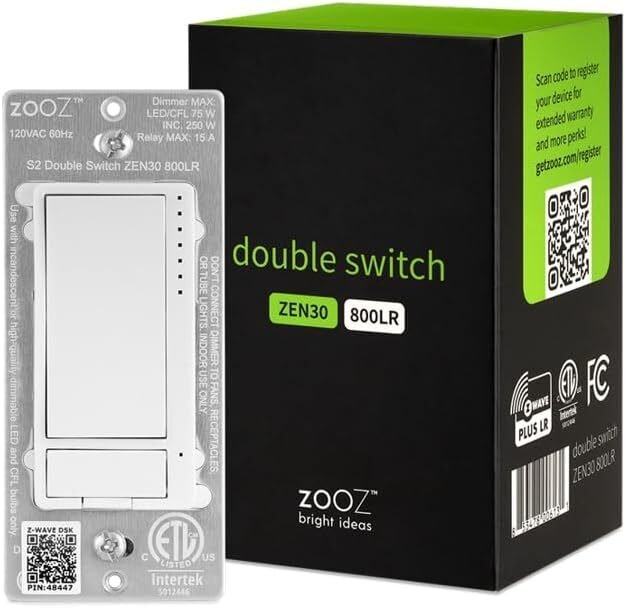
| 🔀 Zooz ZEN30 Double Switch | Double switch | Two entities, one box | Fan + Light | Buy Here → |
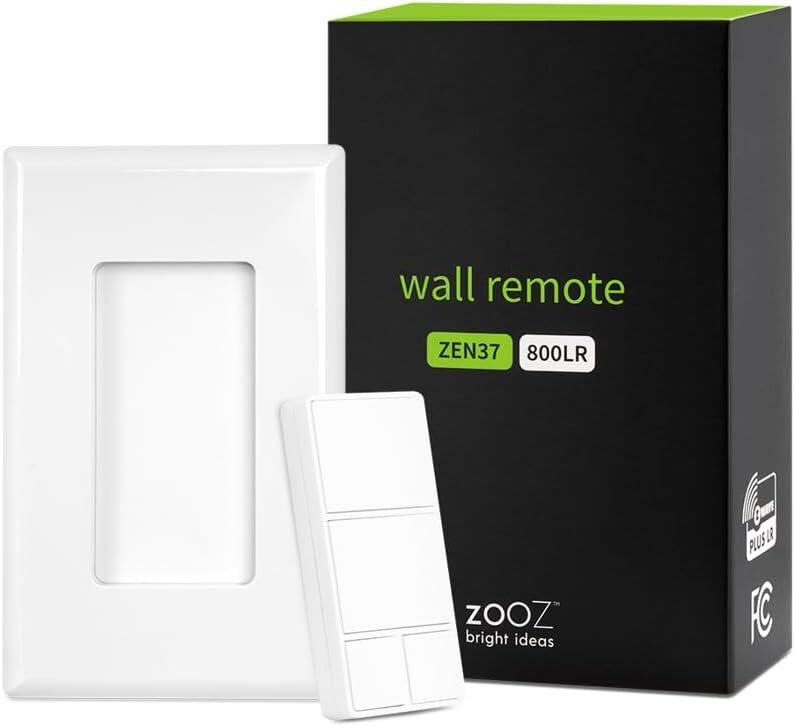
| 🎮 Zooz ZEN37 Wall Remote | Battery remote | 4 buttons, scenes | No-Wire Buttons | Buy Here → |
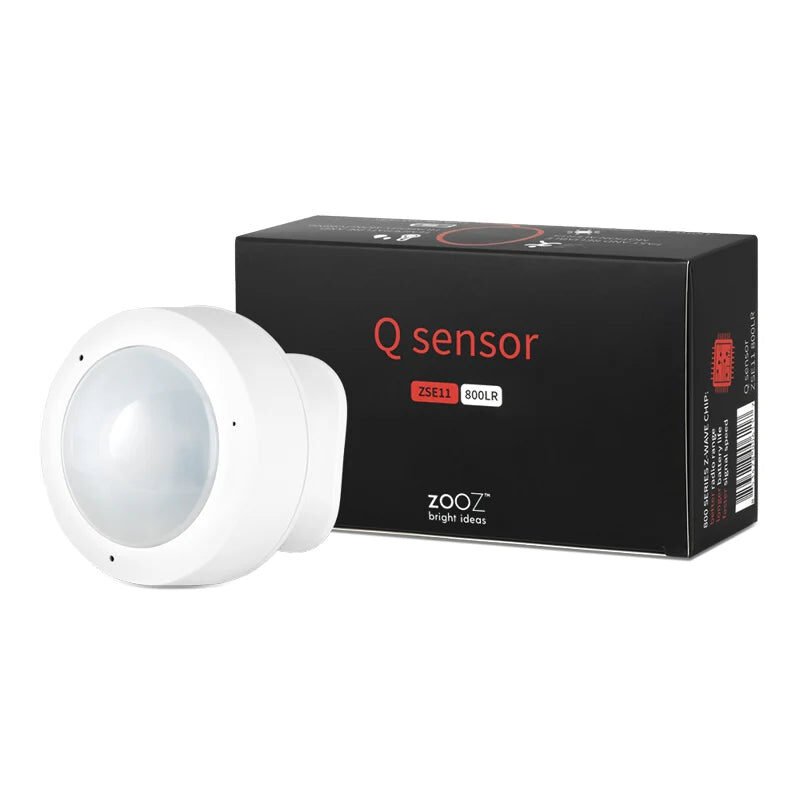
| 📡 Zooz ZSE11 Q Sensor | 4-in-1 sensor | Motion, temp, humidity, light | Room Sensing | Buy Here → |
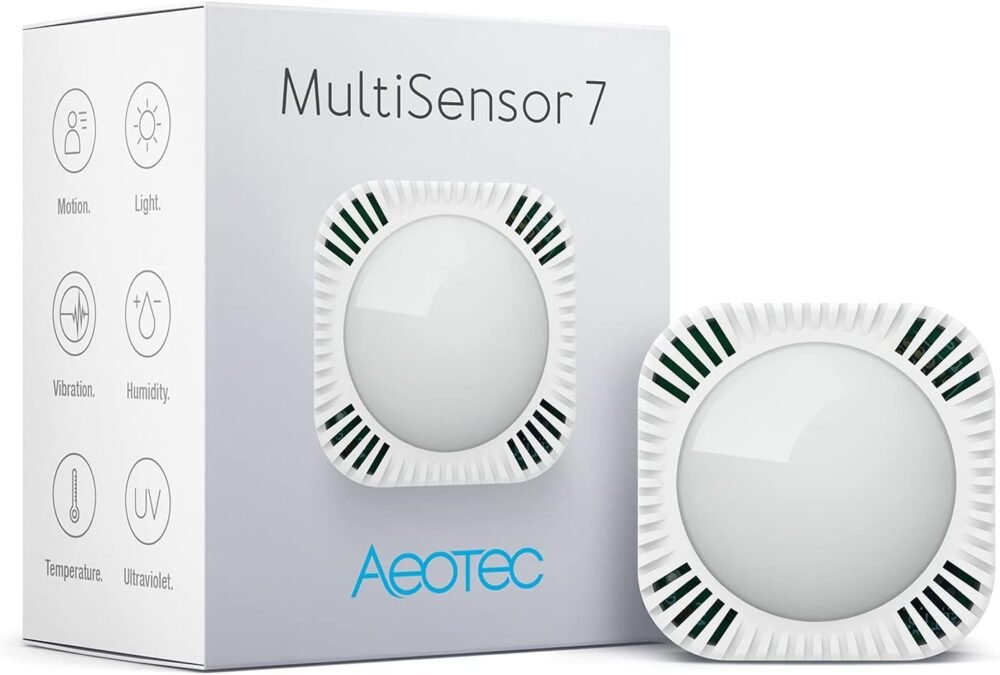
| 🧪 Aeotec MultiSensor 7 | 6-in-1 sensor | Many sensor entities | Data-Rich Rooms | Buy Here → |
“HA Highlight” notes are our editorial summary. Tap Buy Here to see the live price on Amazon.
🔍 What Makes a Z-Wave Device Great in Home Assistant?
📷
SmartStart and S2
800-series devices with SmartStart QR codes pair securely in seconds from the HA app, with S2 encryption by default.
🎛️
Central Scene Support
Switches and remotes that send Central Scene events (single, double, hold) can trigger any HA automation from each button press.
⚙️
Configuration Parameters
Z-Wave JS exposes device parameters (LED behavior, ramp rates, report thresholds) in the HA UI, so well-documented devices are easier to tune.
⬆️
Firmware Updates
Brands that publish OTA firmware files (Zooz notably) let you update devices directly through Z-Wave JS.
📡
Long Range Ready
With an LR controller like the ZWA-2, 800-series LR devices can connect directly over long distances.
🏆 Detailed Reviews: 12 Z-Wave Devices for Home Assistant
🥇 BEST CONTROLLER
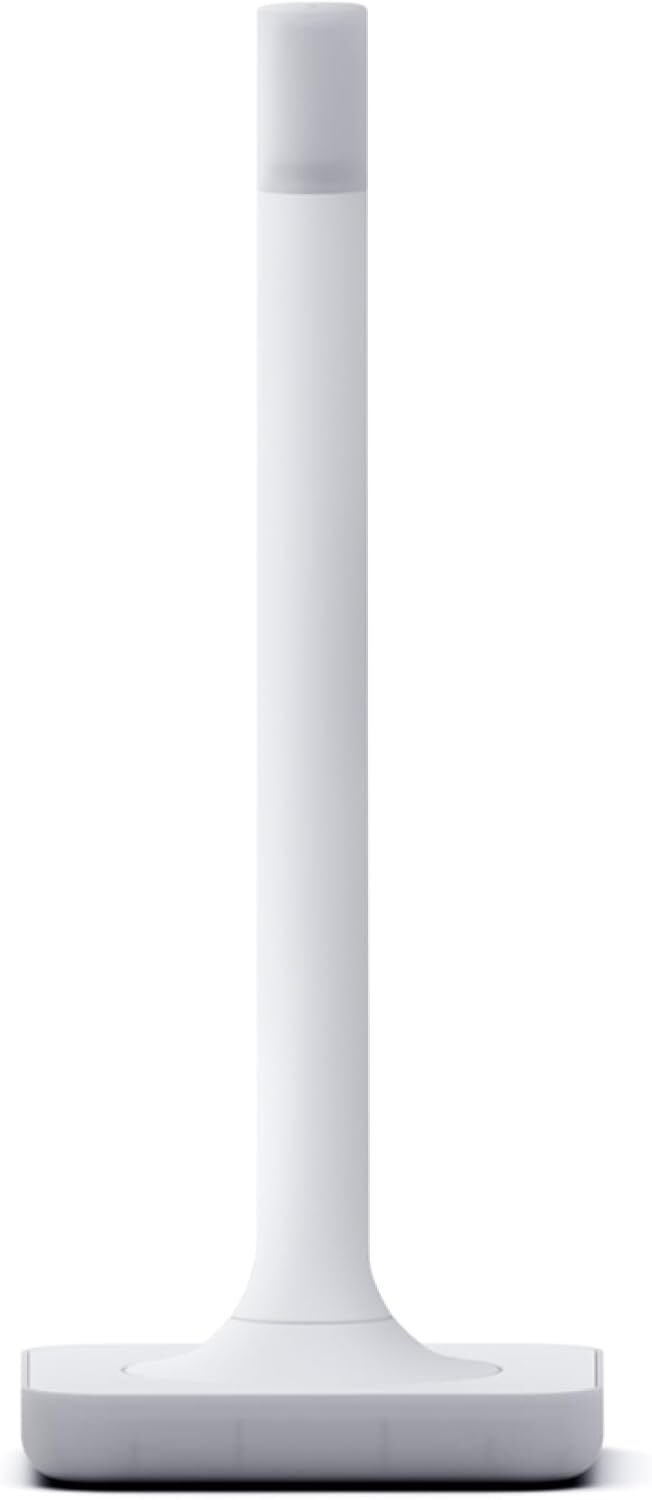
Home Assistant Connect ZWA-2
⭐ 4.8/5 · Official Z-Wave Hardware for Home Assistant
Buy on Amazon →

Every Z-Wave setup in Home Assistant starts with a controller, and the Connect ZWA-2 is the one built for it. It’s official Home Assistant hardware supporting Z-Wave and Z-Wave Long Range, with an antenna and base that the listing says are precisely tuned for range. The listing is clear that it’s Z-Wave only and needs a Home Assistant system to run. Buying it also supports Home Assistant development. It averages about 4.6 stars from 260 ratings. Prefer a classic stick? The Zooz ZST39 LR from our Z-Wave Long Range guide is a proven alternative.
✅ Pros- Official HA hardware
- Z-Wave Long Range
- Tuned antenna design
- Strong ratings
❌ Cons- Z-Wave only
- Requires a HA system
- Larger than a USB stick
🎯 Verdict: The default Z-Wave controller for Home Assistant.
👉 Check Price on Amazon →
🔐 BEST Z-WAVE LOCK FOR HA
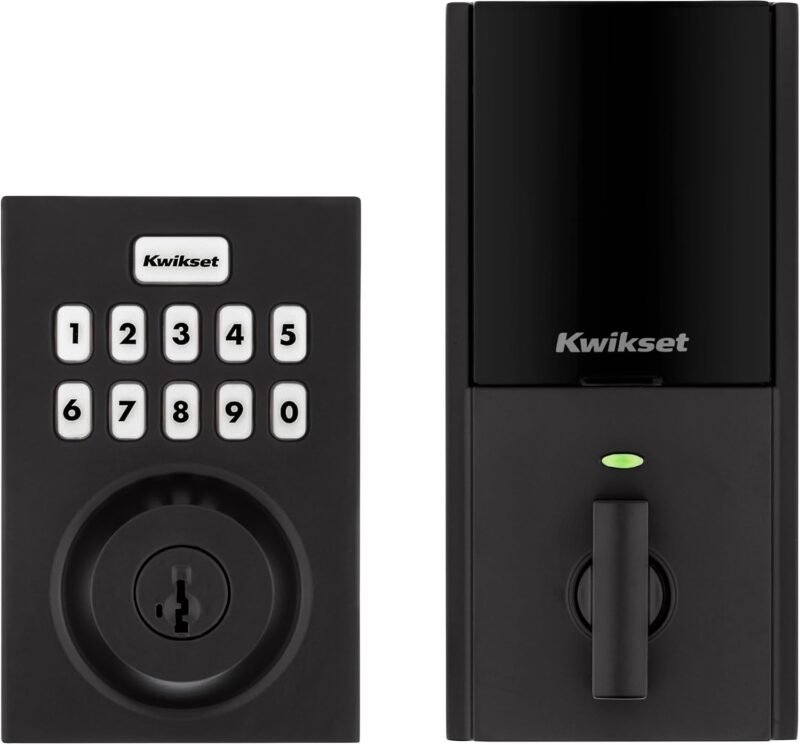
Kwikset HomeConnect 620 Z-Wave Long Range
⭐ 4.5/5 · Keypad Deadbolt With LR and SmartStart
Buy on Amazon →

Locks are one of Z-Wave’s strongest categories in Home Assistant, because they run locally and securely with no lock-maker cloud. The Kwikset HomeConnect 620 combines a keypad deadbolt with Z-Wave 700 Long Range and SmartStart pairing, per the listing. In HA you get lock/unlock control, status, and the ability to manage user codes through Z-Wave JS (popular community tools like Keymaster build on this). It averages about 4.1 stars from 350+ ratings. See our best Z-Wave smart locks guide.
✅ Pros- Local, cloud-free control
- Long Range
- SmartStart pairing
- Proven brand
❌ Cons- Batteries drain faster on weak links
- No fingerprint
- Code management needs setup
🎯 Verdict: The best-rounded Z-Wave lock for a local Home Assistant setup.
👉 Check Price on Amazon →
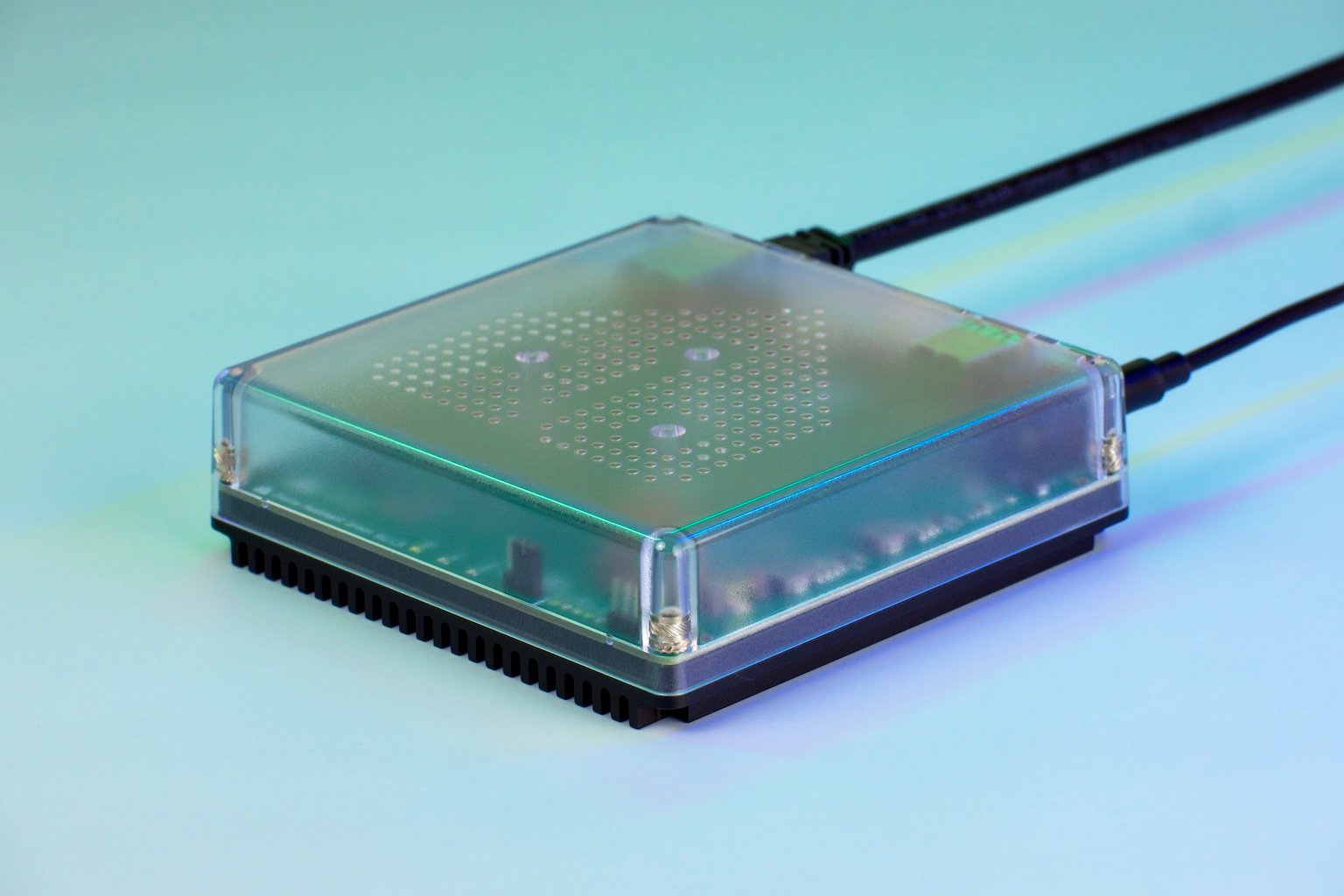
🟩 RUN HOME ASSISTANT · ⭐ 4.5/53. Home Assistant Green
Official plug-and-play HA hub · pair with ZWA-2 · 910+ ratings
Buy Here →

If you don’t already run Home Assistant, the Green is the easiest way to start: official hardware that comes ready to go. It has no Z-Wave radio of its own, so pair it with the ZWA-2. It averages about 4.4 stars from 910+ ratings.
✅ Pros: Plug and play; official; quiet.
❌ Cons: No radios built in.
🎯 Verdict: The simplest box to run Home Assistant and Z-Wave JS.
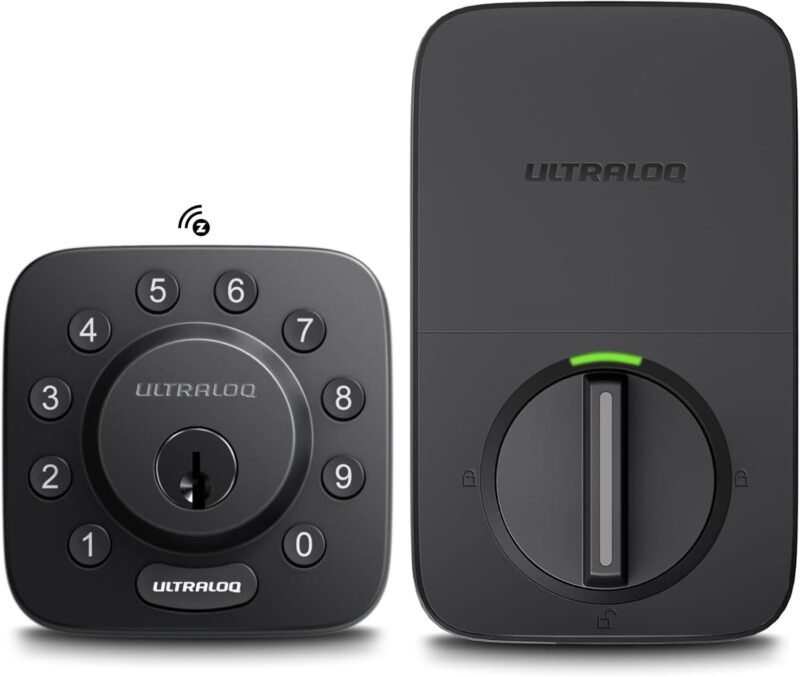
🔒 FINGERPRINT LOCK · ⭐ 4.4/54. ULTRALOQ Bolt Z-Wave Deadbolt
800 Series Z-Wave LR · fingerprint and keypad · 63 ratings
Buy Here →

The ULTRALOQ Bolt Z-Wave adds fingerprint entry to a keypad deadbolt on the 800-series Z-Wave LR platform. Fingerprints are enrolled on the lock itself; Home Assistant handles lock control, status and automations. It averages about 4.3 stars from 63 ratings.
✅ Pros: Fingerprint; 800 LR.
❌ Cons: Fewer reviews than Kwikset.
🎯 Verdict: The pick if you want fingerprint unlock.
🌡️ BEST THERMOSTAT · ⭐ 4.4/55. Honeywell T6 Pro Z-Wave (TH6320ZW2003)
Z-Wave thermostat · climate entity in HA · 720+ ratings · low stock
Buy Here →

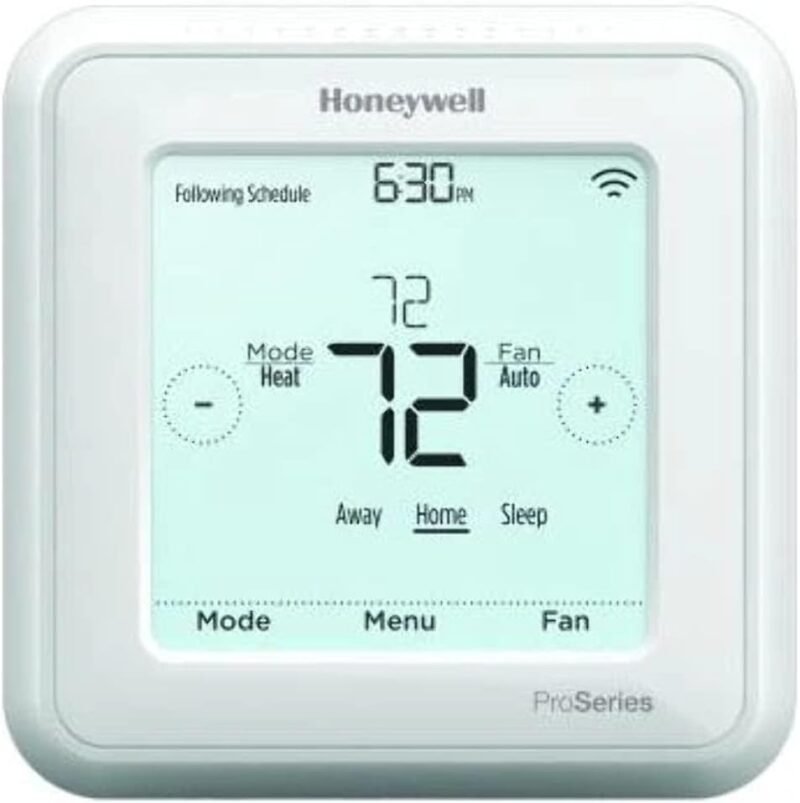
The T6 Pro Z-Wave is the go-to local thermostat for Home Assistant users. It appears as a climate entity you can schedule and automate entirely in HA, with no thermostat cloud. It averages about 4.2 stars from 720+ ratings, though only 4 were left in stock when we checked. See our best Z-Wave thermostats guide.
✅ Pros: Local; proven; huge review base.
❌ Cons: Dated UI; low stock.
🎯 Verdict: The local thermostat HA users trust.
🚰 BEST WATER VALVE · ⭐ 4.5/56. Zooz Titan ZAC36 Water Valve Actuator
Fits existing ball valve · Z-Wave LR · 120+ ratings
Buy Here →

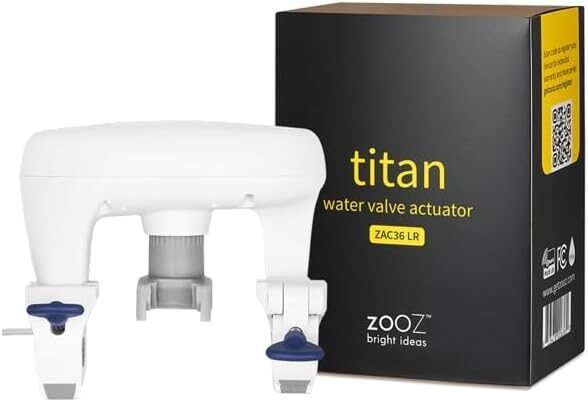
The Titan mounts on your existing main shut-off ball valve, so you can close the water with an HA automation the moment a leak sensor trips. It averages about 4.4 stars from 120+ ratings. See our Z-Wave water shut-off valves guide.
✅ Pros: No plumbing cut-in; LR.
❌ Cons: Check valve fit first.
🎯 Verdict: The brains-and-muscle of an HA flood setup.
💧 LEAK SENSOR · ⭐ 4.0/57. Zooz ZSE42 800LR Water Leak XS Sensor
Tiny · 800 LR · 150+ ratings
Buy Here →

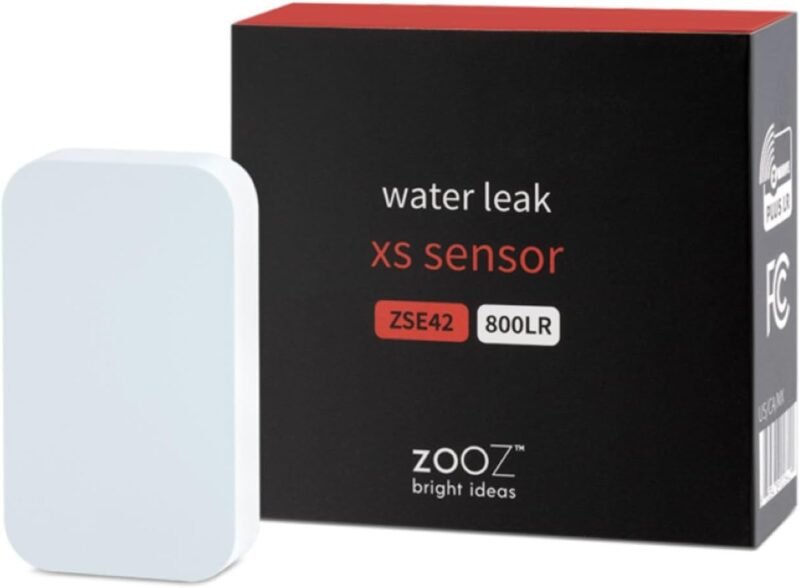
The ZSE42 is a tiny LR leak sensor for under sinks, behind toilets and next to the water heater. Pair several with the Titan valve for automatic shut-off in HA. It averages about 3.8 stars from 150+ ratings.
✅ Pros: Tiny; LR; same brand as Titan.
❌ Cons: No siren; mixed reviews.
🎯 Verdict: The leak sensor to pair with the Titan.
🎛️ BEST SCENE CONTROLLER · ⭐ 4.6/58. Zooz ZEN32 800LR Scene Controller
Relay switch + 4 scene buttons · 330+ ratings · low stock
Buy Here →

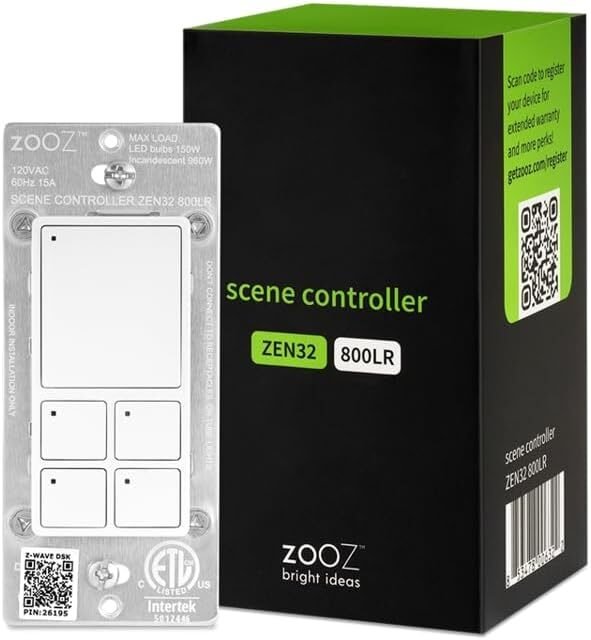
A community favorite: the ZEN32 combines a relay switch with four extra scene buttons that send Central Scene events (taps and holds) into Home Assistant, and its button LEDs can be set from automations to show status. It averages about 4.6 stars from 330+ ratings; stock was limited (9 left) and one color variant showed as unavailable when we checked.
✅ Pros: Five buttons; status LEDs; LR.
❌ Cons: Neutral needed; low stock.
🎯 Verdict: The ultimate HA wall control.
🔀 FAN + LIGHT · ⭐ 4.4/59. Zooz ZEN30 800LR Double Switch
Dimmer + relay in one gang · 330+ ratings
Buy Here →

The ZEN30 puts a dimmer and a relay in one switch, perfect for a ceiling fan and light on separate wires. Home Assistant sees two separate entities. It averages about 4.4 stars from 330+ ratings. See our Z-Wave light switches guide.
✅ Pros: Two loads, one gang; LR.
❌ Cons: Needs separate wires to each load.
🎯 Verdict: The fan-and-light switch.
🎮 NO-WIRE BUTTONS · ⭐ 4.3/510. Zooz ZEN37 800LR Wall Remote
4 buttons · battery · up to 24 scenes · 75 ratings
Buy Here →

The ZEN37 gives you four buttons that Zooz says can trigger up to 24 scenes, all battery-powered so it sticks anywhere. Use it by the bed for “goodnight” or by the door for “away” automations in HA. It averages about 4.3 stars from 75 ratings.
✅ Pros: No wiring; 4 buttons; LR.
❌ Cons: Doesn’t switch loads itself.
🎯 Verdict: The best battery button pad for HA scenes.
📡 4-IN-1 SENSOR · ⭐ 3.9/511. Zooz ZSE11 Q Sensor 800LR
Motion, temperature, humidity, light · 120+ ratings
Buy Here →

The Q Sensor packs motion, temperature, humidity and light into one 800LR device, giving you four HA entities for room automations like “turn on lights when dark and occupied.” It averages about 3.6 stars from 120+ ratings, so expect some tuning of sensitivity parameters.
✅ Pros: Four sensors; LR.
❌ Cons: Mixed reviews.
🎯 Verdict: One sensor, four room entities.
🧪 6-IN-1 SENSOR · ⭐ 3.9/512. Aeotec MultiSensor 7
6-in-1 · battery or USB · 110+ ratings
Buy Here →

Aeotec’s MultiSensor 7 is a 6-in-1 Z-Wave sensor covering motion plus environmental readings, giving you a cluster of HA entities from one device. It’s a long-running Home Assistant favorite, averaging about 3.8 stars from 110+ ratings. A newer MultiSensor 8 with LR is listed but had no reviews when we checked.
✅ Pros: Six readings; flexible power.
❌ Cons: Older platform; no LR.
🎯 Verdict: The data-rich room sensor.
🛒 A Complete Home Assistant Z-Wave Starter Set
🧭
Foundation
Home Assistant Green + Connect ZWA-2.
🔐
Security
Kwikset 620 or ULTRALOQ Bolt on the front door.
🌊
Flood protection
Titan valve + a few ZSE42 sensors.
🌡️
Climate
T6 Pro + Q Sensors in key rooms.
🎛️
Control
ZEN32 in the hallway, ZEN37 by the bed.
⚙️ Z-Wave JS Setup Tips
| Tip | Why It Matters |
|---|
| Use a USB extension cable | Moving USB controllers away from the host reduces interference, especially from USB 3 ports. |
| Pair mains devices first | Plugs and switches build the mesh that battery sensors rely on. |
| Pair in place | Include devices where they’ll live so routes form correctly; use S2 where offered. |
| Use SmartStart QR codes | Scan device QR codes from the HA app for secure, low-effort pairing; keep a photo of each code. |
| Back up your network | Back up the controller’s NVM through Z-Wave JS so you can restore after hardware changes. |
General guidance; check the current Home Assistant Z-Wave documentation for exact steps.
❓ Frequently Asked Questions
Do all Z-Wave devices work with Home Assistant?
Most do, because Z-Wave is a certified standard and Z-Wave JS supports the core command classes. Basic control almost always works; advanced extras such as button events or configuration parameters depend on the device’s definition in the Z-Wave JS database. Mainstream brands like Zooz, Aeotec, Kwikset and Honeywell are well covered.
Z-Wave JS integration or Z-Wave JS UI?
The built-in integration with its default add-on is the simplest path. Z-Wave JS UI is an alternative add-on that exposes more advanced network tools and diagnostics. Both use the same Z-Wave JS driver underneath.
Can I manage lock codes from Home Assistant?
Yes, Z-Wave JS provides services to set and clear user codes on supported locks, and community projects like Keymaster add scheduling and per-code automations on top. Kwikset and ULTRALOQ Z-Wave locks are common choices.
How do I use scene controller buttons in automations?
Devices like the ZEN32 and ZEN37 send Central Scene notifications. In Home Assistant you can trigger automations from those events (for example button 2 double-tap) using device triggers or event triggers in the automation editor.
Can I run Zigbee and Z-Wave together in Home Assistant?
Absolutely. Add a Zigbee coordinator alongside your Z-Wave controller and both integrations run side by side. See our best Zigbee dongles for Home Assistant guide.
🏁 Final Verdict: Best Z-Wave Devices for Home Assistant
The top pick in each category:
🥇 Controller: Home Assistant Connect ZWA-2
Buy Here →To build a local, cloud-free Z-Wave home in Home Assistant, start with the Connect ZWA-2 (on a Home Assistant Green if you’re new), then add a Kwikset 620 or ULTRALOQ Bolt lock, a T6 Pro thermostat, a Titan valve with ZSE42 leak sensors, and ZEN32, ZEN30 and ZEN37 controls. Explore our Z-Wave hubs, Z-Wave relays and ESP32, Arduino and Raspberry Pi tutorials for more.
💬 Running Z-Wave in Home Assistant? Share your favorite device and controller in the comments below.
All Amazon links above use our affiliate tag (microlab05-20). Purchasing through them supports microcontrollerslab.com at no extra cost to you. Prices and availability change frequently, so always confirm the current price on Amazon before buying.