⚠️ Affiliate Disclosure: This post contains Amazon affiliate links. If you purchase through our links, we may earn a small commission at no extra cost to you. Every product below was checked against its live Amazon listing before publishing. Prices change often, so we don’t list them here. Tap any Buy Here button to see the current price on Amazon.
Ultimate Buying Guide
💡 Best Lutron Caseta Devices
14 Caseta dimmers, switches, Pico remotes, hubs, plugs and sensors compared, with honest notes on neutral wires, load limits and Home Assistant support.
✅ 14 Picks Reviewed
✅ Clear Connect RF, No Wi-Fi Load
✅ Neutral and No-Neutral Options
✅ Honest Pros and Cons
Lutron Caseta is one of the most reliable smart lighting systems you can install, and the reason is its radio. Instead of Wi-Fi, Zigbee or Z-Wave, every Caseta dimmer, switch, Pico remote and sensor talks to the Lutron Smart Hub over Lutron’s own Clear Connect RF protocol, which runs in its own sub-GHz band (around 434 MHz for North American Caseta) and, as the listings put it, does not interfere or compete with your Wi-Fi devices. The hub then bridges Caseta to the Lutron app, Alexa, Apple Home, Google Home and more.
For makers, Caseta is also one of the best-supported brands in Home Assistant: the built-in Lutron Caseta integration talks to the standard Smart Hub on your local network, so Pico button presses can trigger any automation within milliseconds. If you are comparing ecosystems, see our TP-Link Kasa and Tapo guide for Wi-Fi switches and our Zooz Z-Wave devices guide for a mesh-network alternative.
💡 Reality check before you buy: Every Caseta in-wall device here needs a Lutron Smart Hub for app, voice and Home Assistant control (the Pico can pair directly to a dimmer for basic local control). Clear Connect is proprietary, so Caseta devices will not join a Zigbee, Z-Wave or Thread network. Caseta is a North American product line; Lutron uses different frequencies and product families in other regions, so buy for your country. Check your wall box: the Caseta Smart Dimmer and Diva dimmer are listed as no neutral required, while the Smart Light Switch, Claro switch and ELV dimmer are listed as neutral wire required. Respect the listed load limits (for example 150W of dimmable LEDs on the starter kit dimmer). In-wall switches are mains wiring: turn off the breaker, verify with a tester, follow local electrical code and hire a licensed electrician if you are unsure.
Table of Contents
- Quick Comparison: All 14 Lutron Caseta Devices
- How to Choose Lutron Caseta Devices
- Detailed Reviews: All 14 Picks
- Which One for Which Job
- Lutron Clear Connect vs Other Smart Switch Protocols
- Frequently Asked Questions
- Final Verdict: Best Lutron Caseta Devices
💡 Quick Comparison: All 14 Lutron Caseta Devices
| Product | Type | Neutral / Power | Needs Hub | Best For | Buy |
|---|
| 🥇 Caseta Deluxe Smart Dimmer Starter Kit | 2 dimmers + hub kit | No neutral (dimmers) | Hub included | Best Overall | Buy Here → |
| 🔆 Caseta Smart Dimmer Switch | In-wall dimmer | No neutral | Yes | Best Add-On Dimmer | Buy Here → |
| 🧠 Caseta Smart Hub | Clear Connect bridge | Plug-in, Ethernet to router | Is the hub | Best Hub | Buy Here → |
| 🎚️ Caseta Diva Smart Dimmer | In-wall paddle dimmer | No neutral | Yes | Best Paddle Style | Buy Here → |
| 🌀 Caseta Smart Light Switch | On/off switch, lights and fans | Neutral required | Yes | Best On/Off Switch | Buy Here → |
| ⬜ Caseta Claro Smart Switch | Decorator on/off switch | Neutral required | Yes | Best Decorator Look | Buy Here → |
| 🔁 Caseta 3-Way Smart Dimmer Kit | Dimmer + Pico + bracket | No neutral | Yes | Best 3-Way Fix | Buy Here → |
| 🛋️ Caseta Plug-In Lamp Dimmer | Plug-in dimmer | Wall outlet | Yes | Best for Renters | Buy Here → |
| 🌳 Caseta Smart Outdoor Plug | Weatherproof plug | Outdoor outlet | Yes | Best Outdoor | Buy Here → |
| 🌬️ Caseta Smart Fan Control | 4-speed fan control | Check listing wiring | Yes | Best for Ceiling Fans | Buy Here → |
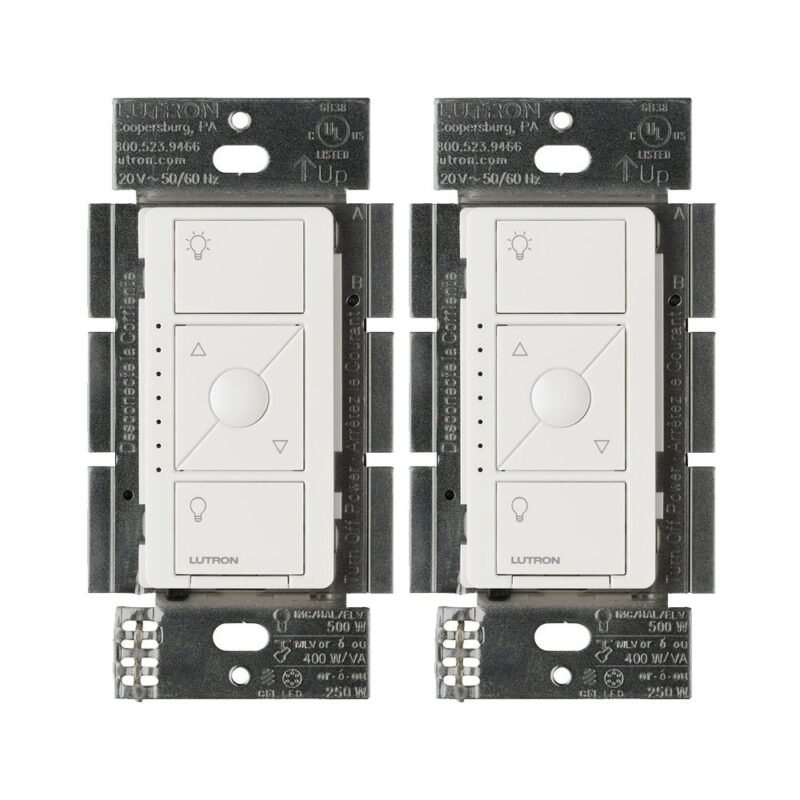
| 🎛️ Lutron Pico Remote (3-Button) | Battery remote | Battery | Optional | Best Remote | Buy Here → |
| 👁️ Caseta Occupancy Sensor | Wireless motion sensor | Battery | Yes | Best Automation Trigger | Buy Here → |
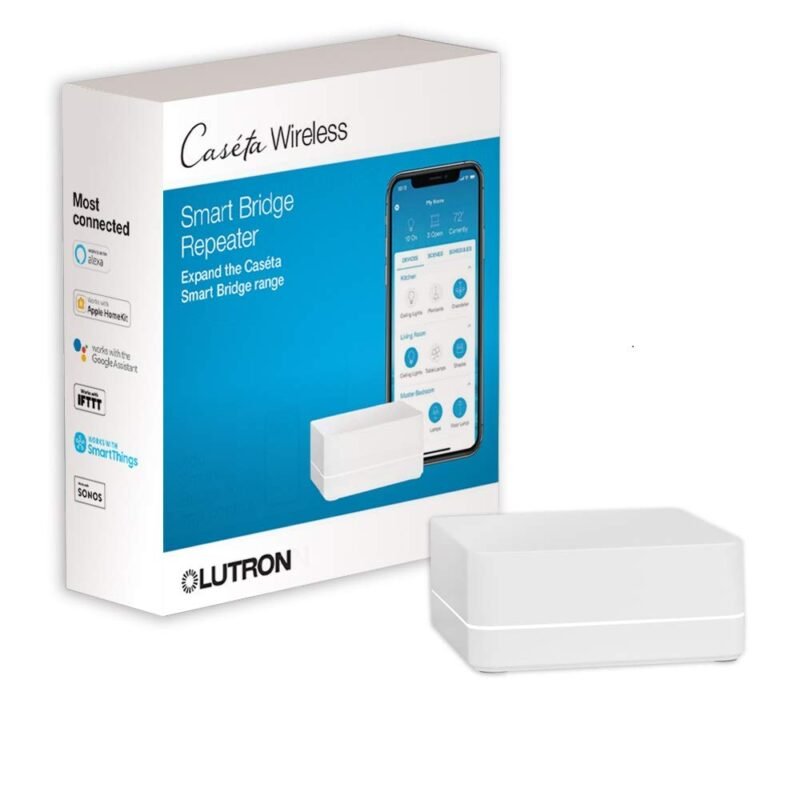
| 📶 Caseta Smart Hub Repeater | Range extender | Plug-in adapter | Yes | Best for Big Homes | Buy Here → |
| 🔦 Caseta ELV Smart Dimmer | ELV / MLV dimmer | Neutral required | Yes | Best for Low-Voltage Lighting | Buy Here → |
Specs and features are taken from each Amazon listing’s title and bullet points. Ratings were read from the live listings and can change.
🔍 How to Choose Lutron Caseta Devices
🧠
Start with the Hub
Every device here is listed as Smart Hub required for app and voice control. A starter kit bundles the hub with dimmers and is usually the simplest first purchase.
🔌
Neutral Wire or Not
Older homes often lack a neutral in switch boxes. The Caseta Smart Dimmer, Diva and 3-way kit are listed as no neutral required; the on/off switches and ELV dimmer need one.
💡
Match the Load Type
Use a dimmer for dimmable LED bulbs, the on/off switch for non-dimmable loads and fans, the fan control for ceiling fans and the ELV dimmer for ELV or MLV transformers.
🎛️
Plan Pico Remotes for 3-Way
Caseta replaces a 3-way companion switch with a Pico on a wall bracket, so there is no new wiring. The Smart Dimmer listing says one Pico setup can control up to 10 devices.
🏠
Home Assistant and Range
Home Assistant’s Lutron Caseta integration uses the Smart Hub locally. Devices should sit within about 30 to 60 ft of the hub or a repeater, per the listings.
🏆 Detailed Reviews: All 14 Picks
🥇 BEST OVERALL
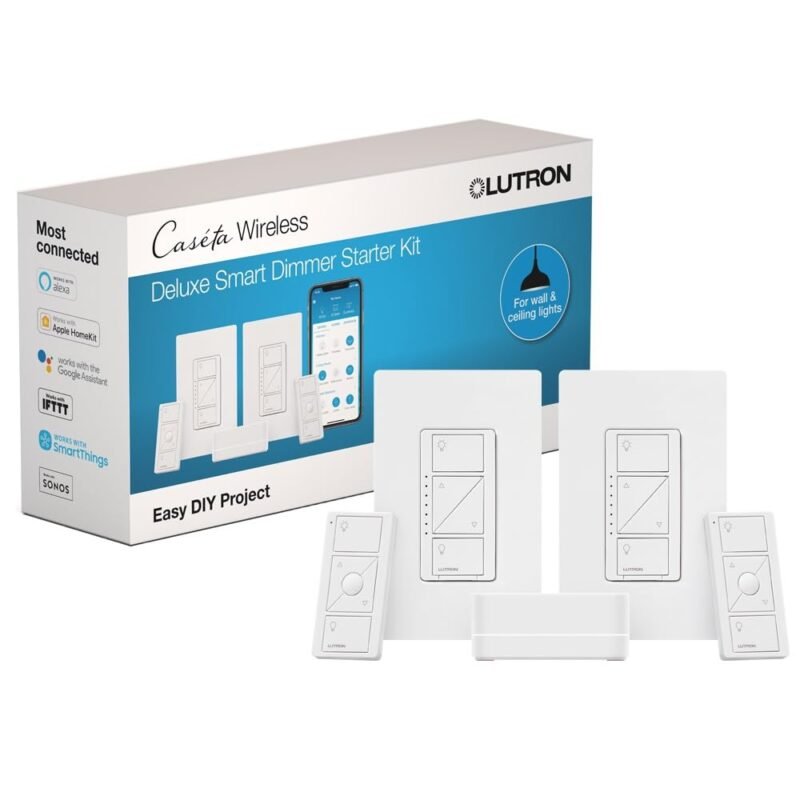
1. Lutron Caseta Deluxe Smart Dimmer Starter Kit
⭐ 4.7/5 on Amazon · 2,586 ratings · 2 Dimmers, Hub and More
Buy on Amazon →

The easiest way into Caseta. The Deluxe kit bundles two Caseta smart dimmers with the Lutron Smart Hub (plus extras listed as “and more”, so check the listing for the exact contents), which covers the two rooms most people start with. Per the listing the hub works without Wi-Fi for its device radio, the dimmers deliver flicker-free dimming of up to 150W of dimmable LEDs, and you can add a new switch location in under 15 minutes. Once the hub is on your network, Home Assistant discovers it and every dimmer appears as a light entity. It averages 4.7 stars from 2,586 ratings.
✅ Pros- Hub plus two dimmers in one box
- Clear Connect keeps Wi-Fi free
- Excellent Home Assistant support
❌ Cons- 150W LED limit per dimmer
- Proprietary radio, Lutron devices only
🎯 Verdict: The best first purchase for a reliable, local smart lighting system.
👉 Check Price on Amazon →
🔆 BEST ADD-ON DIMMER
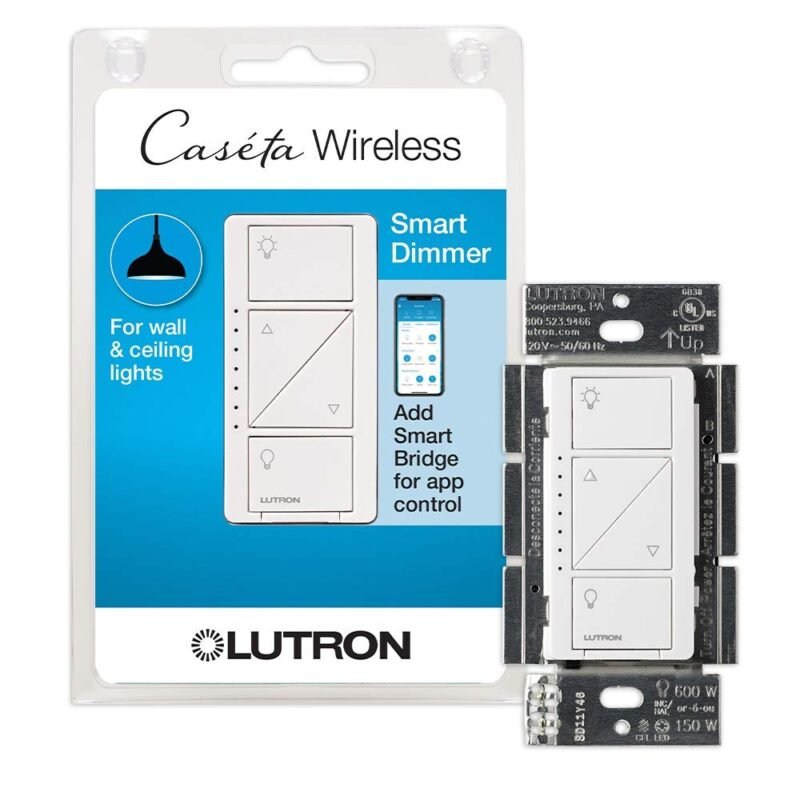
2. Lutron Caseta Smart Dimmer Switch
⭐ 4.7/5 on Amazon · 5,673 ratings · No Neutral Required
Buy on Amazon →
The most-reviewed device in this guide and the one you will buy most of once your hub is in. The classic Caseta Smart Dimmer is listed as no neutral required, which is why it fits so many older switch boxes. The listing says it connects with Alexa, Apple Home, Google Home and Ring, supports scenes, schedules, geofencing and timers, and can be paired with Pico remotes for a 3-way setup with up to 10 devices. The Pico is not included and the Smart Hub is required.
✅ Pros- No neutral required
- Huge review base
- Works with all major platforms
❌ Cons- Hub and Pico sold separately
- Dimmer only, not for fans
🎯 Verdict: The workhorse dimmer for every room after the starter kit.
👉 Check Price on Amazon →
🧠 BEST HUB · ⭐ 4.6/53. Lutron Caseta Smart Hub
Clear Connect bridge, connects to your router · 1,967 ratings
Buy Here →
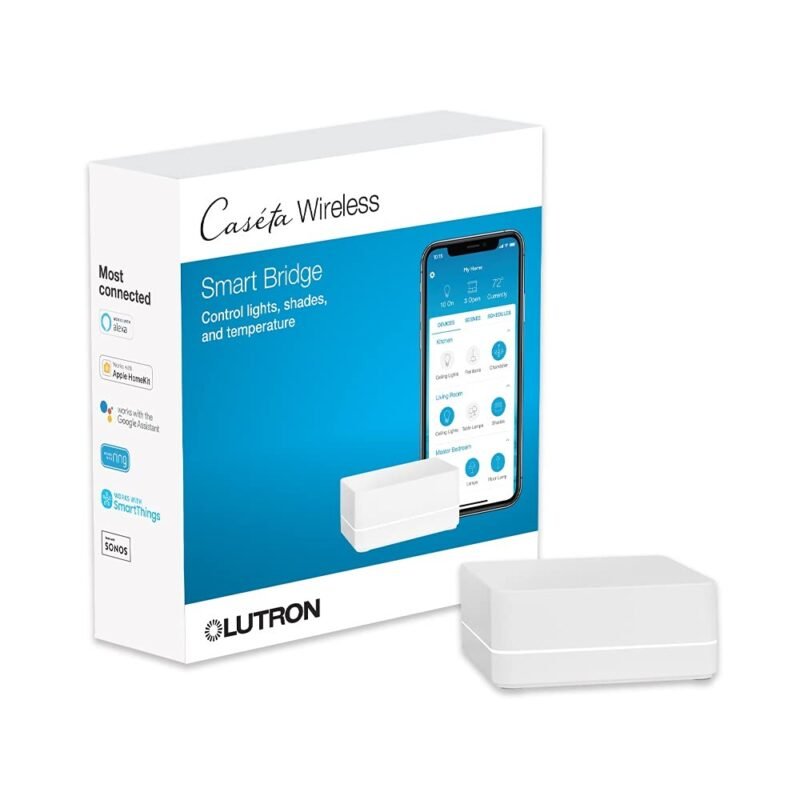
If you buy individual devices instead of a kit, start here. The Smart Hub connects to your router, runs the Lutron app setup and bridges Clear Connect devices to Alexa, Apple Home, Google Home and more. The listing stresses that Clear Connect does not interfere or compete with Wi-Fi devices. For makers, this is the box Home Assistant’s Lutron Caseta integration pairs with over your local network, so Pico presses and dimmer changes reach automations without the cloud.
✅ Pros: Local Home Assistant integration; Wi-Fi stays uncluttered.
❌ Cons: Needs a wired router port; Lutron devices only.
🎯 Verdict: The required brain of any Caseta system.
🎚️ BEST PADDLE STYLE · ⭐ 4.7/54. Lutron Caseta Diva Smart Dimmer Switch
No neutral required, easy 3-way setup · 697 ratings
Buy Here →
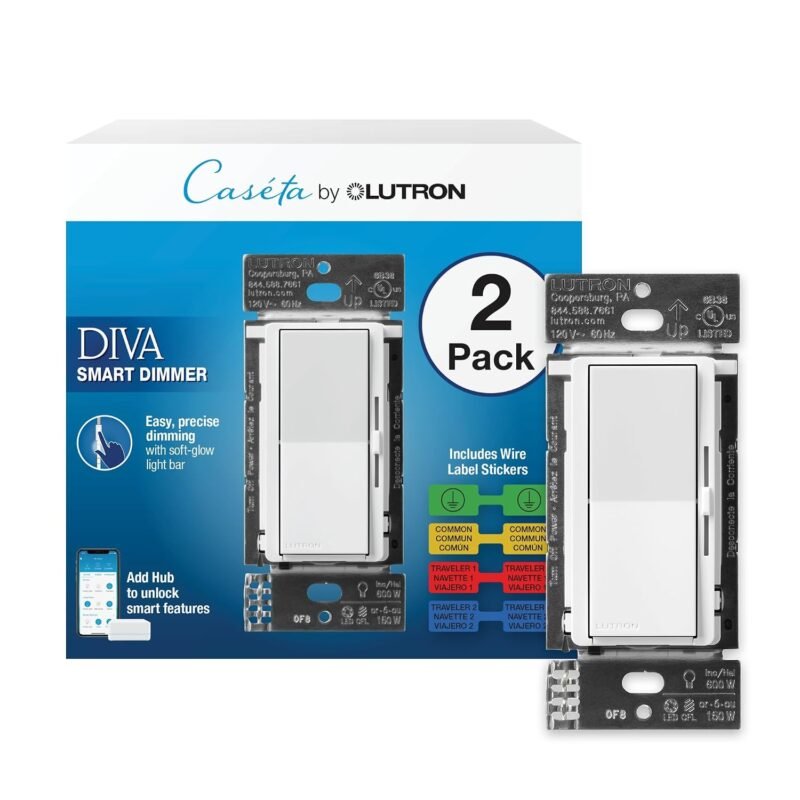
The Diva brings Lutron’s familiar paddle-and-slider look to Caseta, so it blends in with existing Diva dimmers. Like the original, the listing says it does not require a neutral wire, needs the Smart Hub for smart features, and supports an easy 3-way setup with a Pico. Several colour and wallplate variants are sold under the same listing family, so pick the finish you want before checking out.
✅ Pros: Familiar paddle design; no neutral.
❌ Cons: Fewer reviews than the original dimmer.
🎯 Verdict: Best if you want smart dimming that looks like a standard paddle dimmer.
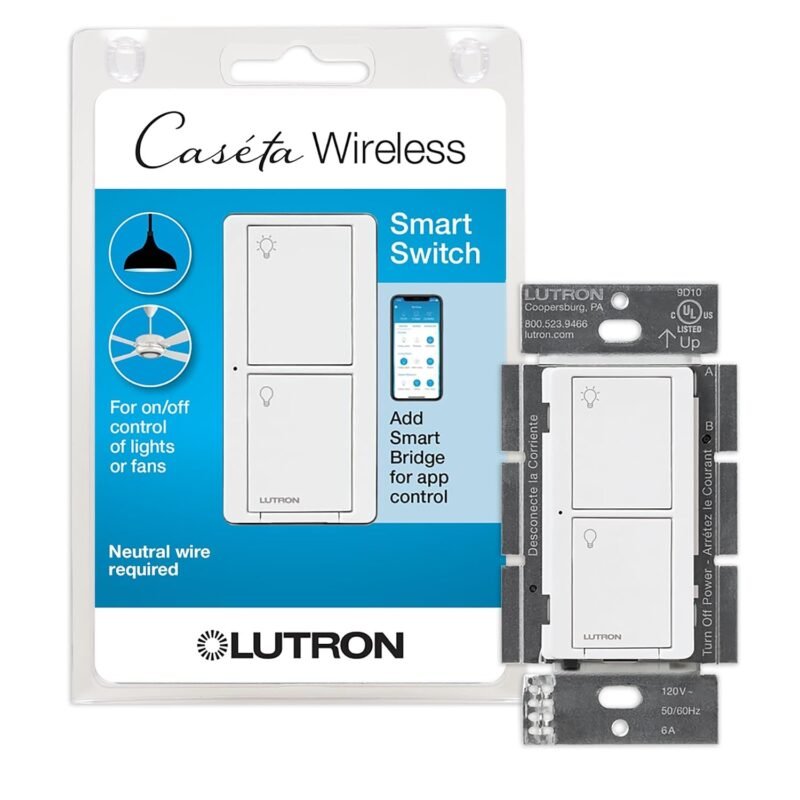
🌀 BEST ON/OFF SWITCH · ⭐ 4.7/55. Lutron Caseta Smart Light Switch for Lighting and Fans
Neutral required, up to 600W halogen, fans up to 6A · 3,095 ratings
Buy Here →
For loads that should not be dimmed, such as exhaust fans, non-dimmable LEDs or a ceiling fan on a single circuit, use the Smart Light Switch. Per the listing it requires a neutral, handles incandescent and halogen bulbs up to 600W and ceiling fans up to 6A, and works in single-pole or multi-location setups with Picos. It has 3,095 ratings at 4.7 stars.
✅ Pros: Handles fans and non-dimmable loads.
❌ Cons: Neutral wire required; no dimming.
🎯 Verdict: The right Caseta for anything that only needs on and off.
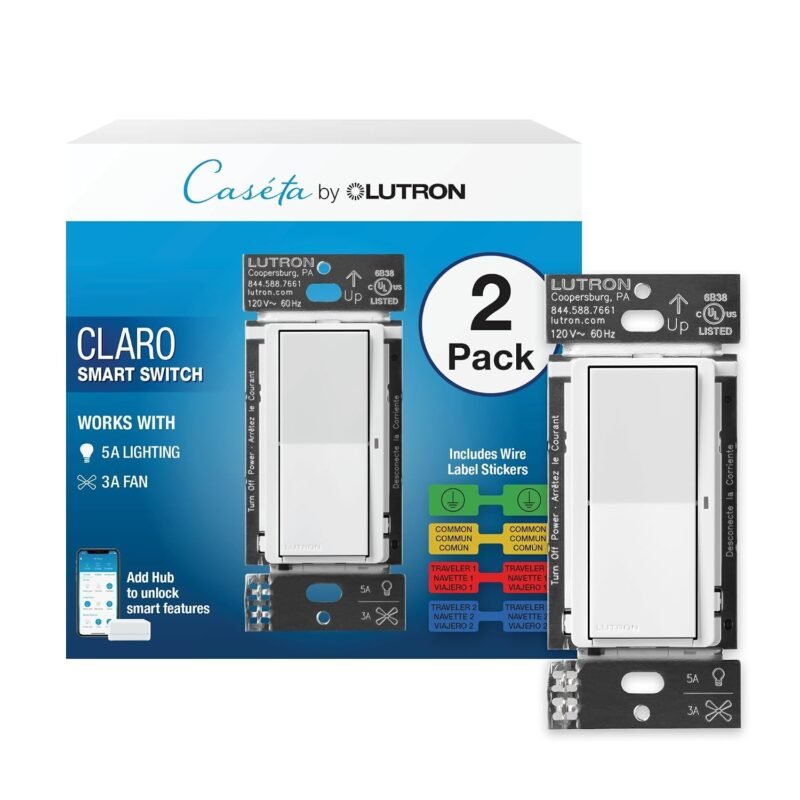
⬜ BEST DECORATOR LOOK · ⭐ 4.8/56. Lutron Caseta Claro Smart Switch for Lighting and Fans
Neutral required, wallplate sold separately · 206 ratings
Buy Here →
The Claro Smart Switch uses Lutron’s popular Claro rocker design so a smart switch looks like an ordinary decorator switch. The listing highlights it for exterior lights in 3-way setups, notes that a neutral wire is required and that the coordinating wallplate is sold separately. It is the best-rated device in this guide at 4.8 stars, though from a smaller pool of 206 ratings.
✅ Pros: Clean rocker look; lighting and fans.
❌ Cons: Neutral required; wallplate extra.
🎯 Verdict: Pick this when you want a smart switch that does not look smart.
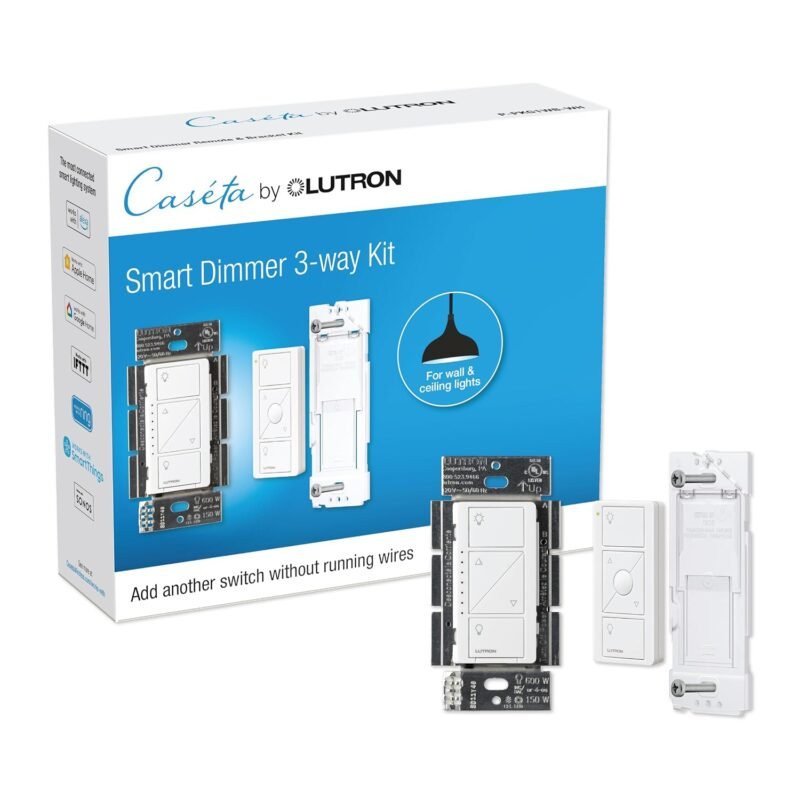
🔁 BEST 3-WAY FIX · ⭐ 4.7/57. Lutron Caseta 3-Way Smart Dimmer Kit
LED dimmer, wireless Pico remote and bracket · 3,057 ratings
Buy Here →
Three-way circuits (one light, two switches) are where many smart switches get awkward. This kit pairs a Caseta LED dimmer with a Pico remote and a wall-mounting bracket, so the Pico sits over the old companion switch box. The listing says no neutral is required and that it works with your existing bulbs, no smart bulbs needed. Add the Smart Hub for app and Home Assistant control.
✅ Pros: Solves 3-way without rewiring; Pico included.
❌ Cons: Hub not included.
🎯 Verdict: The cleanest way to make a two-switch hallway or stairway smart.
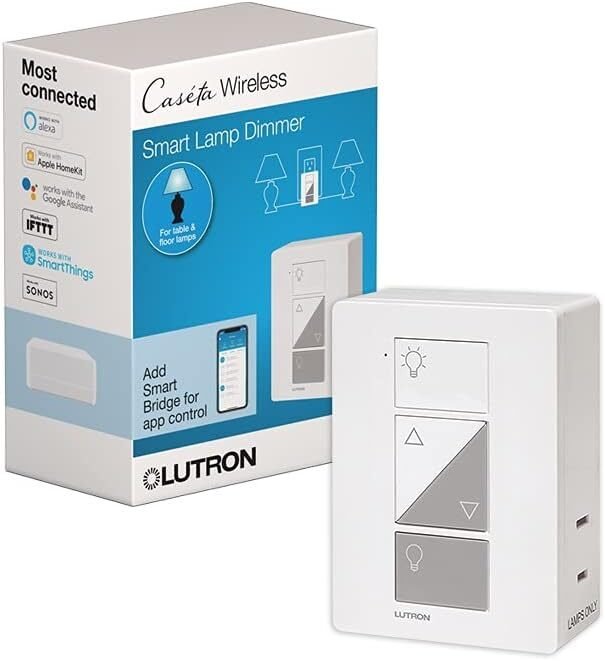
🛋️ BEST FOR RENTERS · ⭐ 4.7/58. Lutron Caseta Smart Plug-In Lamp Dimmer
Plug-in dimmer for LED bulbs, up to 100W · 1,425 ratings
Buy Here →

No wiring at all: the Plug-In Lamp Dimmer sits between a wall outlet and a table or floor lamp and adds Caseta dimming. The listing rates it for up to 100W and LED bulbs, and it needs the Smart Hub. Pair it with a Pico on a tabletop pedestal for a bedside control that never needs a phone. A good option for renters who cannot change switches.
✅ Pros: No electrician; true dimming for lamps.
❌ Cons: 100W limit; one lamp per dimmer.
🎯 Verdict: The simplest Caseta add-on for lamps.
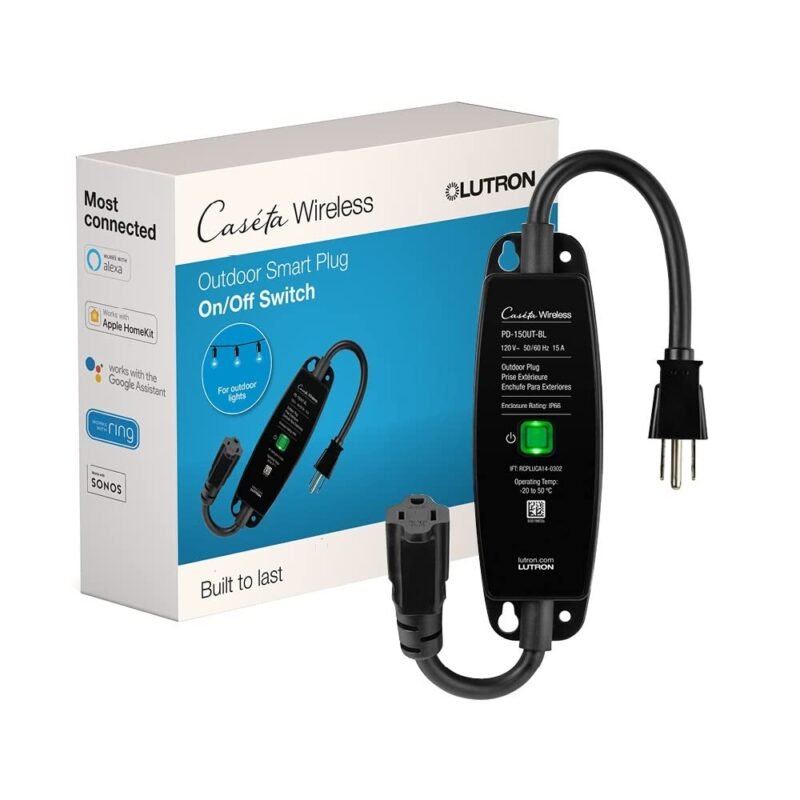
🌳 BEST OUTDOOR · ⭐ 4.7/59. Lutron Caseta Smart Outdoor Plug
Weatherproof, 15A LED fixtures or 1/2 HP motors · 1,335 ratings
Buy Here →
For string lights, landscape lighting or a fountain pump, the Smart Outdoor Plug is listed as weatherproof and works with up to 15A LED fixtures or 1/2 horsepower motors. The listing advises mounting it within 30 feet of the Caseta Smart Hub or another Caseta device, which matters outdoors because walls and siding cut range. Use a Home Assistant sunset trigger and your patio lights look after themselves.
✅ Pros: Weatherproof; handles motors as well as lights.
❌ Cons: On/off only; 30 ft placement guidance.
🎯 Verdict: The reliable way to automate outdoor lights and pumps on Caseta.
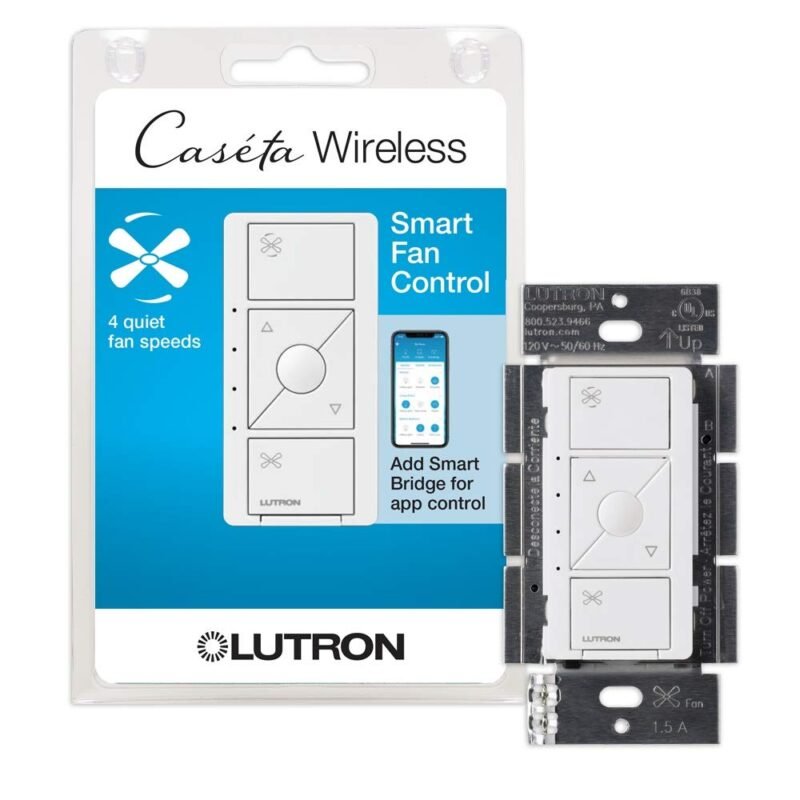
🌬️ BEST FOR CEILING FANS · ⭐ 4.7/510. Lutron Caseta Smart Fan Control (4-Speed)
4 fan speeds, Fan Pico sold separately · 1,960 ratings
Buy Here →
The Smart Fan Control replaces pull chains with wall and app control and lets you choose from 4 fan speeds, per the listing. It pairs with the dedicated Fan Pico remote (sold separately) for wireless control, connects with Alexa, Apple Home and other platforms through the hub, and supports schedules that set a speed or run a scene. In Home Assistant it appears as a fan entity with speed steps, ideal for temperature-based automations.
✅ Pros: Real multi-speed control; scenes and schedules.
❌ Cons: Fan Pico extra; check wiring needs on the listing.
🎯 Verdict: The best way to bring a ceiling fan into a Caseta system.
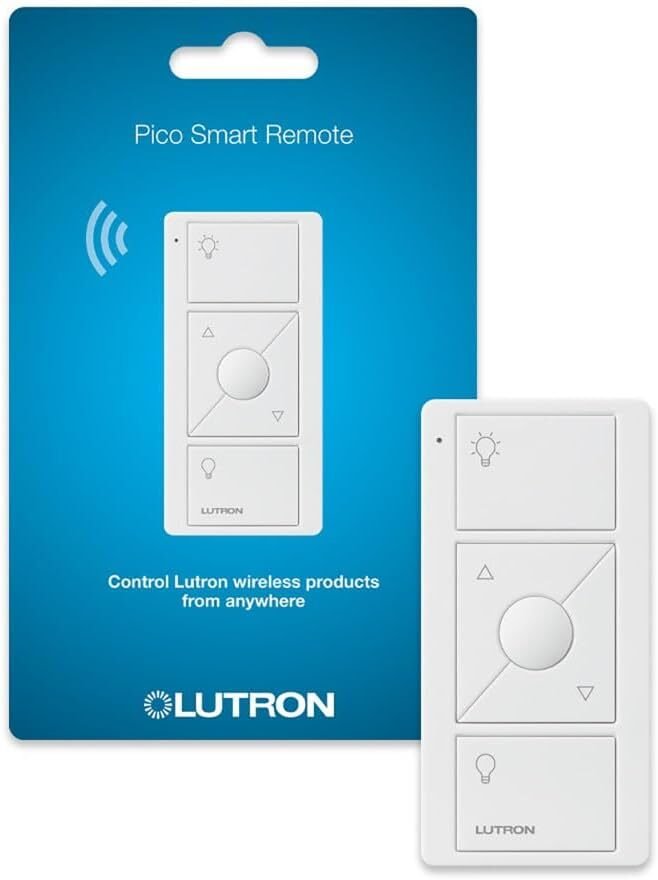
🎛️ BEST REMOTE · ⭐ 4.8/511. Lutron Pico Remote for Caseta Smart Dimmers (3-Button)
On/off plus brighten and dim, battery powered · 2,849 ratings
Buy Here →

The Pico is the secret weapon of Caseta. The listing says it controls Caseta dimmers and plug-in lamp dimmers, turning lights on and off and brightening or dimming them from anywhere in the room; the tabletop pedestal and wall plate are sold separately. Makers love it because, through the Smart Hub, every Pico button shows up in Home Assistant as a trigger, so a coin-cell remote can run any automation you like. It has 2,849 ratings at 4.8 stars.
✅ Pros: Great Home Assistant button; very well reviewed.
❌ Cons: Pedestal and wall plate sold separately.
🎯 Verdict: The best battery remote in smart lighting, and a superb automation button.
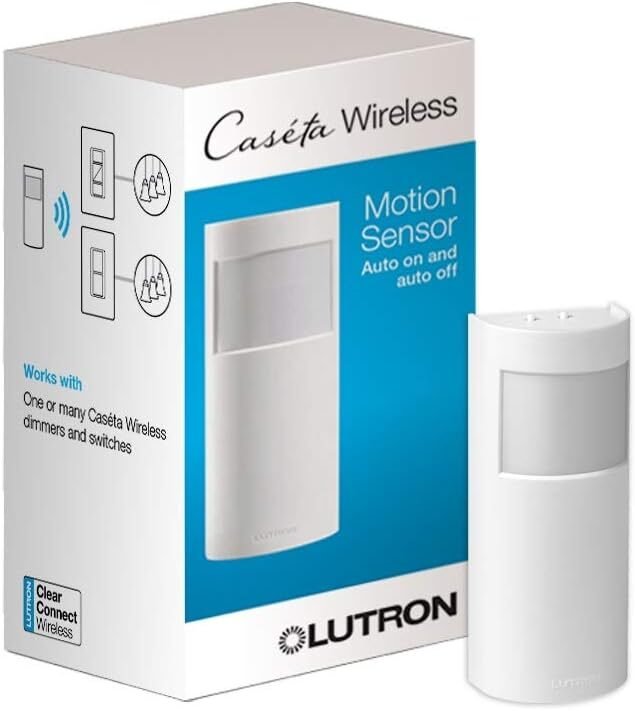
👁️ BEST AUTOMATION TRIGGER · ⭐ 4.5/512. Lutron Caseta Wireless Occupancy Motion Sensor
Auto on/off, 180° field of view, light sensor · 961 ratings
Buy Here →

This battery-powered occupancy sensor turns Caseta lights on when you enter and off when the room empties. The listing gives a 180° field of view, a built-in light sensor and long battery life, and notes it works with Caseta devices and Serena smart shades within 60 ft. Lutron also sells a manual-on vacancy version if you prefer lights that only turn off automatically. It averages 4.5 stars from 961 ratings.
✅ Pros: Wide 180° view; light sensing; battery powered.
❌ Cons: Lowest rating of the Caseta picks here.
🎯 Verdict: Best for hands-free lighting in closets, laundry rooms and garages.
📶 BEST FOR BIG HOMES · ⭐ 4.7/513. Lutron Caseta Smart Hub Repeater
Extends Caseta range up to 60 ft · 448 ratings
Buy Here →
Unlike Zigbee or Z-Wave, Caseta devices do not mesh with each other, so the hub’s reach is the system’s reach. The Smart Hub Repeater fixes that: per the listing it extends Caseta range up to 60 ft and plugs into an outlet within 60 ft of the hub using the included power adapter. Add one for a detached garage, a far bedroom or a basement.
✅ Pros: Simple plug-in range boost.
❌ Cons: Only needed in larger homes; uses an outlet.
🎯 Verdict: The fix for Caseta devices that drop out at the edge of the house.
🔦 BEST FOR LOW-VOLTAGE LIGHTING · ⭐ 4.6/514. Lutron Caseta ELV Smart Dimmer Switch
Neutral required, 500W ELV or 400W MLV · 700 ratings
Buy Here →
Track lights, under-cabinet strips and older low-voltage fixtures often use transformers that a standard dimmer handles poorly. The ELV Smart Dimmer is built for them: the listing gives up to 500W of incandescent, halogen or ELV or 400W of MLV, a 10W minimum load, and states that a neutral wire is required. It also supports the Pico bracket method for 3-way locations. Check the pack option on the listing, as it is sold in more than one configuration.
✅ Pros: Handles ELV and MLV transformer loads.
❌ Cons: Neutral required; 10W minimum load.
🎯 Verdict: The specialist dimmer for track and low-voltage lighting.
🛒 Which One for Which Job
🏁
First Two Rooms
Buy the Deluxe Smart Dimmer Starter Kit: hub plus two dimmers gets a living room and kitchen done in an afternoon.
🏚️
Old House, No Neutrals
Use the Caseta Smart Dimmer, Diva dimmer or 3-way kit, all listed as no neutral required.
🏠
Home Assistant Scene Buttons
Add Pico remotes: every button becomes a local trigger through the Smart Hub, perfect for movie scenes or goodnight routines.
🛏️
Renting or Lamps Only
Plug-in Lamp Dimmers plus Picos on pedestals give smart dimming with zero wiring changes.
🌙
Patio and Garden
The Smart Outdoor Plug runs string lights or a pump; add a Hub Repeater if the patio is far from the hub.
🧺
Closets, Laundry and Garage
Pair a Smart Light Switch or dimmer with the Occupancy Sensor for lights that switch themselves on and off.
⚙️ Lutron Clear Connect vs Other Smart Switch Protocols
| Protocol | Radio Band (US) | Wi-Fi Congestion | Mesh | Hub | Home Assistant |
|---|
| Lutron Clear Connect (Caseta) | Sub-GHz, about 434 MHz | None | No (repeater extends) | Lutron Smart Hub | Local, built-in integration |
| Wi-Fi switches | 2.4 GHz | Adds clients to router | No | None | Varies by brand |
| Zigbee | 2.4 GHz | Shares the band | Yes | Coordinator | ZHA or Zigbee2MQTT |
| Z-Wave | Sub-GHz, 908 MHz | None | Yes | Controller stick | Z-Wave JS |
| Matter over Thread | 2.4 GHz | Shares the band | Yes | Border router | Matter integration |
Highlighted cells mark the strongest option in each column. Frequencies are for North American products; other regions use different bands, so always buy devices sold for your country.
❓ Frequently Asked Questions
Do I need the Lutron Smart Hub for Caseta?
For app control, schedules, voice assistants and Home Assistant, yes: every in-wall device here is listed as Smart Hub required. A Pico remote can be paired directly to a dimmer for simple local control, but you lose all the smart features until a hub is added. The starter kit is the cheapest way to get the hub.
Does Lutron Caseta work with Home Assistant?
Yes. Home Assistant includes a Lutron Caseta integration that pairs with the Smart Hub on your local network. Dimmers appear as lights, the fan control as a fan, the outdoor plug as a switch, and Pico buttons as device triggers you can use in any automation.
Can I install Caseta without a neutral wire?
The Caseta Smart Dimmer, Diva Smart Dimmer and the 3-way dimmer kit are listed as no neutral required, so they suit most older switch boxes. The Smart Light Switch, Claro switch and ELV dimmer are listed as neutral required. Always switch off the breaker before opening a box, and use an electrician if you are not confident with mains wiring.
Can an RTL-SDR or 433MHz bridge read Caseta signals?
Clear Connect sits in the same general sub-GHz region as hobby 433MHz devices, but it is a proprietary, two-way protocol and generic RF bridges cannot control Caseta. Use the Smart Hub for control. If you want to experiment with 433MHz sensors instead, see our RTL-SDR dongles guide and 433MHz RF bridges guide.
Caseta or a Matter or Wi-Fi dimmer?
Choose Caseta for the most reliable dimming, no-neutral options and the Pico remote ecosystem, at the cost of a proprietary hub. Choose Wi-Fi or Matter dimmers if you want no extra hub or a multi-brand network. Our Matter dimmable smart plugs guide and Shelly devices guide cover those alternatives.
🏁 Final Verdict: Best Lutron Caseta Devices
The Caseta picks to build around:
🥇 Best Overall: Caseta Deluxe Smart Dimmer Starter Kit
Buy Here →🔆 Best Add-On Dimmer: Caseta Smart Dimmer Switch
Buy Here →🎛️ Best Automation Button: Lutron Pico Remote (3-Button)
Buy Here →🔁 Best 3-Way Solution: Caseta 3-Way Smart Dimmer Kit
Buy Here →🌬️ Best for Ceiling Fans: Caseta Smart Fan Control
Buy Here →🌳 Best Outdoor: Caseta Smart Outdoor Plug
Buy Here →Start with the Caseta Deluxe Smart Dimmer Starter Kit, add Caseta Smart Dimmers room by room, and sprinkle Pico remotes wherever you want a button, and you will have one of the most dependable lighting systems available, with first-class local Home Assistant support. This guide covers the Lutron Clear Connect part of our smart home protocol series. For other ecosystems, see our Kasa and Tapo devices guide, local control Wi-Fi smart plugs, Zooz Z-Wave devices, Z-Wave devices for Home Assistant and our recent IR blasters and IR receiver and transmitter modules guides.
💬 Running Caseta with Home Assistant or HomeKit? Share your favourite Pico automation in the comments below.
All Amazon links above use our affiliate tag (microlab05-20). Purchasing through them supports microcontrollerslab.com at no extra cost to you. Prices and availability change frequently, so always confirm the current price on Amazon before buying.