⚠️ Affiliate Disclosure: This post contains Amazon affiliate links. If you buy through our links, we may earn a small commission at no extra cost to you. We only recommend cards we’ve researched and verified. microSD prices change frequently, so we don’t list them here — always tap through and confirm the live price on Amazon before buying.
Ultimate Buying Guide 2026
🍓 Best MicroSD Cards for Raspberry Pi
10 microSD cards ranked for Raspberry Pi 4, Pi 5, Pi Zero and Pi 400 — from the fastest A2 boot card to rugged 24/7 endurance cards and the best budget pick — with real specs, honest verdicts and direct Amazon links.
✅ 10 Cards Reviewed
✅ Verified Amazon ASINs
✅ Updated July 2026
✅ Honest Pros & Cons
The microSD card is the single most important — and most overlooked — component in any Raspberry Pi build. It’s the boot drive, the operating system, and the storage all in one tiny chip. A good card gives you snappy boot times, a responsive desktop and years of reliable service; a bad or fake one gives you corrupted SD images, random freezes and a Pi that mysteriously “dies” every few weeks. For something that costs a few dollars, it has an outsized impact on how your Pi actually feels to use.
But choosing one is confusing. Marketing shouts about 200MB/s read speeds, yet the Raspberry Pi’s own card slot can’t get anywhere near that. What actually matters for a Pi is random read/write performance (the A1/A2 rating), real-world reliability and endurance — not the big sequential number on the label. This guide ranks 10 microSD cards across every use-case — fastest desktop, best value, retro gaming, official plug-and-play, 24/7 recording and budget — on the specs that genuinely matter for Raspberry Pi.
💡 Reality check before you buy: The headline “200MB/s” on a card is a sequential read speed measured on a fast PC reader. The Pi 4’s slot tops out around 50MB/s (DDR50) and the Pi 5 around 90MB/s (SDR104), so you’ll never see 200MB/s on the Pi itself. What makes a Pi feel fast is A2 random IOPS, so prioritise an A2 card for a desktop OS. Counterfeit and downgraded cards are rampant on marketplaces — buy from reputable sellers and verify capacity with a tool like F3 or h2testw. And remember: for a heavily-used server, database or logger, booting from a USB SSD will outlast and outperform any microSD.
🍓 Quick Comparison — All 10 microSD Cards
| Card | Class | Rated Read | Best For | Buy |
|---|
| 🥇 SanDisk Extreme Pro | A2 · V30 | 200 MB/s | Best Overall | Buy Here → |
| 🏅 Samsung PRO Plus | A2 · V30 | 180 MB/s | Best Premium Alternative | Buy Here → |
| ⚡ SanDisk Extreme | A2 · V30 | 190 MB/s | Best All-Rounder | Buy Here → |
| 💵 Samsung EVO Plus | A-class · V10 | 160 MB/s | Best Value | Buy Here → |
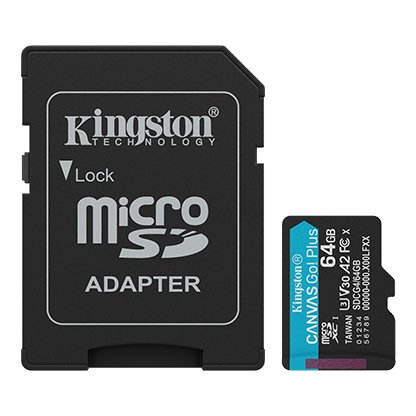
| 🎮 Kingston Canvas Go! Plus | A2 · V30 | 200 MB/s | Best for Gaming / Emulation | Buy Here → |
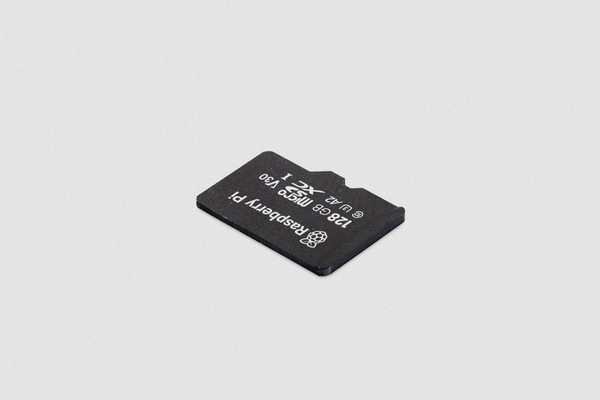
| 🏵️ Raspberry Pi Official A2 | A2 · V30 | Tuned for Pi | Best Official / Plug-and-Play | Buy Here → |
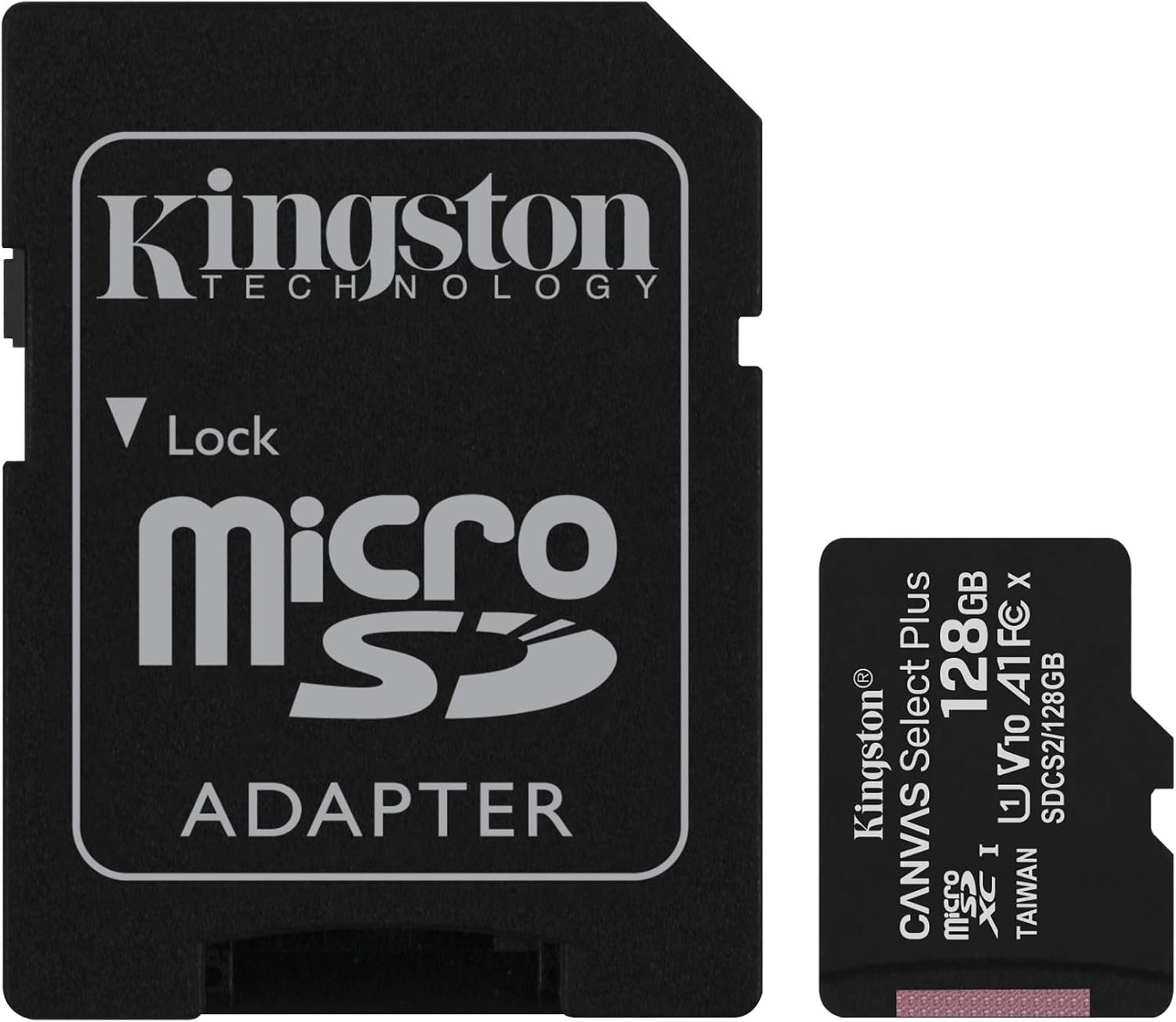
| 💰 Kingston Canvas Select Plus | A1 · V10 | 100 MB/s | Best Budget | Buy Here → |
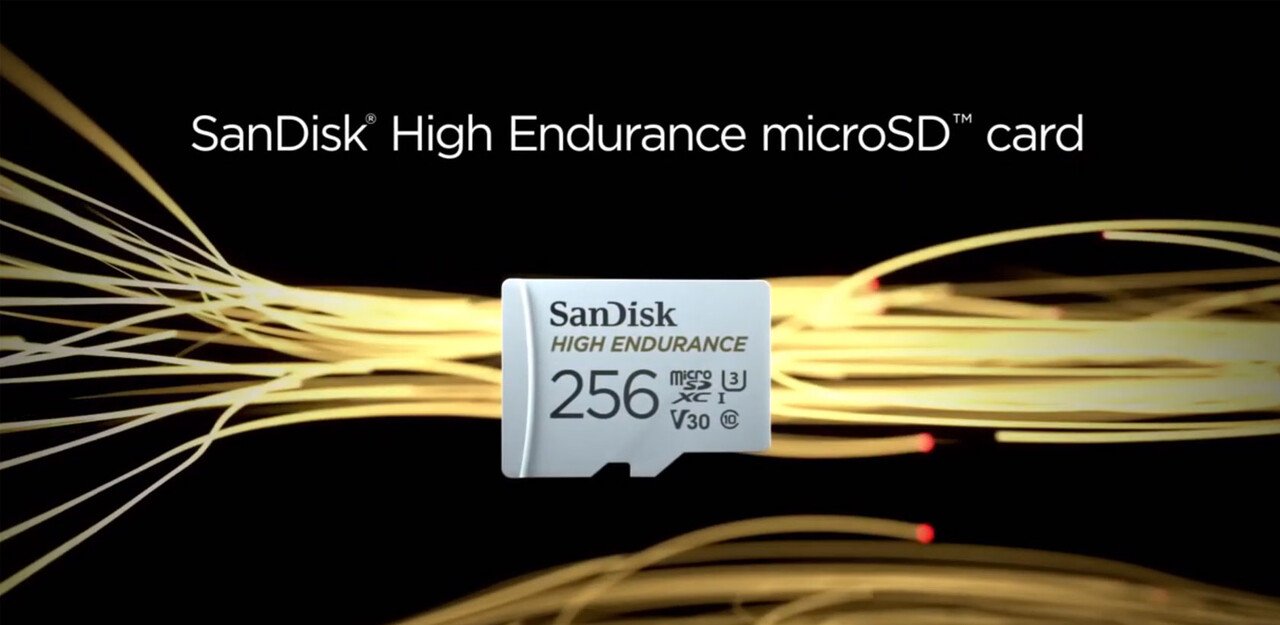
| 🔁 SanDisk High Endurance | U3 · V30 | 100 MB/s | Best for 24/7 Recording | Buy Here → |
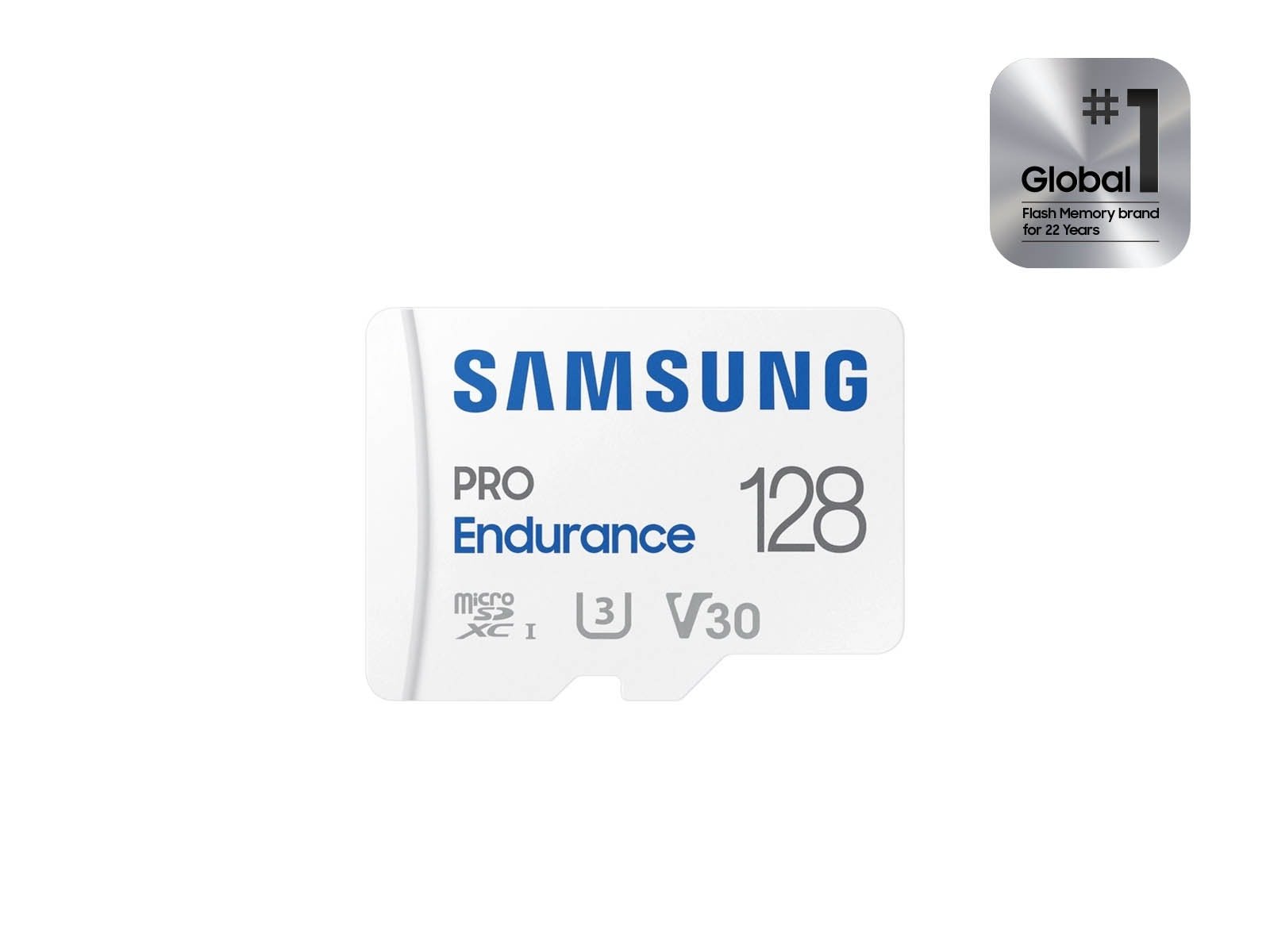
| 🛡️ Samsung PRO Endurance | U3 · V30 | 100 MB/s | Best Write Endurance / Logging | Buy Here → |
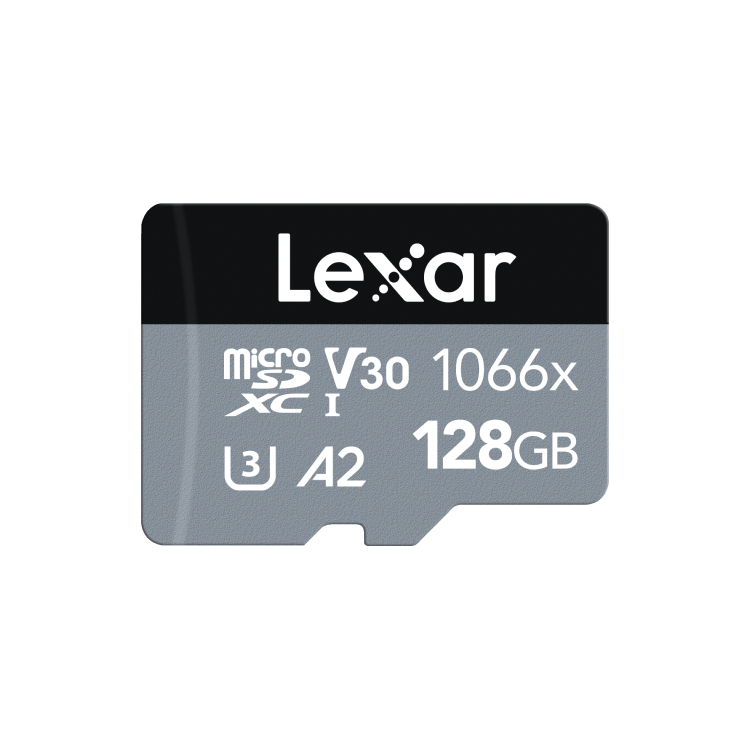
| 📦 Lexar Professional 1066x | A2 · V30 | 160 MB/s | Best 2-Pack Value | Buy Here → |
Read speeds are the manufacturer’s rated sequential figures on a UHS-I reader; the Pi’s own slot is slower. Some cards (e.g. Lexar 1066x) are often sold in multi-packs — check the listing. Always confirm the live price on Amazon before buying.
🔍 What to Look for in a Raspberry Pi microSD Card
🎲
A1 vs A2 (Random IOPS)
This is the number that matters most on a Pi. A2 cards handle far more small random reads/writes per second than A1 — which is exactly what a running OS, package manager and apps do. For a desktop Pi OS, always pick A2.
🏷️
Speed Class (U3 / V30)
U3 and V30 guarantee a minimum sustained write of 30MB/s. That’s plenty for OS use and important if your Pi records video or logs data continuously. Ignore the flashy peak number and check the guaranteed floor.
💾
Capacity
16GB is the bare minimum for Pi OS Lite (headless). 32GB is a comfortable sweet spot, and 64–128GB suits a full desktop, media centre or retro-gaming build. Bigger cards also tend to have slightly better write endurance.
♻️
Endurance
Every flash cell has limited write cycles. For always-on projects that write constantly — CCTV, dashcams, data loggers — a High-Endurance or PRO Endurance card lasts far longer than a standard performance card.
🛡️
Genuine & Reliable
Card failure is the #1 cause of a “dead” Pi. Buy branded cards from reputable sellers, avoid suspiciously cheap high-capacity deals, and verify real capacity with F3/h2testw. A trusted 32GB beats a fake 256GB every time.
🏆 Detailed Reviews — All 10 microSD Cards
🥇 BEST OVERALL
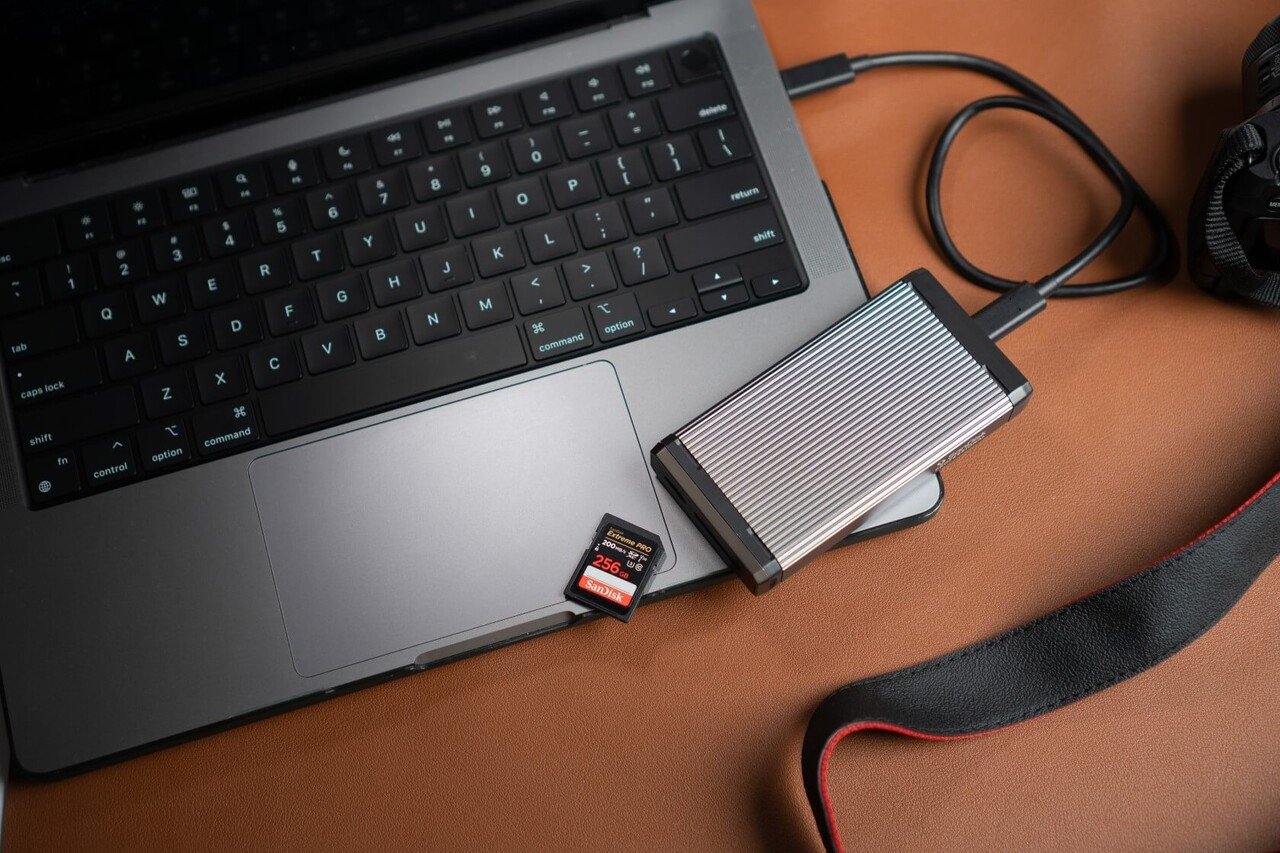
SanDisk Extreme Pro
⭐ 4.8/5 · The Fastest All-Round Pi Card
Buy on Amazon →

The SanDisk Extreme Pro is the card we reach for on any serious Raspberry Pi build. Its A2 rating delivers excellent random-read/write IOPS, so a full Pi OS desktop boots quickly and stays responsive when you’re installing packages or juggling apps. The 200MB/s sequential read won’t be reached on the Pi’s own slot, but it makes flashing and backing up SD images on your PC dramatically faster. It’s the best combination of speed, reliability and proven track record for Pi 4 and Pi 5.
✅ Pros- Top-tier A2 random IOPS
- Fastest reads for PC imaging/backup
- Rock-solid reliability & RescuePRO
❌ Cons- Priciest card here
- Peak speed wasted on the Pi slot
- Overkill for a headless Lite build
🎯 Verdict: The best all-round Raspberry Pi card. If you want the snappiest desktop and don’t mind paying for the best, buy this.
👉 Check Price on Amazon → 🏅 BEST PREMIUM ALTERNATIVE
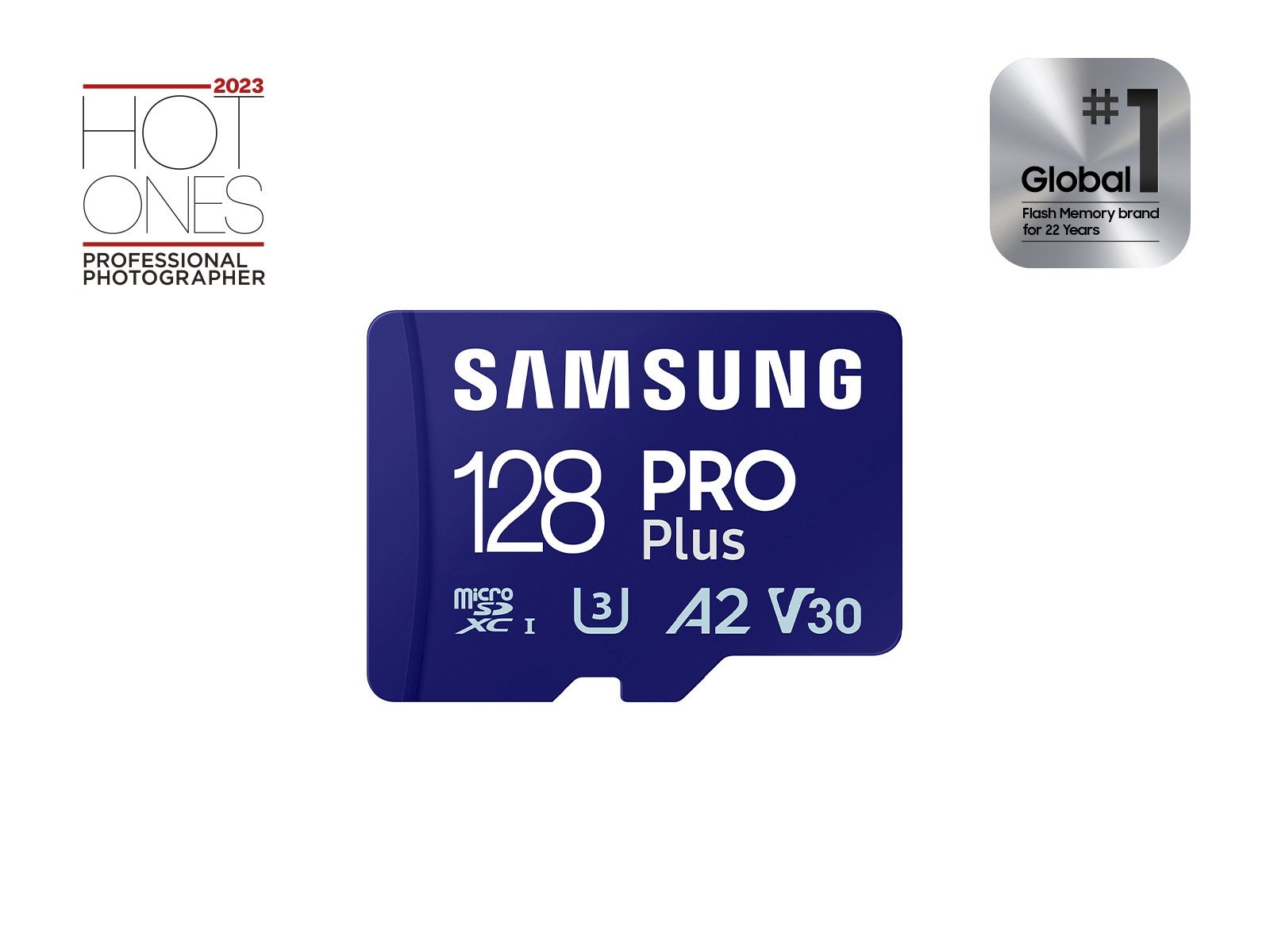
Samsung PRO Plus
⭐ 4.7/5 · Fast, Cool-Running & Rugged
Buy on Amazon →

The Samsung PRO Plus is the card to buy if the Extreme Pro is out of stock or over budget. It pairs an A2 rating with 180MB/s reads and Samsung’s excellent reliability reputation, plus a 5-proof rugged design (water, temperature, X-ray, magnet, wear-out) and a long warranty. In day-to-day Pi use it feels every bit as responsive as the SanDisk, and it runs cool and stable during long sessions — a great choice for a daily-driver Pi desktop.
✅ Pros- A2 with strong real-world speed
- Excellent reliability & long warranty
- Rugged 5-proof build
❌ Cons- A touch slower than the Extreme Pro
- Premium pricing
- Watch for lookalike PRO variants
🎯 Verdict: A superb premium Pi card and the best Samsung option. Buy it with total confidence for a daily-use Pi.
👉 Check Price on Amazon → ⚡ SanDisk Extreme⭐ 4.6/5 · 190 MB/s · A2 · V30 · U3 · Best All-Rounder
Buy Here →

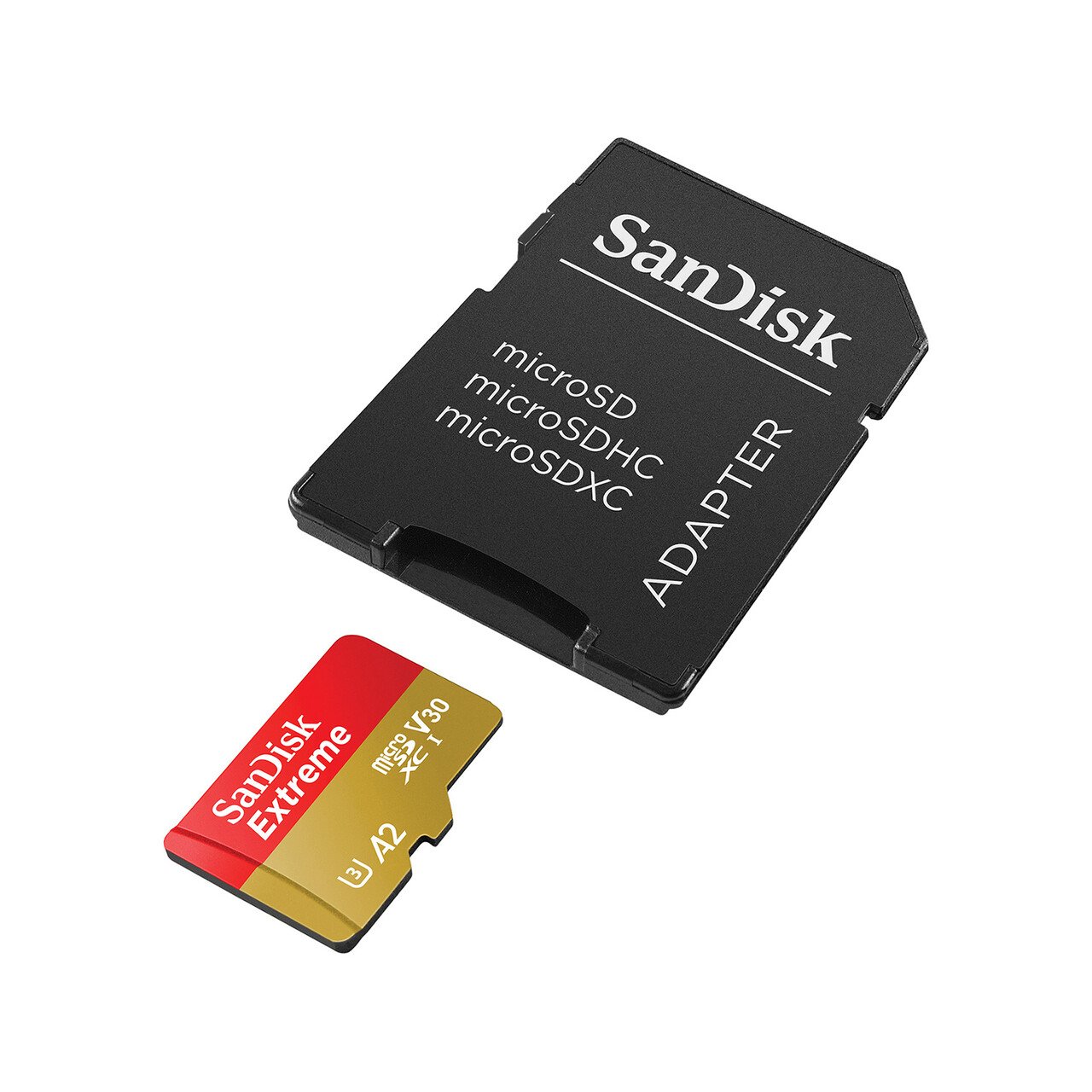
The SanDisk Extreme is the smart-money pick: it keeps the all-important A2 rating and nearly matches the Extreme Pro’s read speed (190MB/s), but usually costs noticeably less. Sustained write speed is lower than the Pro, so it’s not the pick for heavy continuous recording — but for a general-purpose Pi 4/Pi 5 running a desktop, home server or project, it hits the sweet spot of performance and price.
✅ Pros: A2 random IOPS; near-Pro read speed; better value than the Pro; widely available.
❌ Cons: Lower sustained write; easy to confuse with the Extreme Pro; not for 24/7 recording.
🎯 Verdict: The best balance of A2 speed and price for most Pi users. If the Pro is too dear, get this.
💵 Samsung EVO Plus⭐ 4.5/5 · 160 MB/s · A-class · V10 · Best Value
Buy Here →

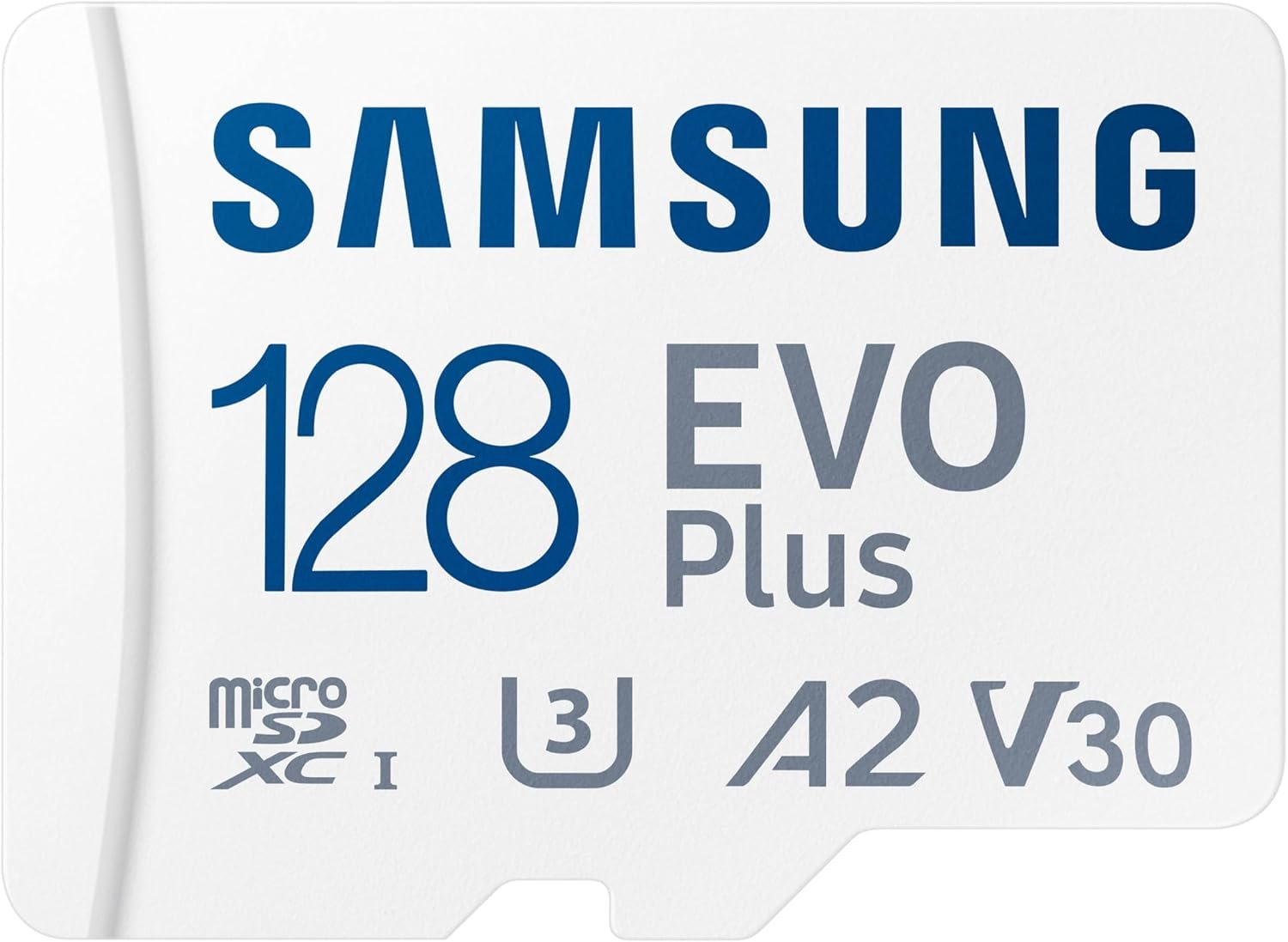
The Samsung EVO Plus is the value champion — a reliable, widely-available card at a friendly price with 160MB/s reads. It’s a great choice for a Pi Zero, a media centre, a Pi 400 or any build where you want dependable storage without paying premium-card money. Just note its random-IOPS (app) performance isn’t as strong as the A2 cards above, so a heavy desktop OS will feel a little less snappy — for a Lite/headless setup or light use, you won’t notice.
✅ Pros: Excellent price-to-performance; trusted Samsung reliability; 160MB/s reads; great for Zero/media builds.
❌ Cons: Weaker random IOPS than A2 cards; lower sustained write; not ideal for a heavy desktop OS.
🎯 Verdict: The best value card for most casual Pi projects. Superb bang-for-buck if you don’t need A2.
🎮 Kingston Canvas Go! Plus⭐ 4.6/5 · 200 MB/s · A2 · V30 · Best for Gaming / Emulation
Buy Here →

The Kingston Canvas Go! Plus is a superb A2 card at up to 200MB/s, and it’s our pick for RetroPie, Lakka, Batocera and Recalbox builds. Emulation front-ends hammer the card with lots of small random reads as they scan libraries and load ROMs, and the A2 rating keeps menus and games loading fast. With a lifetime warranty and capacities to 1TB, it’s also a great general-purpose Pi card that often undercuts the big two on price.
✅ Pros: A2 with 200MB/s reads; excellent for emulation; lifetime warranty; up to 1TB.
❌ Cons: 128GB write tops ~100MB/s; adapter is optional on some SKUs; brand less iconic than SanDisk/Samsung.
🎯 Verdict: The best card for a retro-gaming Pi. Fast A2 performance and huge capacities at a keen price.
🏵️ Raspberry Pi Official A2 Card⭐ 4.5/5 · A2 · V30 · Tuned for Pi · Best Official / Plug-and-Play
Buy Here →

The official Raspberry Pi microSD card is engineered and tested specifically for Pi hardware, with support for command queuing (CQ) and both DDR50 and SDR104 bus modes — hitting up to 5,000 read IOPS on a Pi 5. It’s the true plug-and-play option: you can buy it blank or pre-loaded with Raspberry Pi OS, so it boots the moment it arrives. Default capacities are smaller (32/64/128GB), but for a guaranteed-compatible, no-surprises card, nothing is safer.
✅ Pros: Officially tuned & tested for Pi; optional pre-loaded OS; command queuing; guaranteed compatibility.
❌ Cons: Lower peak sequential read than premium cards; fewer capacity options; often priced above value cards.
🎯 Verdict: The safest, most beginner-friendly choice. Buy the pre-loaded version and you’re booted in minutes.
💰 Kingston Canvas Select Plus⭐ 4.3/5 · 100 MB/s · A1 · V10 · Best Budget
Buy Here →

The Kingston Canvas Select Plus is the card to grab when you’re buying in bulk or building on a tight budget — think classroom kits, Pi Zero clusters or simple headless projects. It’s an A1 card at 100MB/s, so it’s reliable and perfectly fine for Pi OS Lite and light workloads. It won’t feel as fast as an A2 card on a full desktop, but for the money it’s one of the most dependable cheap cards you can buy.
✅ Pros: Very affordable; reliable Kingston quality; great for bulk/headless builds; lifetime warranty.
❌ Cons: A1 only — weaker random IOPS; 100MB/s read; a sluggish choice for a heavy desktop OS.
🎯 Verdict: The best budget card. Perfect for Lite/headless builds and buying several at once.
🔁 SanDisk High Endurance⭐ 4.5/5 · 100 MB/s · U3 · V30 · Best for 24/7 Recording
Buy Here →

If your Pi runs a camera, dashcam, security recorder or data logger that writes continuously, a standard performance card will wear out fast. The SanDisk High Endurance is built for exactly this — rated for tens of thousands of hours of continuous recording. It’s not the fastest card for a desktop OS, but for a write-heavy always-on project it will far outlive an Extreme or EVO Plus, saving you from mid-project card failures.
✅ Pros: Built for continuous writes; excellent endurance; great for CCTV/dashcam Pi builds; affordable.
❌ Cons: A1-class random speed; slower than performance cards for a desktop; not the pick for app-heavy use.
🎯 Verdict: The best card for a recording or logging Pi. Buy it whenever the card is written to non-stop.
🛡️ Samsung PRO Endurance⭐ 4.5/5 · 100 MB/s · U3 · V30 · Best Write Endurance
Buy Here →
The Samsung PRO Endurance takes longevity even further, rated for up to 140,000 hours of recording on the largest capacities. It’s the card for a Pi that logs sensor data around the clock, runs a long-term time-lapse, or acts as a home CCTV recorder — anywhere the card is written to constantly for years. Speed is modest, but endurance and data safety are the whole point, and Samsung backs it with a long warranty.
✅ Pros: Class-leading rated lifespan; ideal for logging/CCTV; rugged 5-proof design; long warranty.
❌ Cons: Modest read/write speed; not for a snappy desktop; overkill for casual projects.
🎯 Verdict: The best endurance card for 24/7 logging Pis. When the card must last years, this is the one.
📦 Lexar Professional 1066x⭐ 4.4/5 · 160 MB/s · A2 · V30 · Best 2-Pack Value
Buy Here →

The Lexar Professional 1066x is an A2 card with strong 160MB/s read and up to 120MB/s write speeds, and it’s frequently sold in 2-packs — making it a great-value way to card up multiple Pis at once, or keep a ready spare for backups. It’s water-, shock-, vibration- and X-ray-proof, and the A2 rating keeps a Pi desktop responsive. If you run several boards or like having a cloned backup card on hand, the multi-pack pricing is hard to beat.
✅ Pros: A2 with 160/120MB/s speeds; often 2-pack value; rugged build; great for multiple Pis or spares.
❌ Cons: Read below the 200MB/s cards; usually sold as a 2-pack; A2 applies to 64GB and above.
🎯 Verdict: The best value if you need two cards. Solid A2 performance with multi-pack savings.
🛒 How to Choose the Right microSD for Your Pi
🖥️
Running a full desktop OS?
Get an A2 card — the SanDisk Extreme Pro or Samsung PRO Plus. Random IOPS make the desktop feel fast.
💵
On a budget or buying in bulk?
The Samsung EVO Plus for value, or the Kingston Canvas Select Plus for the cheapest reliable option.
🎮
Building a retro-gaming Pi?
The A2 Kingston Canvas Go! Plus loads ROMs and menus fast in RetroPie, Batocera and Lakka.
📹
Recording or logging 24/7?
Choose a SanDisk High Endurance or Samsung PRO Endurance — built to survive constant writes.
🔰
Total beginner?
The official Raspberry Pi card, pre-loaded with Pi OS, is the safest no-fuss way to get booted.
🧩
Running several Pis?
The Lexar Professional 1066x 2-pack is a cost-effective way to card up multiple boards or keep a spare.
⚙️ Key Specs Compared — Side by Side
| Spec | SanDisk Extreme Pro | Samsung PRO Plus | SanDisk Extreme | Kingston Go! Plus | Raspberry Pi Official |
|---|
| Rated Read | 200 MB/s ⭐ | 180 MB/s | 190 MB/s | 200 MB/s ⭐ | Pi-tuned |
| App Class | A2 ⭐ | A2 ⭐ | A2 ⭐ | A2 ⭐ | A2 ⭐ |
| Speed Class | V30 · U3 | V30 · U3 | V30 · U3 | V30 · U3 | V30 · U3 |
| Pi Optimised | No | No | No | No | Yes ⭐ |
| Max Capacity | 1TB ⭐ | 1TB ⭐ | 1TB | 1TB ⭐ | 128GB |
| Best Use | Fastest desktop | Premium daily driver | Value performance | Retro gaming | Plug-and-play |
Specs are approximate and vary by capacity and seller. Read speeds are rated sequential figures on a UHS-I reader, not what the Pi’s slot achieves. Always confirm details on the live Amazon listing.
❓ Frequently Asked Questions
What size microSD card do I need for a Raspberry Pi?
16GB is the practical minimum for Raspberry Pi OS Lite (headless). 32GB is the comfortable sweet spot for most projects and leaves room to grow. Step up to 64–128GB for a full desktop, a media centre (Kodi/Plex), or a retro-gaming build with lots of ROMs. Going bigger than 128GB rarely helps a Pi unless you’re storing large media locally — and at that point a USB SSD is often the better call.
Does a faster 200MB/s card make my Pi faster?
Only partly. The Raspberry Pi’s own microSD slot caps out well below those numbers — roughly 50MB/s on the Pi 4 (DDR50) and about 90MB/s on the Pi 5 (SDR104) — so you’ll never hit 200MB/s on the Pi. What actually makes a Pi feel faster is random-access performance (the A2 rating), which speeds up booting, app launches and package installs. The big sequential number mainly helps when you flash or back up the card on a PC. Bottom line: buy A2, and don’t overpay purely for a higher headline read speed.
What’s the difference between A1 and A2, and does it matter for Pi?
A1 and A2 are “Application Performance Class” ratings that guarantee minimum random read/write IOPS — A1 guarantees 1,500 read / 500 write IOPS, while A2 guarantees 4,000 / 2,000. Because a running operating system does constant small random reads and writes, A2 makes a real, noticeable difference to how snappy a Pi desktop feels. For a full Pi OS desktop, choose A2. For a headless Lite install or a simple appliance, A1 is perfectly adequate and cheaper.
How do I avoid fake or counterfeit microSD cards?
Counterfeits are the biggest cause of “my Pi keeps corrupting”. Buy branded cards sold and shipped by the manufacturer or a reputable retailer, and be very suspicious of huge capacities at tiny prices. When your card arrives, verify its real capacity and health with a free tool like F3 (Linux/Mac) or h2testw (Windows) before trusting it with a project — a fake 256GB card that’s really 32GB will silently lose your data once it fills up.
Should I use a microSD card or boot from an SSD?
A quality A2 microSD is perfectly good for the vast majority of Pi projects and is the simplest option. But if you’re running a 24/7 home server, a database, a NAS or anything with heavy, constant writes, booting from a USB 3.0 SSD (fully supported on Pi 4 and Pi 5, and via NVMe on Pi 5) gives you far better speed and dramatically longer lifespan. Many people keep an SD card for the OS and add an SSD for data, or move to full SSD boot for serious workloads.
🏁 Final Verdict — Best microSD for Every Raspberry Pi
The right microSD card for every Pi build and budget:
🥇 Best Overall — SanDisk Extreme Pro: top A2 IOPS & 200MB/s reads for the snappiest Pi desktop.
Buy Here →🏅 Best Premium Alternative — Samsung PRO Plus: A2, rugged and reliable with a long warranty.
Buy Here →💵 Best Value — Samsung EVO Plus: dependable, affordable storage for casual builds.
Buy Here →🎮 Best for Gaming — Kingston Canvas Go! Plus: fast A2 card for RetroPie & emulation.
Buy Here →🏵️ Best Official — Raspberry Pi A2 Card: Pi-tuned, optional pre-loaded OS, zero fuss.
Buy Here →💰 Best Budget — Kingston Canvas Select Plus: cheapest reliable card for Lite/bulk builds.
Buy Here →🔁 Best for 24/7 Recording — SanDisk High Endurance / Samsung PRO Endurance: built to survive constant writes.
Buy Here →No single microSD is right for every build, but every card here earns its place. For most people the SanDisk Extreme Pro (or the Samsung PRO Plus) is the card to buy — real A2 performance that makes a Pi desktop feel genuinely quick. If you’re watching the budget, the Samsung EVO Plus and Kingston Canvas Select Plus are dependable and cheap; retro-gamers should grab the Kingston Canvas Go! Plus; beginners can’t go wrong with the pre-loaded official Raspberry Pi card; and anyone recording or logging around the clock needs a High Endurance or PRO Endurance card. Whatever you choose, buy genuine, verify the card, and keep a backup image. Then pair it with our Raspberry Pi, Pico, ESP32 and Arduino tutorials and start building.
💬 Not sure which card fits your project? Tell us what you’re building — a desktop Pi, a retro-gaming console, a home server or a 24/7 camera — in the comments below, and we’ll point you to the right pick.
All Amazon links above use our affiliate tag (microlab05-20). Purchasing through them supports microcontrollerslab.com at no extra cost to you. Prices and availability change frequently — always confirm the current price on Amazon before buying.
| Arduino Components | Amazon Links |
|---|
| Arduino Starter Kit | Buy Now |
| Arduino Development Kit | Buy Now |
| Arduino Smart Robot Car Kit V4 | Buy Now |
| Arduino Sensors Kit | Buy Now |