Raspberry Pi Pico PWM MicroPython LED Fading Examples
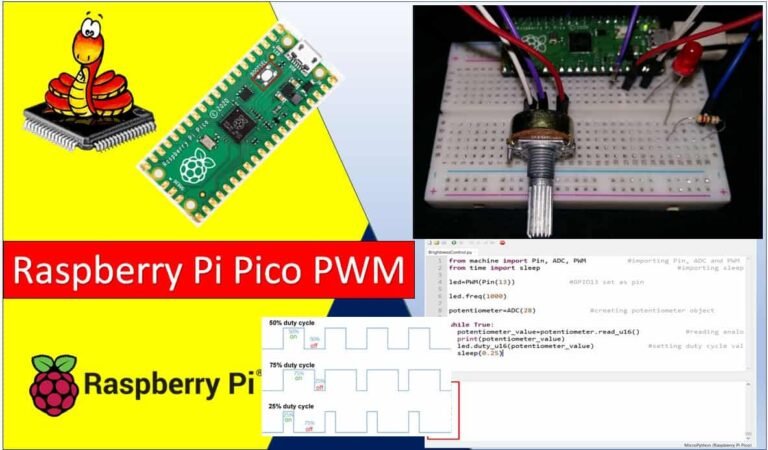
In this tutorial, we will learn how to use the PWM channels of the Raspberry Pi Pico using MicroPython in Thonny IDE and uPyCraft IDE. First, we will explore which …
In this tutorial, we will learn how to use the PWM channels of the Raspberry Pi Pico using MicroPython in Thonny IDE and uPyCraft IDE. First, we will explore which …
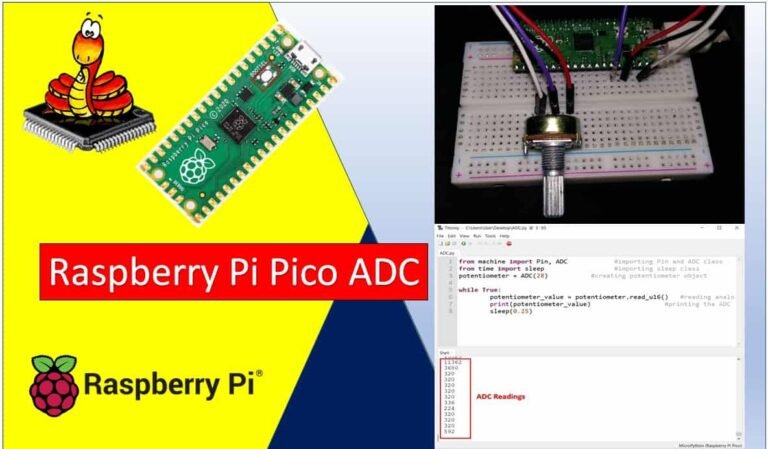
In this tutorial, we will learn how to use the ADC (Analog to Digital Converter) of the Raspberry Pi Pico using MicroPython. We will learn to read analog values from …

In this tutorial, we will learn how to use the GPIO pins of the Raspberry Pi Pico as digital input pins and interface a push button using MicroPython. In the …
In this user guide, we will show you how to send email alerts with Node-RED. It is very handy and practical to include email notifications in IoT projects where sensor …

In this tutorial, we will learn how to install Node-RED on a Raspberry Pi. This installation process works on both 32-bit and 64-bit versions of the Raspberry Pi OS (formerly …
In this tutorial, we will learn how to install the Mosquitto MQTT broker on a Raspberry Pi. The Mosquitto broker will be used for MQTT communication on the Raspberry Pi, …
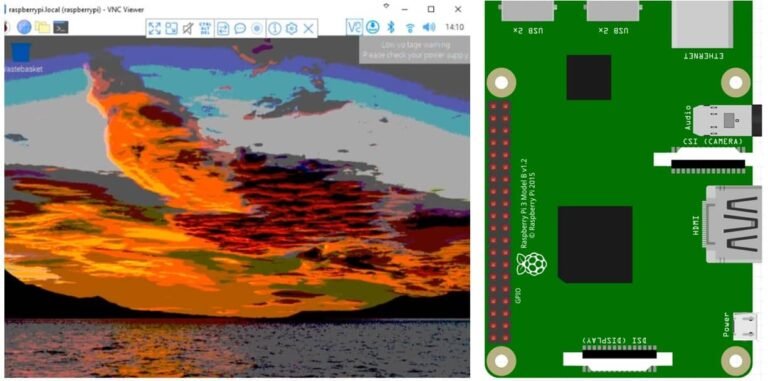
In this tutorial, we will learn how to perform a headless setup of a Raspberry Pi without using a keyboard, mouse, monitor, or even a USB-to-serial converter. A headless setup …

This guide focuses on the TM1637 4-digit 7-segment display module and its interfacing with the Raspberry Pi Pico. Unlike a standard 4-digit 7-segment display which requires 12 pins to connect …

In this tutorial, we will learn how to interface the KY-023 Analog Joystick module with Raspberry Pi Pico using MicroPython. We will start with an introduction to the module, its …
