⚠️ Affiliate Disclosure: This post contains Amazon affiliate links. If you purchase through our links, we may earn a small commission at no extra cost to you. Every product below was checked against its live Amazon listing before publishing. Prices change often, so we don’t list them here. Tap any Buy Here button to see the current price on Amazon.
Ultimate Buying Guide
🏡 Best TP-Link Kasa and Tapo Smart Home Devices
14 standout Kasa and Tapo switches, dimmers, bulbs, cameras, hubs and sensors, with honest notes on Wi-Fi, Matter, the Sub-1G hub and Home Assistant.
✅ 14 Devices Reviewed
✅ Wi-Fi & Matter
✅ Sub-1G Hub Sensors
✅ Home Assistant Notes
TP-Link sells two smart home lines. Kasa is the long-running range famous for its Wi-Fi switches and plugs, and Tapo is the newer, broader range that adds cameras, doorbells, robot vacuums and a hub with battery sensors. Both use 2.4 GHz Wi-Fi for mains-powered devices and an increasing number support Matter. Tapo’s battery sensors talk to the Tapo hub over a Sub-1G low-power radio instead of Wi-Fi, which is why they last longer and reach further.
For makers, the big draw is that Home Assistant’s built-in TP-Link integration controls many Kasa and Tapo devices over the local network, and Matter models work locally by design. This brand roundup completes the plug coverage in our local control smart plugs guide with the rest of the ecosystem. Compare against other brands in our Matter smart light switches guide.
💡 Reality check before you buy: Every in-wall switch here requires a neutral wire, according to the listings, and mains wiring should be done with the breaker off or by an electrician. Tapo sensors (T110, T315, T300) do not work without a Tapo hub such as the H100. Home Assistant support differs by model: Matter devices are local, many Kasa and Tapo Wi-Fi devices work through the TP-Link integration (newer Tapo models ask for your TP-Link account credentials during setup), and cameras are usually added through their RTSP or ONVIF streams. TP-Link firmware updates have changed local protocols in the past, so keep Home Assistant current. All listings are US versions.
🏡 Quick Comparison: All 14 Kasa and Tapo Devices
| Device | Category | Connection | Amazon Rating | Best For | Buy |
|---|
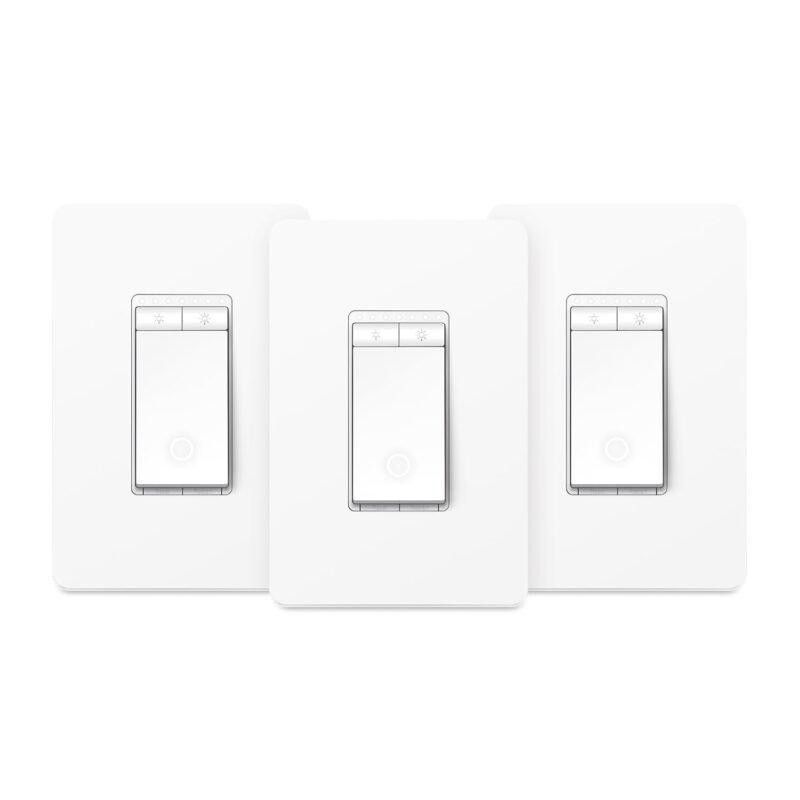
| 🥇 Kasa HS220 Dimmer (3-pack) | In-wall dimmer | 2.4 GHz Wi-Fi | 4.5 (34,992) | Best Overall | Buy Here → |
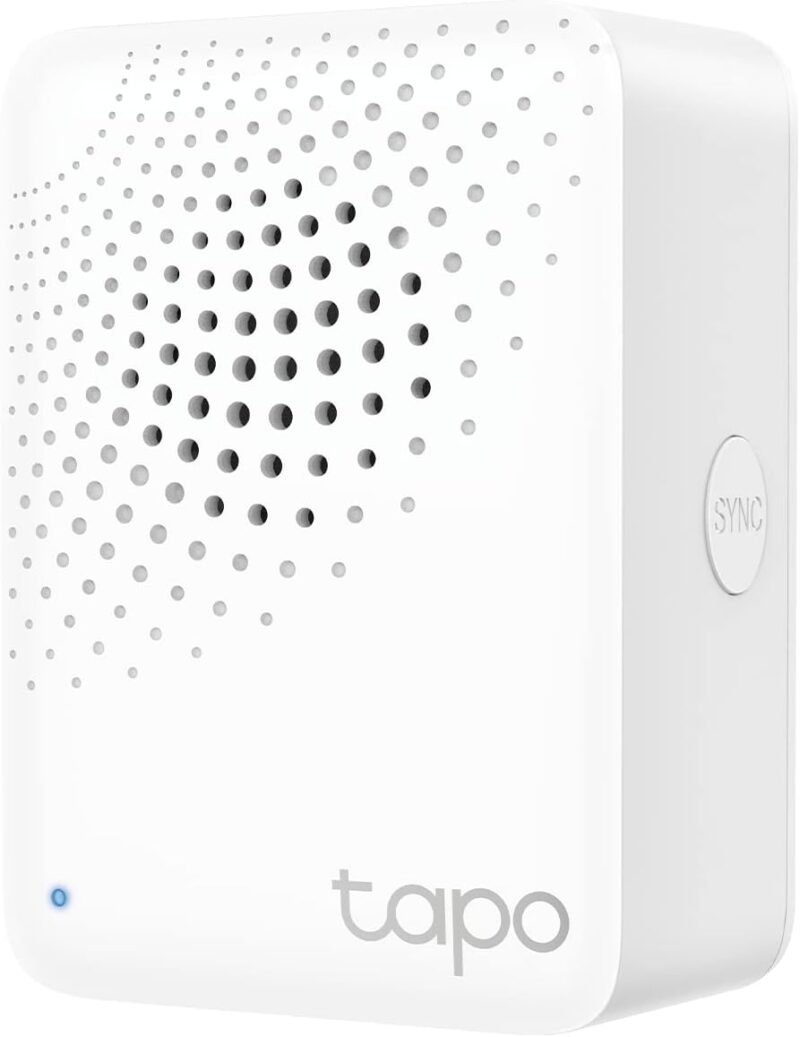
| 📡 Tapo H100 Hub | Sensor hub + chime | Wi-Fi + Sub-1G | 4.5 (900) | Best Hub | Buy Here → |
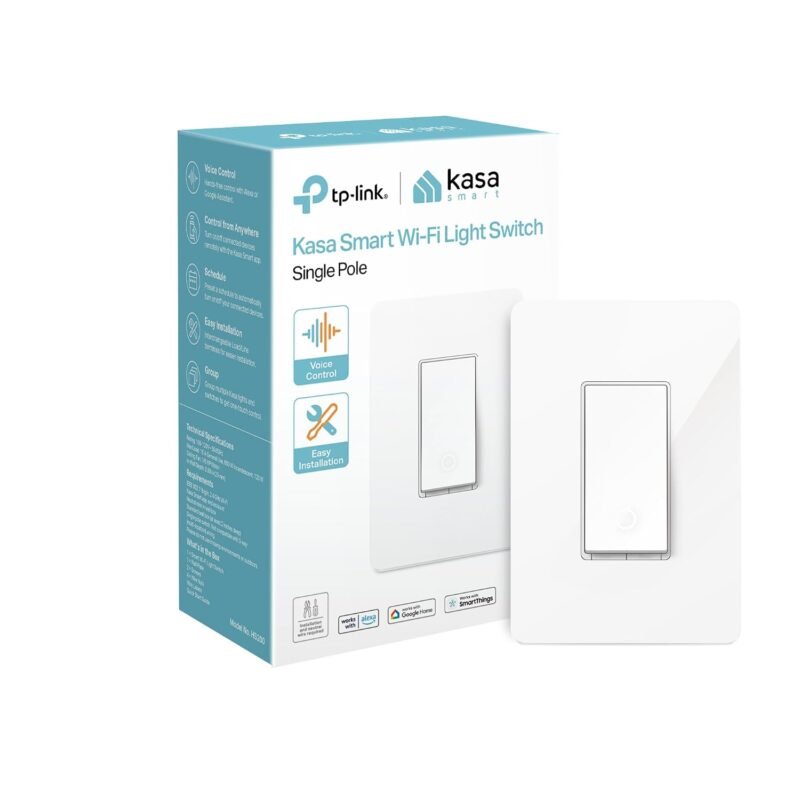
| 💡 Kasa HS200 Switch | In-wall switch | 2.4 GHz Wi-Fi | 4.5 (43,257) | Best On/Off Switch | Buy Here → |
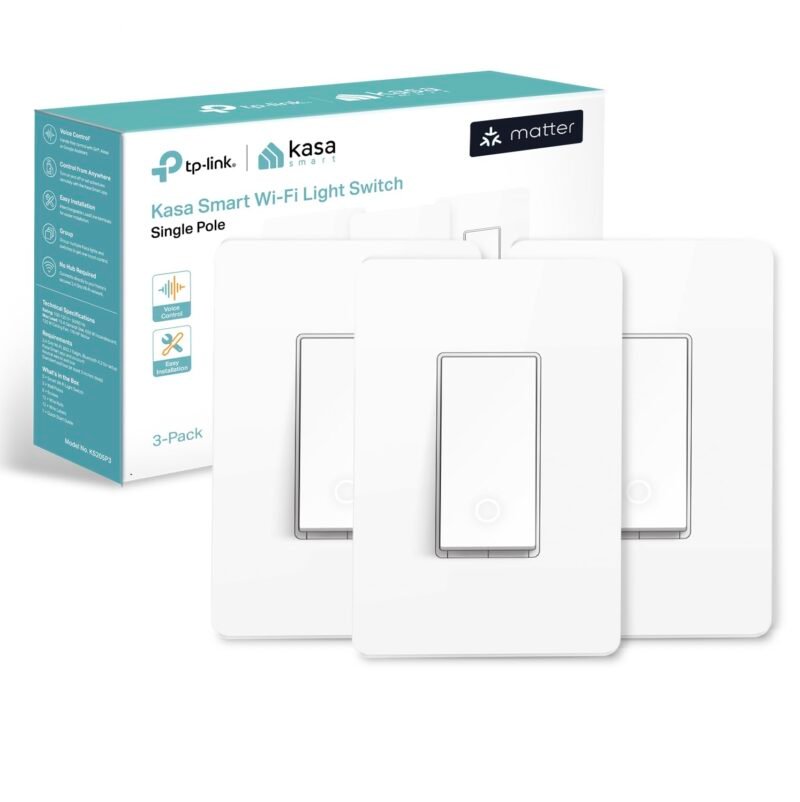
| 🟦 Kasa KS205 Matter Switch (3-pack) | In-wall switch | Matter over Wi-Fi | 4.6 (1,170) | Best Matter Switch | Buy Here → |
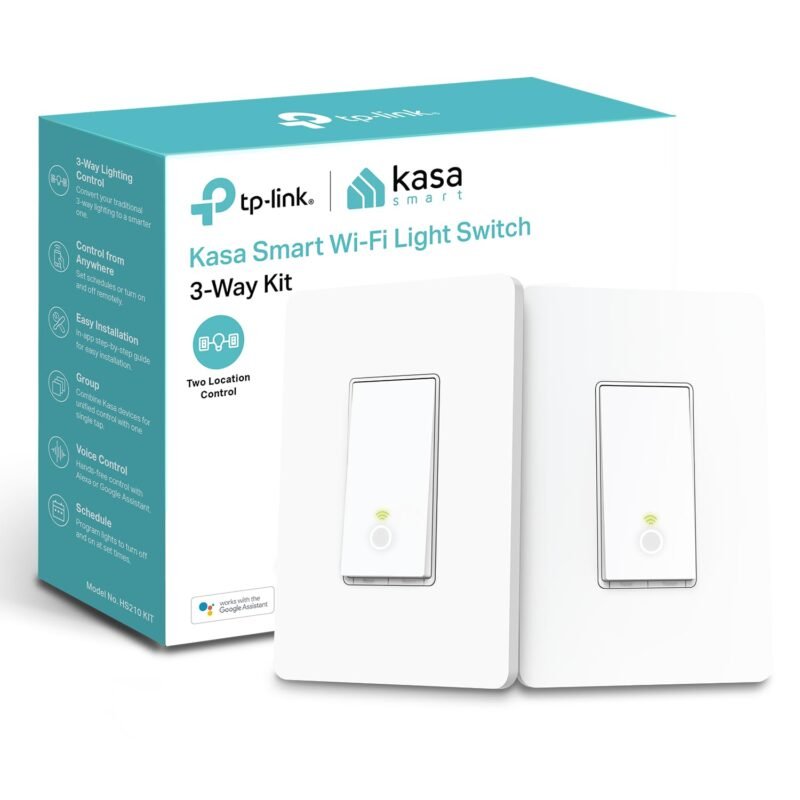
| 🔀 Kasa HS210 3-Way Kit | 3-way switch kit | 2.4 GHz Wi-Fi | 4.6 (19,962) | Stairs and Hallways | Buy Here → |
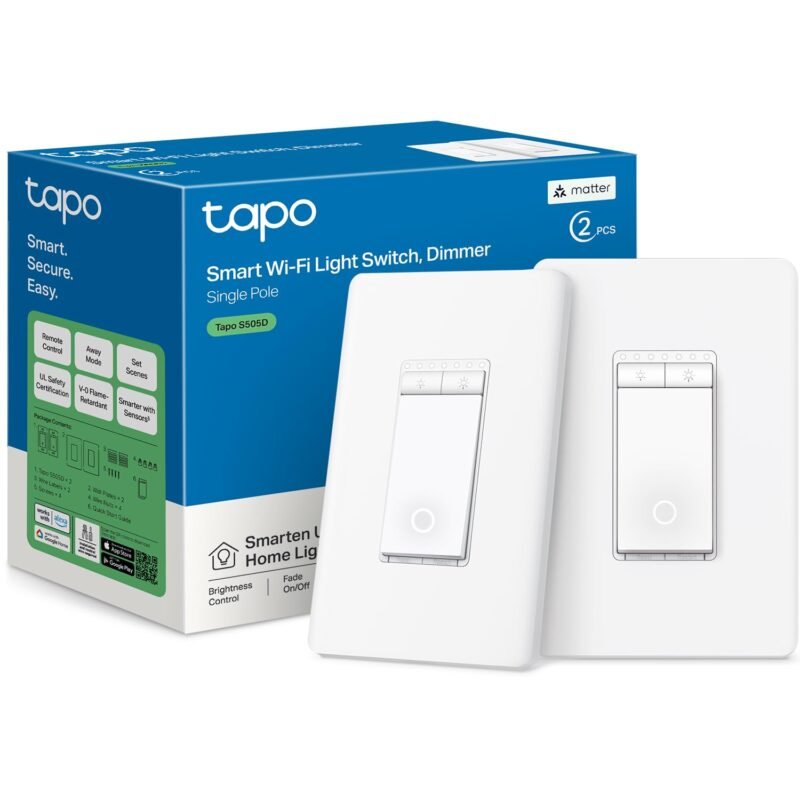
| 🎚️ Tapo S505D Matter Dimmer (2-pack) | In-wall dimmer | Matter over Wi-Fi | 4.6 (828) | Best Matter Dimmer | Buy Here → |
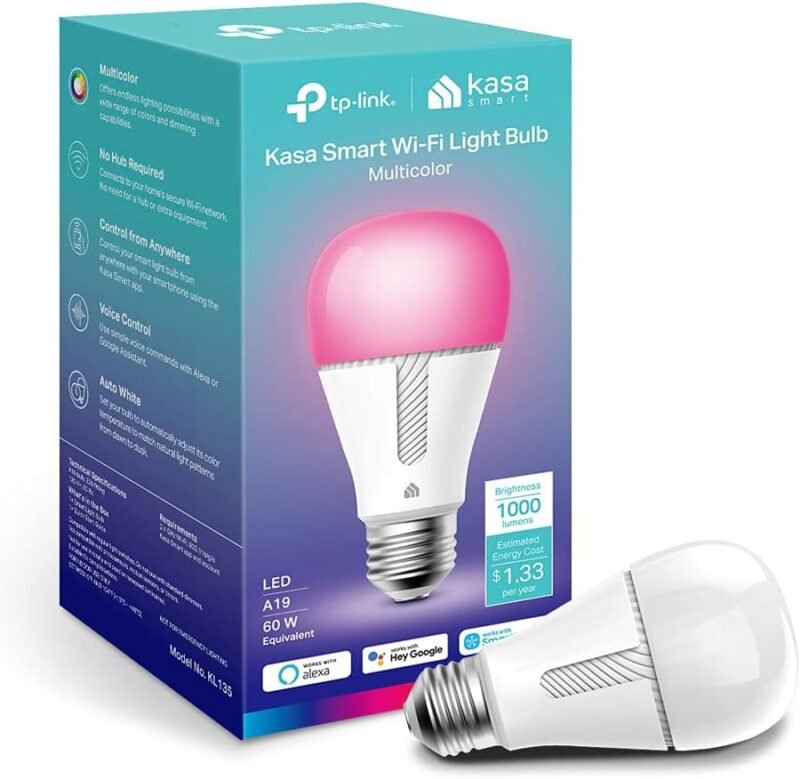
| 🌈 Kasa KL135 Bulb | Color A19 bulb | 2.4 GHz Wi-Fi | 4.6 (10,255) | Best Bulb | Buy Here → |
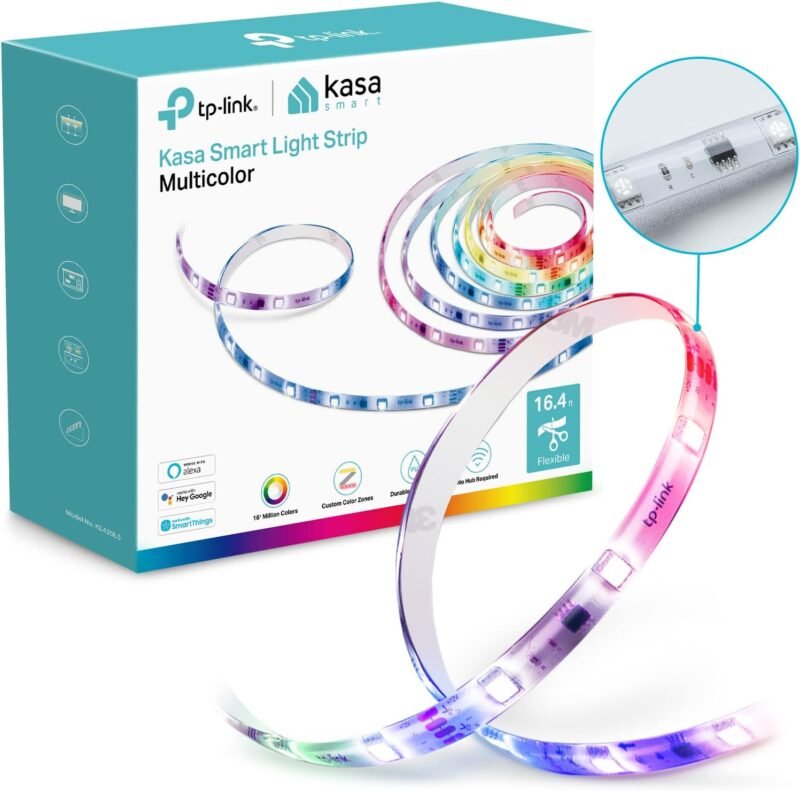
| 🎨 Kasa KL420L5 RGBIC Strip | 16.4 ft LED strip | 2.4 GHz Wi-Fi | 4.4 (1,924) | Accent Lighting | Buy Here → |
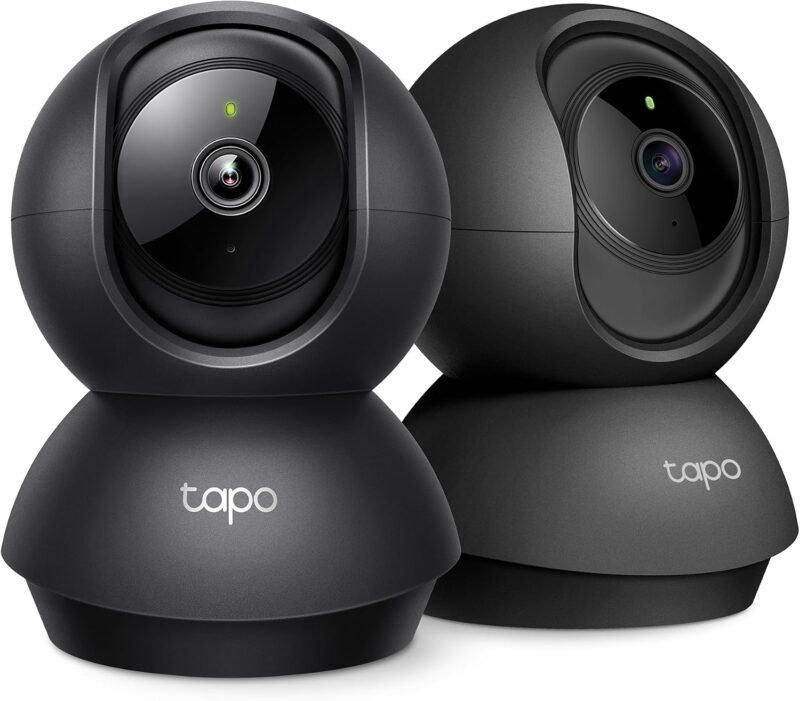
| 📹 Tapo C211 2K Pan/Tilt (2-pack) | Indoor camera | 2.4 GHz Wi-Fi | 4.5 (23,404) | Best Camera | Buy Here → |
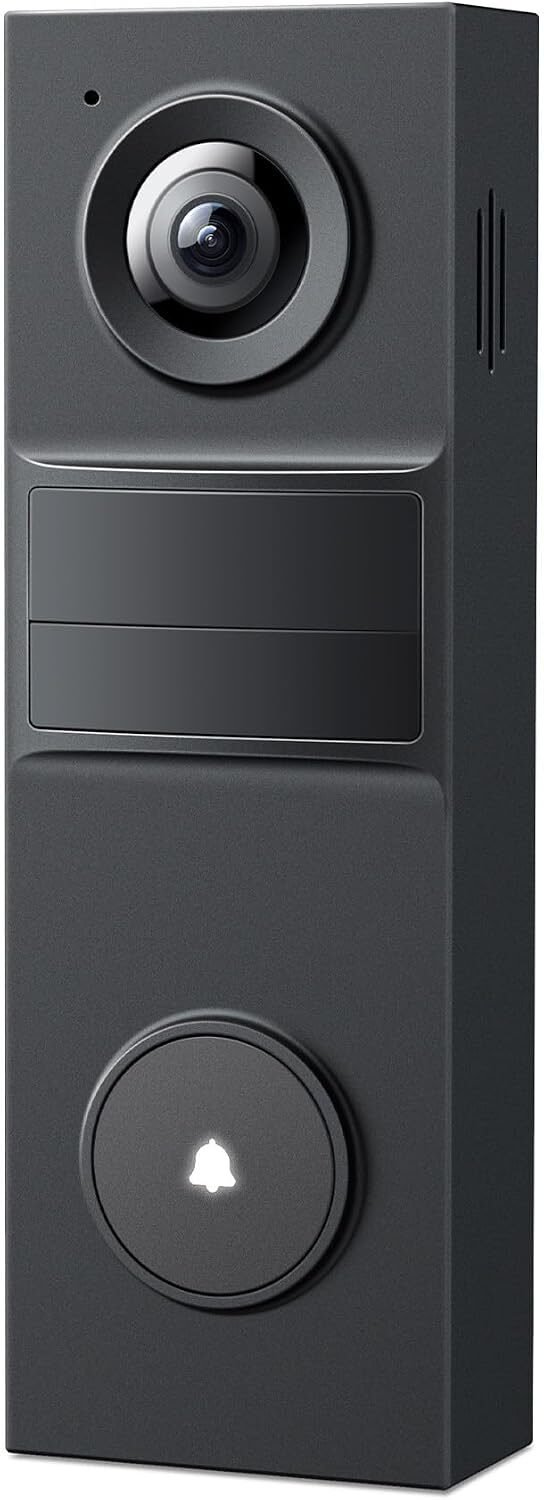
| 🔔 Tapo D205 Doorbell | Wireless video doorbell | 2.4 GHz Wi-Fi | 4.4 (941) | No-Fee Doorbell | Buy Here → |
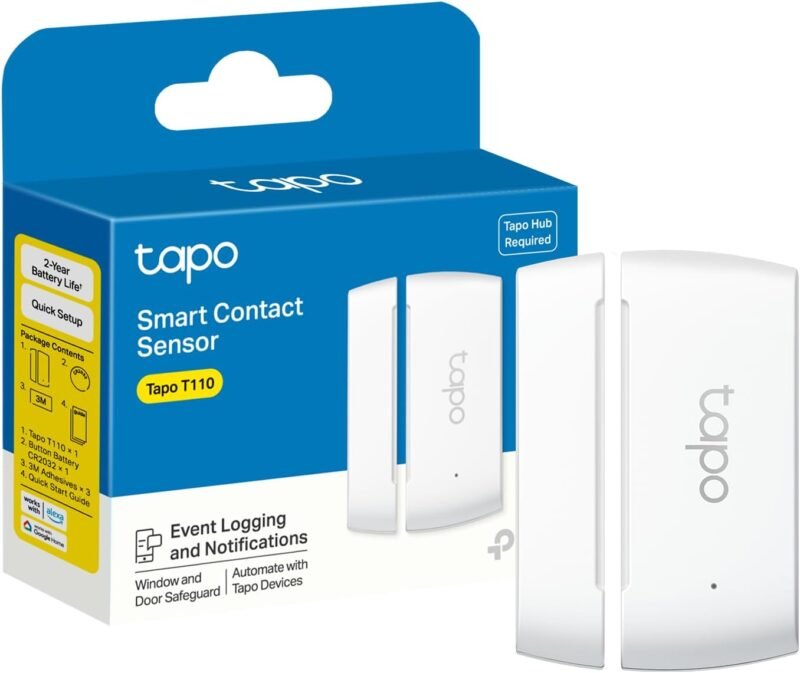
| 🚪 Tapo T110 Door Sensor | Contact sensor | Sub-1G, needs hub | 4.6 (794) | Doors and Windows | Buy Here → |
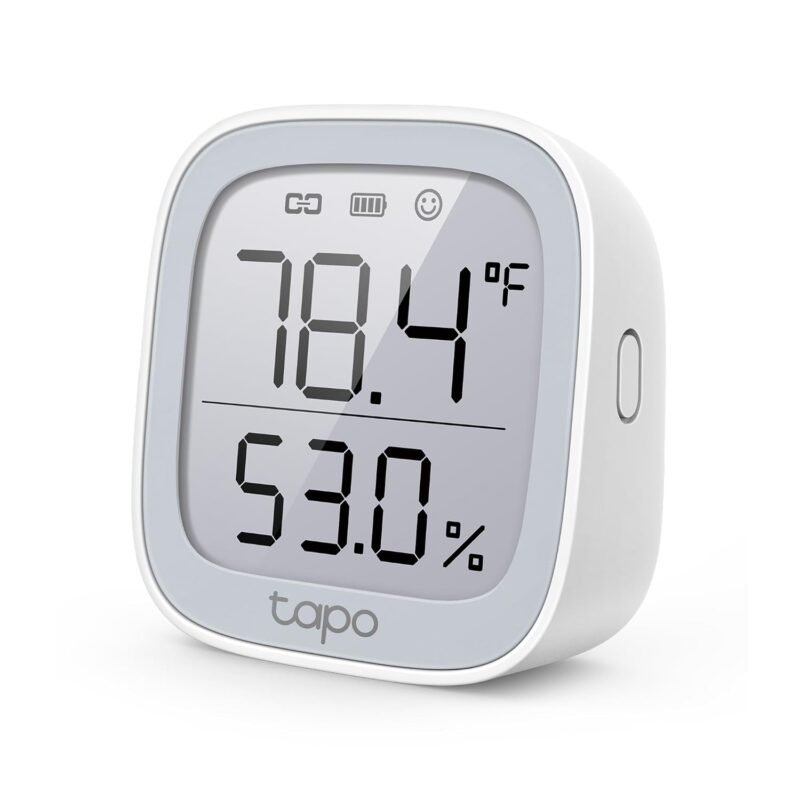
| 🌡️ Tapo T315 Temp/Humidity | Climate monitor | Sub-1G, needs hub | 4.6 (483) | Room Climate | Buy Here → |
| 💧 Tapo T300 Leak Detector | Water leak sensor | Sub-1G, needs hub | 4.6 (538) | Leak Protection | Buy Here → |
| 🔌 Tapo Matter Plug Mini | Smart plug | Matter over Wi-Fi | 4.5 (3,018) | Matter Plug | Buy Here → |
Features and ratings are from the Amazon listings at the time of writing. Home Assistant compatibility notes reflect common integration paths and can change with firmware and integration updates.
🔍 How to Choose Kasa and Tapo Devices
🏷️
Kasa or Tapo?
Kasa has the most proven switches and plugs. Tapo covers cameras, doorbells and hub sensors. The listings show newer Kasa switches can be set up in the Tapo app, so mixing both is fine.
🟦
Matter or Classic Wi-Fi
Matter models (KS205, S505D, Matter plug) work locally with Apple Home, Alexa, Google and Home Assistant at once. Classic models rely on the TP-Link integration for local control.
📡
Hub for Battery Sensors
Tapo battery sensors use a Sub-1G radio to the H100 hub for longer battery life and range. Budget for one hub before buying sensors.
🔧
Wiring Reality
All in-wall switches here need a neutral wire. Use a 3-way kit (HS210) where two switches control one light, rather than wiring a single-pole switch in a 3-way circuit.
📶
2.4 GHz Capacity
Every Wi-Fi device joins your 2.4 GHz network. Dozens of devices are fine on a good mesh system, but a dedicated IoT SSID keeps things tidy.
🏆 Detailed Reviews: All 14 Devices
🥇 BEST OVERALL KASA DEVICE
Kasa Smart Dimmer Switch HS220 (3-Pack)
⭐ 4.5/5 on Amazon (34,992 ratings) · Single Pole Dimmer
Buy on Amazon →

The HS220 is one of the most reviewed smart dimmers on Amazon, with nearly 35,000 ratings averaging 4.5 stars. The listing covers 0 to 100% dimming from the paddle or app, single-click on and double-click fade-off, schedules for a gentle morning glow, voice control and app-guided setup in either the Kasa or Tapo app. Home Assistant’s TP-Link integration has supported the HS220 locally for years, so it fits cloud-free setups well.
✅ Pros- Huge, proven review base
- Smooth dimming and fades
- Local HA integration
❌ Cons- Needs neutral
- Not Matter (see KS225 or S505D)
🎯 Verdict: The dimmer to buy by the three-pack for a whole house.
👉 Check Price on Amazon →
📡 BEST TAPO HUB
Tapo Smart Hub H100 with Chime
⭐ 4.5/5 on Amazon (900 ratings) · Sub-1G Sensor Hub
Buy on Amazon →

The H100 is the key to Tapo’s battery sensors. It plugs into an outlet, joins your 2.4 GHz Wi-Fi and talks to sensors over a lower-frequency Sub-1G radio that, per the listing, suffers less interference than 2.4 GHz and reaches up to 30 m in TP-Link’s tests. It also acts as a chime for alarms and doorbells. Recent Home Assistant releases can expose many hub-connected Tapo sensors through the TP-Link integration; check the supported device list for your models.
✅ Pros- Long-range Sub-1G
- Built-in chime
- Plug-in, no wiring
❌ Cons- Only for Tapo sensors
- Proprietary radio
🎯 Verdict: Buy one first if you want Tapo door, climate or leak sensors.
👉 Check Price on Amazon →
💡 BEST ON/OFF SWITCH · ⭐ 4.5/53. Kasa Smart Light Switch HS200
43,257 ratings · Single pole, neutral required
Buy Here →
The HS200 is the classic Kasa on/off switch and the most-rated device in this guide. The listing covers app-guided setup in Kasa or Tapo, remote control and status monitoring from anywhere. Use it for fans, non-dimmable LEDs and exterior lights where you only need on and off.
✅ Pros: Massive track record.
❌ Cons: No dimming; not Matter.
🎯 Verdict: The safe default for simple on/off circuits.
🟦 BEST MATTER SWITCH · ⭐ 4.6/54. Kasa Matter Smart Light Switch KS205 (3-Pack)
1,170 ratings · Matter, LAN control, multi-admin
Buy Here →

The KS205 brings Matter to the Kasa switch line. The listing highlights compatibility with Apple Home, Alexa, Google Home and SmartThings, LAN control that keeps working offline, and Matter multi-admin so several platforms control it at once. In Home Assistant it pairs through the Matter integration with no cloud account.
✅ Pros: Local Matter; works offline.
❌ Cons: On/off only.
🎯 Verdict: The future-proof Kasa switch for mixed ecosystems.
🔀 STAIRS AND HALLWAYS · ⭐ 4.6/55. Kasa Smart 3-Way Switch HS210 Kit
19,962 ratings · 3-way or single pole
Buy Here →
Stairways and long hallways usually have two switches for one light. The HS210 kit handles that, and the listing notes it can be used as a 3-way or single pole switch. Both ends stay in sync and Home Assistant sees one light entity.
✅ Pros: Proper 3-way support.
❌ Cons: Needs neutral at the main box.
🎯 Verdict: The fix for two-switch lighting circuits.
🎚️ BEST MATTER DIMMER · ⭐ 4.6/56. Tapo Matter Smart Dimmer Switch S505D (2-Pack)
828 ratings · 0 to 100% dimming, single pole
Buy Here →
Tapo’s S505D is a Matter dimmer with 0 to 100% brightness control. The listing describes simple single-pole wiring that replicates your old switch, with neutral wiring, 2.4 GHz Wi-Fi and the Tapo app needed for setup. As a Matter device it joins Home Assistant locally, making it the dimmer pick for a Matter-first home.
✅ Pros: Matter local control; 2-pack.
❌ Cons: Single pole only.
🎯 Verdict: The Matter dimmer to pair with Kasa KS205 switches.
🌈 BEST BULB · ⭐ 4.6/57. Kasa Smart Light Bulb KL135
10,255 ratings · 1000 lm, 16M colors, 2500K to 9000K
Buy Here →

A bright 1000-lumen A19 bulb with 16 million colors and tunable white from 2500K to 9000K, plus an auto-white mode that follows natural light from dawn to dusk, per the listing. It suits lamps where you cannot replace the switch. Do not combine smart bulbs with a dimmer switch on the same circuit.
✅ Pros: Bright; wide color range.
❌ Cons: Each bulb is a Wi-Fi client.
🎯 Verdict: The best Kasa bulb for lamps and accent fixtures.
🎨 ACCENT LIGHTING · ⭐ 4.4/58. Kasa Smart LED Light Strip KL420L5 (RGBIC)
1,924 ratings · 16.4 ft, 16M colors, 1 to 100% dimming
Buy Here →

A 16.4 ft RGBIC strip with 16 million colors, 1 to 100% dimming and scheduling, per the listing. RGBIC means segments can show different colors at once for gradients and effects. If you want full pixel control, a WLED controller is more flexible, but this is the plug-and-play choice inside the Kasa ecosystem.
✅ Pros: Multi-zone color; easy setup.
❌ Cons: Less flexible than WLED.
🎯 Verdict: Easy under-cabinet and TV backlighting.
📹 BEST CAMERA · ⭐ 4.5/59. Tapo C211 2K Pan/Tilt Camera (2-Pack)
23,404 ratings · 2K indoor, pan and tilt
Buy Here →

Tapo’s indoor pan/tilt cameras are among the best-rated budget cameras on Amazon. This two-pack of C211 cameras records 2K video and pans and tilts to cover a whole room, per the listing, over 2.4 GHz Wi-Fi. Home Assistant users typically add Tapo cameras through their RTSP or ONVIF streams for local viewing and recording, with no subscription required.
✅ Pros: 2K; pan/tilt; two cameras.
❌ Cons: Indoor only; 2.4 GHz.
🎯 Verdict: The value pick for indoor pet and baby monitoring.
🔔 NO-FEE DOORBELL · ⭐ 4.4/510. Tapo D205 2K Wireless Video Doorbell
941 ratings · 160° view, AI person detection
Buy Here →

The D205 is a wireless 2K doorbell with a 160° ultra-wide field of view and built-in AI person detection that sends alerts without monthly fees, per the listing. The listing also states that a chime is not included, which is where the H100 hub’s built-in chime comes in handy.
✅ Pros: Wide view; no fees.
❌ Cons: Chime sold separately.
🎯 Verdict: A subscription-free doorbell for renters and wire-free installs.
🚪 DOORS AND WINDOWS · ⭐ 4.6/511. Tapo T110 Door Sensor Mini
794 ratings · Needs Tapo hub, Sub-1G
Buy Here →

A small contact sensor that, as the listing makes clear, requires a Tapo hub such as the H100 and communicates over the Sub-1G low-power wireless protocol for longer battery life and wider coverage than Wi-Fi sensors. Use it to trigger lights, chimes or alarms when doors open.
✅ Pros: Long battery life; compact.
❌ Cons: Hub required.
🎯 Verdict: The simplest Tapo sensor to start a security setup.
🌡️ ROOM CLIMATE · ⭐ 4.6/512. Tapo T315 Temperature and Humidity Monitor
483 ratings · Swiss-made sensor, needs Tapo hub
Buy Here →
The T315 is a temperature and humidity monitor with a Swiss-made sensor, per its title, and like other Tapo sensors it needs a hub and uses the Sub-1G radio. Use its readings to drive Kasa plugs running fans, humidifiers or heaters through automations.
✅ Pros: Quality sensor; strong rating.
❌ Cons: Hub required.
🎯 Verdict: A reliable climate sensor for Tapo automations.
💧 LEAK PROTECTION · ⭐ 4.6/513. Tapo T300 Smart Water Leak Detector
538 ratings · Six probes, siren in about 1 second
Buy Here →

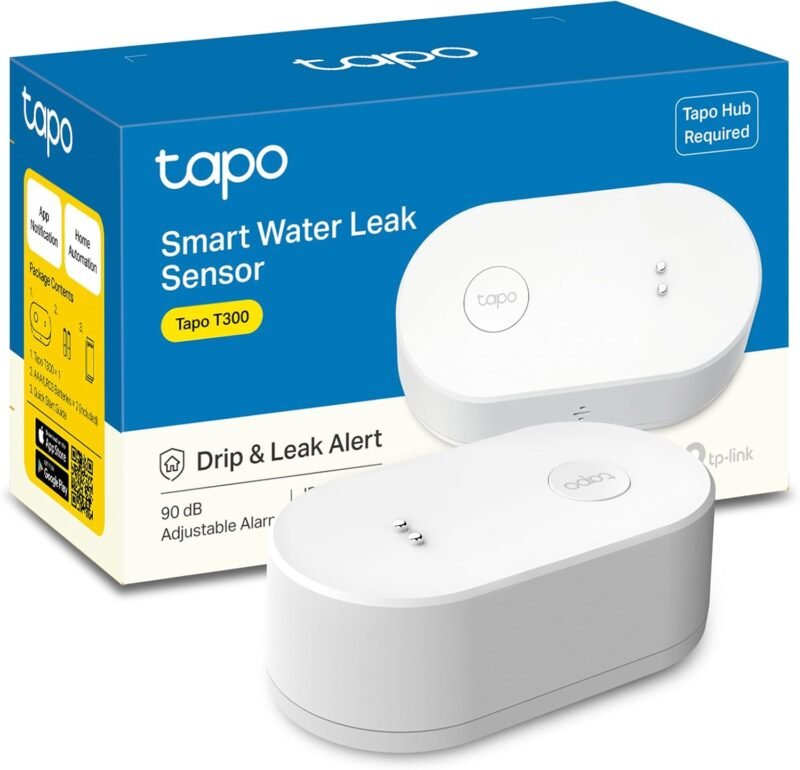
The T300 uses six sensor probes on its top and bottom to catch both drips and leaks, and triggers its own siren in as little as one second, per the listing, plus app notifications through the Tapo hub. Place one under the water heater, dishwasher and washing machine. For Zigbee alternatives see our Zigbee leak sensors guide.
✅ Pros: Local siren; dual-side sensing.
❌ Cons: Hub required for alerts.
🎯 Verdict: Cheap insurance for every water appliance.
🔌 MATTER PLUG · ⭐ 4.5/514. Tapo Matter Smart Plug Mini
3,018 ratings · 15 A / 1800 W max
Buy Here →
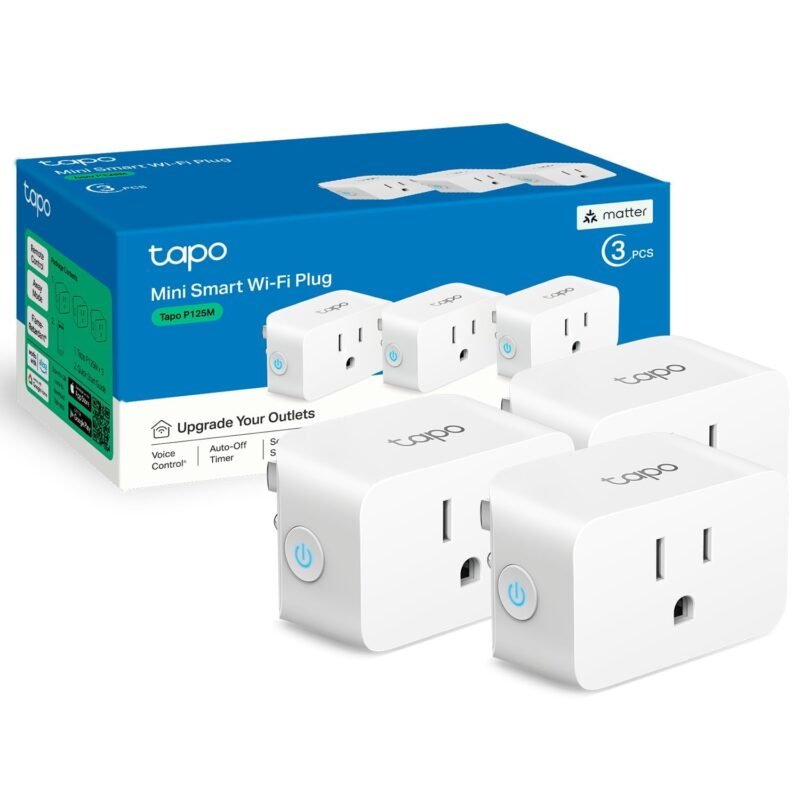
A compact Matter plug rated 15 A / 1800 W that works with Apple Home, Alexa, Google Home and SmartThings, per the listing. It is the simplest way to add a lamp or fan to any platform with local control. For energy monitoring plugs, see our local control smart plugs guide.
✅ Pros: Matter; compact.
❌ Cons: No energy monitoring stated.
🎯 Verdict: The easy plug-in entry to a Matter Tapo setup.
🛒 Which Device for Which Job
🛏️
Bedroom wake-up lighting
Kasa HS220 with a scheduled slow fade-in, or a KL135 bulb in auto-white mode.
🍎
Apple Home plus Home Assistant
Kasa KS205 and Tapo S505D via Matter multi-admin, controlled from both at once.
🔐
Simple DIY security
Tapo H100 hub with T110 door sensors, using the hub’s chime as an entry alert.
💧
Laundry and water heater watch
Tapo T300 leak detectors with a local siren and phone alerts through the hub.
🐶
Pet and baby monitoring
Tapo C211 two-pack covering two rooms, streamed into Home Assistant over RTSP.
🪜
Staircase lighting
Kasa HS210 kit at top and bottom of the stairs, triggered by a motion automation at night.
⚙️ How Kasa and Tapo Devices Connect
| Aspect | Classic Wi-Fi (Kasa/Tapo) | Matter over Wi-Fi | Tapo Hub (Sub-1G) |
|---|
| Devices here | HS220, HS200, HS210, KL135, KL420L5, C211, D205 | KS205, S505D, Matter Plug Mini | T110, T315, T300 |
| Hub needed | No ⭐ | No (Matter controller) ⭐ | Yes, H100 |
| Multi-platform sharing | Via vendor skills | Native multi-admin ⭐ | Via Tapo app |
| Home Assistant path | TP-Link integration, RTSP for cameras | Matter, fully local ⭐ | TP-Link integration via hub (model dependent) |
| Battery life | Mains powered | Mains powered | Long, low-power radio ⭐ |
| Range | Your Wi-Fi coverage | Your Wi-Fi coverage | Up to 30 m from hub (per listing) ⭐ |
❓ Frequently Asked Questions
What is the difference between Kasa and Tapo?
Both are TP-Link brands. Kasa is the older line focused on switches, plugs and bulbs; Tapo is the newer, broader line with cameras, doorbells, vacuums and hub sensors. The listings show newer Kasa switches can be set up in either app, and TP-Link has been bringing the two closer together.
Do Kasa and Tapo devices work without the internet?
Matter models keep working over your LAN, which the KS205 listing states directly. Many classic Kasa and Tapo devices can be controlled locally by Home Assistant’s TP-Link integration, though the official app and voice assistants need the cloud.
Can I use Tapo sensors without the Tapo hub?
No. The T110, T315 and T300 listings all state that a Tapo hub is required, because the sensors use a Sub-1G radio rather than Wi-Fi. If you already run Zigbee, Zigbee sensors may be a better fit.
Do Tapo cameras need a subscription?
No subscription is required for live view, and the D205 listing specifically promises AI person detection without monthly fees. Cloud video storage plans are optional; many users record to a microSD card or to Home Assistant or an NVR via RTSP instead.
🏁 Final Verdict: Best Kasa and Tapo Devices
Our picks across the TP-Link smart home range:
Kasa’s HS220, HS200 and HS210 remain the proven core of a TP-Link smart home, while the Matter KS205 and Tapo S505D are the picks for multi-platform homes. Add a Tapo H100 hub to unlock long-life door, climate and leak sensors, and a C211 pair for indoor monitoring. This is part four of our Wi-Fi local control series after the local control smart plugs, Wi-Fi relay modules and ESP32 Ethernet and PoE boards guides; also see our Matter smart plugs and Home Assistant hardware guides.
💬 Do you run Kasa or Tapo with Home Assistant? Tell us which devices work best for you in the comments below.
All Amazon links above use our affiliate tag (microlab05-20). Purchasing through them supports microcontrollerslab.com at no extra cost to you. Prices and availability change frequently, so always confirm the current price on Amazon before buying.