E-paper (also called e-ink or electronic paper) displays are the secret weapon of low-power embedded projects. Unlike LCDs and OLEDs, they consume power only when refreshing — the last image stays on screen indefinitely with zero standby current. That makes them perfect for battery-powered IoT sensors, weather stations, price tags, smart home dashboards, wearable name badges, and any project where you want readable, glare-free information without draining your battery. They’re also perfectly readable under direct sunlight, something no backlit display can match.
The tricky part is picking the right one. Size, resolution, color capability, refresh speed, voltage, interface, and platform compatibility all vary considerably across the market. This guide ranks 7 of the best e-paper displays for embedded devices — from the tiny 1.54" Waveshare module to the vivid 7-color 5.65" ACeP panel and the self-contained LILYGO ESP32-S3 board — so you can find the exact panel or module that fits your next project.
💡 Reality check before you buy
E-paper displays are slow to refresh — full refreshes take 2–26 seconds depending on size and color count, which rules them out for animations or live-updating video. Three-color and seven-color panels are especially slow (10–26 s). Partial refresh speeds up updates on monochrome panels (as fast as 0.3 s on 2.13" units) but only works in a limited screen region. Most panels use 3.3 V logic; always check your microcontroller’s voltage before wiring. Finally, most Waveshare panels ship without soldered headers — you will need to wire them to an SPI bus, or buy a HAT version that plugs directly onto a Pi.
🗂️ Quick Comparison — All 7 e-Paper Displays
| Display | Size | Resolution | Colors | Interface | Best For | Buy |
|---|---|---|---|---|---|---|
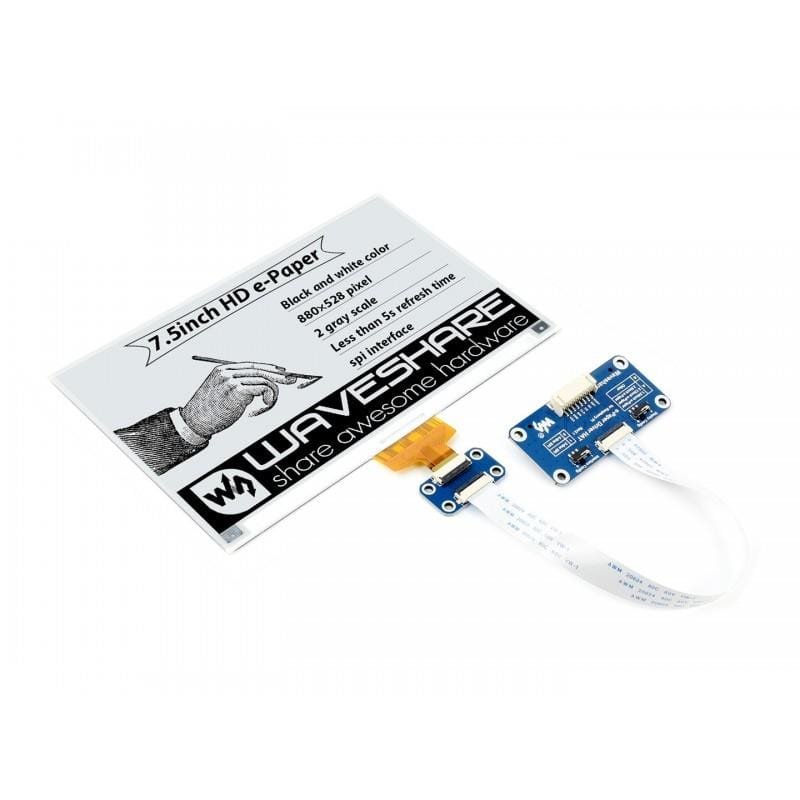
| 🥇 Waveshare 7.5" HAT | 7.5" | 800×480 | B/W | SPI | Best Overall | View → |
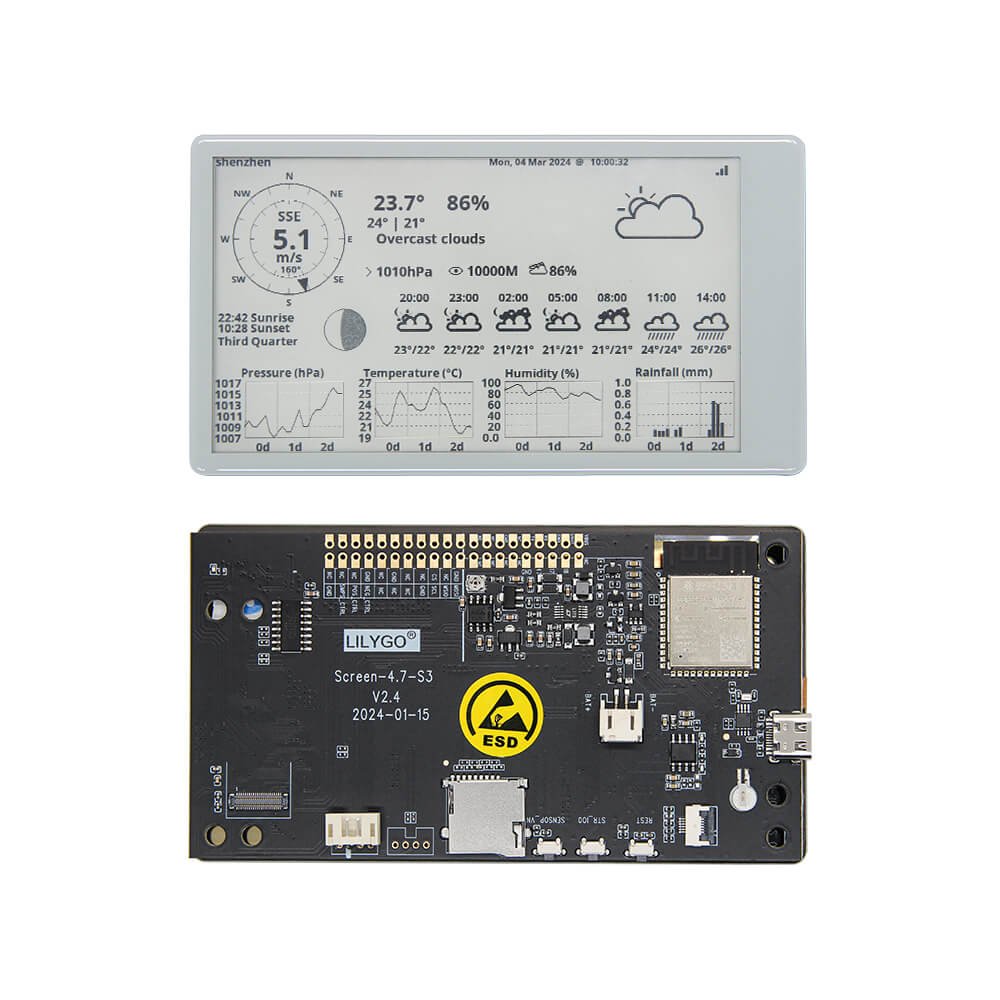
| 🏅 LILYGO T5 4.7" ESP32 | 4.7" | 540×960 | 16 Gray | WiFi+BT | Best All-in-One | View → |
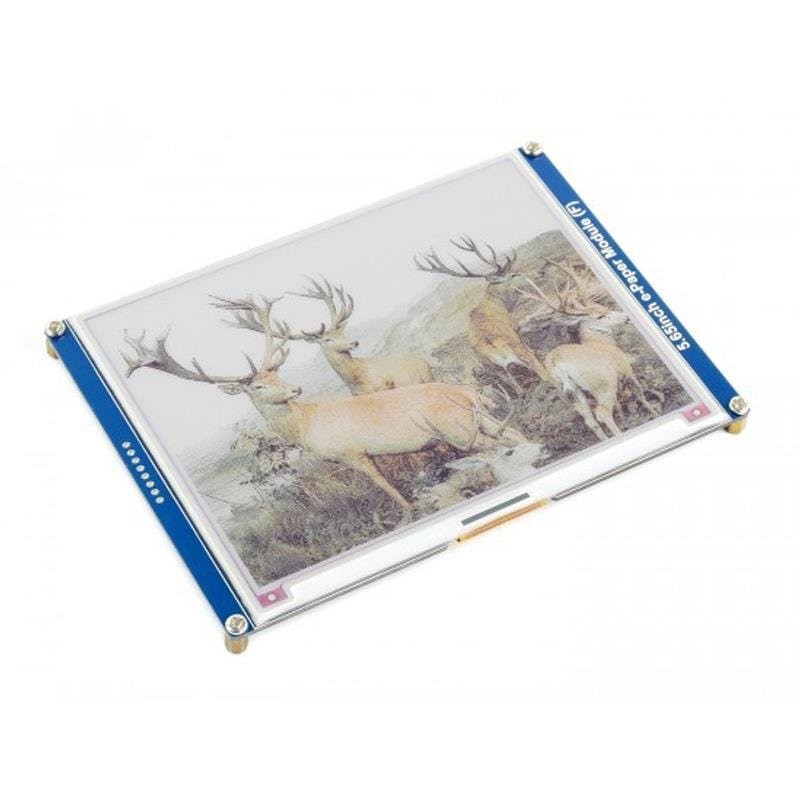
| 🎨 Waveshare 5.65" 7-Color | 5.65" | 600×448 | 7 Colors | SPI | Best Color | View → |
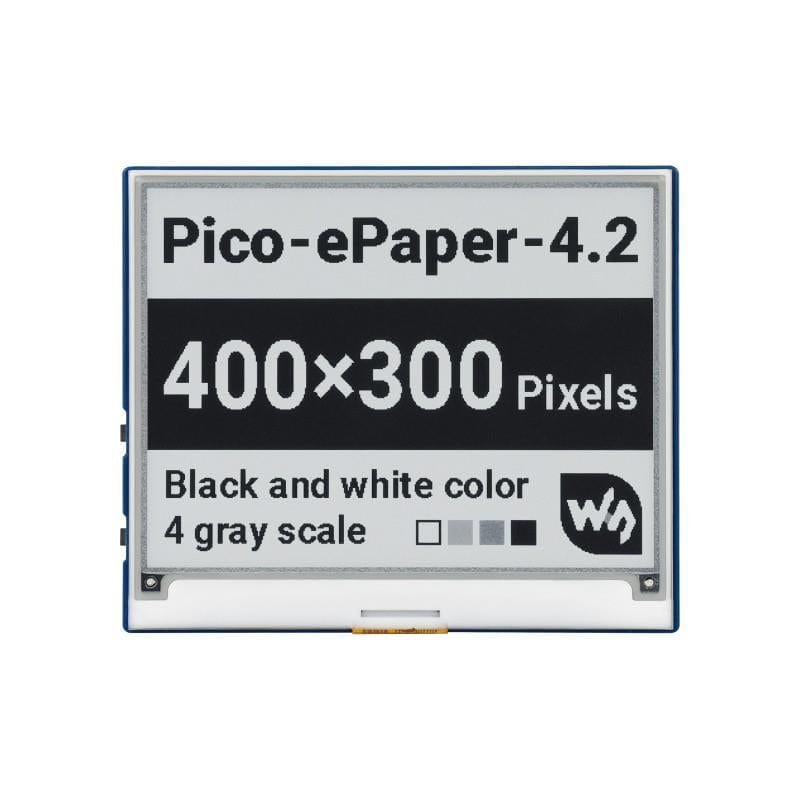
| 📐 Waveshare 4.2" Module | 4.2" | 400×300 | 4 Gray | SPI | Best Mid-Size | View → |
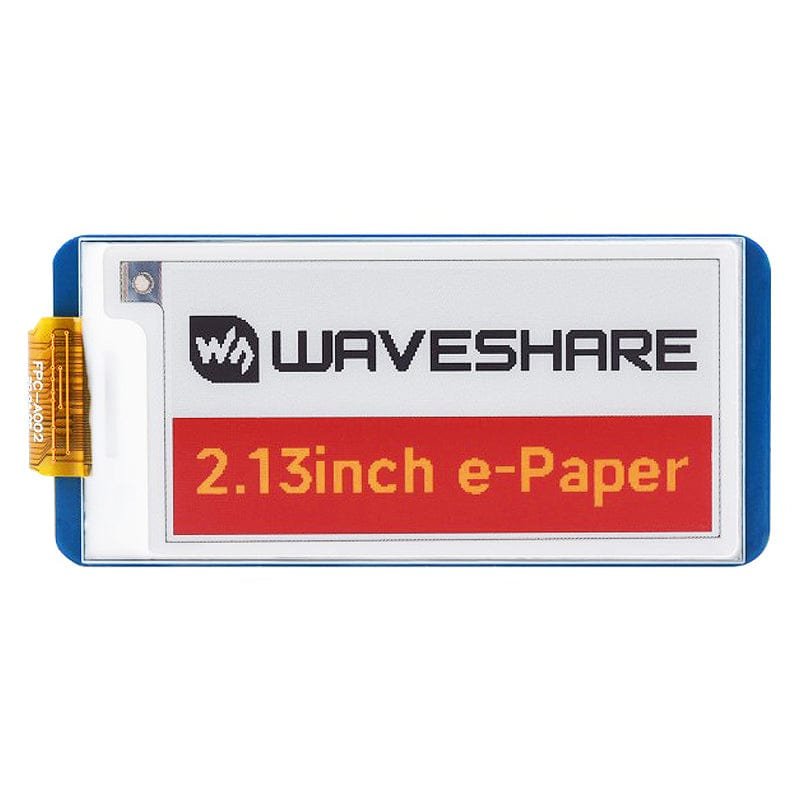
| 🔲 Waveshare 2.13" HAT V4 | 2.13" | 250×122 | B/W | SPI / HAT | Best Compact | View → |
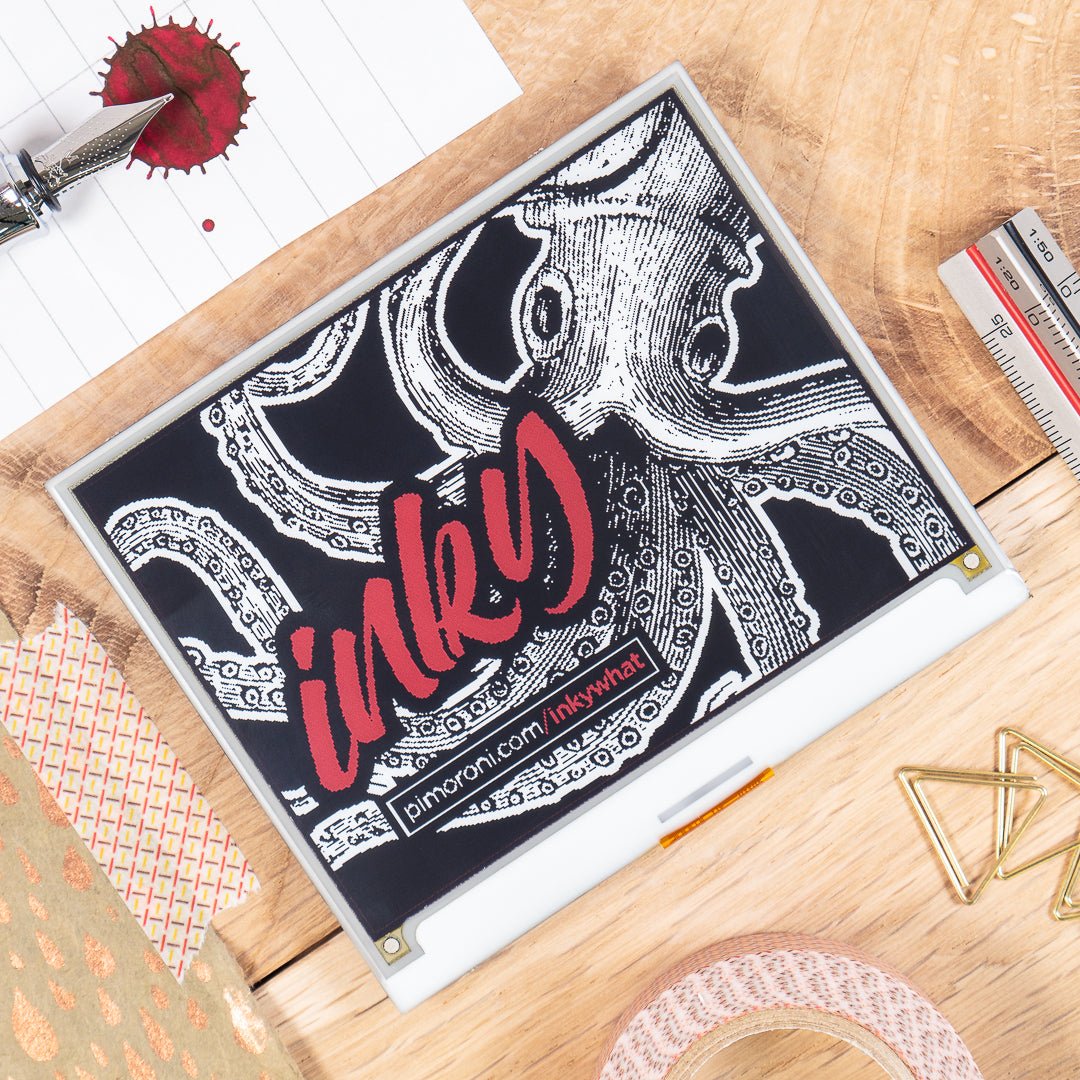
| 🔵 Pimoroni Inky wHAT | 4.2" | 400×300 | 4 Colors | SPI / HAT | Best for Python | View → |
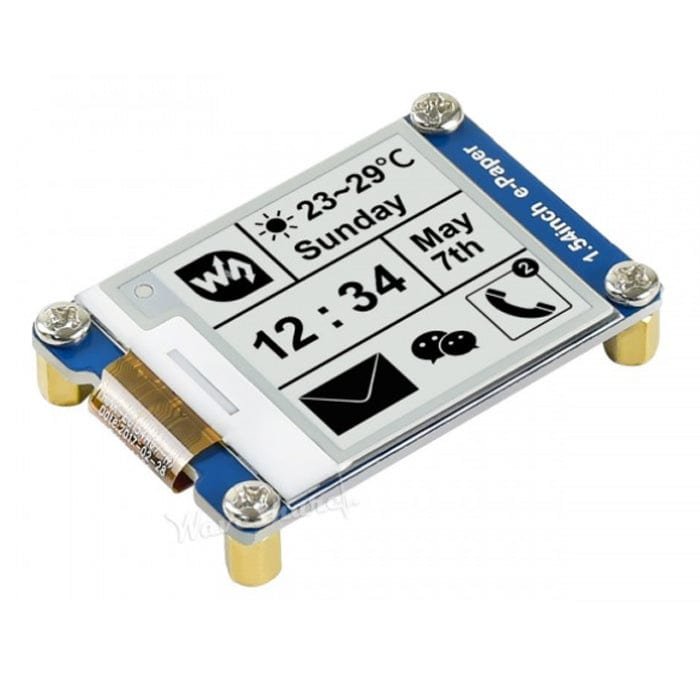
| 📦 Waveshare 1.54" Module | 1.54" | 200×200 | B/W | SPI | Best Small IoT | View → |
* Prices change frequently — click “View →” to see the current price on Amazon before buying.
🔍 What to Look for in an e-Paper Display
Size & Resolution
Bigger panels give more readable text but cost more and refresh slower. Choose 1.54"–2.13" for compact wearables, 4.2"–5.65" for desk displays, and 7.5" for wall dashboards.
Color Count
B/W and 4-level grayscale panels refresh in 2–5 s. Three-color panels (B/W/R or B/W/Y) take 10–15 s. Seven-color ACeP panels need up to 26 s per refresh — only viable for static content.
Partial Refresh
Monochrome SSD1680/UC8175-based panels support partial refresh (0.3 s), letting you update a small region (like a clock digit) very quickly without a full flash. Colored panels generally do not support it.
Interface & Form Factor
All panels here use SPI (4 wires + power). HAT versions plug directly onto Raspberry Pi’s 40-pin GPIO. Module versions need wiring to any SPI microcontroller: Arduino, ESP32, STM32, Pico, etc.
Power & MCU Integration
All panels run on 3.3 V logic; most also accept 5 V supply via on-board regulator. If you want WiFi or BLE out of the box, the LILYGO T5 ESP32 board has everything integrated and is battery-ready.
🏆 Detailed Reviews — All 7 e-Paper Displays
🛒 How to Choose the Right e-Paper Display
Wall / Desk Dashboard?
Get the Waveshare 7.5" HAT — 800×480 pixels, Pi HAT, and enough room for weather, calendar and system stats on one screen.
WiFi IoT / Battery Project?
The LILYGO T5 4.7" ESP32 has everything built in — MCU, WiFi, Bluetooth and a LiPo connector — so you only need to add a battery and code.
Need Color?
The Waveshare 5.65" 7-Color ACeP is the only true multi-color pick. Expect slow refresh — but for static signs and labels it’s stunning.
Python / Beginner?
The Pimoroni Inky wHAT is plug-and-play with a one-liner pip installer. No wiring, excellent docs — the easiest path to a working display.
Wearable / Price Tag?
The Waveshare 1.54" Module is the smallest option with partial refresh — ideal for badges, wrist-worn sensors, and tiny IoT nodes.
Best Value Middle Ground?
The Waveshare 4.2" Module offers 4-level grayscale and broad MCU compatibility at a very reasonable price point — a great first purchase.
⚙️ Key Specs Compared — Side by Side
| Spec | 7.5" HAT | T5 4.7" ESP32 | 4.2" Module | 5.65" 7-Color | 2.13" HAT V4 | 1.54" Module |
|---|---|---|---|---|---|---|
| Resolution | 800×480 ⭐ | 540×960 | 400×300 | 600×448 | 250×122 | 200×200 |
| Colors | B/W | 16 Gray | 4 Gray | 7 Colors ⭐ | B/W | B/W |
| Full Refresh | ~5 s | ~4 s | ~4 s | ~26 s | 2 s ⭐ | 2 s ⭐ |
| Partial Refresh | — | — | — | — | 0.3 s ⭐ | 0.3 s ⭐ |
| Interface | SPI / HAT | WiFi+BT ⭐ | SPI | SPI | SPI / HAT | SPI |
| MCU Needed? | Yes (Pi/Arduino) | Built-in ⭐ | Yes | Yes | Pi HAT | Yes |
| Voltage | 3.3V/5V | 3.3V (USB-C) | 3.3V/5V | 3.3V/5V | 3.3V/5V | 3.3V/5V |
❓ Frequently Asked Questions
What is the difference between e-paper, e-ink and electronic paper?
These terms are all used interchangeably in the maker community. “E Ink” is technically a trademark of E Ink Corporation — the dominant manufacturer of the electrophoretic display panels used in Kindles and most maker modules. “e-paper” and “electronic paper” are generic terms that describe the same technology. All the displays in this guide use electrophoretic panels that move charged pigment particles to create a bistable, no-power-to-hold image.
How do I wire a Waveshare SPI e-paper module to an Arduino or ESP32?
All SPI e-paper modules use 6 wires: VCC, GND, DIN (MOSI), CLK (SCK), CS (chip select), DC (data/command), RST and BUSY. On an Arduino Uno, DIN → pin 11, CLK → pin 13, CS → pin 10, DC → pin 9, RST → pin 8, BUSY → pin 7. On ESP32, you can use the default SPI pins (GPIO23/MOSI, GPIO18/CLK) with any GPIO for CS/DC/RST/BUSY. Install the GxEPD2 library by Jean-Marc Zingg via the Arduino Library Manager, then find your specific model in the example sketches. Waveshare’s wiki also provides complete wiring diagrams for every board.
Can I use e-paper displays with MicroPython on a Raspberry Pi Pico?
Yes — Waveshare provides official MicroPython examples for the Pico on their GitHub repository, covering most of their display sizes. There are also community libraries such as micropython-epaper and drivers within the pico-epaper project. The Waveshare Pico-specific e-paper modules (which have female headers for direct Pico insertion) are the easiest way to get started without any wiring.
Why does the 7-color ACeP display take 26 seconds to refresh?
Standard monochrome e-paper works by moving two types of charged particles (black and white) between two states. Seven-color ACeP panels use multiple pigment types that must each be electrically driven to their correct position — a far more complex process requiring many sub-frames, each driving a different subset of color particles. This physical limitation means 26 seconds is the floor for today’s ACeP technology, regardless of how fast your microcontroller is. Plan your application for content that refreshes no more than once every few minutes.
How long will a battery last powering an e-paper display?
It depends almost entirely on how often you refresh. A 7.5" Waveshare panel draws roughly 26–46 mW during a refresh but essentially 0 mW at standby. A Raspberry Pi Zero 2W with the display updating once per hour could run for days on a 10,000 mAh USB power bank, because the Pi itself is the dominant power consumer. With the LILYGO T5 ESP32 in deep sleep between updates, a 3,000 mAh LiPo battery can last several weeks if you only refresh once every 10–30 minutes. For maximum battery life, put the MCU in deep sleep and only wake to fetch data and update the screen.
🏁 Final Verdict — Best Pick for Every Use Case
The right e-paper display for every maker, maker project and budget:
No single e-paper display is perfect for every project, but every pick in this guide will give you crisp, sunlight-readable, ultra-low-power output that you simply cannot get from a conventional LCD or OLED. For most Raspberry Pi builders, the Waveshare 7.5" HAT is the place to start — it has the biggest screen, a direct Pi connection and excellent library support. If you’re building something wireless and battery-powered, the LILYGO T5 4.7" ESP32 eliminates all the MCU wiring overhead. Need color? The Waveshare 5.65" 7-Color ACeP is in a class by itself. And if you’re just starting out with e-paper, the Pimoroni Inky wHAT or the Waveshare 2.13" HAT V4 will have you showing real data in an hour. Browse our Arduino, ESP32 and Raspberry Pi tutorials for step-by-step code examples for all of these displays.
💬 Have a question about which display to pick for your project? Tell us what you’re building in the comments below — IoT node, wearable, dashboard, or something else — and we’ll point you to the right choice. All Amazon links on this page use our affiliate tag (microlab05-20). Purchasing through them supports microcontrollerslab.com at no extra cost to you. Prices shown are approximate and subject to change — always verify the current price on Amazon before purchasing.