RC522 RFID Reader Module with Raspberry Pi Pico
RC522 RFID Reader Module with Raspberry Pi Pico

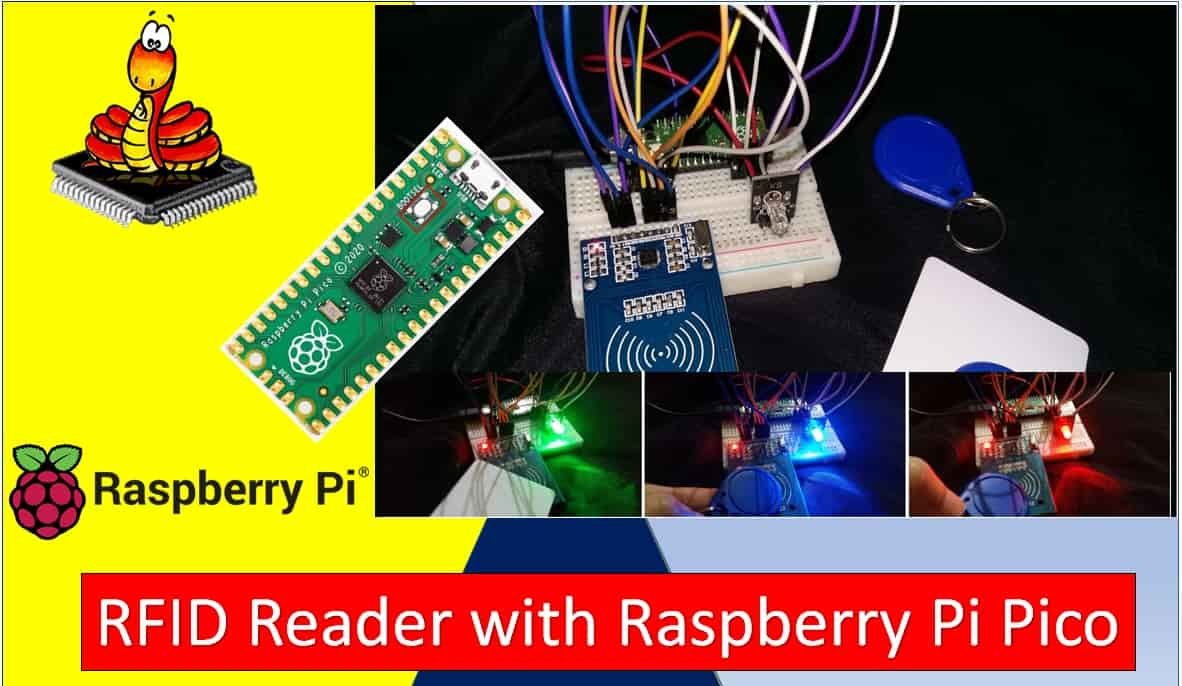
In this tutorial, we will learn to interface the RC522 RFID Reader Module with Raspberry Pi Pico using MicroPython. RFID (Radio Frequency Identification) technology is one of the most widely used wireless communication technologies in the modern world. These RFID reader modules are very handy in today’s fast-paced world. Due to their fast, accurate, and … Read more
Raspberry Pi Pico Dual Core Programming

Raspberry Pi Pico Dual Core programming

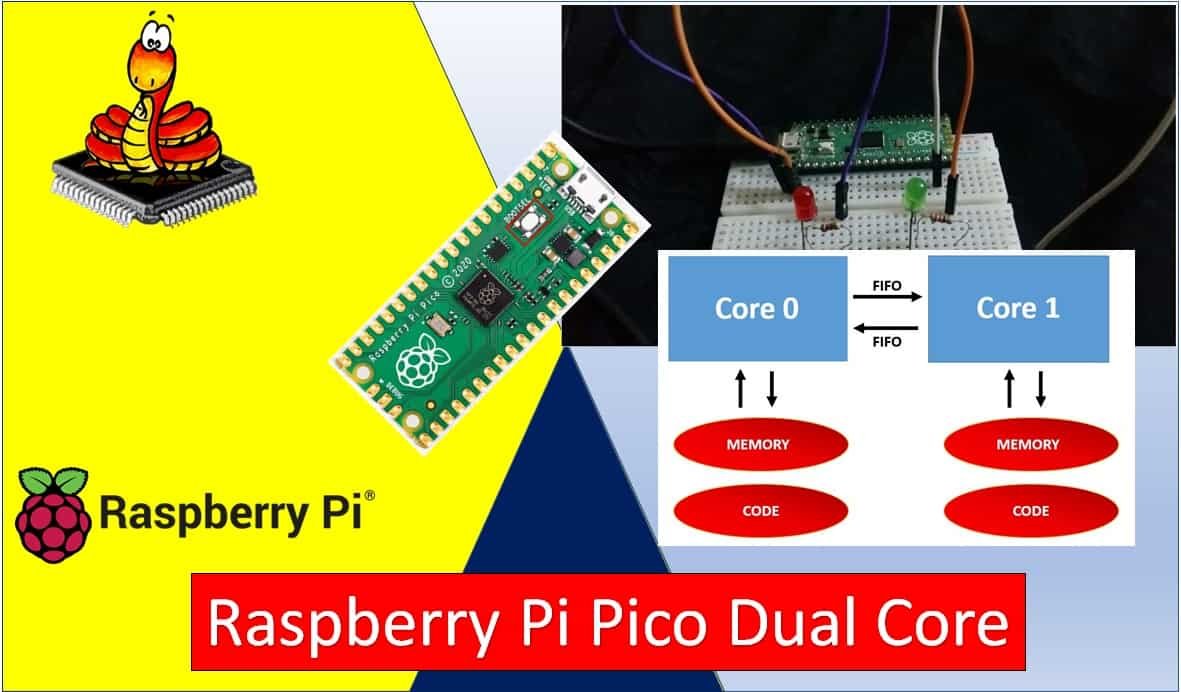
In this tutorial, we will learn how to use the dual core of the Raspberry Pi Pico using MicroPython. The Raspberry Pi Pico is a low-cost, high-performance board built around the RP2040 microcontroller chip. The RP2040 contains a dual-core ARM Cortex-M0+ processor that can operate at up to 133 MHz. This chip features 26 multi-function … Read more

28BYJ-48 Stepper Motor with Raspberry Pi Pico using MicroPython

28BYJ-48 Stepper Motor with Raspberry Pi Pico using MicroPython

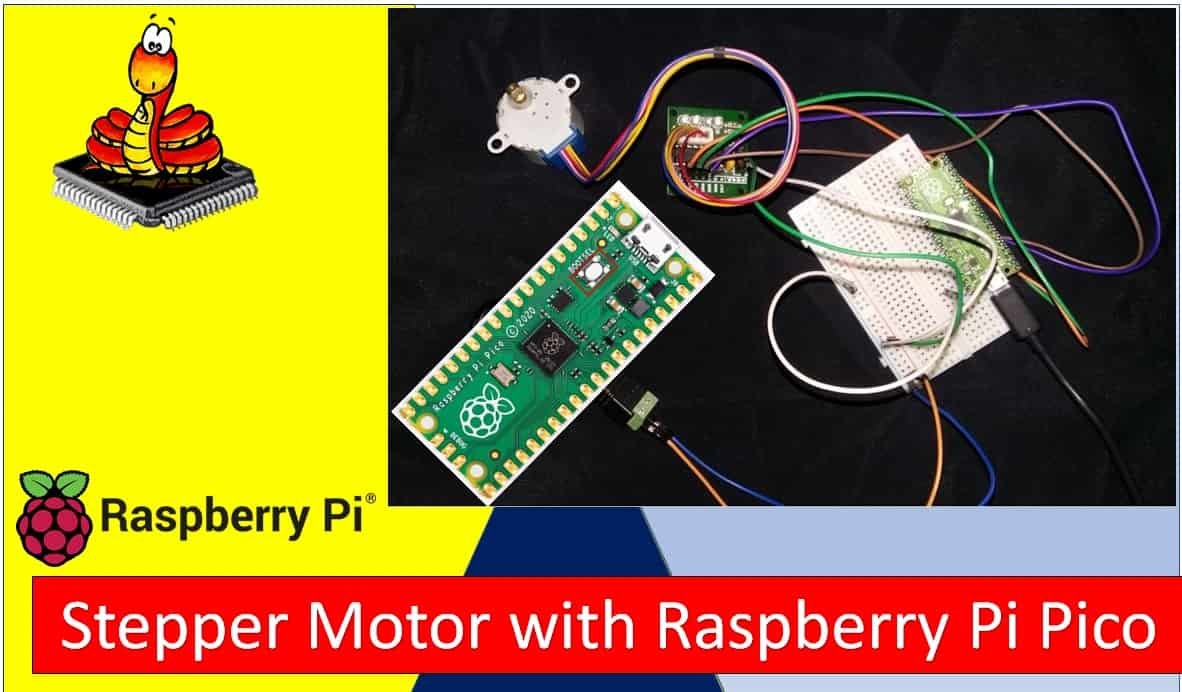
In this tutorial, we will learn about the 28BYJ-48 stepper motor and how to interface it with Raspberry Pi Pico using a ULN2003 driver. The 28BYJ-48 stepper motor is one of the most inexpensive and widely used stepper motors available today. It comes with a ULN2003 motor driver board that is responsible for driving the … Read more

Control DC Motor using L298N Driver with Raspberry Pi Pico and MicroPython

Control DC Motor L298N Driver with Raspberry Pi Pico and MicroPython

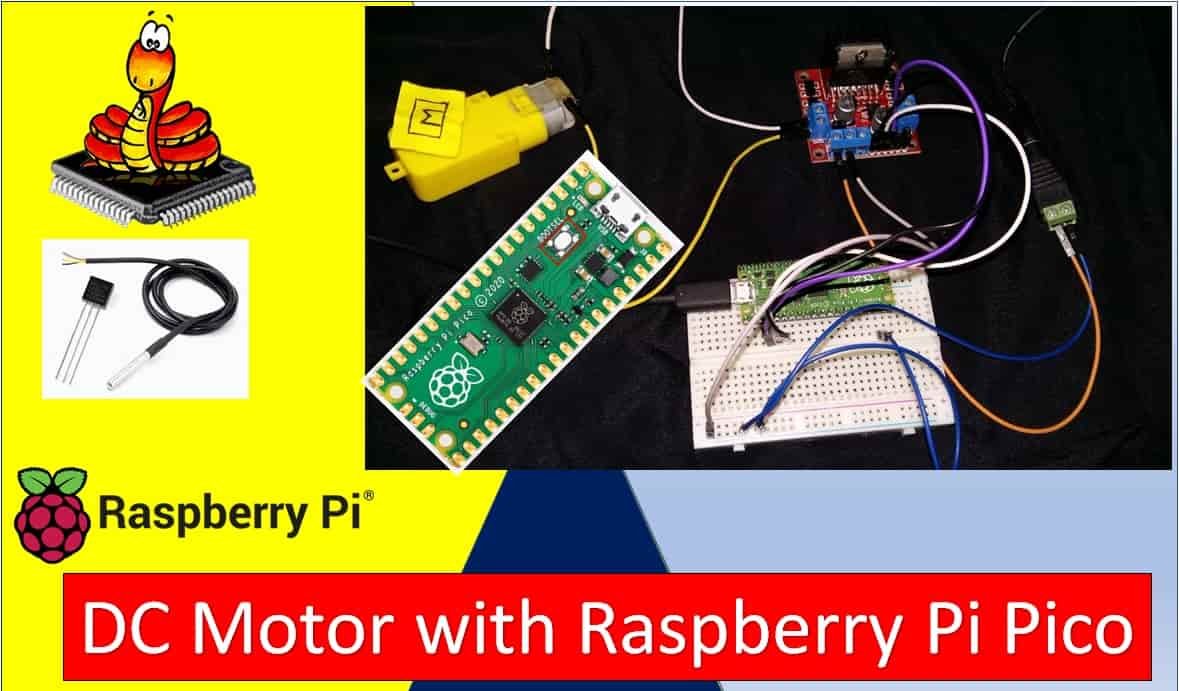
In this guide, we will learn how to control a DC motor with Raspberry Pi Pico using MicroPython and an L298N motor driver module. We will introduce you to the L298N motor driver module, explain how it works internally, and then use it to demonstrate basic DC motor control including start, stop, forward, and backward … Read more

HC-05 Bluetooth Interfacing with Raspberry Pi Pico – Control Outputs

HC-05 Bluetooth Interfacing with Raspberry Pi Pico Control GPIO Pins

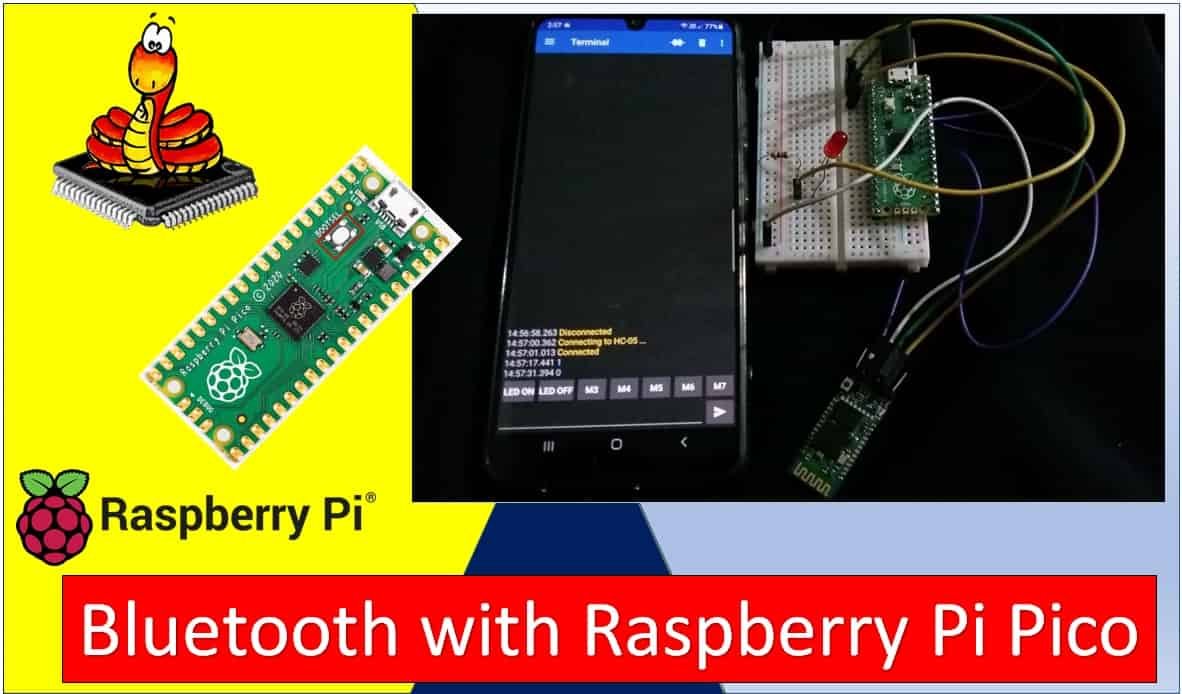
In this tutorial, we will learn about the HC-05 Bluetooth-to-serial port module and how to interface it with the Raspberry Pi Pico. This Bluetooth device operates on UART communication. In other words, it uses serial communication to transmit and receive data serially over the standard Bluetooth radio frequency. Therefore, we will use the TX and … Read more

DS18B20 Temperature Sensor with Raspberry Pi Pico using MicroPython

DS18B20 Temperature Sensor with Raspberry Pi Pico using MicroPython

In this user guide, we will learn how to use a DS18B20 temperature sensor with Raspberry Pi Pico in MicroPython. This is a comprehensive article in which we will discuss the sensor and how to access temperature readings through a single sensor. Additionally, we will also display the temperature readings on an SSD1306 OLED display. … Read more

DHT11 DHT22 with Raspberry Pi Pico using MicroPython

DHT11 DHT22 with Raspberry Pi Pico MicroPython

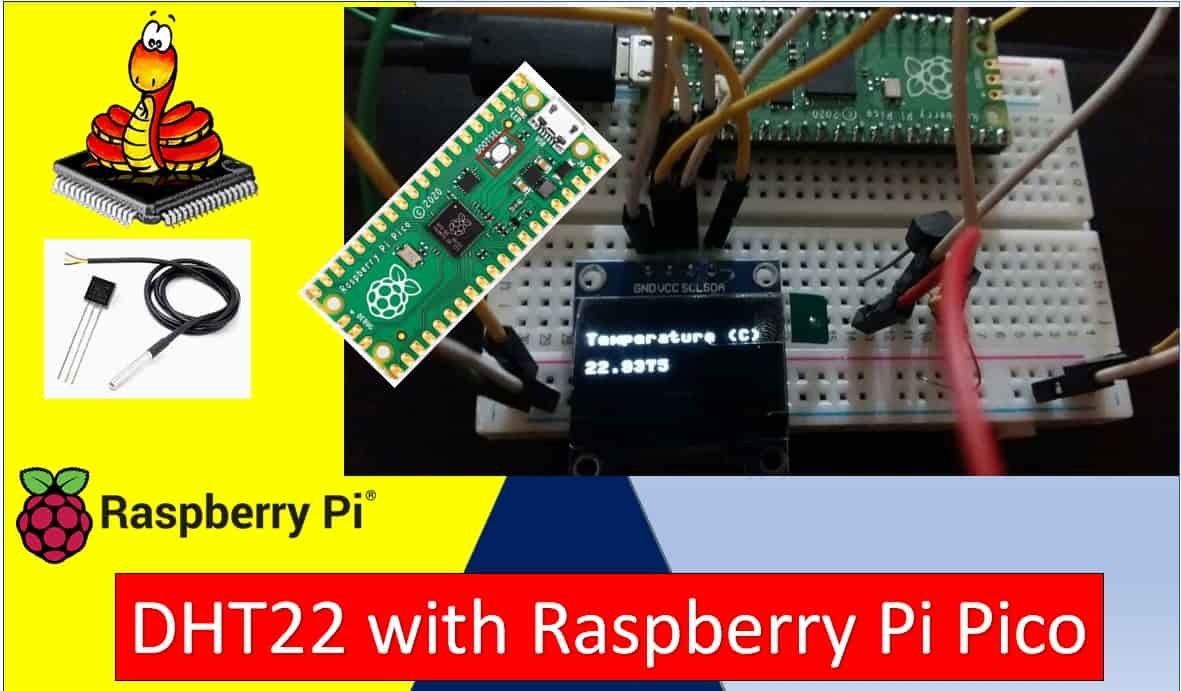
This tutorial shows how to interface DHT11/DHT22 temperature and humidity sensors with Raspberry Pi Pico using MicroPython. These popular sensors allow you to measure ambient temperature and relative humidity with a single data wire, making them ideal for weather stations, environmental monitoring, and home automation projects. First, we will learn to interface DHT22 with Raspberry … Read more

HC-SR04 Ultrasonic Sensor with Raspberry Pi Pico using MicroPython

HC-SR04 Ultrasonic Sensor with Raspberry Pi Pico

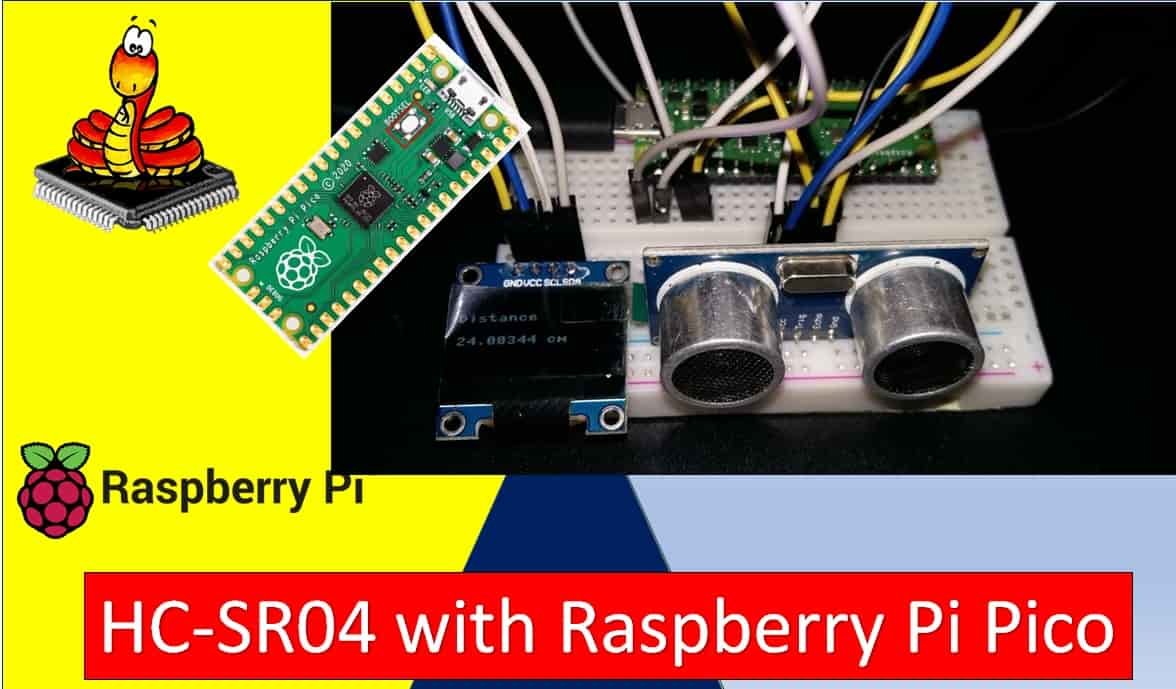
This tutorial shows how to interface the HC-SR04 ultrasonic sensor with Raspberry Pi Pico for contactless distance measurement using MicroPython. The HC-SR04 is a popular and low-cost ultrasonic distance sensor capable of measuring distances from 2 cm to 400 cm with an accuracy of approximately 3 mm. It operates at 5V and communicates using a … Read more

I2C LCD Interfacing with Raspberry Pi Pico Display Text and Custom Characters

I2C LCD with Raspberry Pi Pico Display Text and Custom Characters

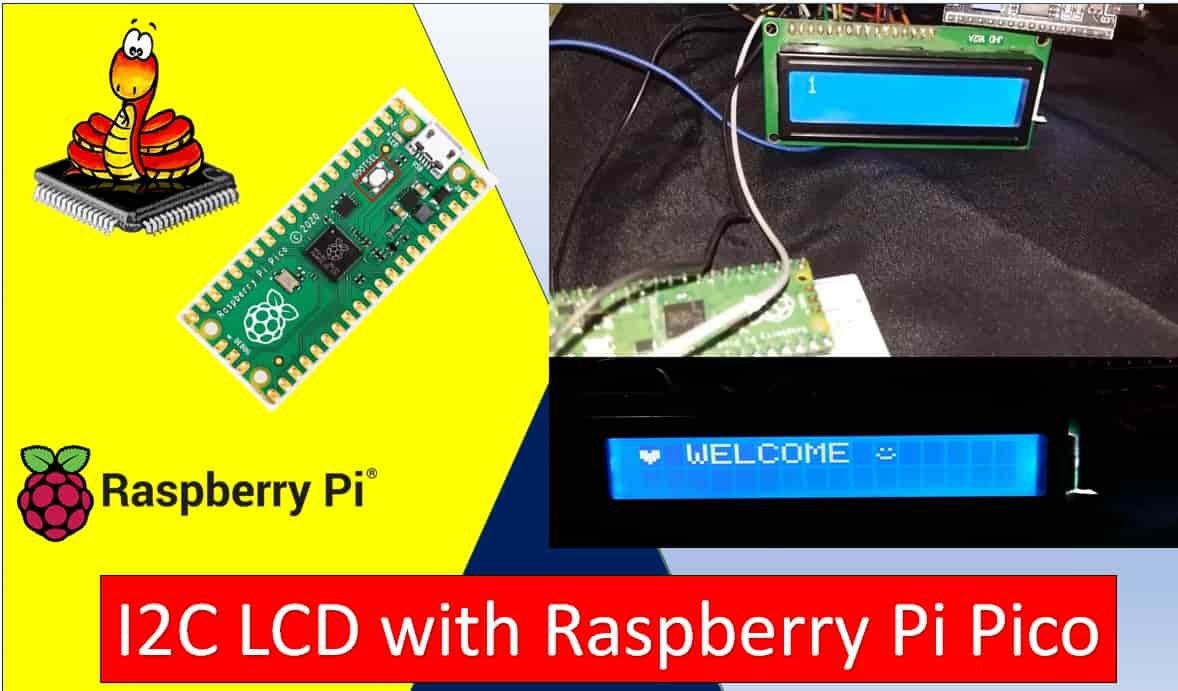
In this tutorial, we will learn how to interface I2C LCD with Raspberry Pi Pico and how to display simple text/numbers and custom characters on I2C LCD. This I2C LCD is a 16×2 device which means it can display 16 columns by two rows of characters. The characters are alphanumeric, but you can create custom … Read more