ESP8266 NodeMCU WhatsApp Messages Notification BME280 Sensor Readings
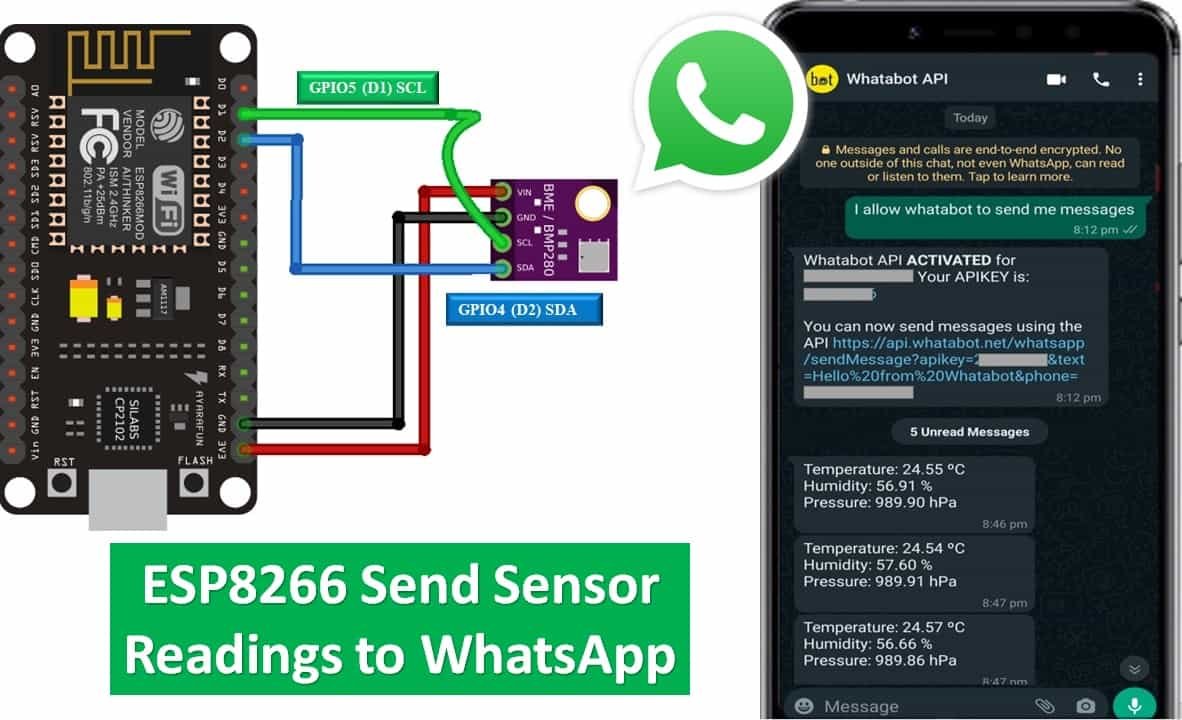
ESP8266 NodeMCU Send BME280 Sensor Readings to WhatsApp number

In a previous tutorial, we showed you how to send simple Whatsapp text messages to your account with ESP8266 using Whatabot and callmebot free APIs. In this guide, we will take that a step ahead and send sensor readings using callmebot and WhataBot API and HTTP client library in Arduino IDE and send the sensor data to our WhatsApp … Read more

ESP32 Send BME280 Sensor Readings to WhatsApp Messages

ESP32 Send BME280 Sensor Readings to WhatsApp number

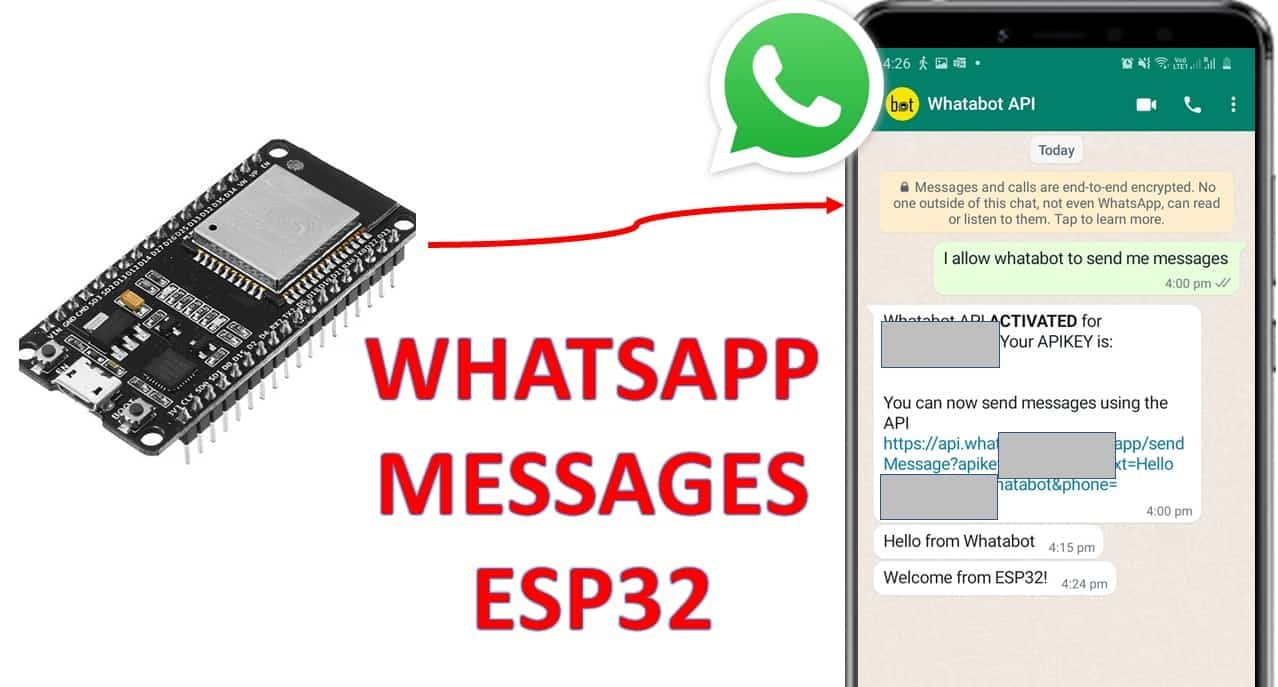
In a previous tutorial, we showed you how to send simple Whatsapp text messages to your account with ESP32 using Whatabot and callmebot free APIs. In this guide, we will take that a step ahead and send sensor readings using callmebot and WhataBot API and HTTP client library in Arduino IDE and send the sensor data to our WhatsApp … Read more
ESP8266 NodeMCU Send WhatsApp Messages to Your Account

ESP8266 NodeMCU Send WhatsApp messages to your account

In this tutorial, we will show you how to send Whatsapp messages to your account with ESP8266 NodeMCU using Whatabot and callmebot free APIs. These free WhatsApp APIs can be helpful to send message notifications, sensor readings, motion detection, and door-opening alerts. We will see how to call these APIs using the HTTP client library … Read more

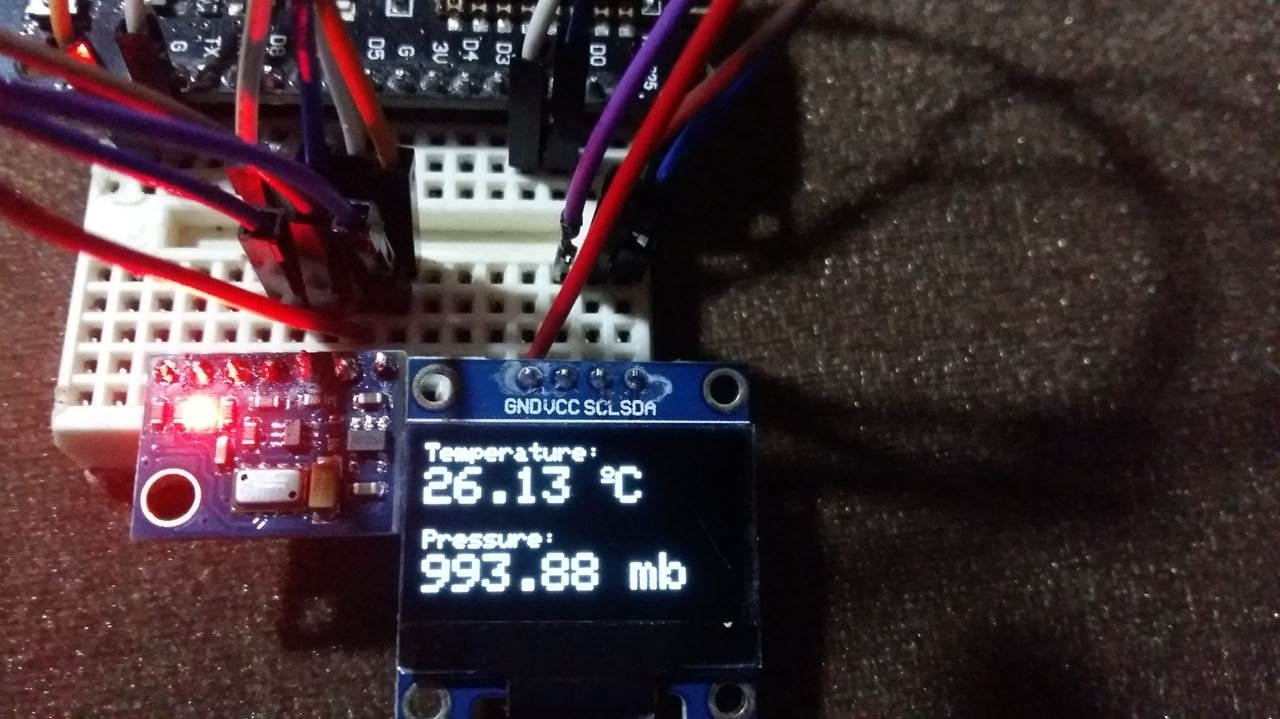
ESP8266 NodeMCU with MS5611 Barometric Pressure Sensor

MS5611 with ESP8266 and OLED

In this user guide, we will learn to interface MS5611 barometric pressure sensor module with ESP8266 NodeMCU. Firstly, we will introduce you to the MS5611 sensor including its pinout, features, and interfacing with ESP8266. Secondly, we will install the Arduino MS5611 library in Arduino IDE to access the sensor data. Lastly, we see two examples … Read more

ESP8266 NodeMCU with HTU21D Temperature and Humidity Sensor

HTU21D with ESP8266 Display Sensor Data on OLED

In this user guide, we will learn to interface HTU21D Temperature and Humidity Sensor module with ESP8266 NodeMCU. Firstly, we will introduce you to HTU21D sensor including its pinout, features, and interfacing with the ESP8266 board. Secondly, we will install the Adafruit HTU21D library in Arduino IDE to access the sensor data. Lastly, we see … Read more

ESP8266 NodeMCU with SHT31 Temperature & Humidity Sensor

SHT31 with ESP8266 Display Sensor Data on OLED

In this user guide, we will learn to interface SHT31 Temperature and Humidity Sensor module with ESP8266 NodeMCU. Firstly, we will introduce you to SHT31 sensor including its pinout, features, and interfacing with ESP8266. Secondly, we will install the Adafruit SHT31 library in Arduino IDE to access the sensor data. Lastly, we see two examples … Read more

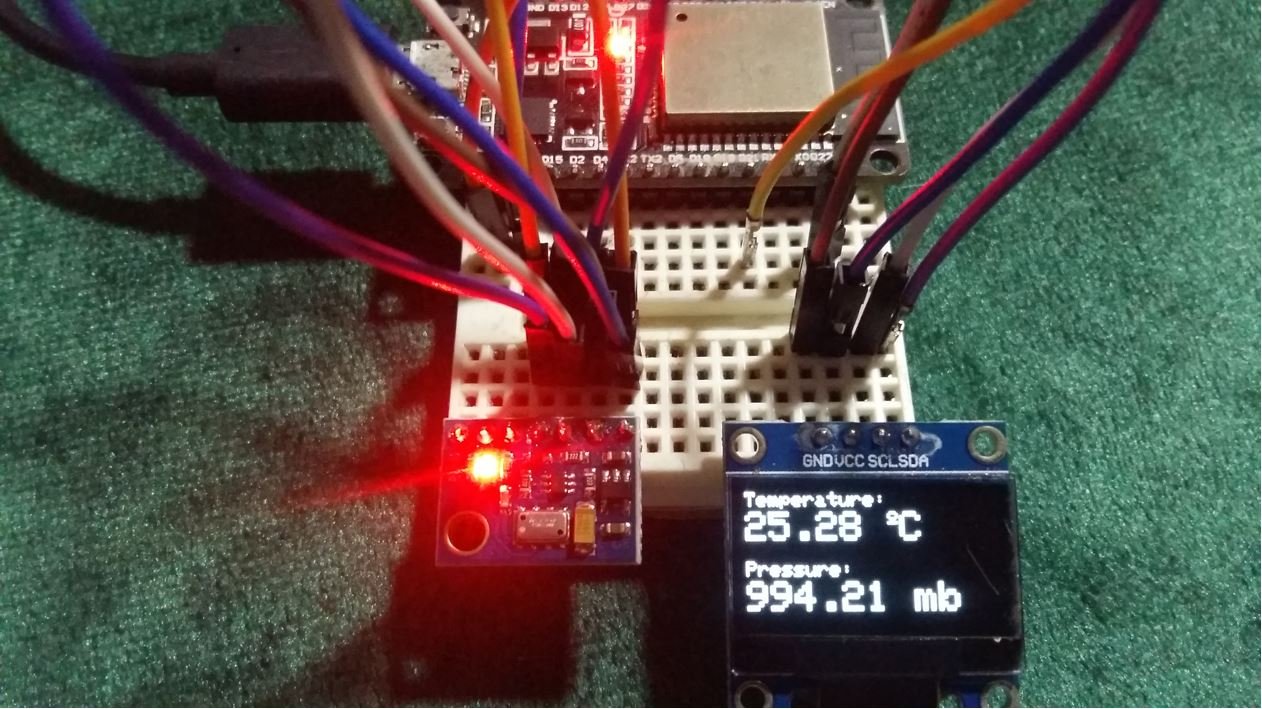
Interface MS5611 Barometric Pressure Sensor with ESP32

MS5611 with ESP32 Display sensor data on OLED

In this user guide, we will learn to interface MS5611 barometric pressure sensor module with ESP32 development board. Firstly, we will introduce you to the MS5611 sensor including its pinout, features, and interfacing with ESP32. Secondly, we will install the Arduino MS5611 library in Arduino IDE to access the sensor data. Lastly, we see two … Read more

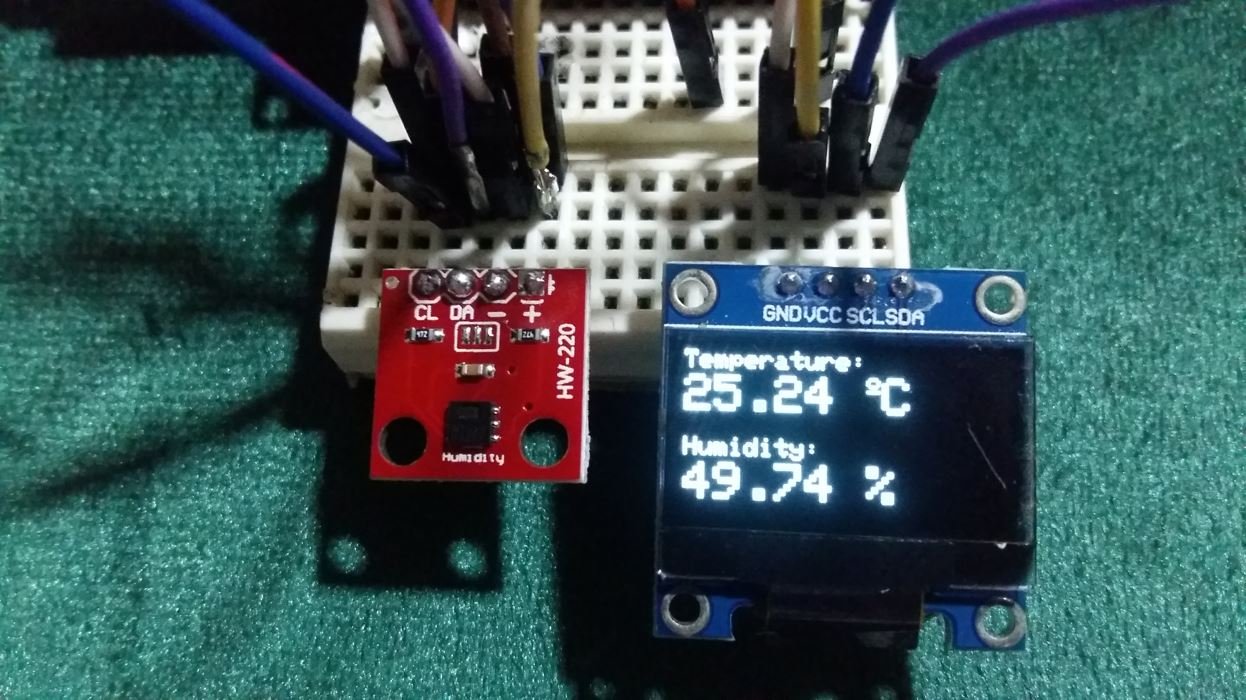
Interface HTU21D Temperature & Humidity Sensor with ESP32

HTU21D with ESP32 and OLED Demo

In this user guide, we will learn to interface HTU21D Temperature and Humidity Sensor module with ESP32 development module. Firstly, we will introduce you to HTU21D sensor including its pinout, features, and interfacing with the ESP32 board. Secondly, we will install the Adafruit HTU21D library in Arduino IDE to access the sensor data. Lastly, we … Read more

Interface SHT31 Temperature & Humidity Sensor with ESP32

SHT31 with ESP32 Display Readings on OLED

In this user guide, we will learn to interface SHT31 Temperature and Humidity Sensor module with ESP32 development board. Firstly, we will introduce you to SHT31 sensor including its pinout, features, and interfacing with ESP32. Secondly, we will install the Adafruit SHT31 library in Arduino IDE to access the sensor data. Lastly, we see two … Read more