⚠️ Affiliate Disclosure: This post contains Amazon affiliate links. If you purchase through our links, we may earn a small commission at no extra cost to you. Every product below was checked against its live Amazon listing before publishing. Prices change often, so we don’t list them here. Tap any Buy Here button to see the current price on Amazon.
Ultimate Buying Guide
🔔 Best Video Doorbells for Home Assistant
10 wired, PoE and battery doorbells compared on what matters for a smart home: local streams, Home Assistant support, Frigate friendliness and subscription free recording.
✅ 10 Picks Reviewed
✅ PoE, Wi-Fi and Battery
✅ Local vs Cloud Explained
✅ Honest Pros and Cons
A video doorbell is often the first camera in a smart home, and it can do far more than ping your phone. Wired into Home Assistant, a button press can flash the lights, announce visitors on speakers, unlock a gate or pop the live stream onto a wall tablet, and with Frigate you can add local person detection and recording. Whether any of that works depends on how the doorbell exposes its video: a local stream (RTSP or ONVIF), an official integration, or only a vendor cloud app.
This guide compares 10 video doorbells on Amazon with those integration details in mind, from PoE models built for local control to mainstream cloud doorbells. If you are building out your setup, pair it with our guides to Home Assistant hardware and small PoE switches.
💡 Reality check before you buy: Battery doorbells sleep between events, so they rarely offer a continuous local stream for Frigate or 24/7 recording. Integrations change: features like RTSP can be added, removed or moved behind a setting by firmware updates, so check current Home Assistant and vendor documentation before relying on one. Cloud doorbells (Nest, Wyze, Hue, WUUK) usually need the vendor app and may put history or smart alerts behind a subscription. Wired doorbells normally need existing low voltage doorbell wiring (often 16 to 24 V AC) or the included adapter; turn off power at the breaker before touching the transformer side, and use an electrician if your chime runs from mains wiring you are not comfortable with. Respect local privacy rules when a camera covers a street or a neighbour’s property.
Table of Contents
- Quick Comparison: All 10 Video Doorbells
- How to Choose a Doorbell for Home Assistant
- Detailed Reviews: All 10 Picks
- Which One for Which Job
- PoE vs Wired Wi-Fi vs Battery Doorbells
- Frequently Asked Questions
- Final Verdict: Best Video Doorbells for Home Assistant
🔔 Quick Comparison: All 10 Video Doorbells
| Doorbell | Power | Video | Home Assistant Route | Best For | Buy |
|---|
| 🥇 Reolink Video Doorbell PoE | PoE | 2K, 4:3 | Official Reolink integration, local | Best Overall | Buy Here → |
| 📶 Reolink Video Doorbell WiFi | Doorbell wiring | 2K, 4:3 | Official Reolink integration, local | Best Wi-Fi | Buy Here → |
| 🟢 Tapo D130 Wired | Doorbell wiring | 2K, 180° view | Community integrations; check stream support | Budget Wired | Buy Here → |
| 🔋 Tapo D205 Wireless | Battery | 2K, 160° view | App first; limited live stream | Best Battery | Buy Here → |
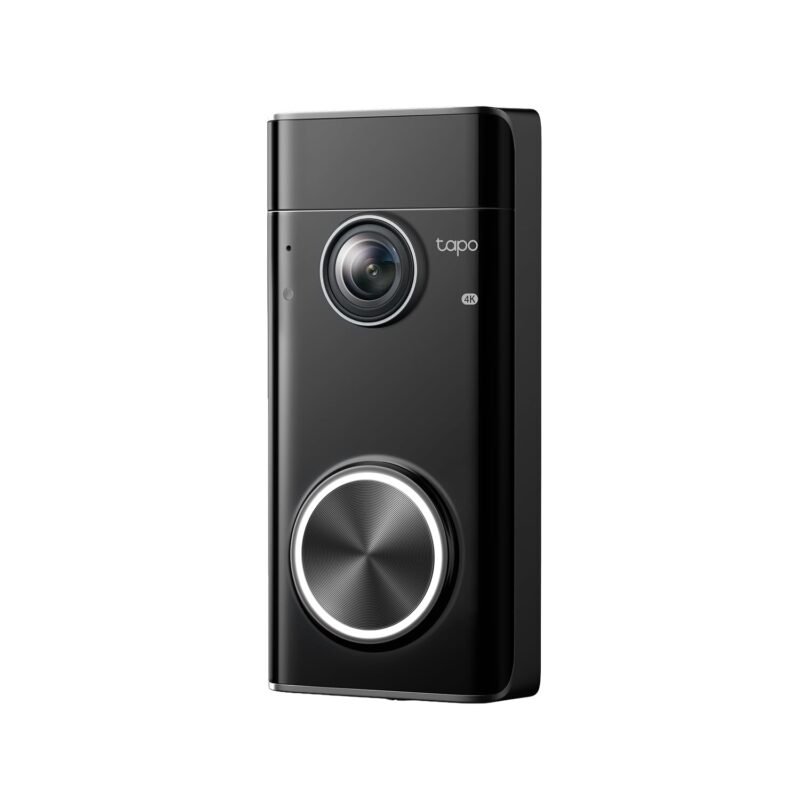
| 🎥 Tapo D260 4K Pro | Wired or battery | 4K, 180° DFOV, radar | App first; new model | Sharpest Video | Buy Here → |
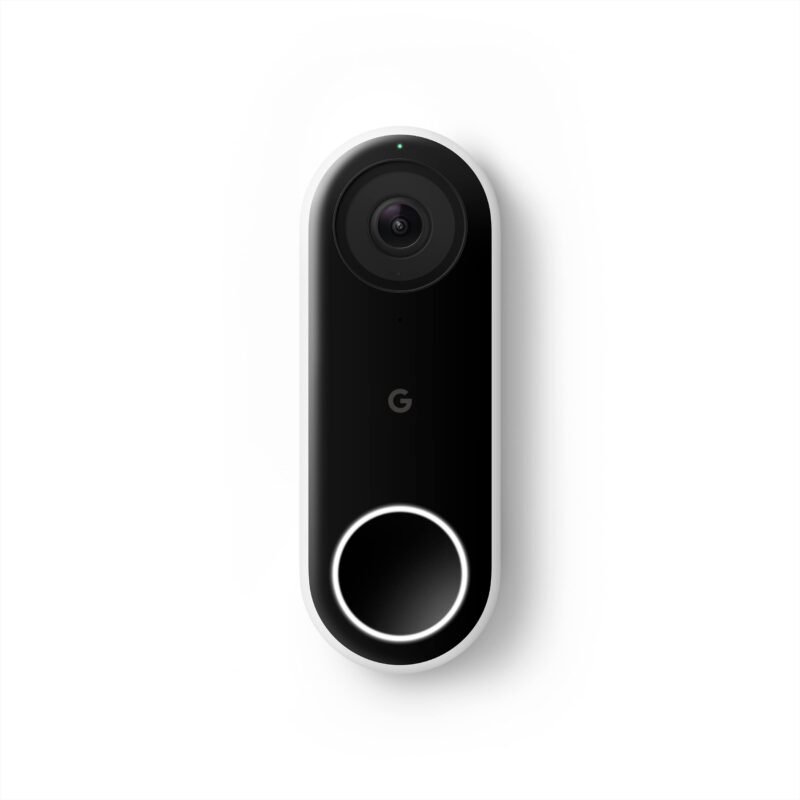
| 🏠 Google Nest Doorbell (Wired) | Doorbell wiring | HDR, 24/7 streaming | Google Nest integration (cloud) | Google Homes | Buy Here → |
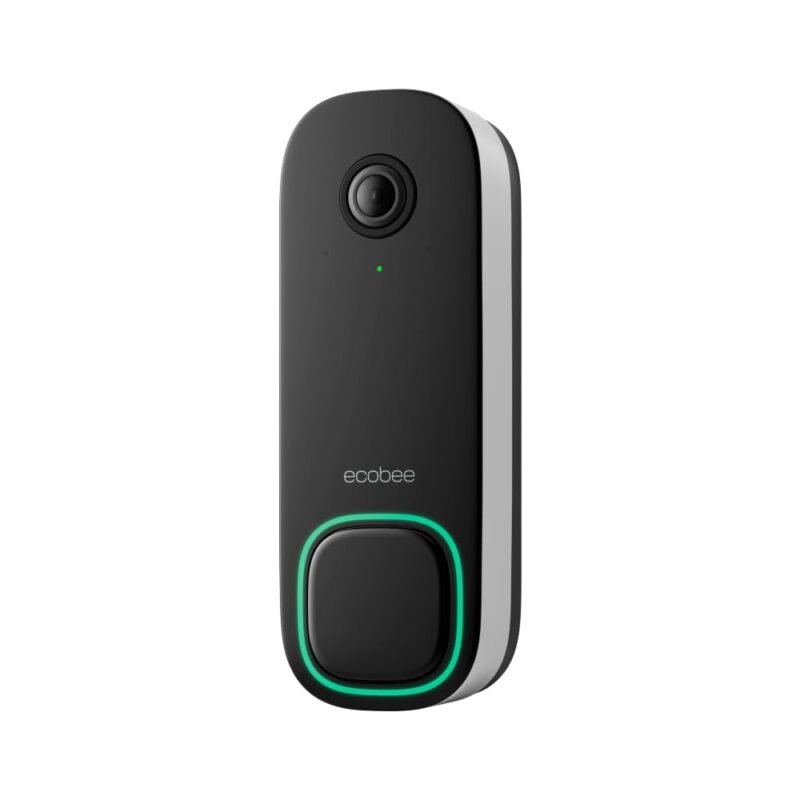
| 🌡️ ecobee Smart Video Doorbell | Doorbell wiring | 1080p HDR, head to toe | HomeKit listed; limited HA video | ecobee and Apple Homes | Buy Here → |
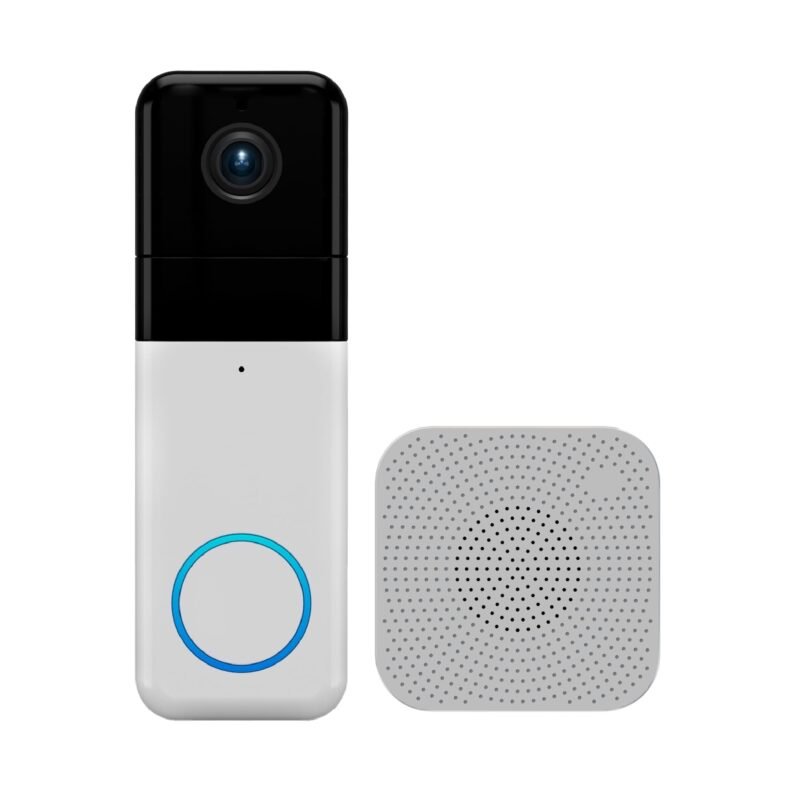
| 🧡 Wyze Wireless Doorbell Pro | Battery, wire free | 1440p | No official HA integration | Renters | Buy Here → |
| 💡 Philips Hue Secure Doorbell | Doorbell wiring | 2K, wide angle | Hue app; video not in HA | Hue Lighting Fans | Buy Here → |
| 🧩 WUUK 2K Wired | 16 to 24 V AC wiring | 2K, face recognition | App only | Local SD Storage | Buy Here → |
Specs, ratings and review counts are taken from each Amazon listing at the time of writing and can change. Home Assistant routes reflect typical setups and can change with firmware and integration updates.
🔍 How to Choose a Doorbell for Home Assistant
🏠
Local or cloud
A local integration or RTSP stream keeps working when the internet is down and responds instantly. Cloud doorbells add delay and depend on the vendor’s servers and account.
🔌
Power: PoE, wired or battery
PoE is the most reliable (one Ethernet cable for power and data). Doorbell wiring powers Wi-Fi models continuously. Battery models are easiest to fit but sleep between events.
💾
Storage and subscriptions
microSD slots, an NVR or Frigate let you keep clips without monthly fees. Check which features (history, smart alerts, package detection) need a plan.
📐
Field of view
Tall 4:3 or head to toe views show packages on the step as well as faces. Very wide lenses distort more, so higher resolution matters on 180° models.
🔔
Chime compatibility
Some models ring your existing mechanical chime, others ship a plug in chime. Digital or intercom chimes may need an adapter, so check the listing.
🏆 Detailed Reviews: All 10 Picks
🥇 BEST OVERALL FOR HOME ASSISTANT
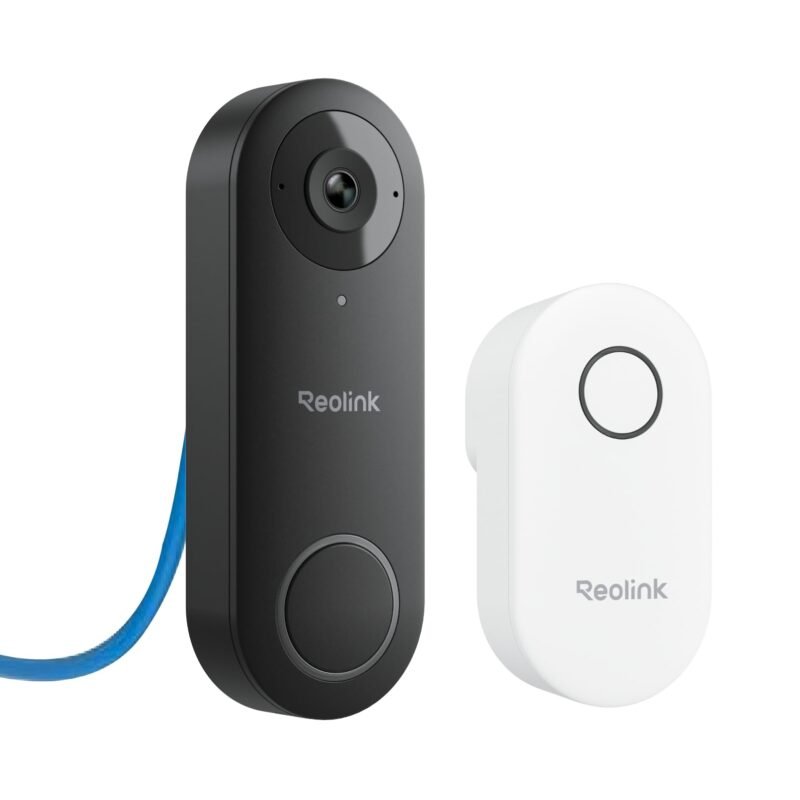
1. Reolink Video Doorbell PoE 2K with Chime V2
⭐ 4.4/5 · 1,586 ratings · Local, PoE Powered
Buy on Amazon →

If you can run one Ethernet cable to the front door, the Reolink Video Doorbell PoE is the doorbell Home Assistant users recommend most. Power and data share the cable, so there are no Wi-Fi dropouts, and Home Assistant’s official Reolink integration talks to it on your local network, exposing the visitor button, motion and the live stream. Standard RTSP and ONVIF support also makes it a natural fit for Frigate or an NVR. Per the listing it records 2K video in a tall 4:3 frame (135° horizontal, 100° vertical, 180° diagonal), includes the plug in Chime V2, and supports flexible storage including microSD with 24/7 recording. It averages 4.4 stars from 1,586 ratings.
✅ Pros- Local HA integration, no cloud needed
- Rock solid PoE power
- Chime included, no subscription required
❌ Cons- Needs an Ethernet run and PoE switch
- Bulkier than battery doorbells
🎯 Verdict: The doorbell to buy for a local first Home Assistant setup.
👉 Check Price on Amazon →
📶 BEST WI-FI DOORBELL FOR HOME ASSISTANT
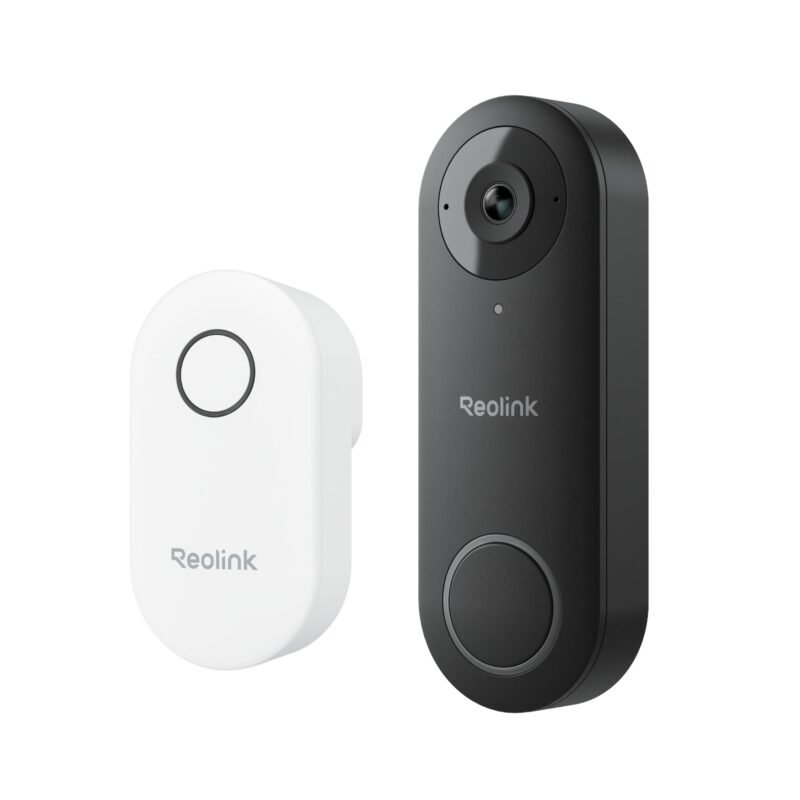
2. Reolink Video Doorbell WiFi 2K Wired
⭐ 4.1/5 · 3,583 ratings · Local, Uses Doorbell Wiring
Buy on Amazon →
No Ethernet at the door? The Reolink Video Doorbell WiFi gives you the same local friendly Reolink platform while running from your existing doorbell wiring. It uses the same official Home Assistant integration and works with Frigate and Reolink NVRs, with 2K video in a 4:3 frame per the listing. It is the most reviewed doorbell in this guide, at 4.1 stars from 3,583 ratings. Make sure you have a strong Wi-Fi signal at the door, because a weak link is the usual cause of choppy streams.
✅ Pros- Same local integration as the PoE model
- Uses existing doorbell wires
- Huge review base
❌ Cons- Wi-Fi quality decides reliability
- Lower score than the PoE version
🎯 Verdict: The best local option when you can’t pull a cable.
👉 Check Price on Amazon →
🟢 BUDGET WIRED · ⭐ 4.0/53. Tapo D130 2K Wired Smart Video Doorbell with Chime
2K, 180° ultra wide view, microSD · 1,104 ratings
Buy Here →
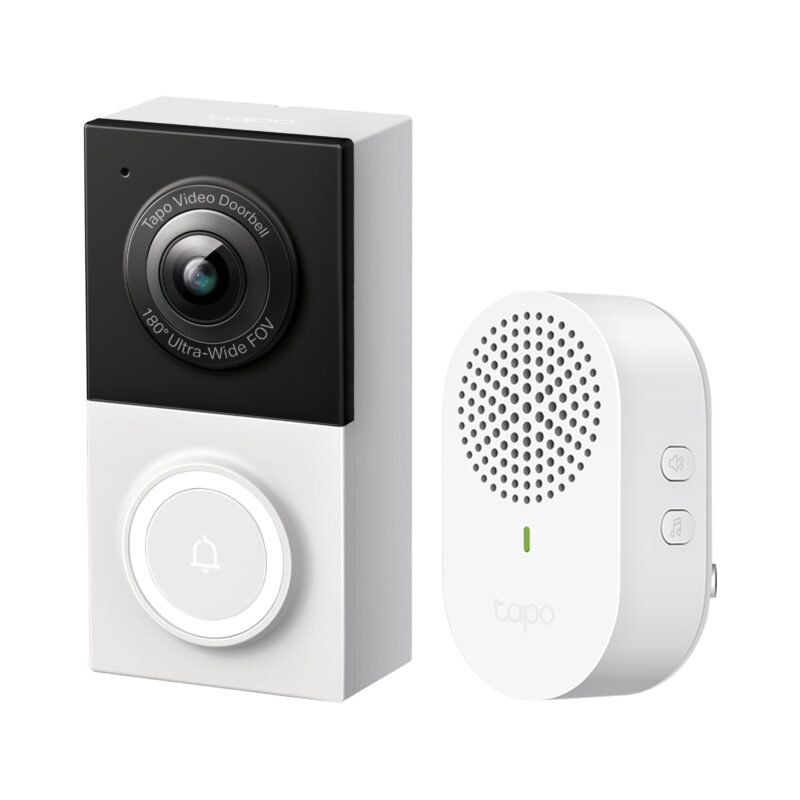
TP-Link’s Tapo D130 is a low cost wired doorbell with a 2K sensor, a 180° ultra wide, head to toe view, color night vision and a chime in the box, per the listing. It supports microSD for local storage, which keeps clips without a plan. In Home Assistant, Tapo doorbells are usually handled through community integrations, and live stream support depends on model and firmware, so treat it as a strong app based doorbell first. It averages 4.0 stars from 1,104 ratings.
✅ Pros: Wide head to toe view; local microSD; chime included.
❌ Cons: HA support is community based; check stream options.
🎯 Verdict: Great value if you mostly use the Tapo app.
🔋 BEST BATTERY DOORBELL · ⭐ 4.4/54. Tapo D205 2K Wireless Smart Video Doorbell
2K, 160° ultra wide view, battery · 1,054 ratings
Buy Here →
For renters or doors with no wiring, the Tapo D205 is the best reviewed battery doorbell we found, at 4.4 stars from 1,054 ratings. The listing highlights 2K video, a 160° ultra wide view, color night vision and an included chime. Like all battery doorbells it wakes on motion or a press, so don’t expect a continuous stream for Frigate; use it for notifications and app viewing, and trigger Home Assistant automations through whatever events your integration exposes.
✅ Pros: No wiring needed; strong ratings; chime included.
❌ Cons: No 24/7 stream; battery needs recharging.
🎯 Verdict: The easy install pick when wires are not an option.
🎥 SHARPEST VIDEO · ⭐ 4.0/55. Tapo D260 4K Wired or Battery Video Doorbell Pro
4K, 180° DFOV, radar plus dual motion sensors · 23 ratings
Buy Here →
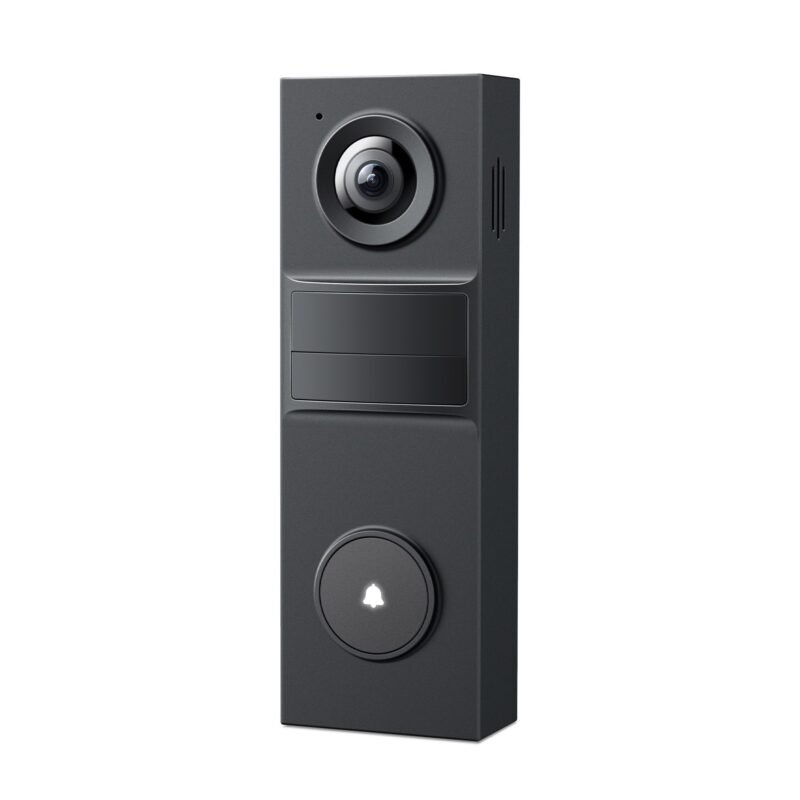
The new Tapo D260 steps up to 4K with a 180° diagonal view, and the listing describes radar detection combined with dual motion sensors to cut false alerts. It can run from doorbell wiring or its battery. It is very new, with only 23 ratings at 4.0 stars, and integration support in Home Assistant may lag behind the older Tapo models, so it suits buyers who want the best image in the Tapo app today.
✅ Pros: 4K detail; radar reduces false alerts; flexible power.
❌ Cons: Few reviews; HA support uncertain for now.
🎯 Verdict: The image quality pick, with early adopter caveats.
🏠 BEST FOR GOOGLE HOMES · ⭐ 4.3/56. Google Nest Doorbell (Wired), Formerly Nest Hello
HDR video, 24/7 streaming · 2,535 ratings
Buy Here →
The wired Google Nest Doorbell (the original Nest Hello design) offers 24/7 streaming, HDR and night vision, with person and package alerts per the listing; some history and smart features require a Nest Aware subscription. Home Assistant connects through the Google Nest integration, which goes via Google’s cloud and requires a Device Access developer registration, so it is less snappy than Reolink but works well for doorbell press and person events. It averages 4.3 stars from 2,535 ratings.
✅ Pros: Continuous streaming; polished app; Google Home ready.
❌ Cons: Cloud only for HA; subscription for full history.
🎯 Verdict: Best if your home already runs on Google.
🌡️ BEST FOR ECOBEE AND APPLE HOMES · ⭐ 4.1/57. ecobee Smart Video Doorbell Camera (Wired)
1080p HDR, 175° vertical view · 1,101 ratings
Buy Here →
The ecobee Smart Video Doorbell stands out for its tall view: the listing quotes a 175° vertical and 187° diagonal field of view, so you see a visitor from head to toe plus parcels at their feet, in 1080p HDR with two way talk and motion, person and package notifications. The listing mentions HomeKit, Alexa and Google Assistant, which makes it a natural partner for an ecobee thermostat or an Apple Home. Home Assistant video support is limited, so pick it for its ecosystem rather than for Frigate. It averages 4.1 stars from 1,101 ratings.
✅ Pros: Excellent vertical view; works with major ecosystems.
❌ Cons: 1080p only; limited HA video; plan for some features.
🎯 Verdict: The ecosystem pick for ecobee and Apple users.
🧡 BEST FOR RENTERS · ⭐ 4.4/58. Wyze Wireless Video Doorbell Pro with Chime
1440p, wire free, microSD · 108 ratings
Buy Here →
The Wyze Wireless Video Doorbell Pro is designed for a 30 second, screw free install (screws optional) per the listing, with 1440p video, night vision, microSD local storage and a wireless chime with 20 tunes and 8 volume levels. Wyze has no official Home Assistant integration, and community workarounds come and go with firmware, so this is a doorbell for people who mainly want an easy, removable install. It has 4.4 stars from 108 ratings.
✅ Pros: Tool free install; local microSD; customizable chime.
❌ Cons: No official HA integration; fewer reviews.
🎯 Verdict: The renter friendly choice outside Home Assistant.
💡 BEST FOR HUE LIGHTING · ⭐ 3.5/59. Philips Hue Secure Wired Video Doorbell
2K, wide angle, integrated Hue lights · 24 ratings
Buy Here →
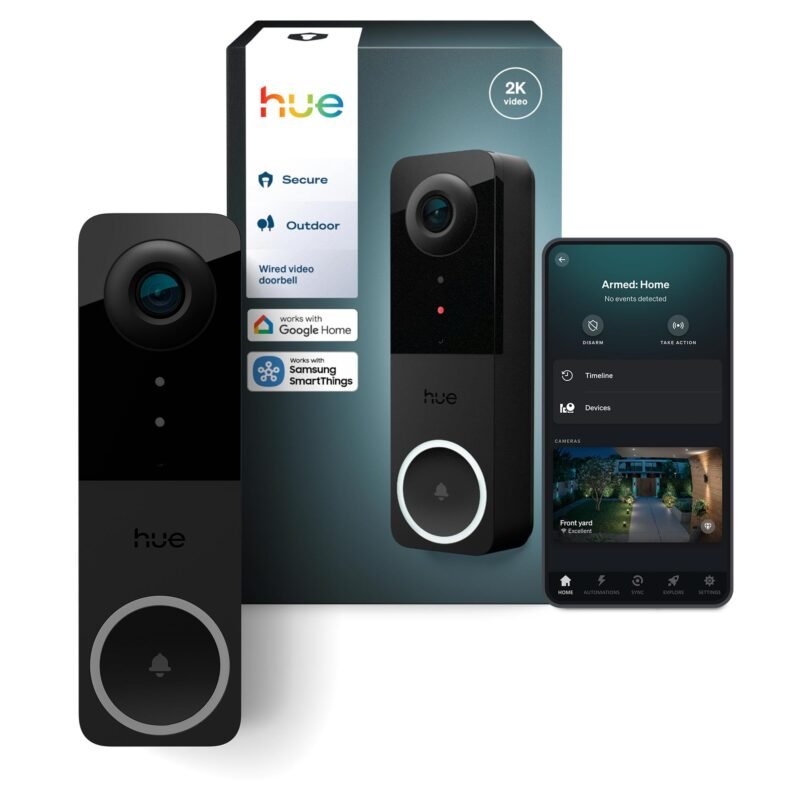
The Philips Hue Secure doorbell’s party trick, per the listing, is its link to Hue lighting: 2K wide angle video, notifications and two way audio, with Hue lights that can react when someone rings. It lives in the Hue app, and its video is not exposed to Home Assistant’s Hue integration, so buy it for a Hue centred home rather than an HA dashboard. With only 24 ratings at 3.5 stars, it is the lowest rated pick here, so read recent reviews first.
✅ Pros: Tight Hue lighting tie in; 2K video.
❌ Cons: Low rating; few reviews; no HA video.
🎯 Verdict: Only for committed Hue households.
🧩 BEST LOCAL SD STORAGE · ⭐ 3.9/510. WUUK 2K Wired Doorbell Camera with Chime
2K, face recognition, SD card · 91 ratings
Buy Here →
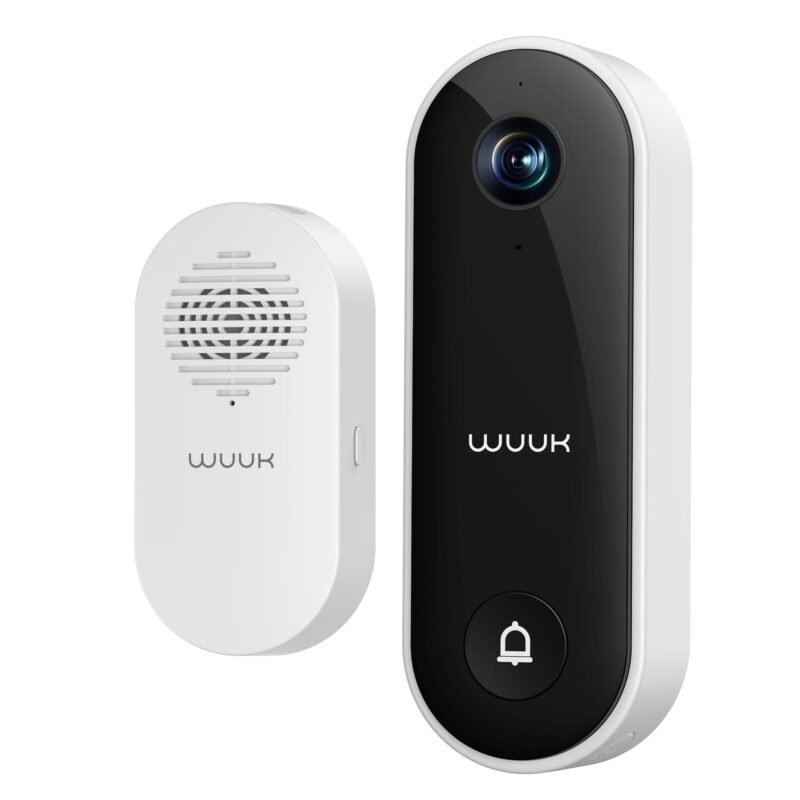
The WUUK doorbell targets buyers who want local recording without a subscription: the listing lists 2K video, an included chime, SD card storage, 24/7 recording, face recognition and person and package alerts, plus Alexa and Google Assistant support. It requires existing 16 to 24 V AC doorbell wiring or a power adapter. There is no Home Assistant integration, so it is a standalone, app based option. It averages 3.9 stars from 91 ratings.
✅ Pros: Local SD recording; face recognition; chime included.
❌ Cons: No HA integration; smaller brand; modest rating.
🎯 Verdict: A subscription free standalone doorbell.
🛒 Which One for Which Job
🏠
Fully local Home Assistant and Frigate
Reolink Video Doorbell PoE on a PoE switch, recording to Frigate on your HA server.
📶
Local control with existing doorbell wires
Reolink Video Doorbell WiFi with a solid Wi-Fi access point near the door.
🔑
Apartment or no wiring
Tapo D205 or Wyze Doorbell Pro battery models that come off cleanly when you move.
🗣️
Google Home and Nest displays
Google Nest Doorbell (Wired) for chimes and video on Nest Hub screens.
📦
Watching packages on the step
ecobee for its tall head to toe view, or the 4K Tapo D260 for detail.
🤖
Automations on a doorbell press
Any doorbell with an HA event (Reolink, Nest) can flash lights, announce on speakers or open a smart garage door for deliveries.
⚙️ PoE vs Wired Wi-Fi vs Battery Doorbells
| Aspect | PoE Doorbell | Wired Wi-Fi Doorbell | Battery Doorbell |
|---|
| Power | Ethernet cable, always on ⭐ | Existing doorbell transformer | Rechargeable battery |
| Connection reliability | Wired network, no dropouts ⭐ | Depends on Wi-Fi signal | Wi-Fi, wakes on events |
| 24/7 recording and Frigate | Yes, ideal ⭐ | Usually yes | Rarely |
| Installation | Hardest (cable run) | Moderate (swap existing bell) | Easiest, minutes ⭐ |
| Home Assistant fit | Best (local streams and events) ⭐ | Good with local brands | Notifications and snapshots |
| Picks in this guide | Reolink PoE | Reolink WiFi, Tapo D130, Nest, ecobee, Hue, WUUK | Tapo D205, Wyze Pro, Tapo D260 (either) |
❓ Frequently Asked Questions
Which video doorbell works best with Home Assistant?
Reolink doorbells are the usual recommendation, because Home Assistant has an official Reolink integration that runs locally and exposes the button press, motion and the live stream. The PoE model is the most reliable; the Wi-Fi model is the best choice when you only have doorbell wires.
Can I use a video doorbell with Frigate?
Yes, if it provides an RTSP stream and stays powered. Wired and PoE doorbells such as Reolink work well. Battery doorbells sleep between events, so they are a poor fit. Run Frigate on a capable Home Assistant machine, ideally with an AI accelerator for detection.
Do I need a subscription?
Not with doorbells that record to microSD, an NVR or Frigate, such as Reolink, Tapo, Wyze and WUUK. Cloud first doorbells like Nest keep features such as extended video history behind a plan, so check each brand’s current plans.
Can I build my own smart doorbell with an ESP32?
Yes. An ESP32 with ESPHome can detect a doorbell button press and send it to Home Assistant, and an ESP32-CAM kit can add a basic camera. For dependable video and weatherproofing, a commercial doorbell is the easier route.
🏁 Final Verdict: Best Video Doorbells for Home Assistant
Our picks by setup:
🥇 Best Overall: Reolink Video Doorbell PoE
Buy Here →📶 Best Wi-Fi: Reolink Video Doorbell WiFi
Buy Here →🏠 Best for Google Homes: Google Nest Doorbell (Wired)
Buy Here →📦 Best Head to Toe View: ecobee Smart Video Doorbell
Buy Here →For a Home Assistant home, the Reolink Video Doorbell PoE is the clear winner: local integration, a continuous stream for Frigate and no subscription. Choose the Reolink WiFi model when you only have doorbell wires, a Tapo doorbell for value or a battery install, and Nest or ecobee if you live in those ecosystems. Build out the rest of your smart home with our guides to Home Assistant hardware, PoE switches, PoE injectors and splitters, Kasa and Tapo devices, smart garage door controllers and mmWave presence sensors.
💬 Which doorbell is on your front door, and how have you wired it into Home Assistant? Tell us in the comments below.
All Amazon links above use our affiliate tag (microlab05-20). Purchasing through them supports microcontrollerslab.com at no extra cost to you. Prices and availability change frequently, so always confirm the current price on Amazon before buying.