Raspberry Pi Pico Web Server with BME280 (Weather Station)
Raspberry Pi Pico BME280 Web Server with ESP8266

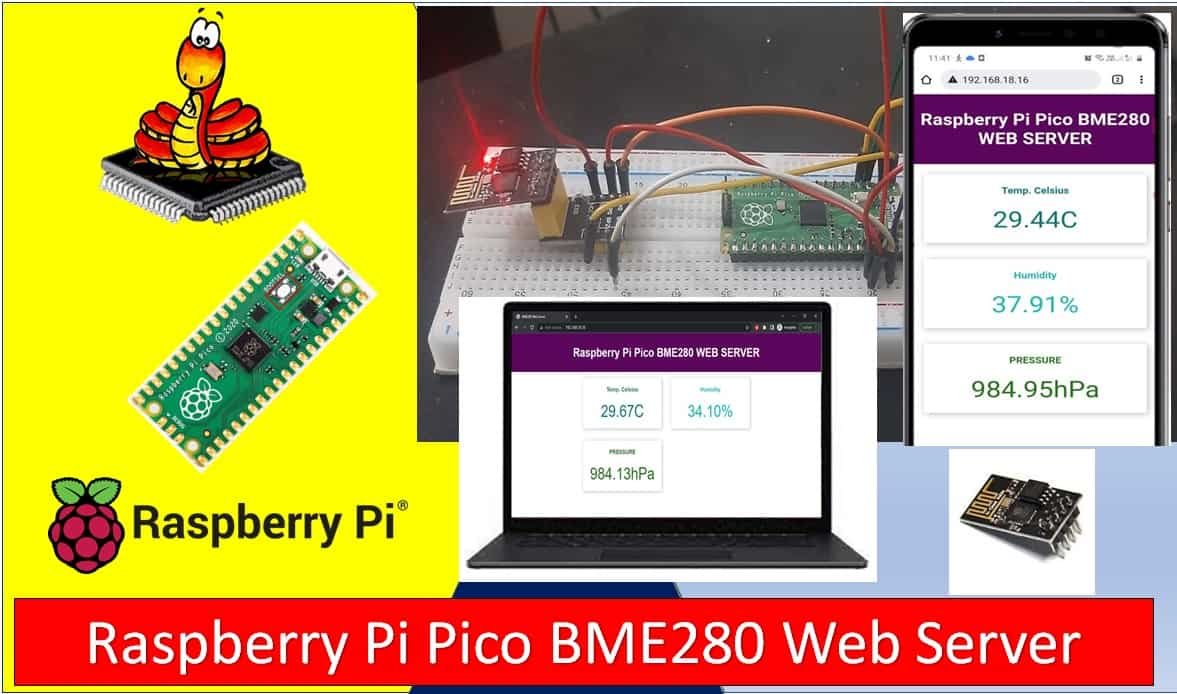
In this tutorial, we will create a Raspberry Pi Pico web server using a BME280 sensor and MicroPython. BME280 is used to measure temperature in Celsius, the temperature in Fahrenheit, humidity, and Pressure. This web server will act as a weather station as it will show temperature, humidity, and pressure readings on the web page … Read more
MAX7219 LED Dot Matrix Display with Raspberry Pi Pico

MAX7219 LED Dot Matrix Display with Raspberry Pi Pico

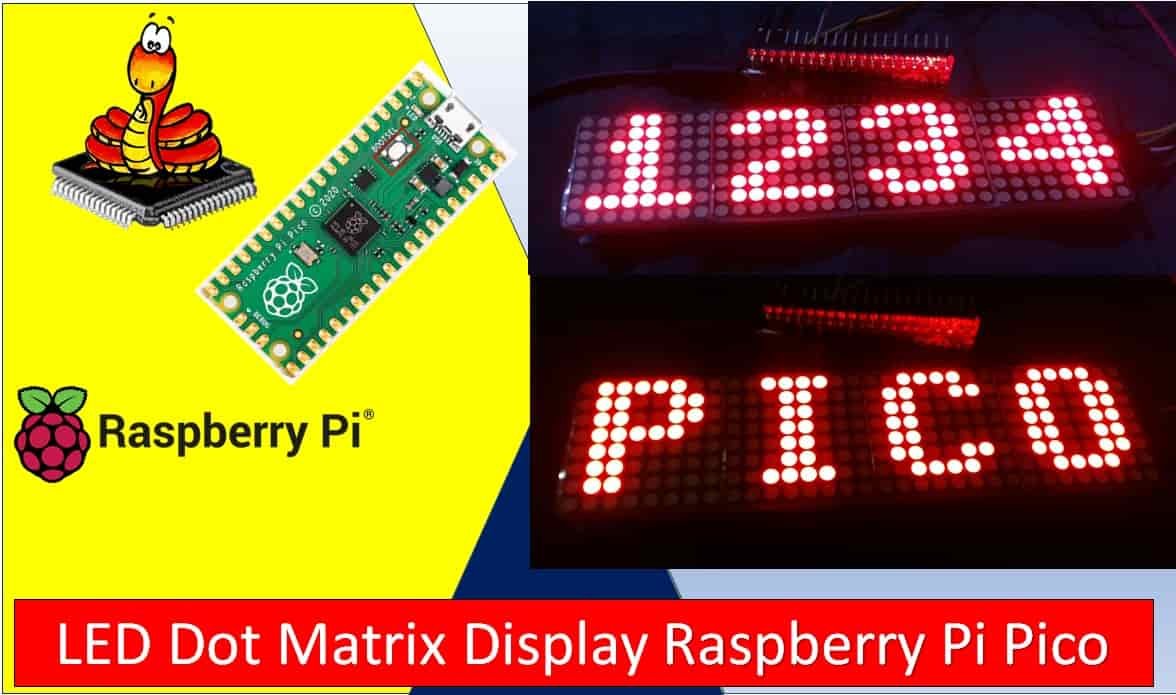
In this tutorial, we will learn to interface MAX7219 LED Dot matrix display with Raspberry Pi Pico. Firstly, we will look into the introduction, pinout of MAX7219 LED dot matrix display module. It is an LED array used to display various types of texts, symbols, and images in the form of dots which consists of … Read more

Raspberry Pi Pico GPIO Programming with MicroPython – LED Blinking Examples

Raspberry Pi Pico GPIO pins with Thonny IDE

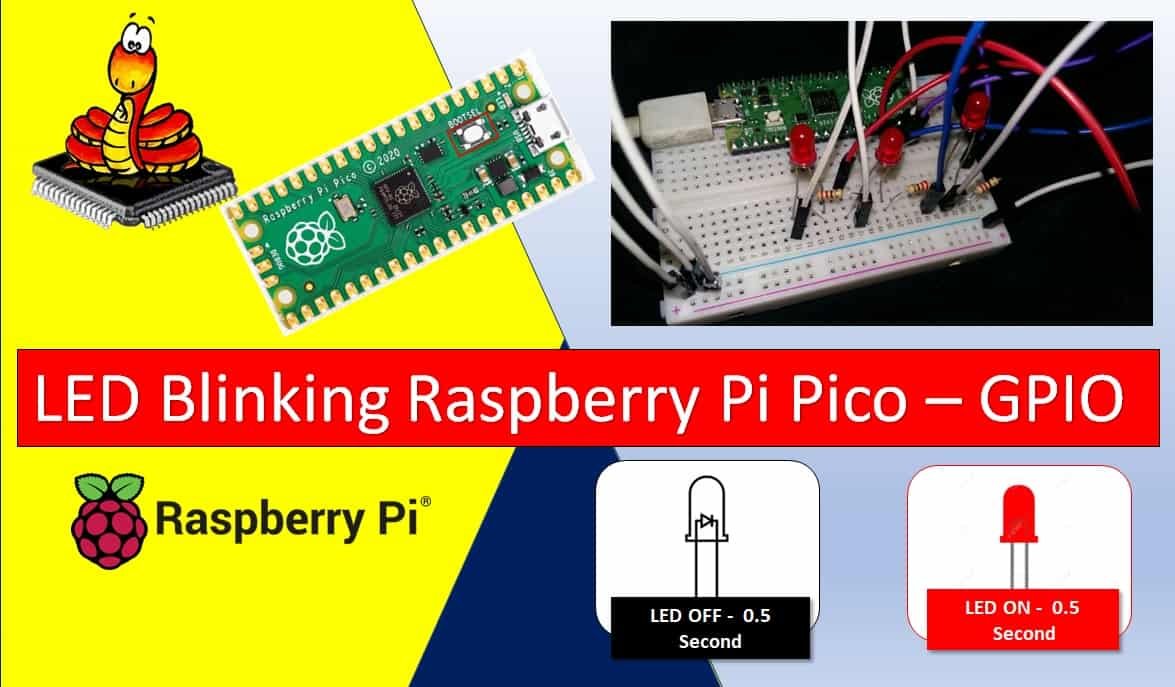
If you are new to Raspberry Pi Pico and want to explore its GPIO capabilities using MicroPython, then you have come to the right place. In this tutorial, we will show you how to use the GPIO pins of Raspberry Pi Pico as digital outputs using MicroPython firmware. We will connect LEDs to the GPIO … Read more

Getting Started with Raspberry Pi Pico using uPyCraft IDE

Getting Started with Raspberry Pi Pico using uPyCraft IDE

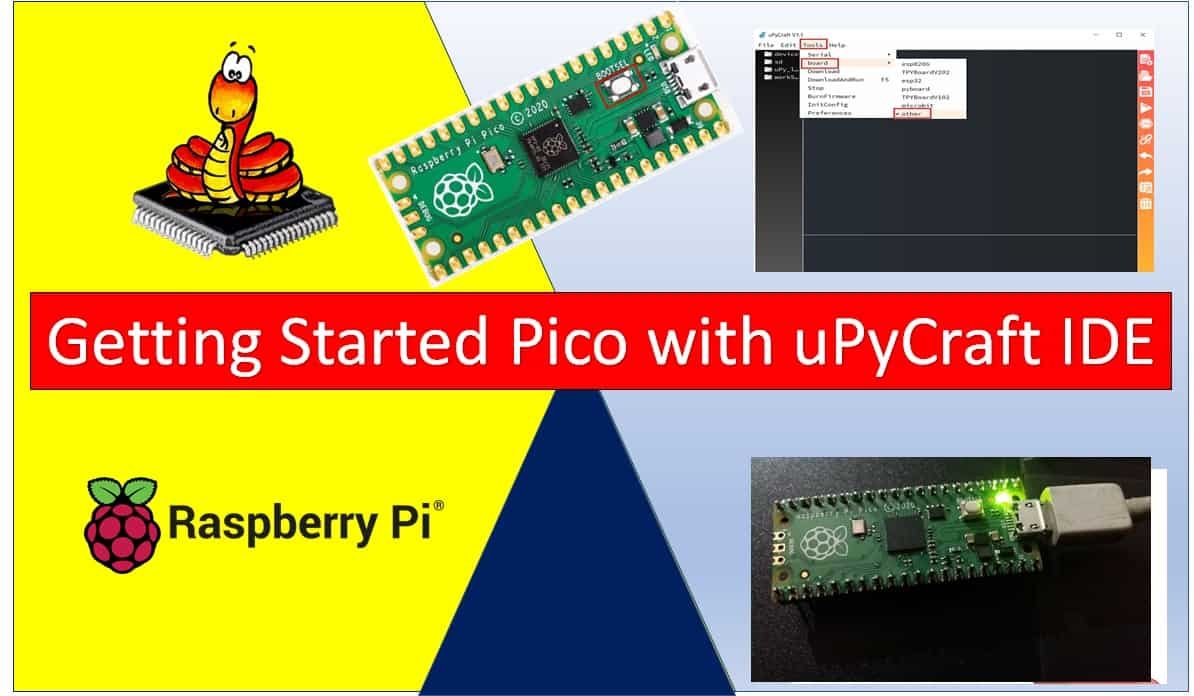
In this getting started guide on MicroPython with Raspberry Pi Pico, we will learn how to use the program Raspberry Pico using uPyCraft IDE and MicroPython. We will see how to download and install uPyCraft IDE and finally see how to use it to program our Pi Pico board. Recommended Components The following components are … Read more

Getting Started with Raspberry Pi Pico using Thonny IDE

Getting Started with Raspberry Pi Pico using Thonny IDE

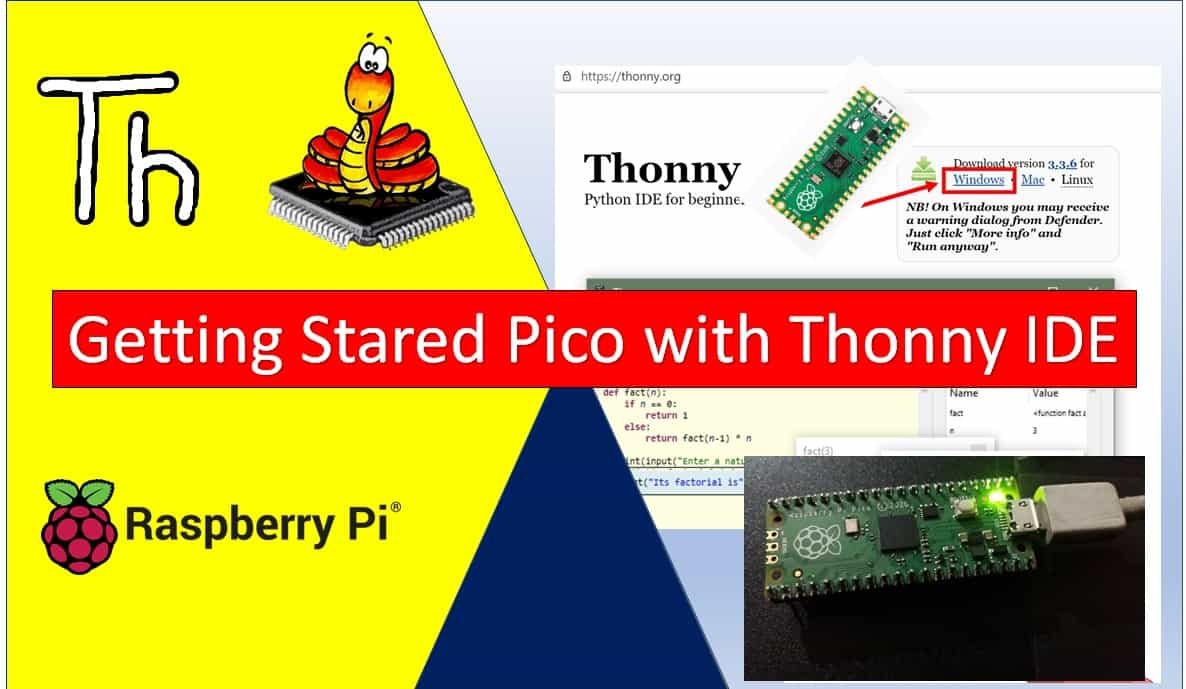
In this tutorial, we will learn how to use Thonny Integrated Development Environment (IDE) to write programs for Raspberry Pi Pico using MicroPython firmware. By the end of this guide, you will be able to install Thonny IDE on Windows, Linux, and Mac operating systems. Moreover, we will also explore its built-in features, write and … Read more