⚠️ Affiliate Disclosure: This post contains Amazon affiliate links. If you purchase through our links, we may earn a small commission at no extra cost to you. Every sensor below was checked against its live Amazon listing to confirm its Matter path: native Matter over Thread, or Matter through a brand bridge (clearly labelled). Prices change constantly, so we deliberately don’t print them here. Tap any “Buy Here” button to see today’s price on Amazon.
Ultimate Buying Guide
🚪 Best Matter Door and Window Contact Sensors
12 contact sensors ranked by a firmware engineer who ships Matter-certified products: 7 native Matter over Thread sensors from Eve, Aqara, SONOFF, arre and IKEA, plus 5 proven sensors that join Matter through a brand bridge. Honest verdicts and direct Amazon links.
✅ 7 Native Thread Picks
✅ Verified Amazon ASINs
✅ Thread vs Bridge Explained
✅ Honest Pros & Cons
A door and window contact sensor is the most useful sensor in a smart home for the money. Two small parts, a sensor body and a magnet, tell your system whether a door, window, garage side door, mailbox or fridge is open. That one bit of state drives security alerts, “you left the back door open” reminders, turning the thermostat off when a window opens, and lights that come on when you walk in. With Matter, that open or closed state shows up in Apple Home, Google Home, Alexa, SmartThings and Home Assistant at the same time, and automations run on your local network instead of a vendor cloud.
This guide is split into two clear groups. Picks 1 to 7 are native Matter over Thread sensors: each one carries its own Matter-certified Thread radio and pairs straight to your Matter controller by QR code. Picks 8 to 12 are bridged sensors: they use Zigbee, Bluetooth or Sub-GHz radios and reach Matter through a brand hub that acts as a Matter bridge. Bridged sensors are cheaper per door, often have years of field history behind them, and are the right call if you already own the hub. Each pick is ranked on Matter path, hub requirements, reliability, battery and ecosystem fit.
💡 Reality check before you buy: As of this writing there is no Matter over Wi-Fi door or window sensor sold on Amazon US. That is not an oversight: Wi-Fi radios drain a coin or AA cell in weeks, so every battery-powered native Matter contact sensor uses Thread. That means you need a Thread Border Router, which you probably already own if you have a recent HomePod mini, Apple TV 4K, Nest Hub (2nd gen) or Nest Hub Max, a Thread-capable Echo, or a SmartThings Station. Native Matter sensors also expose a fairly basic contact sensor in most apps: open or closed, battery, and little else, while extras like tamper alerts or open-duration statistics usually stay in the maker’s own app. Finally, the native Matter list on Amazon is still short, so one pick is pre-order only and one is a third-party resale. We flag both clearly below.
Table of Contents
- Quick Comparison: All 12 Matter Contact Sensors
- What to Look for in a Matter Contact Sensor
- Detailed Reviews: All 12 Matter Contact Sensors
- How to Choose the Right Matter Contact Sensor
- Key Specs Compared: Side by Side
- Frequently Asked Questions
- Final Verdict: Best Matter Contact Sensors for Every Setup
| Product | Radio | Matter Path | Needs | Best For | Buy |
|---|
| 🥇 Eve Door & Window (Matter) | Thread | Native | Thread Border Router | Best Overall | Buy Here → |
| 🏅 Aqara Door and Window Sensor P2 | Thread | Native | Thread Border Router | Best Value Native Sensor | Buy Here → |
| 📦 Eve Door & Window (3-Pack) | Thread | Native | Thread Border Router | Best Multi-Room Pack | Buy Here → |
| 🔀 SONOFF SNZT-04P (Pre-order) | Thread or Zigbee | Native (Thread mode) | Thread Border Router | Best Dual-Protocol | Buy Here → |
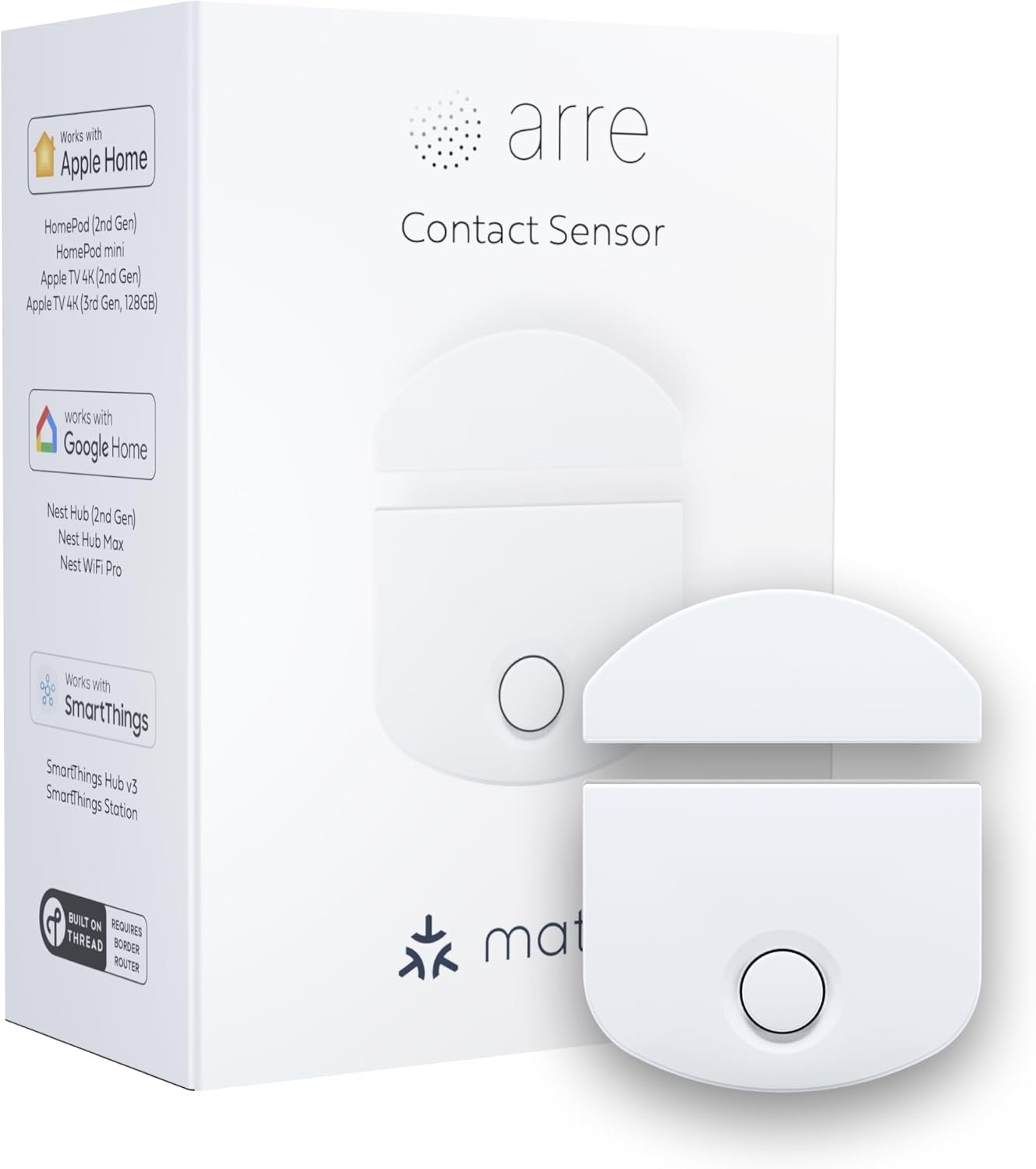
| ✨ arre Contact Sensor | Thread | Native | Thread Border Router | Best Minimalist Design | Buy Here → |
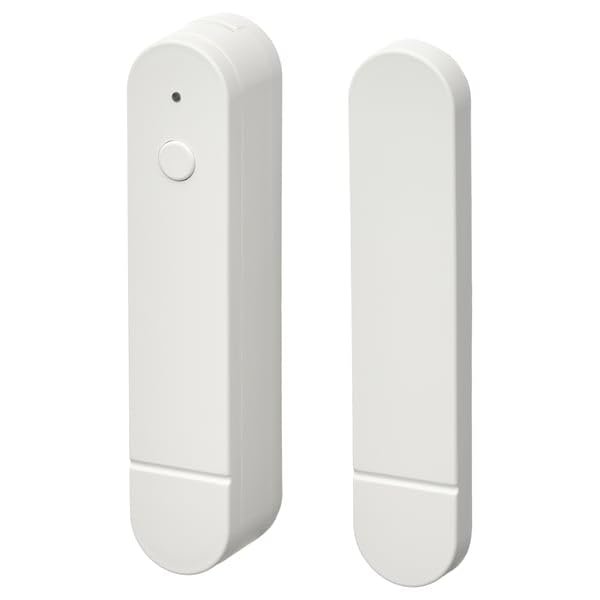
| 🪑 IKEA MYGGBETT | Thread | Native | Thread Border Router | Best for IKEA Homes | Buy Here → |
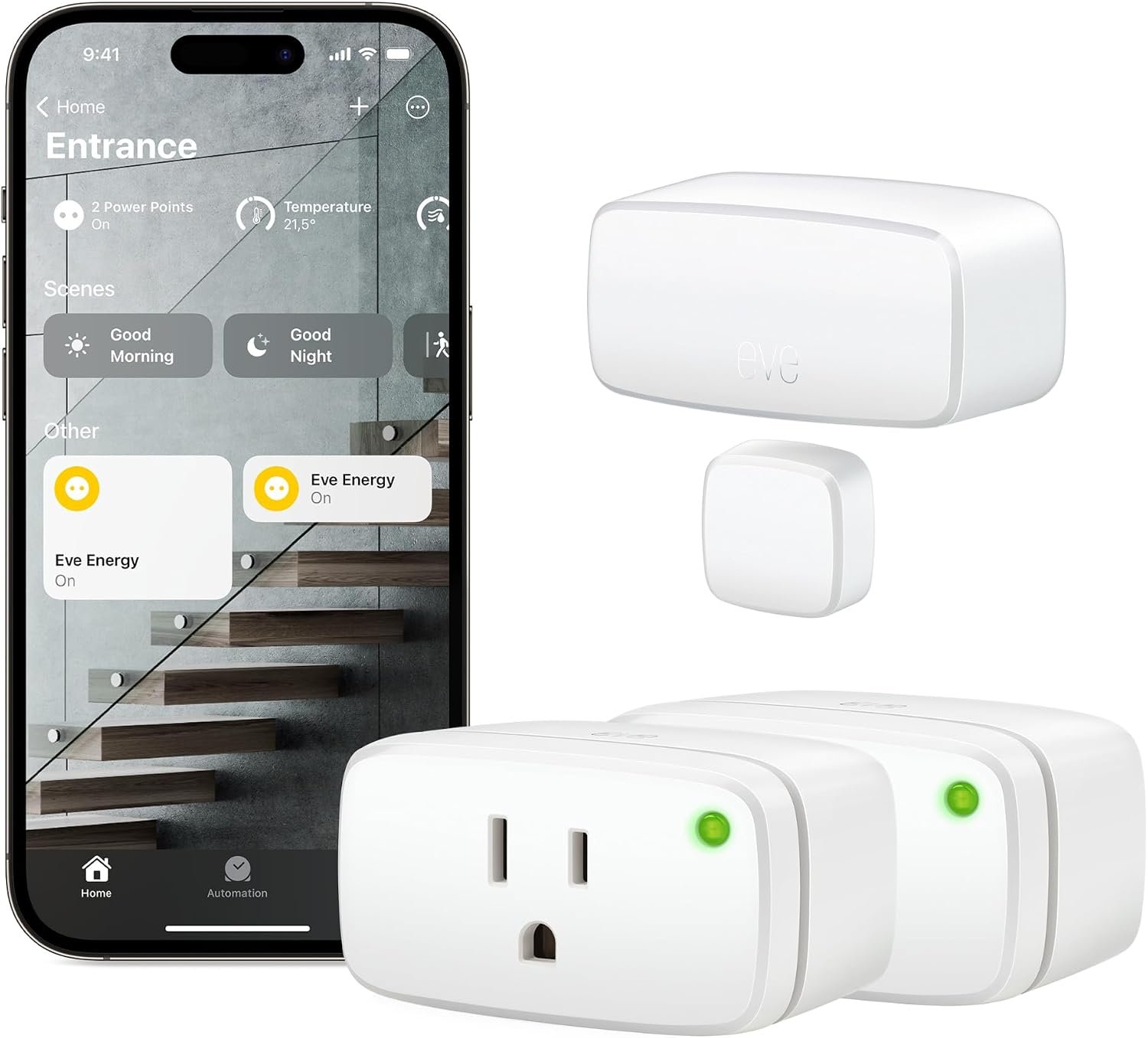
| 🔌 Eve Energy 2-Pack + Door & Window | Thread | Native | Thread Border Router | Best Starter Bundle | Buy Here → |
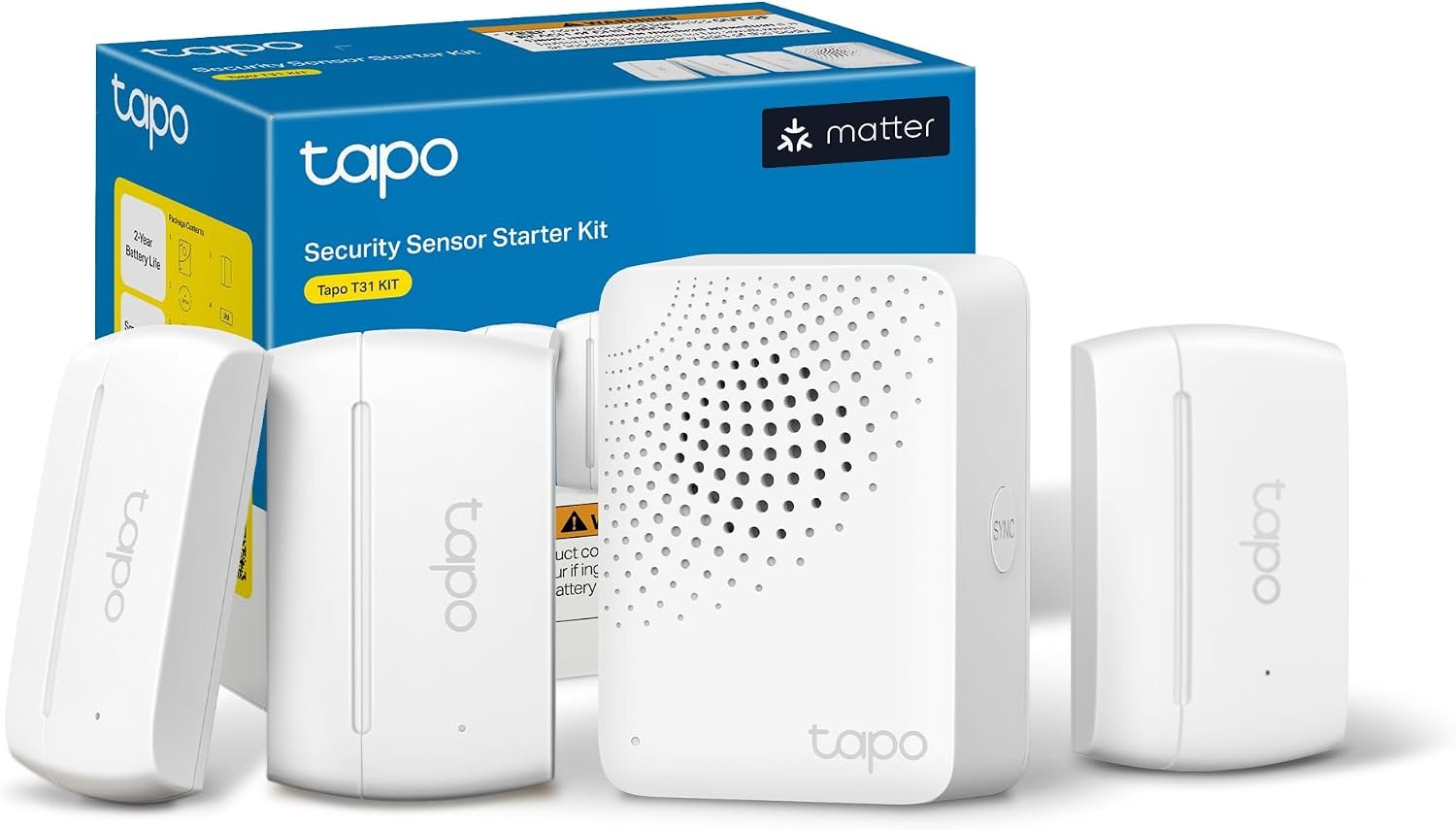
| 📡 Tapo T110 Kit (3 sensors + H100) | Sub-GHz | Via Tapo hub bridge | Included H100 hub | Best Bridged Starter Kit | Buy Here → |
| 🟠 Aqara Zigbee Door & Window Sensor | Zigbee | Via Aqara hub bridge | Aqara hub | Best for Aqara Hub Owners | Buy Here → |
| 💡 Philips Hue Secure Contact Sensor | Zigbee | Via Hue Bridge | Hue Bridge | Best for Hue Lighting Homes | Buy Here → |
| 🏃 SwitchBot Contact Sensor | Bluetooth | Via SwitchBot Matter hub | Hub 2, Hub 3 or Hub Mini Matter | Best with Built-in Motion | Buy Here → |
| 🏠 THIRDREALITY Zigbee (4-Pack) | Zigbee | Via a Zigbee hub that bridges to Matter | Zigbee hub | Best Zigbee Value Pack | Buy Here → |
“Native” means the sensor has its own Matter radio and pairs directly to your Matter controller by QR code. “Via bridge” means the sensor talks to a brand hub, and the hub presents it to your Matter controller. Prices change often, so we leave them out: tap “Buy Here” to see today’s price on Amazon.
🧵
Native Thread vs Bridged
Native Matter over Thread sensors pair directly to any Matter controller and need no brand hub, only a Thread Border Router. Bridged sensors need the maker’s hub, but if you already own that hub they are usually cheaper and very mature.
📶
Mesh Coverage
Battery sensors are “sleepy” end devices and never repeat traffic. Thread sensors rely on mains-powered Thread routers (plugs, bulbs, hubs) nearby, so put a Thread plug between a far door and your border router.
🔋
Battery Type & Life
AAA cells are cheap and easy to find; lithium cells such as 1/2 AA or CR2 last longer but cost more. Check which battery a sensor takes before buying ten of them.
🧲
Size & Magnet Gap
Slim sensors suit window frames and sliding doors. Measure the gap between the frame and the moving edge: wide gaps or recessed frames need a stronger magnet or a spacer block.
🔐
Privacy & Local Control
Matter automations run locally once a hub is set up. Eve goes furthest with no cloud and no account at all; bridged systems may still lean on the maker’s app for alerts and advanced features.
Picks 1 to 7 are native Matter over Thread sensors. Picks 8 to 12 are bridged sensors that reach Matter through a brand hub.
🥇 BEST OVERALL
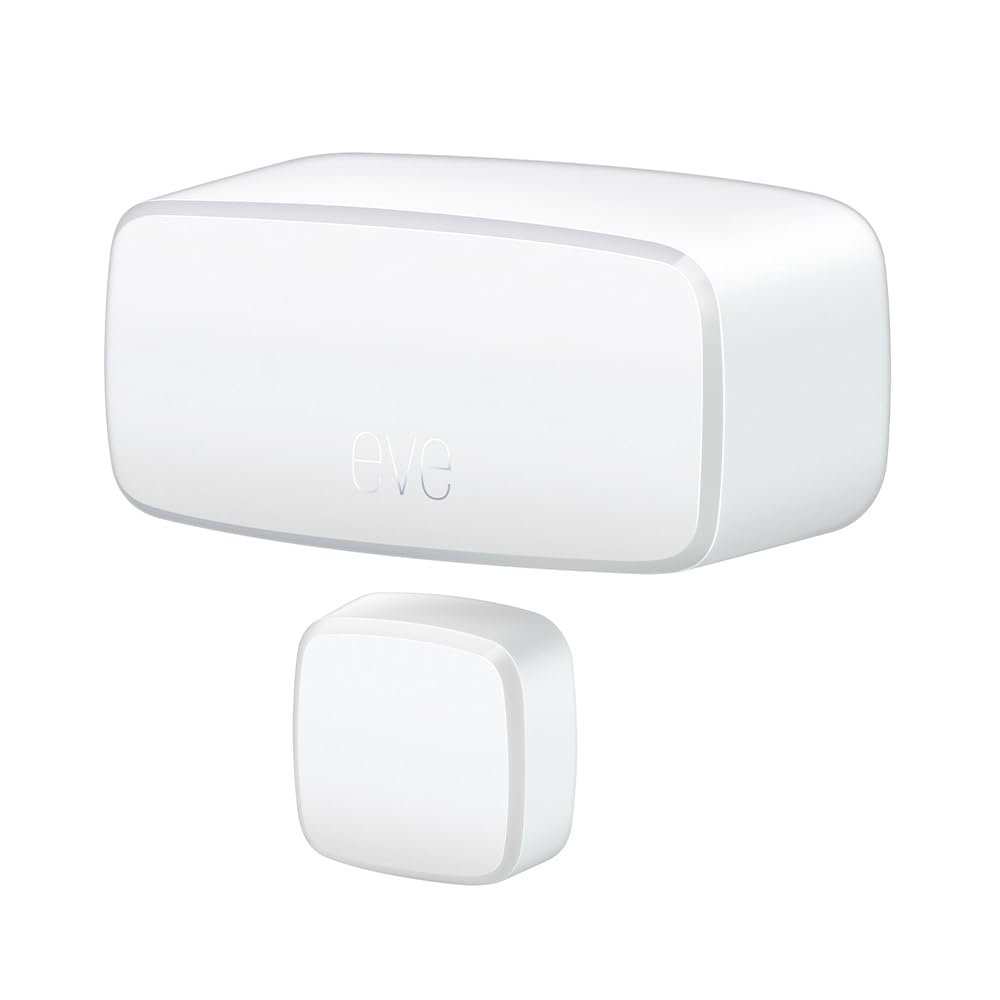
Eve Door & Window (Matter)
⭐ 4.6/5 · The Most Private Native Matter Contact Sensor
Buy on Amazon →

Eve has been building Thread accessories longer than almost anyone, and the Eve Door & Window (Matter) shows it. It is a native Matter over Thread contact sensor that pairs directly into Apple Home, Google Home, Alexa, SmartThings and Home Assistant, with no Eve cloud, no registration and no tracking. All communication stays on your local network, which is exactly what you want from a device that knows when your front door opens. Firmware updates can be delivered through your Matter platform, and on iPhone the free Eve app adds open-time and duration statistics on top of the basic open or closed state. The listing spells out the hub requirement clearly: a Thread-capable Apple TV or HomePod, a SmartThings Hub v3, a recent Echo, or a Google Nest hub. The single sensor has about 147 ratings averaging 4.1 stars, and the 3-pack listing adds roughly 785 more at the same average.
✅ Pros- Native Matter over Thread, no brand hub
- No cloud, no account, fully local
- Long track record on Thread
- Rich history in the Eve iOS app
❌ Cons- Costs more per door than most picks
- Statistics app is iOS only
- Needs a Thread Border Router
🎯 Verdict: The contact sensor to buy if you want native Matter, local-only privacy and the most proven Thread hardware.
👉 Check Price on Amazon →
🏅 BEST VALUE NATIVE SENSOR
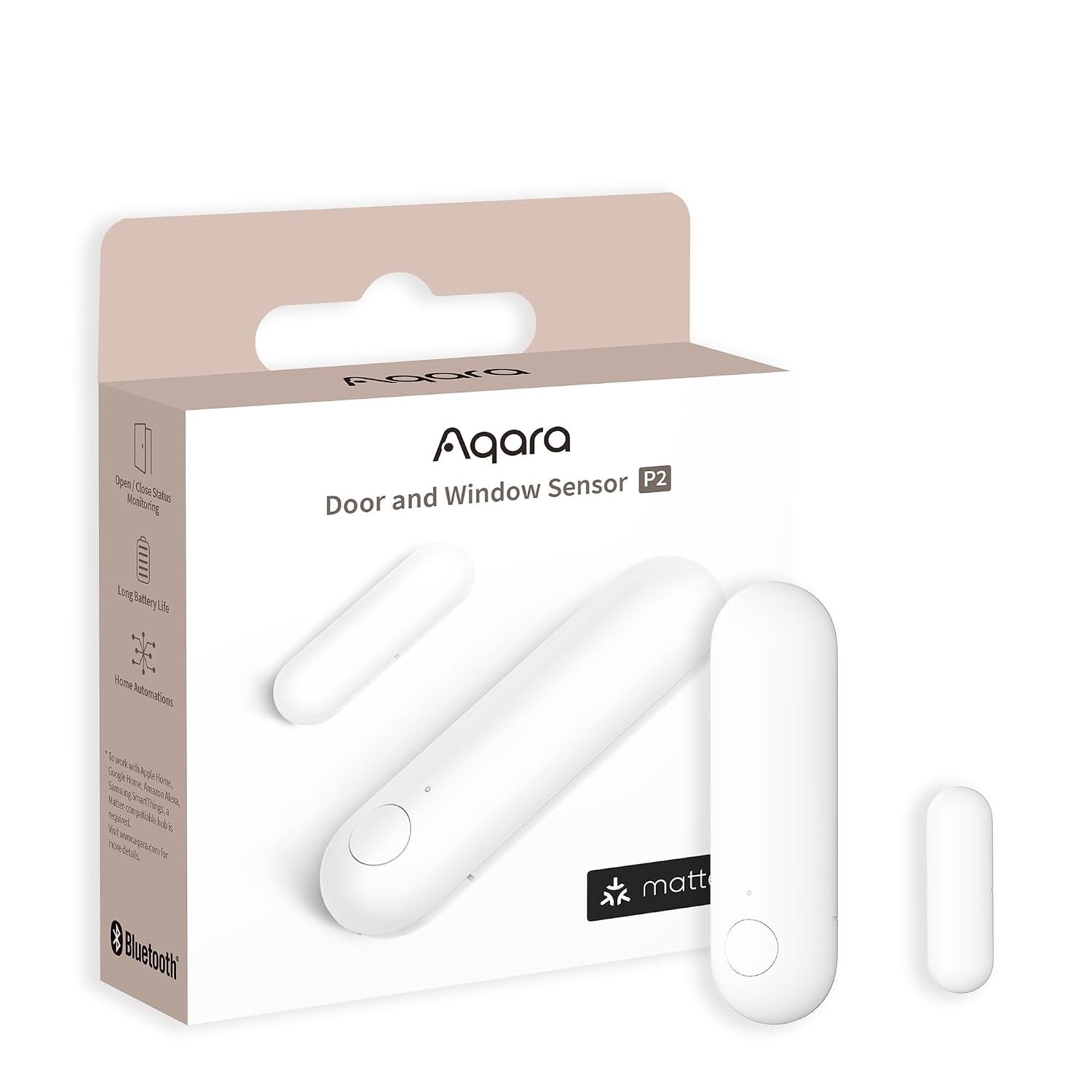
Aqara Door and Window Sensor P2
⭐ 4.5/5 · Native Thread at a Lower Price per Door
No Hub
NO AQARA HUB NEEDED

Aqara’s older door sensors need an Aqara hub, but the Door and Window Sensor P2 is different: it is a native Matter over Thread sensor that only needs a Matter controller and a Thread Border Router. That makes it the most affordable way to put a fully native Matter sensor on every door. Aqara’s listing highlights real-time open and close notifications, local automations that keep working without internet, and alerts through Siri and Alexa, such as asking whether the door is open. The compact stick-on body fits window frames and cabinet doors easily, and you can still add it to the Aqara app for extra settings while it runs in Apple Home, Google Home, Alexa, SmartThings or Home Assistant. The current Amazon listing has a small review pool, about 35 ratings averaging 3.8 stars, and stock was low when we checked, so confirm availability before you plan a whole-house rollout.
✅ Pros- Native Matter, no Aqara hub required
- Lower price per door than Eve
- Local automations without internet
- Small, easy stick-on install
❌ Cons- Small Amazon review pool
- Stock can be limited
- Needs a Thread Border Router
🎯 Verdict: The cheapest way to go fully native Matter on every door and window, if it’s in stock.
👉 Check Price on Amazon →
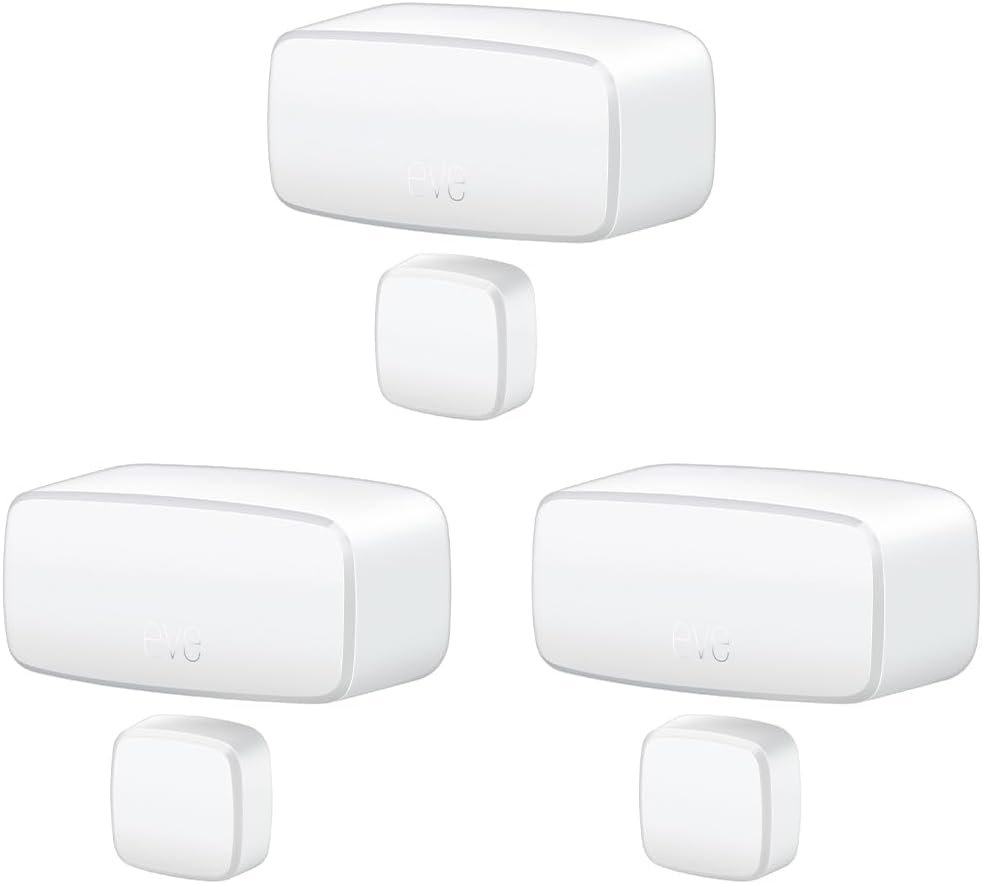
📦 BEST MULTI-ROOM PACK · ⭐ 4.5/53. Eve Door & Window (Matter) 3-Pack
Native Matter over Thread · three sensors · no cloud · 785+ ratings
Buy Here →

Nobody stops at one contact sensor. Front door, back door and the patio slider is the classic starting set, and this 3-pack of Eve Door & Window (Matter) covers it for less per sensor than buying singles. You get exactly the same native Thread hardware as pick #1, with the same local-only privacy and Matter firmware updates. Three Thread sensors also make a good reason to add one or two mains-powered Thread devices, such as smart plugs, to strengthen the mesh near far doors. With roughly 785 ratings averaging 4.1 stars, this listing has the deepest review history of any native Matter contact sensor on Amazon.
✅ Pros: Lower cost per sensor; same native Thread hardware; largest review base.
❌ Cons: Higher upfront spend; still premium per door versus bridged sensors.
🎯 Verdict: The smartest way to buy Eve if you’re covering more than one door.
👉 Check Price on Amazon →
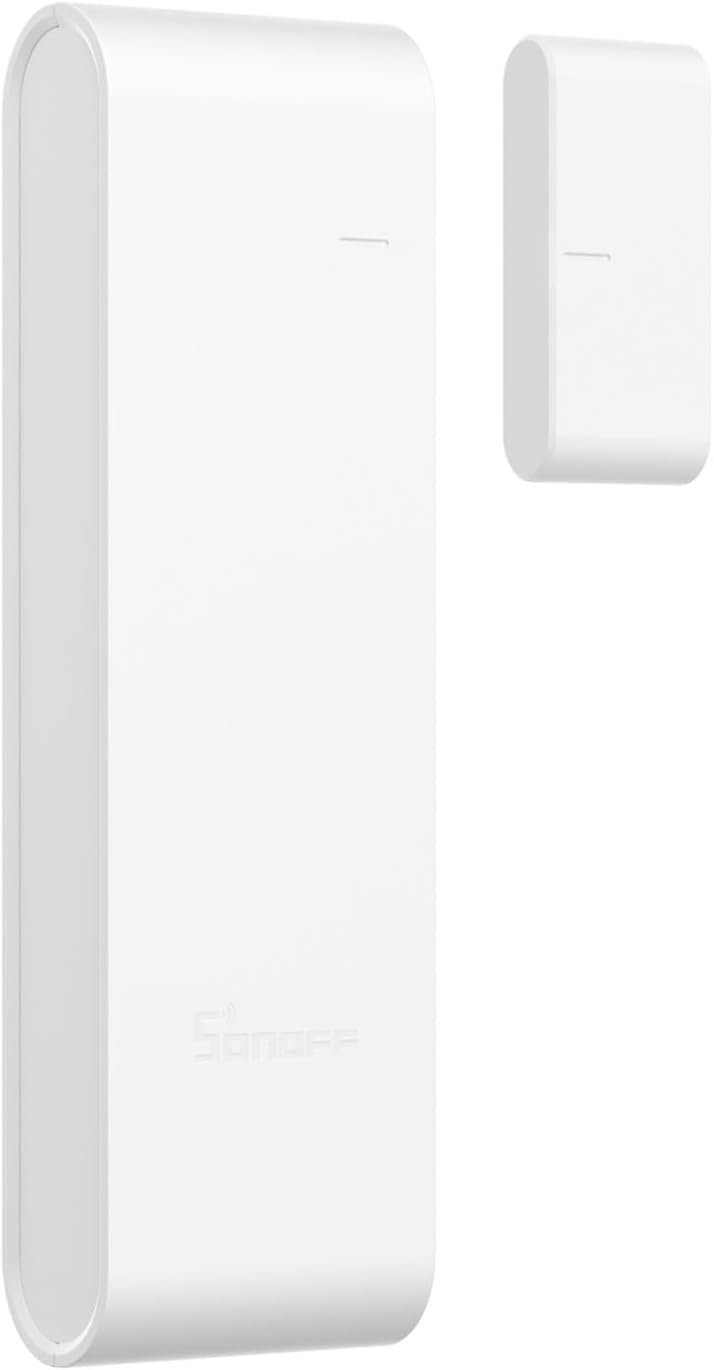
🔀 BEST DUAL-PROTOCOL · ⭐ 4.2/54. SONOFF SNZT-04P Zigbee/Thread Door and Window Sensor
Matter over Thread or Zigbee (your choice) · AAA batteries · tamper alert · pre-order
Buy Here →

SONOFF’s new SNZT-04P is the most interesting design here for tinkerers: one sensor, two firmware personalities. Run it in Zigbee mode on an existing Zigbee hub or Zigbee2MQTT setup, or switch it to Matter over Thread and pair it directly with Apple Home, Alexa, Google Home, SmartThings and Home Assistant. It runs on replaceable AAA batteries, which are far cheaper and easier to find than lithium cells, and adds a tamper button that alerts you if someone pries the sensor off. That makes it a future-proof buy if you’re migrating from Zigbee to Thread. The big caveat: when we checked, the listing was not yet shipping and showed a future release date, so there are no customer reviews yet and our rating reflects the spec sheet and SONOFF’s track record.
✅ Pros: Zigbee or Thread in one device; cheap AAA batteries; tamper alert.
❌ Cons: Pre-order only; no reviews yet; bulkier than coin-cell sensors.
🎯 Verdict: The sensor to watch if you’re moving from Zigbee to Thread and want one model that does both.
👉 Check Price on Amazon →
✨ BEST MINIMALIST DESIGN · ⭐ 3.8/55. arre Contact Sensor with Matter & Thread
Native Matter over Thread · Matter certified · Apple, Google, Alexa, SmartThings
Buy Here →

The arre Contact Sensor is for people who care how a sensor looks on a painted frame. It has a clean, modern design, and under the shell it is a Matter-certified Thread device that works with Apple Home, Google Home, Alexa and SmartThings once you have a Thread Border Router. Thread keeps it responsive, so lights triggered by the door react quickly. The honest downside is the review record: the Amazon listing has only about 16 ratings averaging 2.7 stars, and independent testers report shorter battery life than Aqara’s P2. Treat it as a design-led choice for a few visible doors rather than a whole-house standard.
✅ Pros: Attractive minimalist look; native Matter over Thread; responsive.
❌ Cons: Weak Amazon ratings; shorter reported battery life; small brand.
🎯 Verdict: Buy it for looks on a couple of prominent doors, not as your whole-house sensor.
👉 Check Price on Amazon →
🪑 BEST FOR IKEA HOMES · ⭐ 4.0/56. IKEA MYGGBETT Door/Window Sensor
Native Matter over Thread · IKEA’s new Matter sensor range · third-party Amazon seller
Buy Here →

MYGGBETT is IKEA’s door and window sensor from its newer Matter over Thread range, replacing the older Zigbee PARASOLL. It pairs natively with any Matter controller that has a Thread Border Router, and IKEA’s own DIRIGERA hub can act as both controller and border router if you’re building around IKEA lighting and blinds. On Amazon, though, it is sold by a third-party reseller, not IKEA, and the listing price was far above what IKEA charges in its own stores when we checked. There are no Amazon reviews yet. It earns its place because it is a genuine native Matter sensor, but compare the Amazon price with IKEA’s own listing before you buy.
✅ Pros: Native Matter over Thread; pairs neatly with IKEA DIRIGERA setups.
❌ Cons: Reseller markup on Amazon; no reviews; sparse listing details.
🎯 Verdict: A solid native sensor for IKEA homes, but only worth buying on Amazon if the price comes back to earth.
👉 Check Price on Amazon →
🔌 BEST STARTER BUNDLE · ⭐ 4.1/57. Eve Energy (2-Pack) + Eve Door & Window Bundle
Native Matter over Thread · 2 smart plugs + 1 contact sensor · plugs strengthen the Thread mesh
Buy Here →

This bundle solves the most common Thread sensor problem before it happens. You get the same Eve Door & Window sensor as pick #1 plus two Eve Energy smart plugs, which are mains-powered Matter over Thread devices. Plugs act as Thread routers, so placing one between your border router and a far door gives the battery sensor a strong nearby hop. They also give you something to automate right away: turn on a lamp when the front door opens after sunset, or switch off a heater when a window opens. The bundle listing is new, with very few reviews, but every component is the same proven Eve hardware sold individually.
✅ Pros: Plugs extend the Thread mesh; ready-made automations; all native Matter.
❌ Cons: Only one contact sensor; bundle listing has almost no reviews.
🎯 Verdict: The best first purchase for a brand-new Thread home: a sensor plus the mesh it needs.
👉 Check Price on Amazon →
🌉 Bridged Picks: Contact Sensors That Join Matter Through a Hub
The next five sensors do not have a Matter radio of their own. They talk Zigbee, Bluetooth or Sub-GHz to a brand hub, and that hub acts as a Matter bridge, presenting each sensor to Apple Home, Google Home, Alexa, SmartThings or Home Assistant. The trade-off is one more box on your network and a dependency on that maker’s hub firmware. The payoff is a lower price per door, long field history and, in Tapo’s case, longer radio range than Thread. If you already own one of these hubs, these are often the better buy.
📡 BEST BRIDGED STARTER KIT · ⭐ 4.4/58. Tapo Door Sensor Starter Kit (3x T110 + H100 Hub)
Sub-GHz sensors · H100 hub with chime acts as Matter bridge · up to 64 devices · 320+ ratings
Buy Here →

If you don’t have a Thread Border Router yet, this kit is the easiest complete package. It includes three Tapo T110 contact sensors and the Tapo H100 hub with a built-in chime. The sensors use a Sub-GHz radio, which reaches further through walls than 2.4GHz radios and stretches battery life. TP-Link’s support pages confirm the H100 works as a Matter bridge, so after setup in the Tapo app you bind the hub to Apple Home, Google Home, Alexa, SmartThings or Home Assistant and the T110 sensors appear there too. The hub’s chime can also announce door openings on its own. With about 320 ratings averaging 4.4 stars, it is a well-proven kit.
✅ Pros: Complete kit; long-range Sub-GHz; built-in chime; no Thread router needed.
❌ Cons: Bridged, not native; tied to Tapo hub firmware; hub needs 2.4GHz Wi-Fi.
🎯 Verdict: The simplest all-in-one route to Matter door sensors for homes without Thread.
👉 Check Price on Amazon →
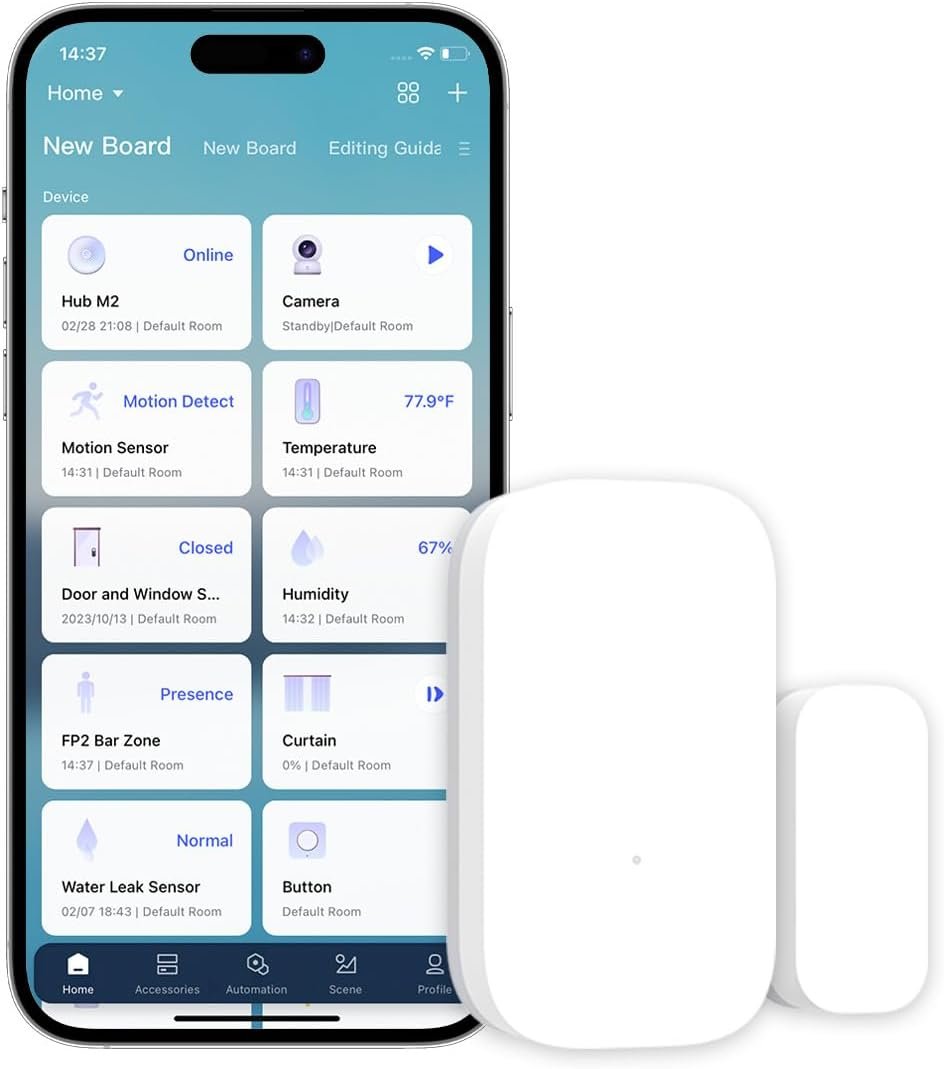
🟠 BEST FOR AQARA HUB OWNERS · ⭐ 4.4/59. Aqara Zigbee Door and Window Sensor
Zigbee · Matter via a Matter-capable Aqara hub · tiny body · 6,100+ ratings
Buy Here →

With roughly 6,100 ratings averaging 4.4 stars, Aqara’s original Zigbee door and window sensor is the most reviewed contact sensor in this guide. It is tiny, reliable and cheap per door. The catch is spelled out on the listing: it requires an Aqara hub and does not work with other brands’ hubs. Pair it with a Matter-capable Aqara hub such as the M2 or M3, and the hub bridges the sensor into Apple Home, Google Home, Alexa, SmartThings or Home Assistant over Matter. If you already run an Aqara hub for cameras or other sensors, this is the most cost-effective way to cover every window in the house.
✅ Pros: Huge review base; very small; low cost per door.
❌ Cons: Aqara hub required; bridged rather than native Matter.
🎯 Verdict: The best-value sensor for anyone who already owns a Matter-capable Aqara hub.
👉 Check Price on Amazon →
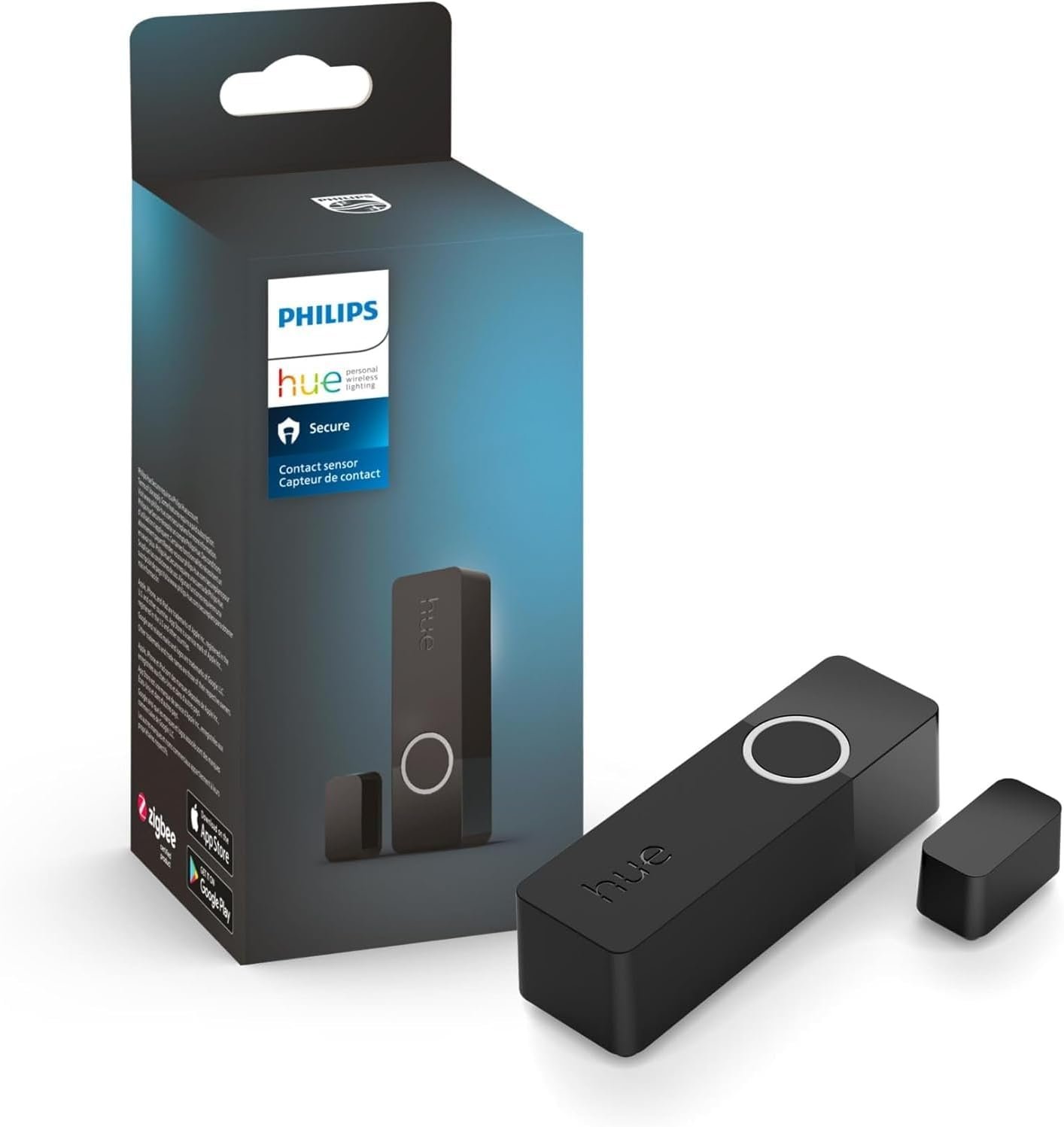
💡 BEST FOR HUE LIGHTING HOMES · ⭐ 4.3/510. Philips Hue Secure Contact Sensor (Black)
Zigbee · Matter via the Hue Bridge · CR2 battery · 250+ ratings
Buy Here →

If your home already runs on Hue lights, the Hue Secure Contact Sensor is the natural fit. It connects to the Hue Bridge over Zigbee, and a Hue Bridge firmware update added the contact sensor to the bridge’s Matter exposure, so it can show up in other Matter platforms alongside your lights. Inside the Hue app it shines: arm the Hue Secure system for alerts, or have a door open trigger specific lights and scenes with almost no lag. It runs on a single CR2 battery that Hue rates for up to two years, and this black version blends in on dark frames. The listing carries about 258 ratings averaging 4.6 stars. The obvious catch is cost if you don’t already own a Hue Bridge.
✅ Pros: Excellent Hue light automations; strong ratings; black finish option.
❌ Cons: Hue Bridge required; pricey per door; CR2 cells cost more than AAA.
🎯 Verdict: The contact sensor for Hue households that want doors to drive lighting first.
👉 Check Price on Amazon →
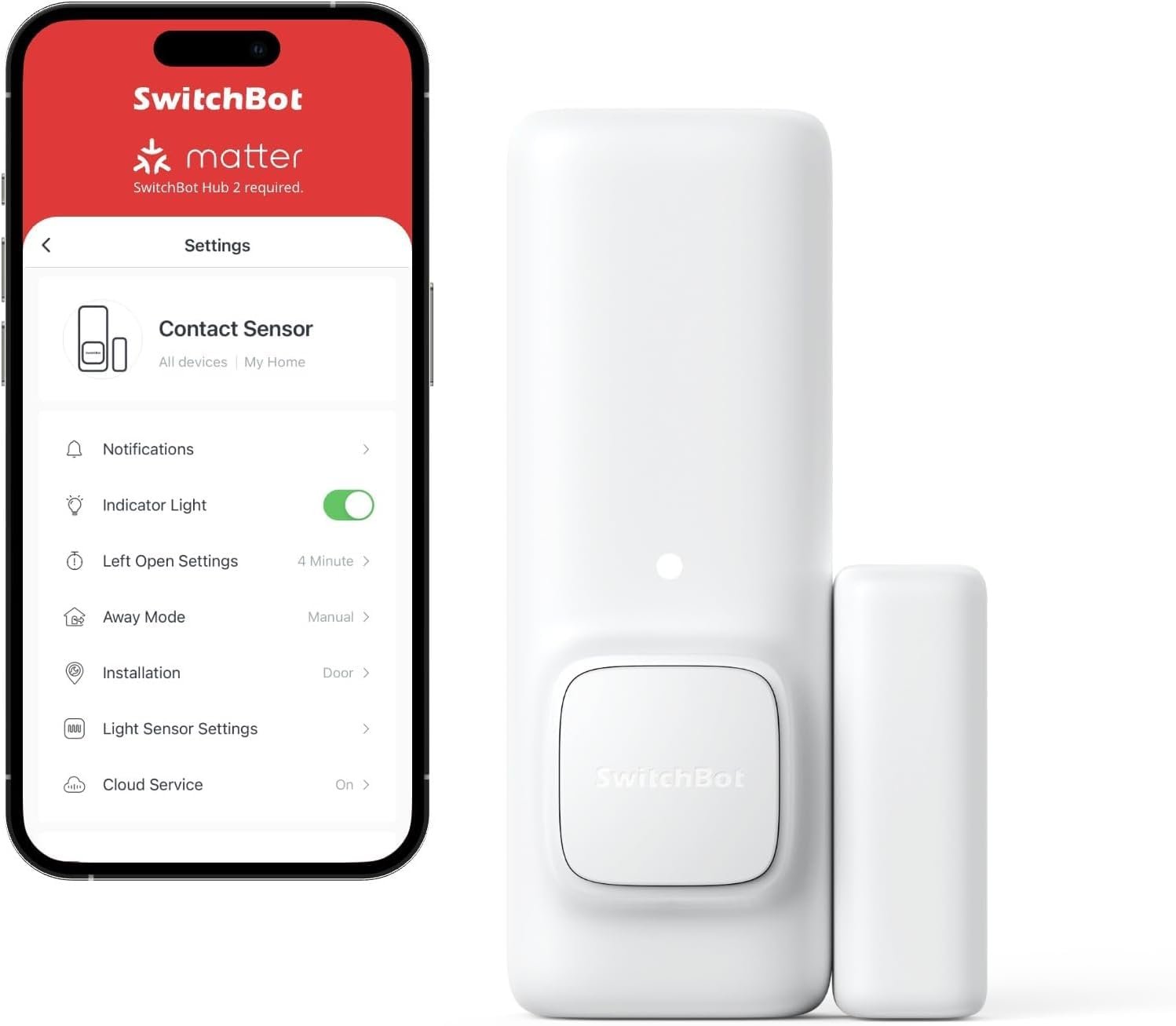
🏃 BEST WITH BUILT-IN MOTION · ⭐ 4.1/511. SwitchBot Contact Sensor
Bluetooth · Matter via SwitchBot Hub 2, Hub 3 or Hub Mini Matter · motion sensor built in · 1,100+ ratings
Buy Here →

SwitchBot’s Contact Sensor adds a trick none of the other picks have: a built-in motion sensor, which lets the SwitchBot app tell whether someone walked out or came in through the door and run “leaving home” or “arriving home” scenes. The sensor uses Bluetooth, so it needs a SwitchBot hub. SwitchBot’s support documentation lists the Contact Sensor as supported over Matter through the Hub 2, Hub 3 or Hub Mini Matter Enabled, where it appears as an open or closed sensor. Be aware that SwitchBot caps how many sub-devices each hub can share with Apple Home (eight in total on Hub 2), so large installs may need more than one hub. It carries about 1,190 ratings averaging 4.4 stars.
✅ Pros: Enter or exit detection; big review base; low cost per sensor.
❌ Cons: Matter hub required; motion feature stays in SwitchBot app; Apple Home sub-device limits.
🎯 Verdict: The pick for SwitchBot households that want arrive and leave automations from one sensor.
👉 Check Price on Amazon →
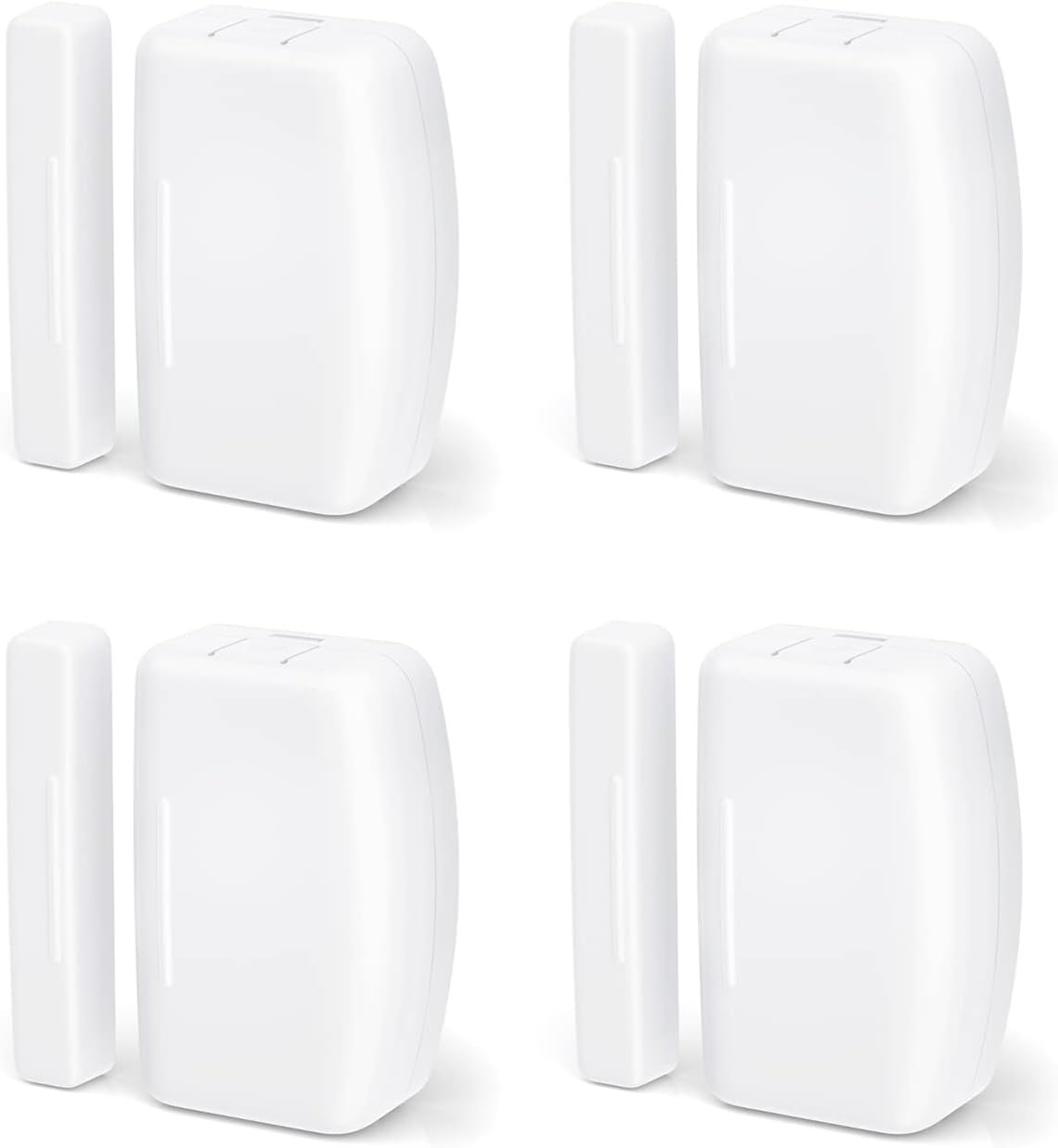
🏠 BEST ZIGBEE VALUE PACK · ⭐ 4.2/512. THIRDREALITY Zigbee Contact Sensor (4-Pack)
Zigbee 3.0 · Matter via a Zigbee hub that bridges to Matter · 2x AAA · four sensors
Buy Here →

For Home Assistant, SmartThings and Hubitat users, this THIRDREALITY 4-pack is the cheapest way to cover a lot of doors with a standard Zigbee sensor. It works with compatible Zigbee hubs, including Echo devices with a built-in Zigbee hub, and runs on two AAA batteries that THIRDREALITY rates for up to two years. These sensors are not Matter devices themselves: they reach Matter only when your Zigbee hub can share devices over Matter, for example Home Assistant with the community Matterbridge add-on. If your setup is already Zigbee-centric, that is a small hurdle for the price. It has about 181 ratings averaging 4.4 stars.
✅ Pros: Four sensors per box; cheap AAA batteries; works with most Zigbee hubs.
❌ Cons: Matter only through a capable hub; larger than coin-cell sensors.
🎯 Verdict: The budget multi-pack for Zigbee and Home Assistant homes that bridge to Matter.
👉 Check Price on Amazon →
🍏
Apple Home and privacy first?
Buy the Eve Door & Window, or the 3-pack for several doors.
💵
Native Matter on a budget?
The Aqara P2 is the lowest-cost native Thread sensor when it’s in stock.
🔀
Migrating from Zigbee to Thread?
Watch the SONOFF SNZT-04P, which can run either protocol once it ships.
📡
No Thread Border Router?
The Tapo T110 kit brings its own hub, which bridges the sensors into Matter.
🧩
Already own a brand hub?
Match it: Aqara Zigbee for Aqara hubs, Hue Secure for a Hue Bridge, SwitchBot for SwitchBot hubs.
🏠
Home Assistant with Zigbee?
The THIRDREALITY 4-pack covers lots of doors cheaply on your existing Zigbee network.
⚙️ Key Specs Compared: Side by Side
| Spec | Eve Door & Window | Aqara P2 | SONOFF SNZT-04P | Tapo T110 Kit | Hue Secure | SwitchBot Contact |
|---|
| Matter Path | Native Thread ⭐ | Native Thread ⭐ | Native Thread ⭐ | Bridged (H100) | Bridged (Hue Bridge) | Bridged (SwitchBot hub) |
| Extra Hub Needed | Thread Border Router | Thread Border Router | Thread Border Router | Hub included ⭐ | Hue Bridge | Hub 2 / Hub 3 / Hub Mini Matter |
| Radio | Thread | Thread | Thread or Zigbee ⭐ | Sub-GHz (long range) | Zigbee | Bluetooth |
| Battery | 1/2 AA lithium | Lithium cell | AAA ⭐ | Replaceable cell (hub is mains powered) | CR2 | AAA |
| Cloud Dependency | None ⭐ | Optional app | Optional app | Tapo app for setup | Hue app for setup | SwitchBot app for setup |
| Standout Feature | Local-only privacy | Low cost, native | Tamper alert | Hub chime | Hue light scenes | Built-in motion ⭐ |
| Amazon Review Base | Large (incl. 3-pack) ⭐ | Small | None yet | Large | Medium | Large ⭐ |
| Best Fit | Apple Home, privacy | Budget native | Zigbee to Thread | No Thread yet | Hue homes | SwitchBot homes |
Specs are taken from the live Amazon listings and manufacturer information. ⭐ marks the strongest value in each row. Battery types can change between hardware revisions, so check the listing before stocking spares.
❓ Frequently Asked Questions
Why are there no Matter over Wi-Fi door sensors?
A Wi-Fi radio has to wake up, rejoin the access point and negotiate encryption every time it reports, which uses far more energy than a small sensor battery can supply for long. Thread was designed for exactly this case: battery devices sleep almost all the time and wake only to send a tiny message to a nearby Thread router. That is why every native Matter contact sensor on Amazon today uses Thread, while Wi-Fi Matter devices are mostly mains-powered plugs, switches and relays.
Do I need a Thread Border Router for these sensors?
For picks 1 to 7, yes. Many homes already have one: recent HomePod mini, HomePod and Apple TV 4K models, Google Nest Hub (2nd gen) and Nest Hub Max, Thread-capable Echo devices, SmartThings Station and the IKEA DIRIGERA hub all include one. Picks 8 to 12 don’t need Thread at all, but they each need their own brand hub instead.
Is a bridged sensor worse than a native Matter sensor?
Not necessarily. A bridged sensor depends on the brand hub staying powered and up to date, and only the features that hub chooses to expose will reach your Matter controller. In return, Zigbee and Sub-GHz sensors are mature, cheap and often have better range. If you’re starting fresh, native Thread keeps your setup simplest. If you already own an Aqara, Hue, Tapo or SwitchBot hub, its bridged sensors are a sensible way to save money.
Why does my Thread contact sensor go “No Response” at the far end of the house?
Battery sensors never relay traffic, so they need a mains-powered Thread router within range. Add a Thread smart plug or bulb roughly halfway between the sensor and your border router, avoid mounting sensors on metal doors without a spacer, and re-pair the sensor after adding routers so it picks the strongest parent. Keeping all your border routers on the same Thread network (same ecosystem or shared credentials) also helps.
Can I use one contact sensor in Apple Home and Google Home at the same time?
Yes, that is Matter’s multi-admin feature. Pair the sensor with your first platform, then generate a new pairing code from that app (in Apple Home it’s under the accessory’s settings, “Turn On Pairing Mode”) and enter it in the second app. Bridged sensors work the same way, except you share the hub rather than each sensor, and every sensor on that hub appears in the second platform.
The right Matter door and window sensor for every home and budget:
🥇 Best Overall: Eve Door & Window (Matter), native Thread with no cloud at all
Buy Here →🏅 Best Value Native: Aqara Door and Window Sensor P2
Buy Here →📦 Best for Several Doors: Eve Door & Window 3-Pack
Buy Here →📡 Best Without Thread: Tapo T110 kit with H100 Matter bridge hub
Buy Here →🟠 Best for Aqara Hub Owners: Aqara Zigbee Door and Window Sensor
Buy Here →For most homes with a Thread Border Router, the Eve Door & Window (Matter) is the contact sensor to buy: native Thread, no cloud and the deepest track record. The Aqara P2 gets you native Matter for less per door, and the Eve 3-pack is the value play for several doors. If you have no Thread yet, the Tapo T110 kit brings its own Matter bridge, and owners of Aqara, Hue or SwitchBot hubs should stick with that brand’s bridged sensor. Building out the rest of your Matter home? See our Matter smart plugs buying guide (Thread plugs double as mesh routers for your sensors), lock the door those sensors watch with our Matter smart door locks guide, automate the garage with our Matter garage door opener guide, read our guide to IoT and smart home protocols, pick a hub in our Home Assistant hardware guide, and explore more ESP32, Arduino, STM32 and Raspberry Pi tutorials on Microcontrollers Lab.
💬 Not sure which sensor fits your setup? Tell us your Matter controller (Apple Home, Google Home, Alexa, SmartThings or Home Assistant), whether you already have a Thread Border Router or a brand hub, and how many doors and windows you want to cover in the comments below, and we’ll point you to the right pick.
All Amazon links above use our affiliate tag (microlab05-20). Purchasing through them supports microcontrollerslab.com at no extra cost to you. Prices and availability change frequently, so always confirm the current price on Amazon before buying.