Generate Delay with Raspberry Pi Pico Timers using MicroPython
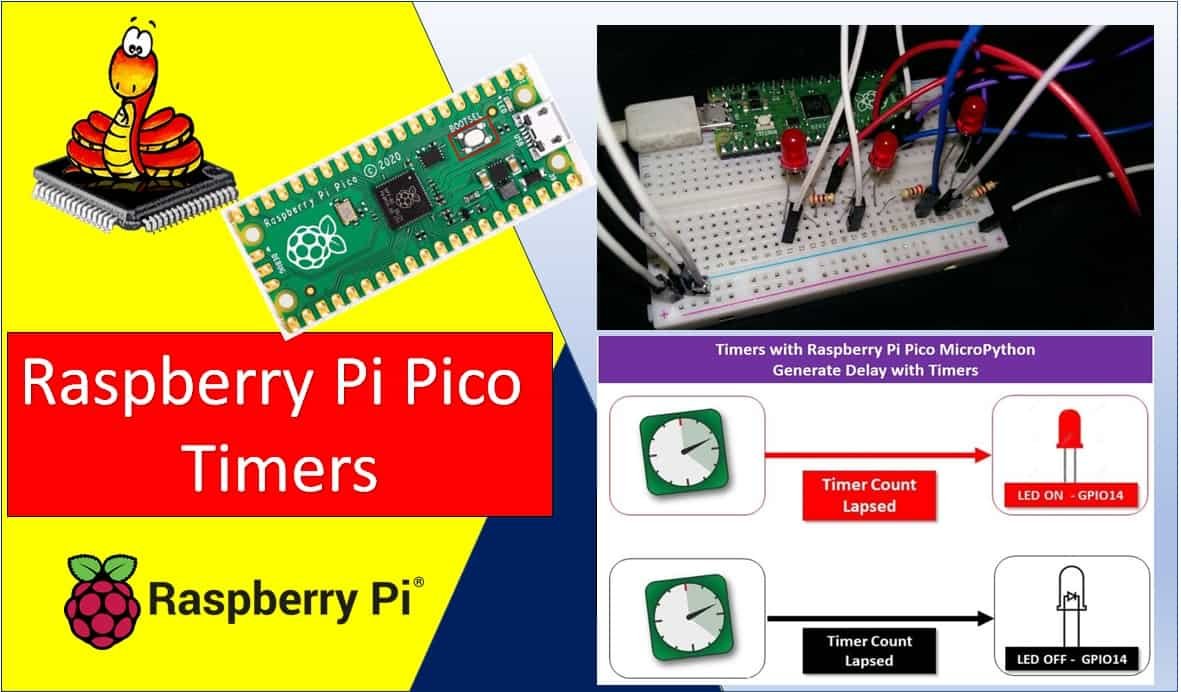
Generate Delay with Raspberry Pi Pico Timers using MicroPython

In this tutorial, we learn to use the system timer peripheral of Raspberry Pi Pico. As we mentioned earlier, This development board comes with RP2040’s microcontrollers. This RP2040 MCU has a system timer peripheral that provides a global microsecond timebase and generates interrupts for it. In this tutorial, we will focus learn to configure Raspberry … Read more
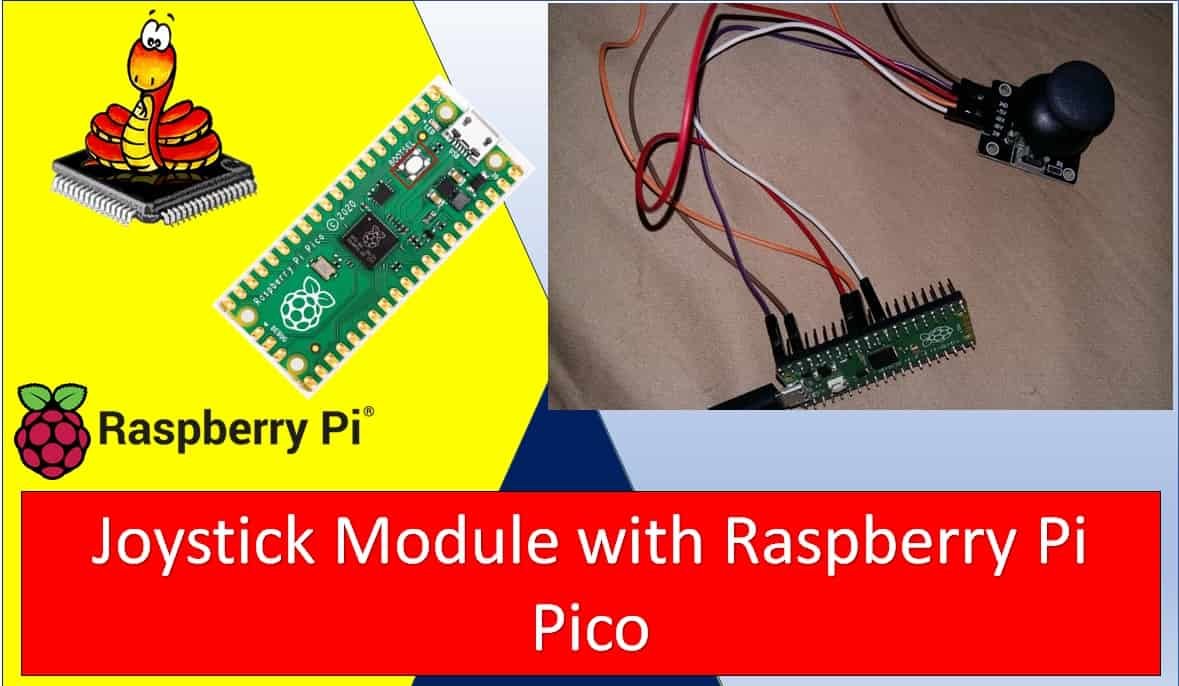
Interface Analog Joystick Module with Raspberry Pi Pico

Interface Analog Joystick Module with Raspberry Pi Pico

In this tutorial, we will learn how to interface the KY-023 Analog Joystick module with Raspberry Pi Pico using MicroPython. We will start with an introduction to the module, its pinout, and how it works internally. Then we will write a MicroPython sketch to read the x-axis, y-axis, and push-button states from the joystick in … Read more

TM1637 4-Digit 7 Segment Display Module with Raspberry Pi Pico

TM1637 4-Digit 7 Segment Display Module with Raspberry Pi Pico

This guide focuses on the TM1637 4-digit 7-segment display module and its interfacing with the Raspberry Pi Pico. Unlike a standard 4-digit 7-segment display which requires 12 pins to connect to a microcontroller, the TM1637 module uses only four pins, making it a very convenient and practical choice. We will discuss this module’s description, pinout, … Read more

Raspberry Pi Pico Send DS18B20 Sensor Readings to ThingSpeak

Raspberry Pi Pico Send DS18B20 Sensor Readings to ThingSpeak

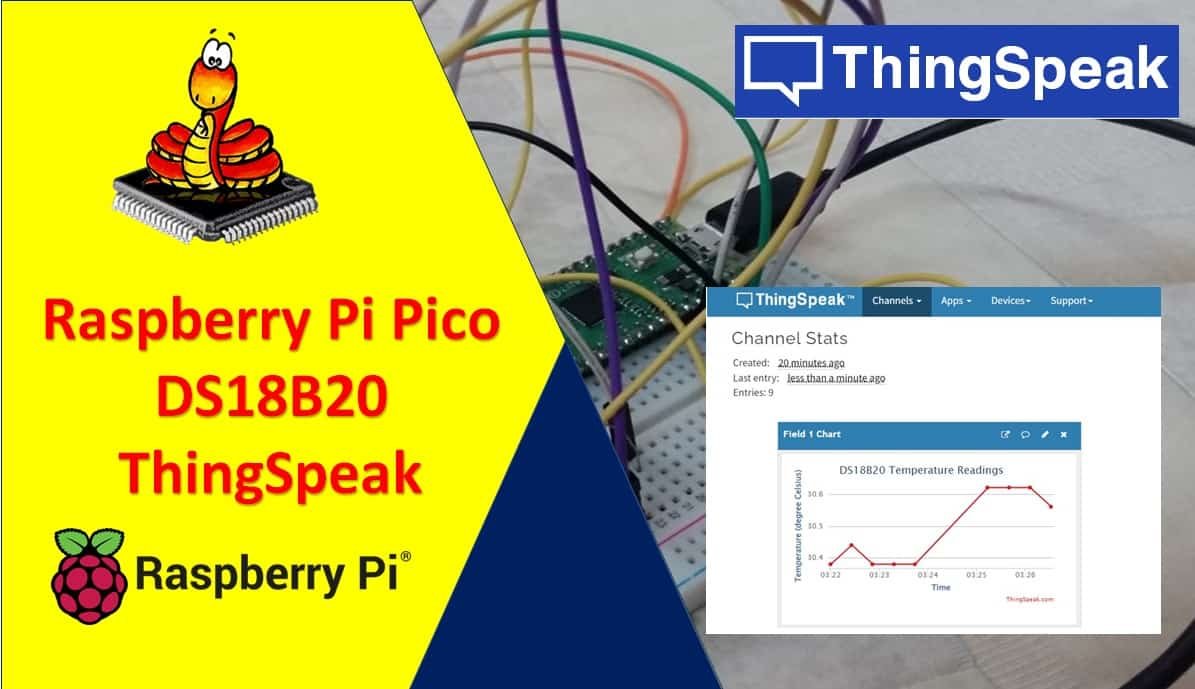
In this user guide, we will learn how to publish DS18B20 sensor readings to ThingSpeak using Micropython, Raspberry Pi Pico, and ESP-01 module. We will use Thonny IDE to program our Raspberry Pi Pico board which will be connected to a temperature sensor. Our main aim is to transmit these sensor readings to ThingSpeak easily … Read more

Raspberry Pi Pico Send DHT22/DHT11 Sensor Readings to ThingSpeak

Raspberry Pi Pico Send DHT22 DHT11 Sensor Readings to ThingSpeak

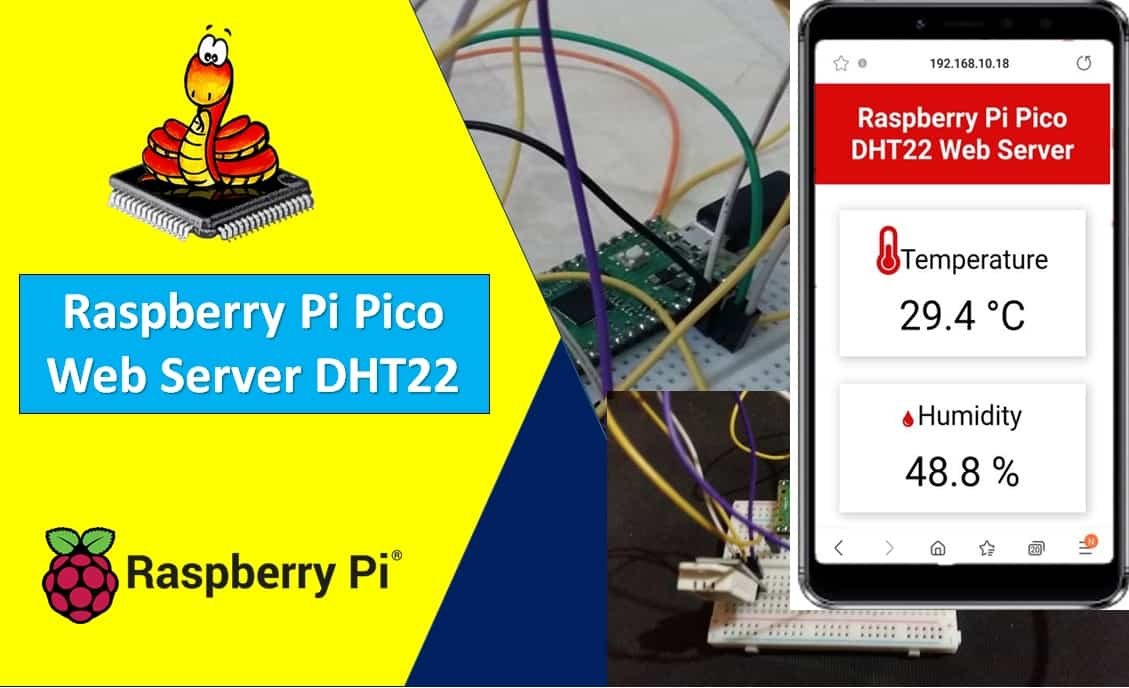
In this user guide, we will learn how to publish DHT22/DHT11 sensor readings to ThingSpeak using Micropython, Raspberry Pi Pico, and ESP-01 module. We will use Thonny IDE to program our Raspberry Pi Pico board which will be connected to a DHT22 temperature and humidity sensor. Our main aim is to transmit these sensor readings … Read more

Raspberry Pi Pico Send BME280 Readings to ThingSpeak

Raspberry Pi Pico Send BME280 Readings to ThingSpeak

In this user guide, we will learn how to publish BME280 sensor readings to ThingSpeak using Micropython, Raspberry Pi Pico, and ESP-01 WiFi module. We will use Thonny IDE to program our Raspberry Pi Pico board which will be connected to a temperature, humidity, and pressure sensor. Our main aim is to transmit these sensor … Read more

Raspberry Pi Pico Web Server Control GPIO Outputs

Raspberry Pi Pico Web Server Control Outputs

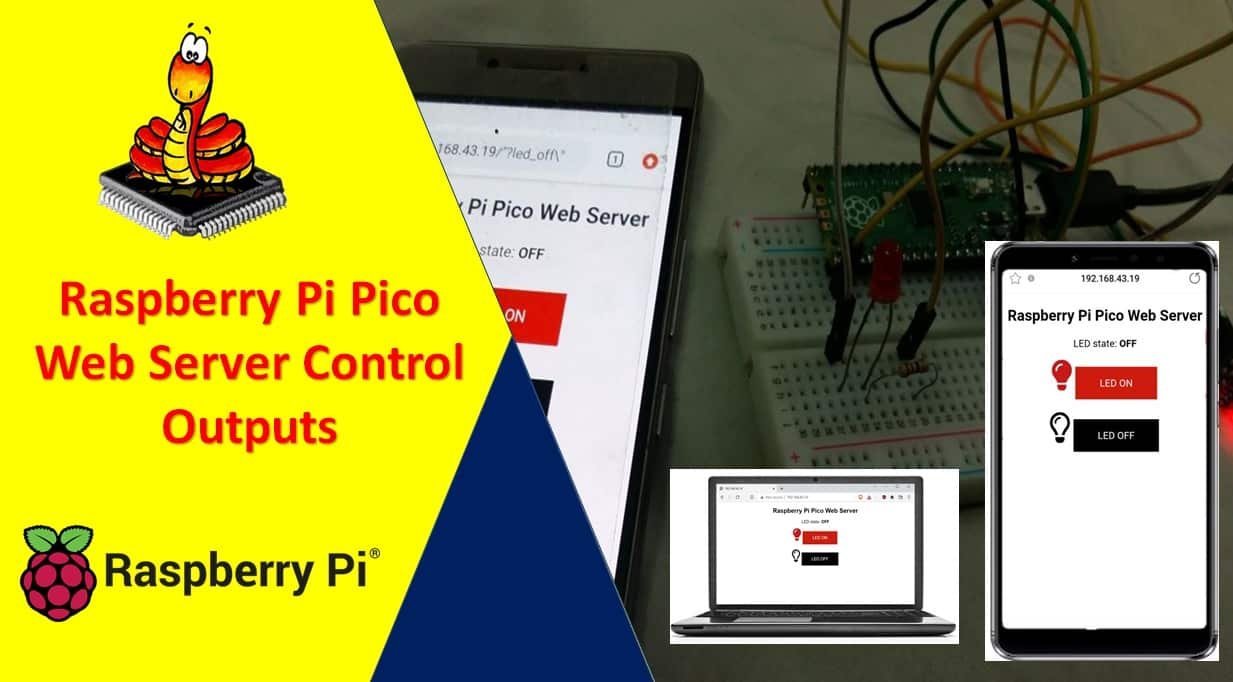
Learn to make a web server with MicroPython to control outputs using Raspberry Pi Pico GPIO pins. In this tutorial, we will create a raspberry Pi Pico web server which contains an ON and an OFF button. The ON and OFF button controls the LED connected to one of the GPIO pins of Raspberry Pi … Read more

Raspberry Pi Pico BME680 Web Server with MicroPython

Raspberry Pi Pico BME680 Web Server

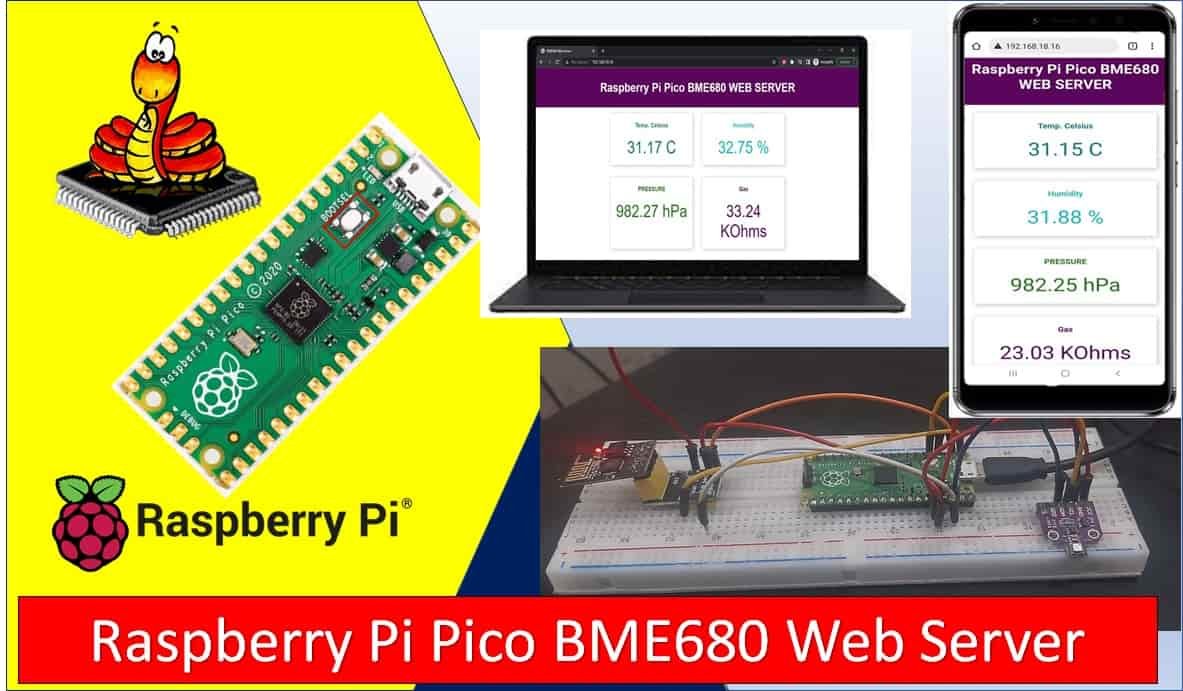
In this user guide, we will learn to create a Raspberry Pi Pico web server with BME680 environmental sensor, which is used to measure ambient temperature, barometric pressure, relative humidity, and gas (VOC) or Indoor air quality (IAQ). We will learn how to display sensor values on a web page using Raspberry Pi Pico and … Read more

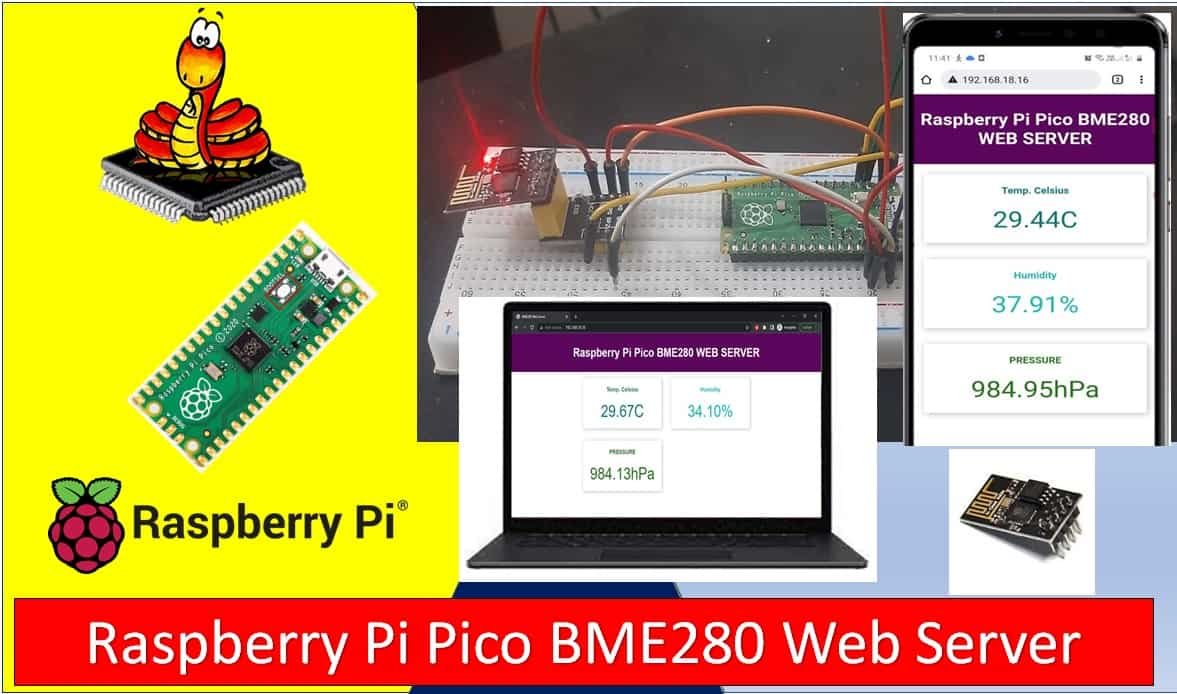
Raspberry Pi Pico Web Server with BME280 (Weather Station)

Raspberry Pi Pico BME280 Web Server with ESP8266

In this tutorial, we will create a Raspberry Pi Pico web server using a BME280 sensor and MicroPython. BME280 is used to measure temperature in Celsius, the temperature in Fahrenheit, humidity, and Pressure. This web server will act as a weather station as it will show temperature, humidity, and pressure readings on the web page … Read more