Interface Push Button with Raspberry Pi Pico: Digital Outputs and Read Inputs
Interface Push Button with Raspberry Pi Pico

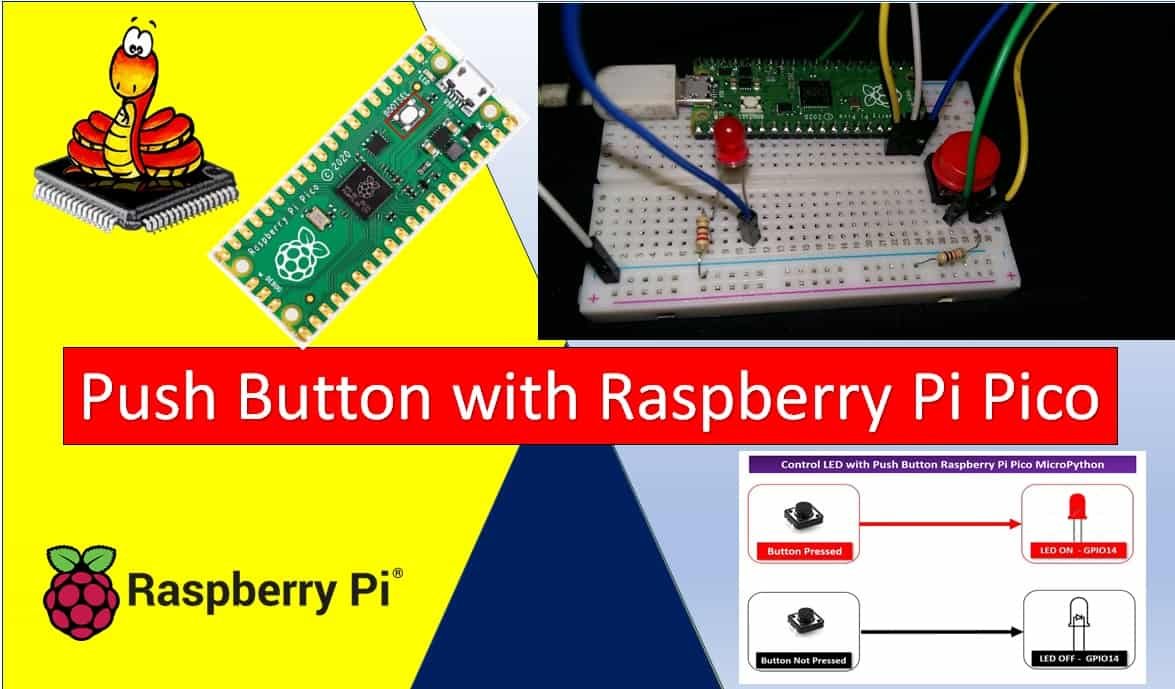
In this tutorial, we will learn how to use the GPIO pins of the Raspberry Pi Pico as digital input pins and interface a push button using MicroPython. In the previous tutorial, we learned how to use the GPIO pins of the Pi Pico board as output pins. However, in this tutorial, we will explore … Read more
Raspberry Pi Pico ADC with Voltage Measurement Examples

Raspberry Pi Pico ADC with voltage measurement examples

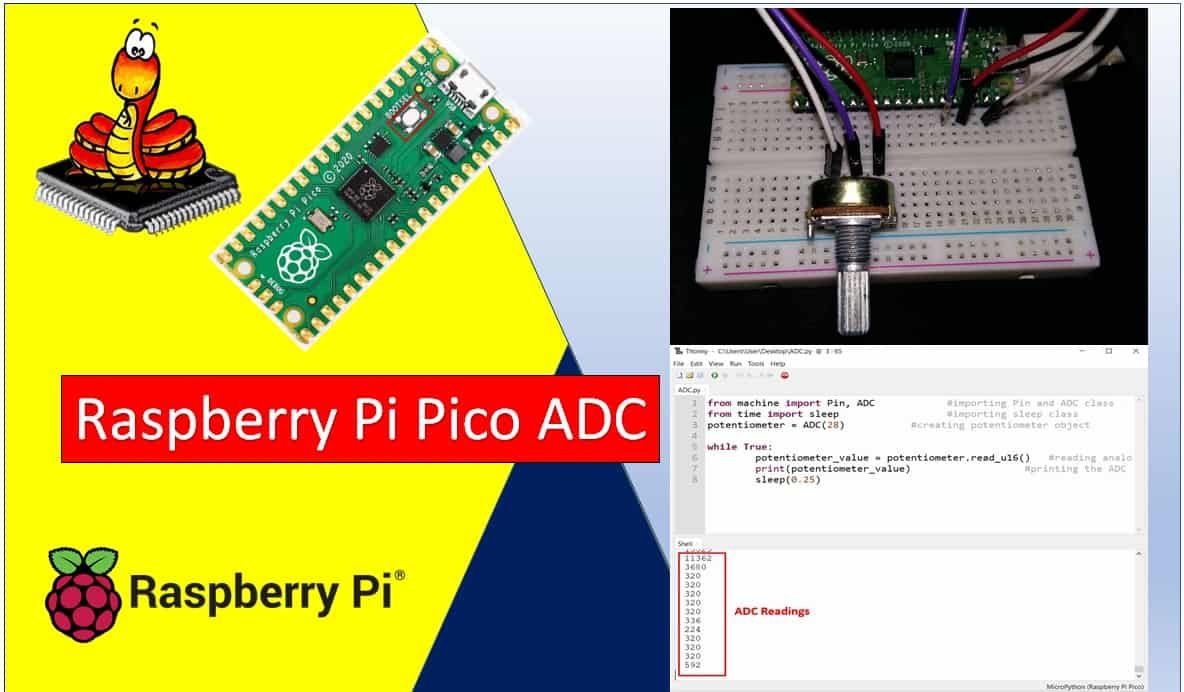
In this tutorial, we will learn how to use the ADC (Analog to Digital Converter) of the Raspberry Pi Pico using MicroPython. We will learn to read analog values from the ADC module of the Raspberry Pi Pico using both Thonny IDE and uPyCraft IDE. To provide an analog signal to the ADC channel, we … Read more

PIR Motion Sensor with Raspberry Pi Pico using External Interrupts

PIR Motion Sensor with Raspberry Pi Pico with External Interrupts

In this tutorial, we will learn how to use an RIR motion sensor with Raspberry Pi Pico and configure external interrupts of Raspberry Pi Pico using MicroPython. We will demonstrate the use of external interrupts through an example with a PIR motion sensor and an LED. Recommended Components The following components are used in this … Read more

Generate Delay with Raspberry Pi Pico Timers using MicroPython

Generate Delay with Raspberry Pi Pico Timers using MicroPython

In this tutorial, we learn to use the system timer peripheral of Raspberry Pi Pico. As we mentioned earlier, This development board comes with RP2040’s microcontrollers. This RP2040 MCU has a system timer peripheral that provides a global microsecond timebase and generates interrupts for it. In this tutorial, we will focus learn to configure Raspberry … Read more

Interface 28BYJ-48 Stepper Motor with ESP32 using MicroPython

Interface 28BYJ-48 Stepper Motor with ESP32 using MicroPython

In this tutorial, we will learn about the 28BYJ-48 stepper motor and how to interface it with the ESP32 using a UNL2003 driver and MicroPython. The 28BYJ-48 stepper motor is inexpensive and one of the most commonly used stepper motors out there. It comes with a UL2003 motor driver attached to it that is responsible … Read more

I2C LCD with ESP32 and ESP8266 using MicroPython

I2C LCD with ESP32 and ESP8266 using MicroPython

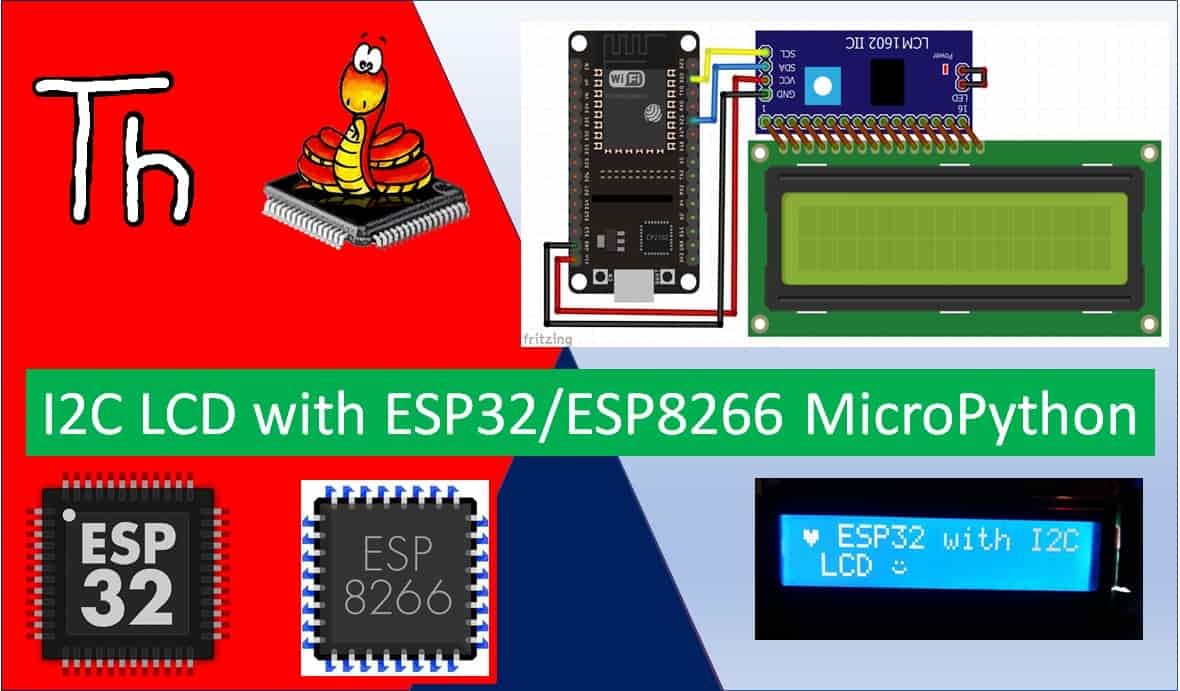
In this tutorial, we will learn how to interface I2C LCD with ESP32/ESP8266 and how to display simple text/numbers and custom characters on I2C LCD. This I2C LCD is a 16×2 device which means it can display 16 columns by two rows of characters. The characters are alphanumeric, but you can create custom characters for … Read more

Raspberry Pi Pico GPIO Programming with MicroPython – LED Blinking Examples

Raspberry Pi Pico GPIO pins with Thonny IDE

If you are new to Raspberry Pi Pico and want to explore its GPIO capabilities using MicroPython, then you have come to the right place. In this tutorial, we will show you how to use the GPIO pins of Raspberry Pi Pico as digital outputs using MicroPython firmware. We will connect LEDs to the GPIO … Read more

Getting Started with Raspberry Pi Pico using uPyCraft IDE

Getting Started with Raspberry Pi Pico using uPyCraft IDE

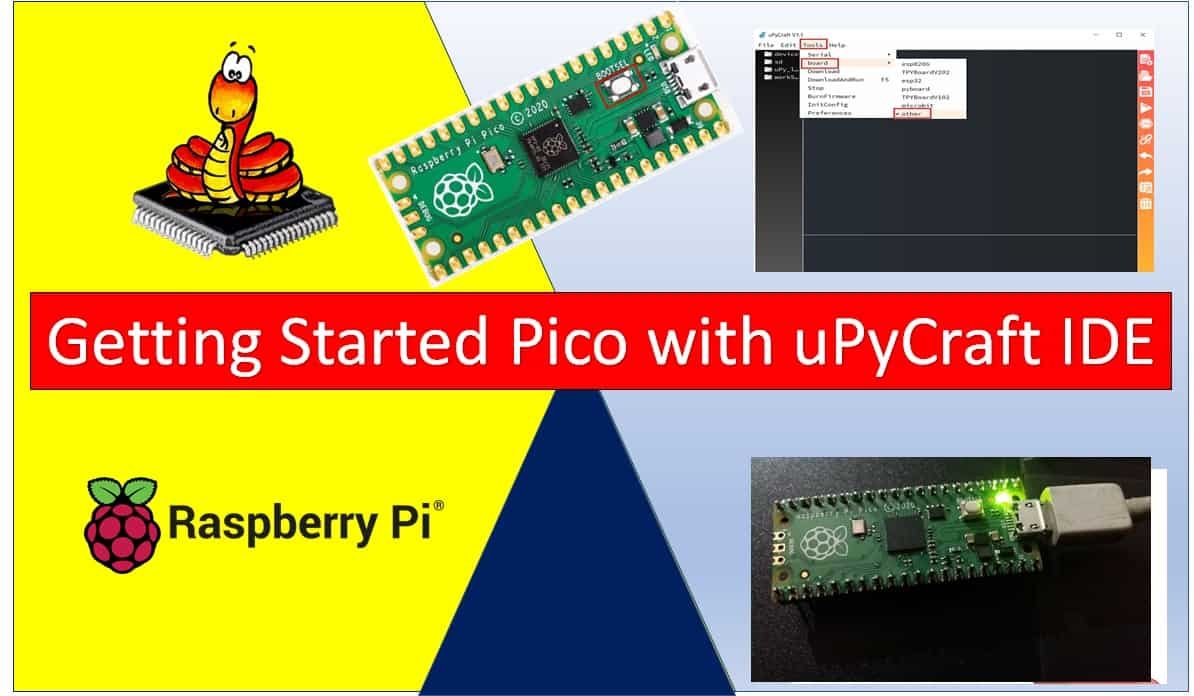
In this getting started guide on MicroPython with Raspberry Pi Pico, we will learn how to use the program Raspberry Pico using uPyCraft IDE and MicroPython. We will see how to download and install uPyCraft IDE and finally see how to use it to program our Pi Pico board. Recommended Components The following components are … Read more

MicroPython: MPU-6050 with ESP32/ESP8266 (Accelerometer, Gyroscope, and temperature)

MicroPython MPU-6050 ESP32 ESP8266

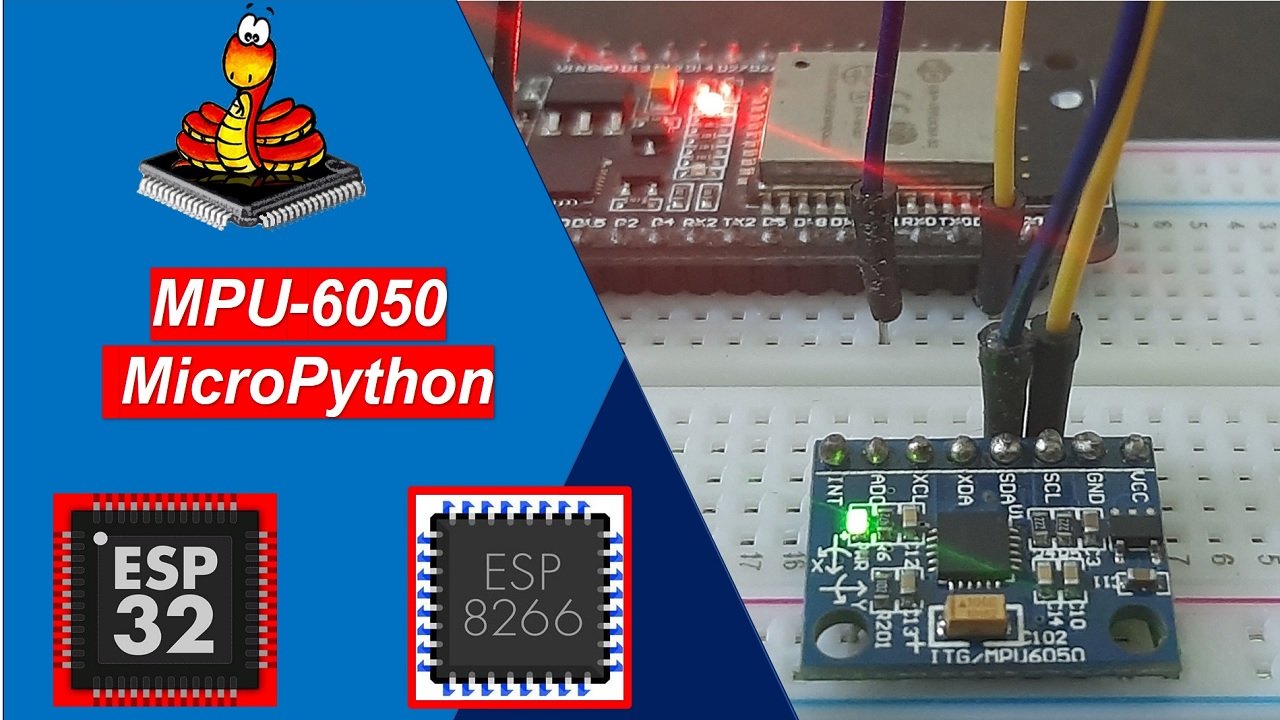
In this tutorial, we will learn to use the MPU-6050 MEMS module with ESP32 and ESP8266 to measure accelerometer, gyroscope, and temperature values using MicroPython firmware. Firstly, we will see an introduction of MPU6050 such as pinout diagram, pin configuration. Secondly, we will see how to upload the MPU-6050 MicroPython library to ESP boards using … Read more