Reconnect ESP32 to WiFi after Lost Connection (Solved)
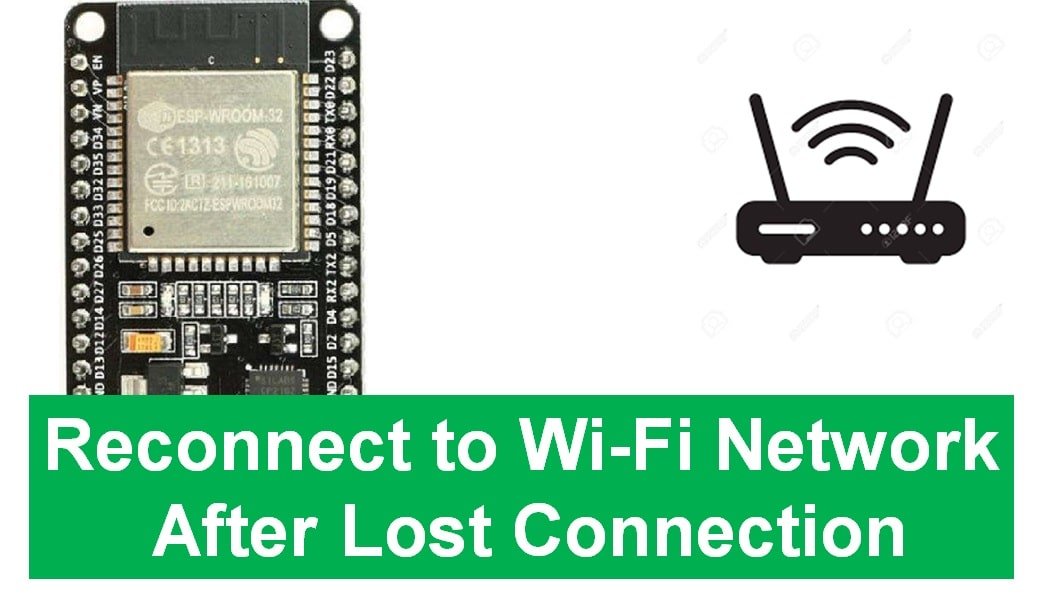
ESP32 Reconnect to Wi-Fi Network After Lost Connection

In this tutorial, we’ll find out how to make sure that the ESP32 device stays connected to the Wi-Fi network even if the connection is lost temporarily. In other words, how to reconnect the ESP32 board to the WIFI network when it temporarily loses connection. We’ll achieve this by using different techniques that help the … Read more
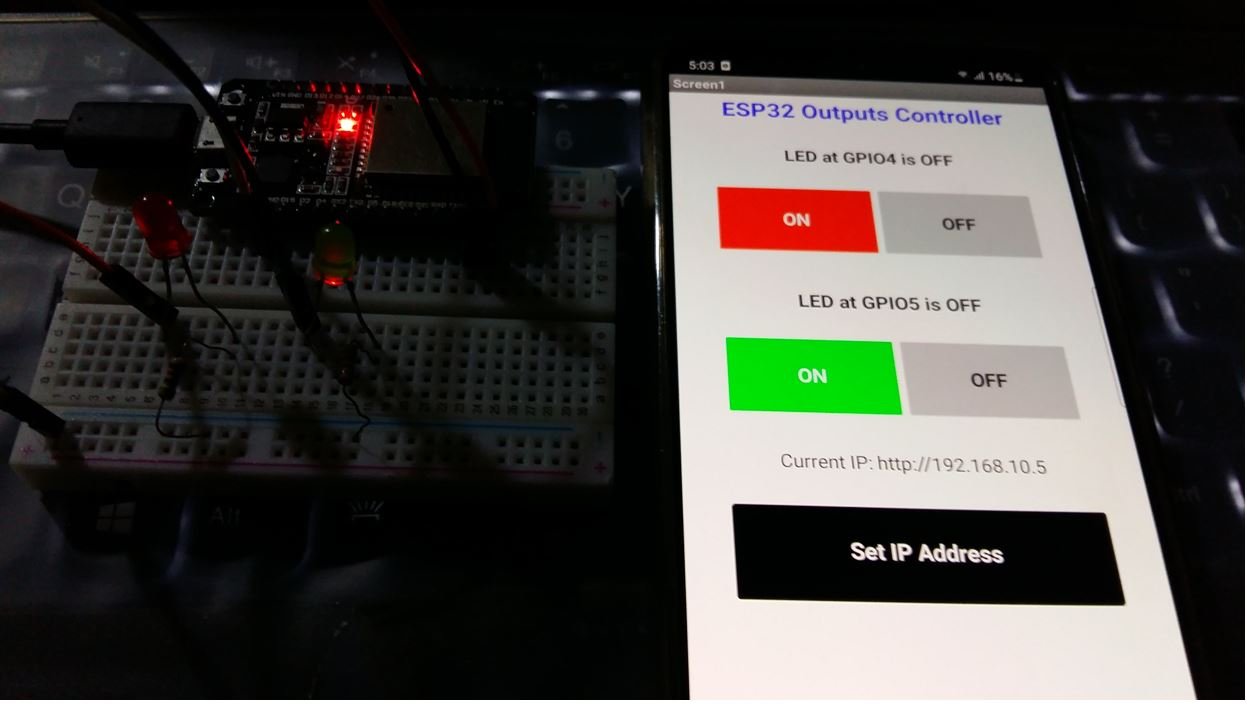
Control ESP32 over Internet using Android App with MIT App Inventor

Control ESP32 over Internet using Android App with MIT App Inventor

In this tutorial, we will learn how to build an android app that will control the outputs of ESP32 over WiFi and internet using an Android App. We will control the output GPIO pins of the ESP32 module by toggling the two LEDs connected with the GPIO pins of the module. This android app will … Read more

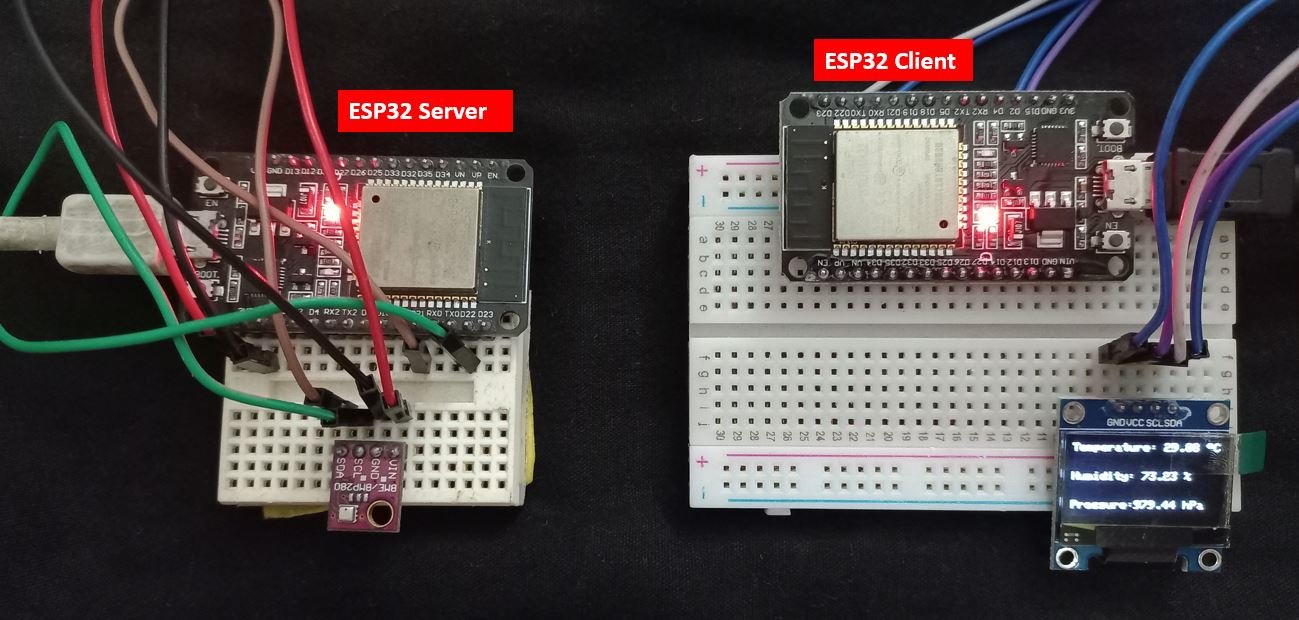
ESP32 Server Client Wi-Fi Communication using Arduino IDE

client-server communication project overview

In this tutorial, we will learn how to perform wireless HTTP communication between two ESP32 boards using Wi-Fi without any physical router or internet connection. In other words, we will learn to exchange data between ESP32 boards wirelessly. The type of communication will be HTTP where one ESP32 board acts as an HTTP client generating … Read more

Reconnect ESP8266 NodeMCU to WIFI after Lost Connection (Solved)

ESP8266 NodeMCU Reconnect to Wi-Fi Network After Lost Connection

In this tutorial, we will learn how to reconnect the ESP8266 NodeMCU board to the WIFI network when it temporarily loses connection. Through different methods, we will demonstrate this functionality. Hence, this guide will be highly useful to avoid the nuisance of constantly losing network connection due to many reasons such as WiFi router restarted, … Read more

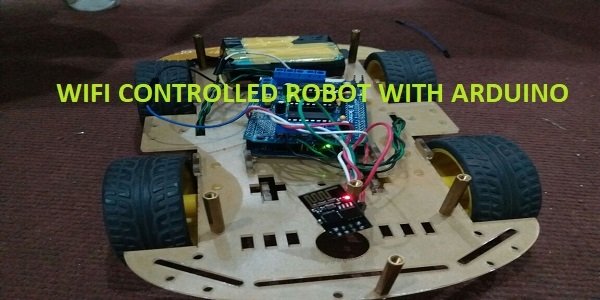
WiFi Controlled Robot using Arduino and Blynk App

wifi controlled robot using arduino

In this Arduino project, we will create a WiFi controlled robot using an ESP8266 WiFi module, Motor Driver shield, Arduino Uno, 4WD Car chassis, and a battery pack. We will use a free-to-use Android application called Blynk to control the robot effectively by using ESP8266 WiFi module with Arduino to communicate with the Android app … Read more