Interface Push Button with Raspberry Pi Pico: Digital Outputs and Read Inputs

In this tutorial, we will learn how to use the GPIO pins of the Raspberry Pi Pico as digital input pins and interface a push button using MicroPython. In the …
In this tutorial, we will learn how to use the GPIO pins of the Raspberry Pi Pico as digital input pins and interface a push button using MicroPython. In the …
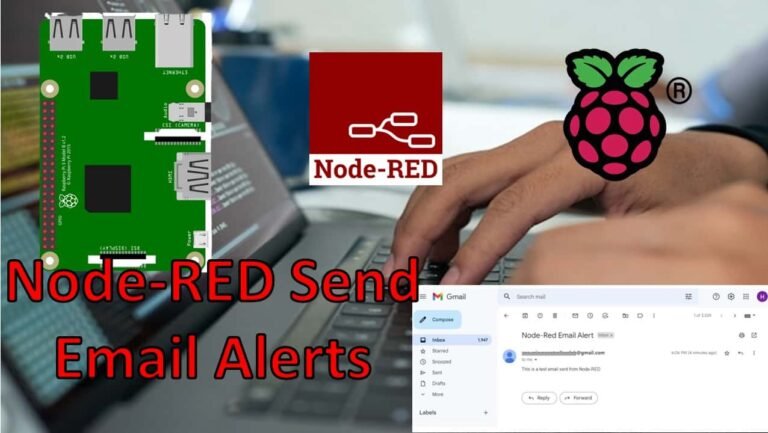
In this user guide, we will show you how to send email alerts with Node-RED. It is very handy and practical to include email notifications in IoT projects where sensor …

In this tutorial, we will learn how to install Node-RED on a Raspberry Pi. This installation process works on both 32-bit and 64-bit versions of the Raspberry Pi OS (formerly …
In this tutorial, we will learn how to install the Mosquitto MQTT broker on a Raspberry Pi. The Mosquitto broker will be used for MQTT communication on the Raspberry Pi, …
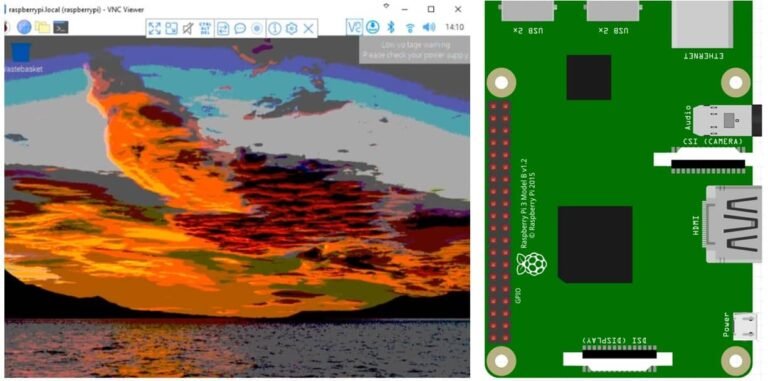
In this tutorial, we will learn how to perform a headless setup of a Raspberry Pi without using a keyboard, mouse, monitor, or even a USB-to-serial converter. A headless setup …

This guide focuses on the TM1637 4-digit 7-segment display module and its interfacing with the Raspberry Pi Pico. Unlike a standard 4-digit 7-segment display which requires 12 pins to connect …

In this tutorial, we will learn how to interface the KY-023 Analog Joystick module with Raspberry Pi Pico using MicroPython. We will start with an introduction to the module, its …
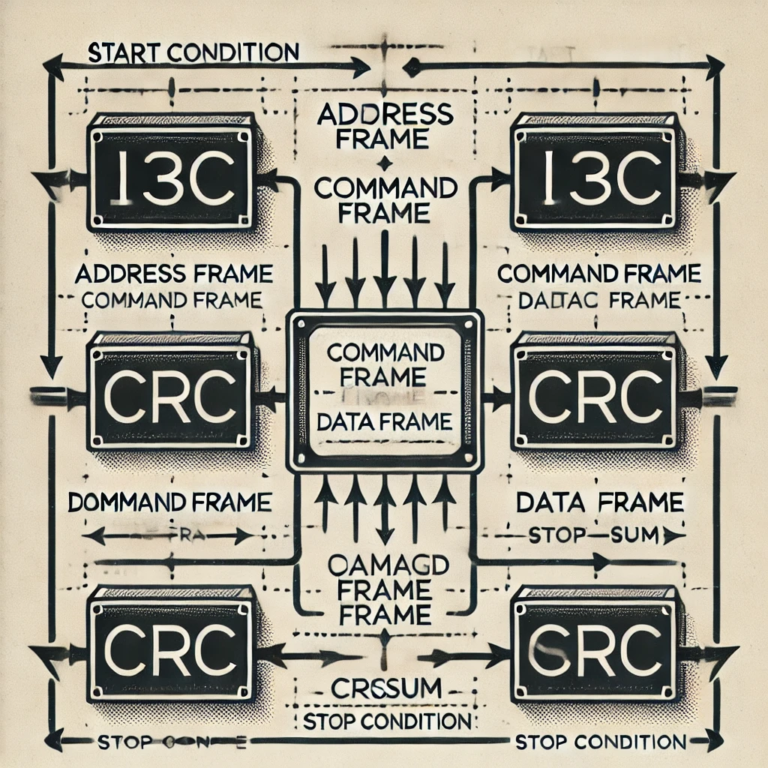
The Improved Inter-Integrated Circuit (I3C) is a next-generation communication protocol developed by the MIPI Alliance to overcome the limitations of I2C and SPI. It provides a high-speed, low-power interface designed …

In this tutorial, we will learn how to interface BME280 sensor with STM32Nucleo and program it in STM32CubeIDE using HAL libraries. At first, we will briefly introduce you to BME280 …
